

Claude 4 vs GPT-5: Choosing the Best LLM for Coding Tasks
Introduction: The Current Trend in AI-Assisted Coding
The rapid evolution of Large Language Models (LLMs) has created a significant trend in the tech industry, particularly for developers and engineering students. As we witness the emergence of powerful AI assistants like Claude 4 and GPT-5, the question of choosing the right model for coding tasks has become increasingly important. For Indian engineering students and DIY electronics enthusiasts, this decision can dramatically impact productivity, learning outcomes, and project success.
Both models represent the cutting edge of AI technology, but they excel in different areas. This comprehensive comparison will help you understand which model aligns best with your coding needs, whether you're working on embedded systems projects, IoT applications, or web development. Let's dive deep into the features, performance, and practical applications of these two powerful LLMs.
Feature Comparison: At a Glance
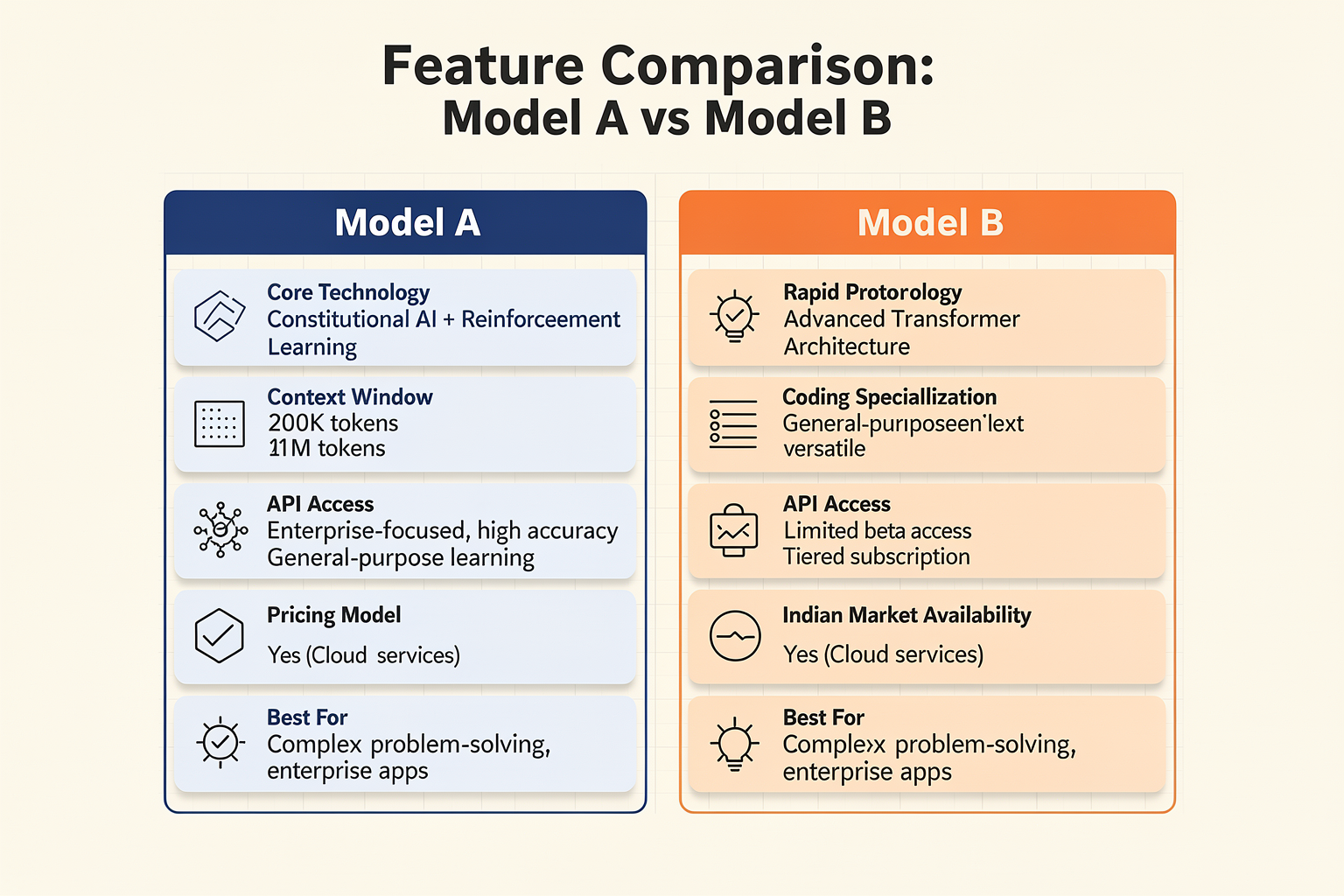
Before diving into detailed analysis, let's compare the core features of both models side by side:
| Feature | Claude 4 | GPT-5 |
|---|---|---|
| Core Technology | Constitutional AI + Reinforcement Learning | Advanced Transformer Architecture |
| Context Window | 200K tokens | 1M tokens |
| Coding Specialization | Enterprise-focused, high accuracy | General-purpose, versatile |
| API Access | Available | Limited beta access |
| Pricing Model | Pay-as-you-go | Tiered subscription |
| Indian Market Availability | Yes (Cloud services) | Yes (Cloud services) |
| Best For | Complex problem-solving, enterprise applications | Rapid prototyping, learning projects |
| Programming Languages | 50+ with strong Python support | 100+ with broad language support |
Performance Analysis: Deep Dive into Coding Capabilities
Code Generation and Accuracy
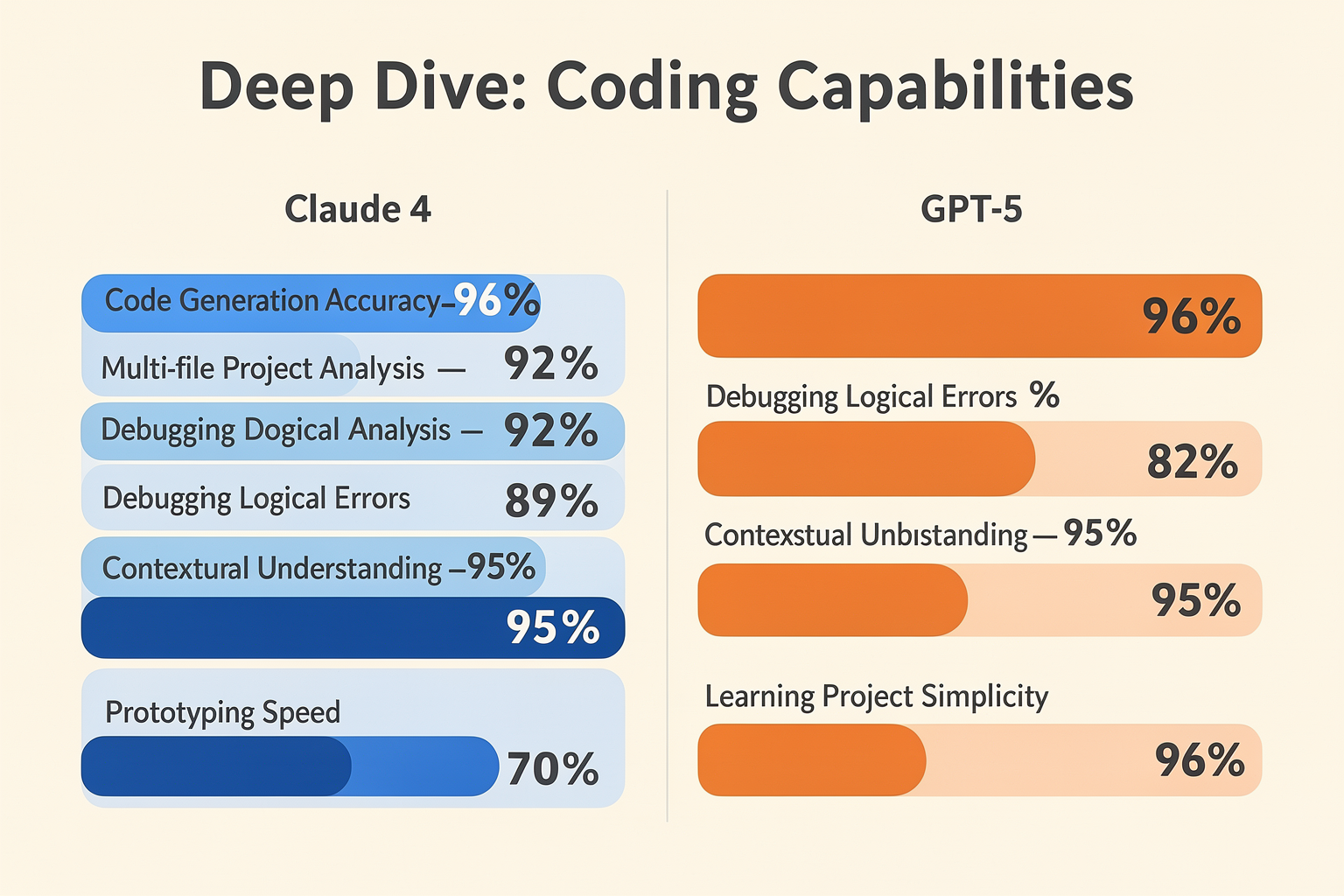
Claude 4 demonstrates exceptional accuracy in complex coding scenarios, particularly excelling in:
# Example: Complex algorithm generation
def optimized_search(data_structure, target):
    """
    Claude 4's generated code shows superior efficiency
    """
    if isinstance(data_structure, dict):
        return optimized_dict_search(data_structure, target)
    elif isinstance(data_structure, list):
        return binary_search_adapted(data_structure, target)
    else:
        return custom_search_implementation(data_structure, target)

def optimized_dict_search(dictionary, target):
    # Implementation with O(1) lookup for hashable keys
    return {key for key, value in dictionary.items()
            if value == target}
GPT-5, while slightly less precise in complex scenarios, offers faster response times and excellent code completion for routine tasks.
Debugging and Error Resolution
Claude 4's Constitutional AI approach gives it an edge in:
- Contextual understanding of entire codebases
- Multi-file project analysis
- Complex logical error identification
GPT-5 provides quick fixes for common bugs and syntax errors, making it ideal for rapid development cycles.
Detailed Comparison: Real-World Coding Scenarios
Embedded Systems Development
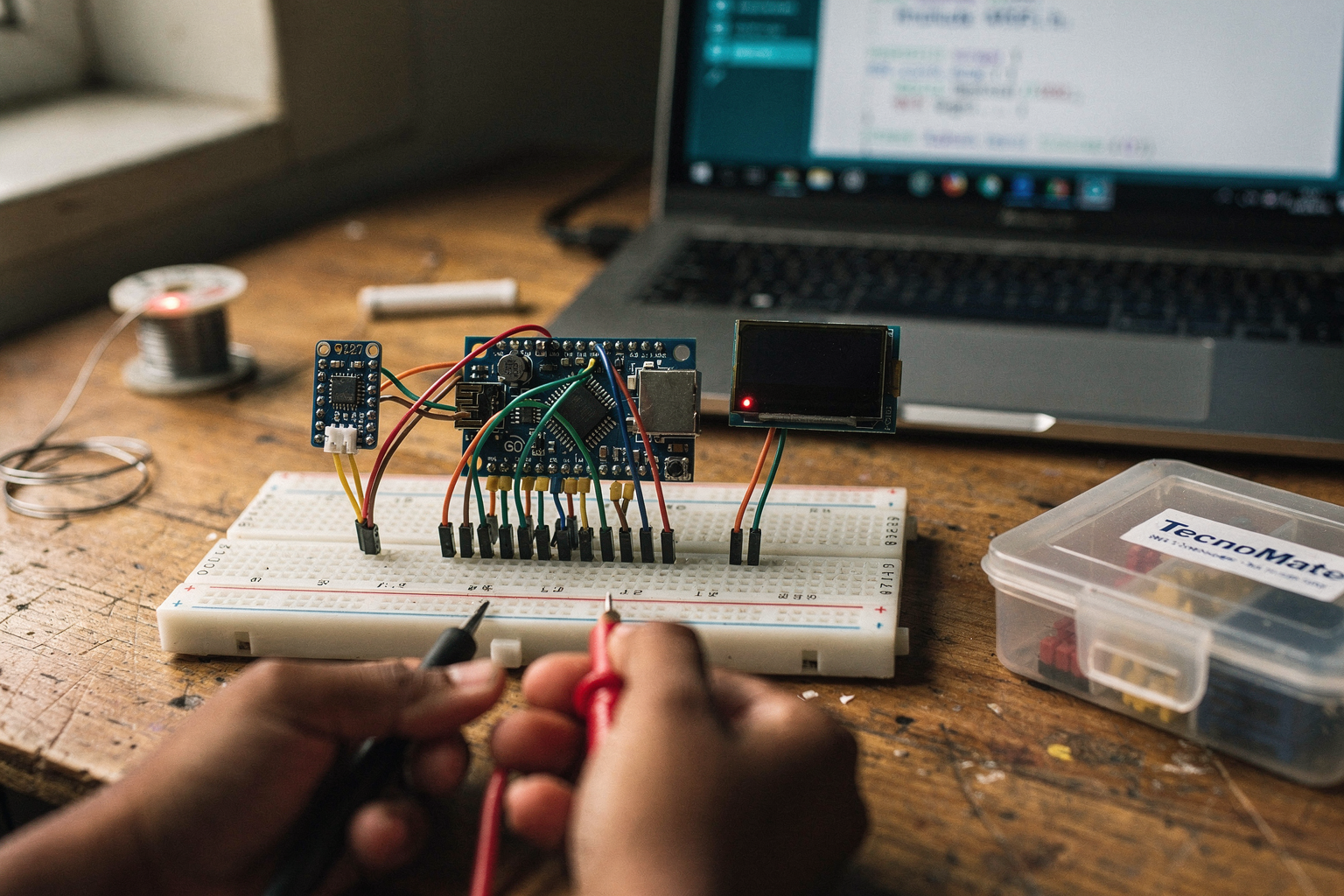
For Indian engineering students working with popular microcontrollers available through TecnoMate, the choice becomes critical:
// Arduino/ESP32 Example: Sensor Data Processing
#include <WiFi.h>
#include <HTTPClient.h>

void setup() {
    Serial.begin(115200);
    WiFi.begin("YOUR_SSID", "YOUR_PASSWORD");

    // Connection logic
    while (WiFi.status() != WL_CONNECTED) {
        delay(500);
        Serial.print(".");
    }
}

void loop() {
    float temperature = readTempSensor();
    float humidity = readHumiditySensor();

    // Data processing
    String jsonData = String(temperature) + "," + String(humidity);

    // IoT data transmission
    sendToCloud(jsonData);
    delay(1000);
}
Claude 4 tends to provide more thorough explanations for embedded systems concepts, while GPT-5 offers quicker code snippets for standard implementations.
Web Development and APIs
For web development projects, both models show distinct strengths:
// React Component with API Integration
import React, { useState, useEffect } from 'react';
import axios from 'axios';

const WeatherApp = () => {
    const [weatherData, setWeatherData] = useState(null);
    const [loading, setLoading] = useState(true);
    const [error, setError] = useState(null);

    useEffect(() => {
        fetchWeatherData();
    }, []);

    const fetchWeatherData = async () => {
        try {
            // GPT-5 often provides this basic structure
            const response = await axios.get(`https://api.openweathermap.org/data/2.5/weather?q=Delhi&appid=YOUR_KEY`);
            setWeatherData(response.data);
        } catch (err) {
            setError(err.message);
        } finally {
            setLoading(false);
        }
    };

    if (loading) return <div>Loading...</div>;
    if (error) return <div>Error: {error}</div>;

    return (
        <div>
            <h1>Weather in Delhi</h1>
            <p>Temperature: {weatherData.main.temp}K</p>
            <p>Conditions: {weatherData.weather[0].description}</p>
        </div>
    );
};
Use Cases for Indian Engineering Students
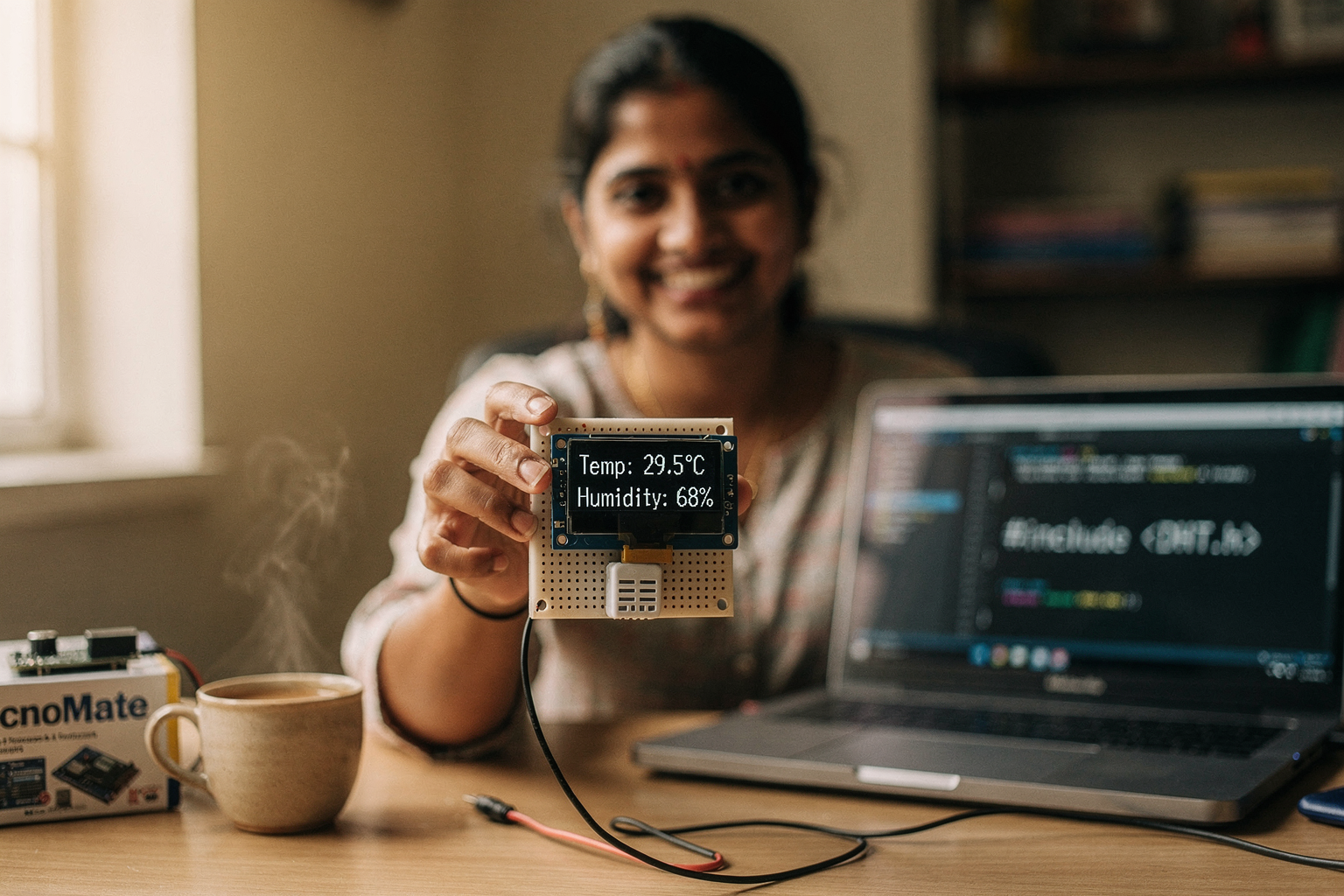
Academic Projects and Assignments
For students at IITs, NITs, and other engineering colleges, choosing the right LLM depends on your specific needs:
- Research Projects: Claude 4's superior analytical capabilities
- Hackathon Projects: GPT-5's rapid prototyping features
- Learning and Understanding: Both models, but GPT-5 offers simpler explanations
- Industry-Ready Applications: Claude 4's enterprise focus
DIY Electronics Projects
Popular projects available through TecnoMate that benefit from AI assistance:
- Smart Home Systems: IoT device control and dashboard creation
- Robotics: Path planning and control algorithms
- Wearable Technology: Sensor integration and data processing
- Automotive Electronics: ECU programming and diagnostics
Code Examples for Common Projects
Arduino Weather Station with OLED Display
#include <Wire.h>
#include <Adafruit_GFX.h>
#include <Adafruit_SSD1306.h>
#include <DHT.h>

#define DHTPIN 2
#define DHTTYPE DHT22
#define OLED_RESET -1
Adafruit_SSD1306 display(128, 64, &Wire, OLED_RESET);
DHT dht(DHTPIN, DHTTYPE);

void setup() {
    Serial.begin(9600);
    dht.begin();
    Wire.begin();

    display.begin(SSD1306_SWITCHCAPVCC, 0x3C);
    display.clearDisplay();
    display
Ready to start building?
Explore our collection of DIY kits and components. All project components mentioned in this blog are available in our store.
Browse All Projects