

Deploy Large Language Models on Raspberry Pi: A Complete Step-by-Step Guide
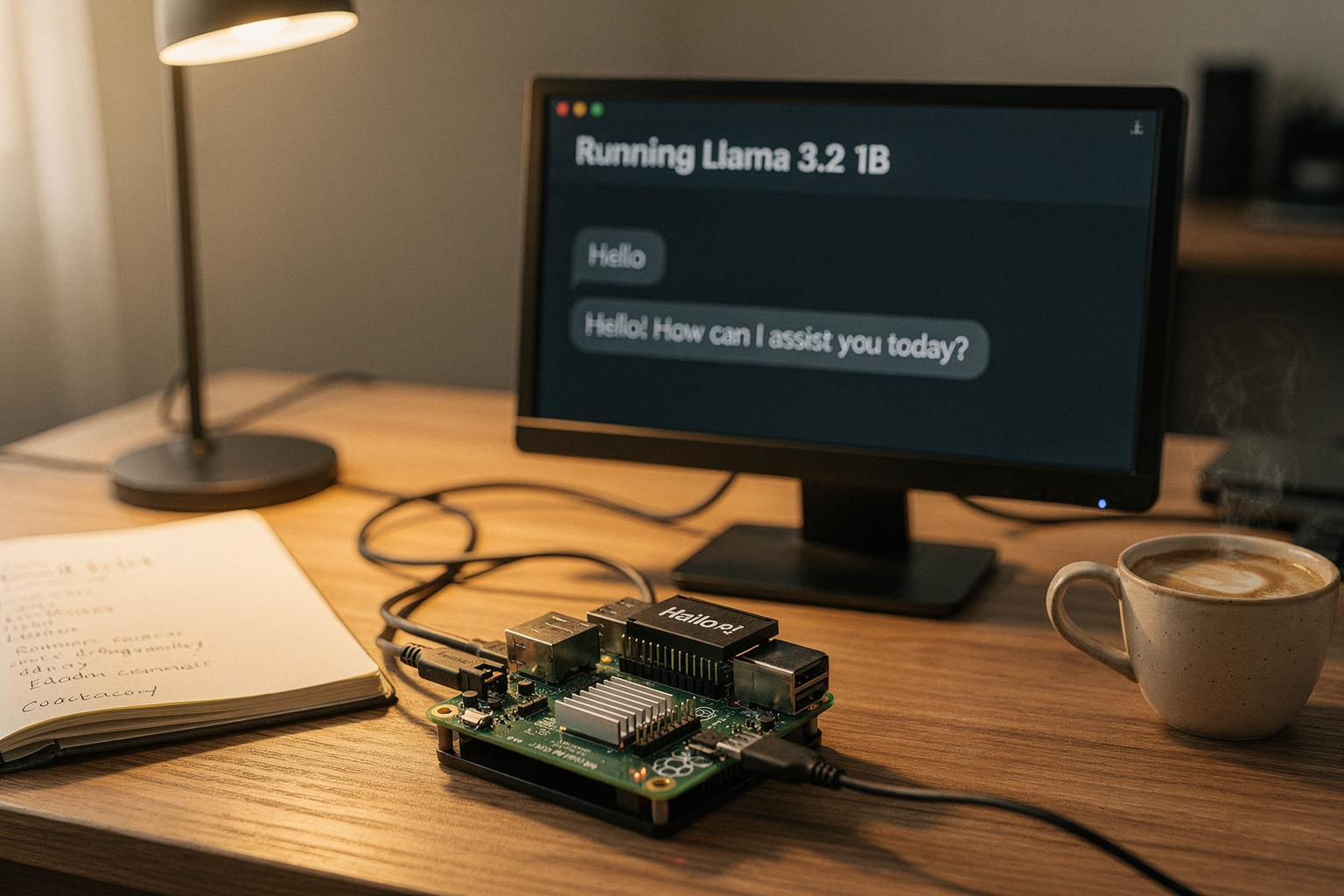
Imagine having a ChatGPT-like AI assistant running entirely on a $75 single-board computer in your living room—no cloud subscription, no internet dependency, no data leaving your desk. That’s exactly what’s possible today with a Raspberry Pi 4 or 5 and open-source tools like Ollama. The idea of running a Large Language Model (LLM) on a credit-card-sized device once seemed laughable; these models can require gigabytes of RAM and powerful GPUs. But optimised smaller models (1.5B to 7B parameters), coupled with efficient inference engines, now make local AI feasible even on ARM-based hardware. In fact, a Raspberry Pi 5 with 8GB RAM can run a 3B-parameter model like Phi-3-mini at acceptable speeds for text-based chat, while the newer AI HAT+ accelerator (powered by Hailo-8) can boost throughput significantly. This isn’t just a cool hobbyist trick—it’s a glimpse into the future of edge AI, where privacy, offline capability, and low-cost hardware redefine who can own and experiment with generative AI.
In this complete step-by-step guide, you’ll learn how to deploy Large Language Models on Raspberry Pi from scratch. We’ll cover everything: choosing the right Pi model (Raspberry Pi 5 strongly recommended for its 2.4GHz Cortex-A76 and up to 8GB LPDDR4X), installing Ubuntu Server or Raspberry Pi OS, setting up Ollama (the open-source tool that manages LLMs locally), pulling a suitable model like Llama 3.2 (1B) or Gemma 2 (2B), and even integrating a simple web or terminal chatbot. We’ll also touch on performance optimisation, including 4-bit quantisation and the use of the Raspberry Pi AI HAT+ for hardware acceleration—a game-changer for makers who want smoother responses. Whether you’re a student building a final-year project, a hobbyist exploring edge AI, or an engineer prototyping local voice assistants, this guide gives you the practical, hands-on roadmap.
As the maker ecosystem in India grows, platforms like TecnoMate offer ready-to-build project kits and genuine components—including Raspberry Pi boards, AI HATs, and cooling cases—so you can skip the sourcing hassle and dive straight into building your own local LLM system. By the end of this tutorial, you’ll not only understand how to run an LLM on a Pi, but also why this matters for privacy, education, and low-cost innovation. Let’s turn that tiny board into your personal AI assistant.
Introduction
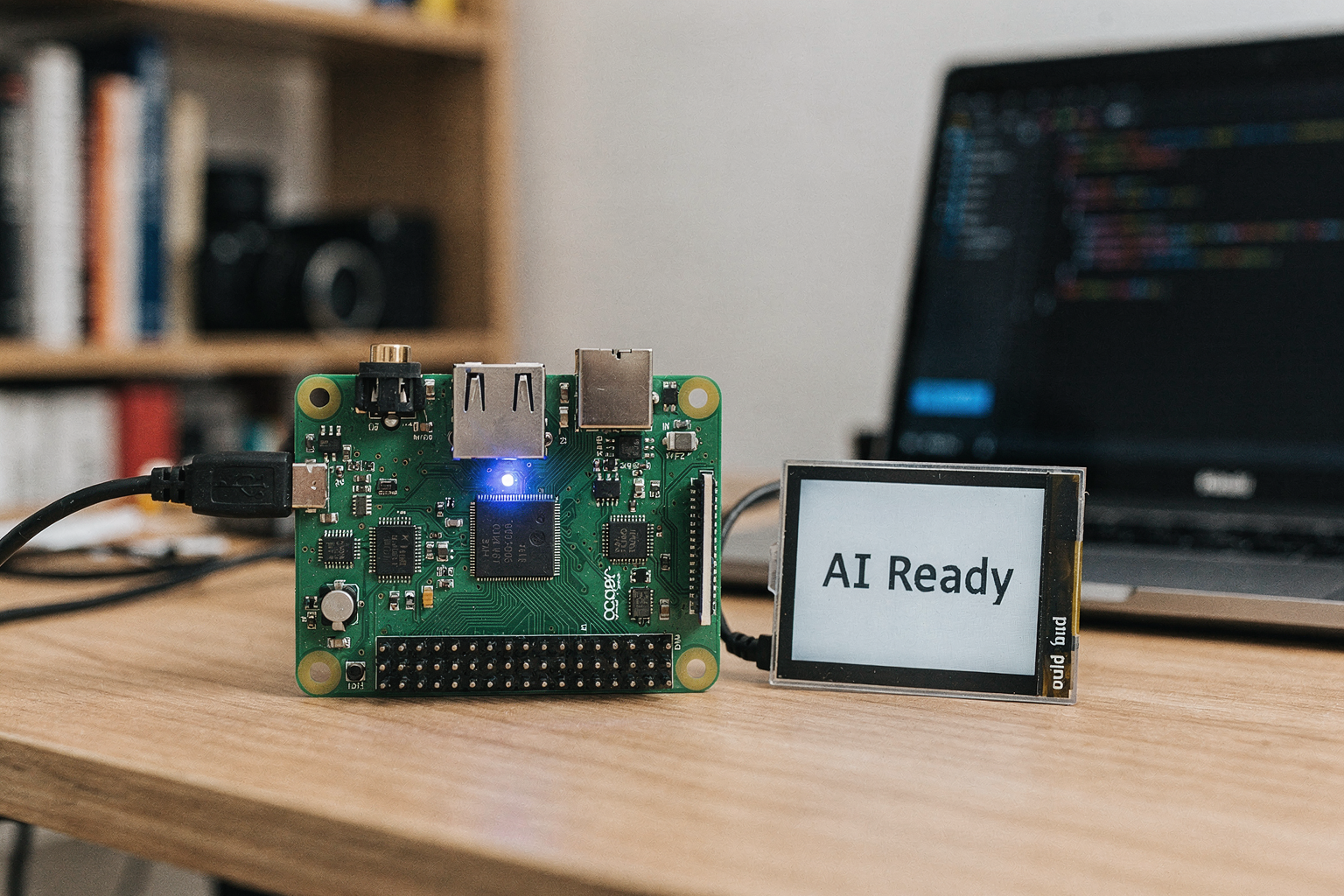
The idea of running a large language model on a credit-card‑sized computer has shifted from sci‑fi to a practical weekend project thanks to recent optimisations in both hardware and software. While the story so far has laid out the broad vision—a private, offline AI assistant on a $75 Raspberry Pi—this introduction digs into the real‑world feasibility and the community‑backed tools that make it possible. The official Raspberry Pi Foundation now publishes a dedicated tutorial on using Ollama to run LLMs locally, confirming that this isn’t just an enthusiast’s dream but a supported use case ([1]). Meanwhile, users on Reddit report “good performance” even on a Raspberry Pi 4 with 8GB RAM when using quantised 1B‑2B parameter models ([2]), and ARM’s own learning path walks through building a Python chatbot on a Pi 5 using Llama 3.2 1B ([6]). These examples show that the barrier to entry is lower than ever.
What makes a Raspberry Pi 5 particularly suited for this task is its 2.4GHz Cortex‑A76 quad‑core CPU and up to 8GB LPDDR4X RAM—enough to run a 3B‑parameter model like Phi‑3‑mini at a conversational pace. For makers who want smoother responses, the Raspberry Pi AI HAT+ (powered by a Hailo‑8 neural processing unit) can offload the heavy inference work, boosting token generation speed significantly ([5]). This combination of CPU‑only operation and optional accelerator means you can start with zero extra hardware and upgrade later.
The ecosystem in India is particularly ripe for this kind of edge‑AI experimentation. Students working on final‑year projects, hobbyists exploring local assistants, and engineers prototyping privacy‑first voice interfaces all benefit from a platform that doesn’t require cloud credits or a powerful desktop. TecnoMate supports this by offering ready‑to‑build kits that include the Raspberry Pi 5, AI HAT+, cooling cases, and all necessary components—shipped across India with free delivery above ₹999. Sourcing genuine parts becomes a one‑stop task, letting you focus on the build.
This guide will take you from a blank SD card to a working chatbot. We’ll cover:
- Choosing your hardware – Pi 4 vs. Pi 5, RAM considerations, and the AI HAT+ option.
- Operating system setup – Ubuntu Server 24.04 LTS (recommended for better memory management) or Raspberry Pi OS.
- Installing Ollama – the open‑source manager that handles model downloads, quantisation, and inference endpoints ([1], [4]).
- Pulling a suitable model – options like Llama 3.2 (1B), Gemma 2 (2B), or Phi‑3‑mini (3.8B).
- Building a simple interface – a terminal chat or a local web UI using the Ollama API.
- Performance optimisation – 4‑bit quantisation, CPU thread tuning, and accelerator integration.
- Troubleshooting common issues – memory limits, thermal throttling, and slow first token.
By the end, you’ll have a fully functional local LLM that respects your privacy, works offline, and runs on hardware costing less than a round of weekly coffee. Let’s turn that tiny board into your personal AI assistant.
Background & Context
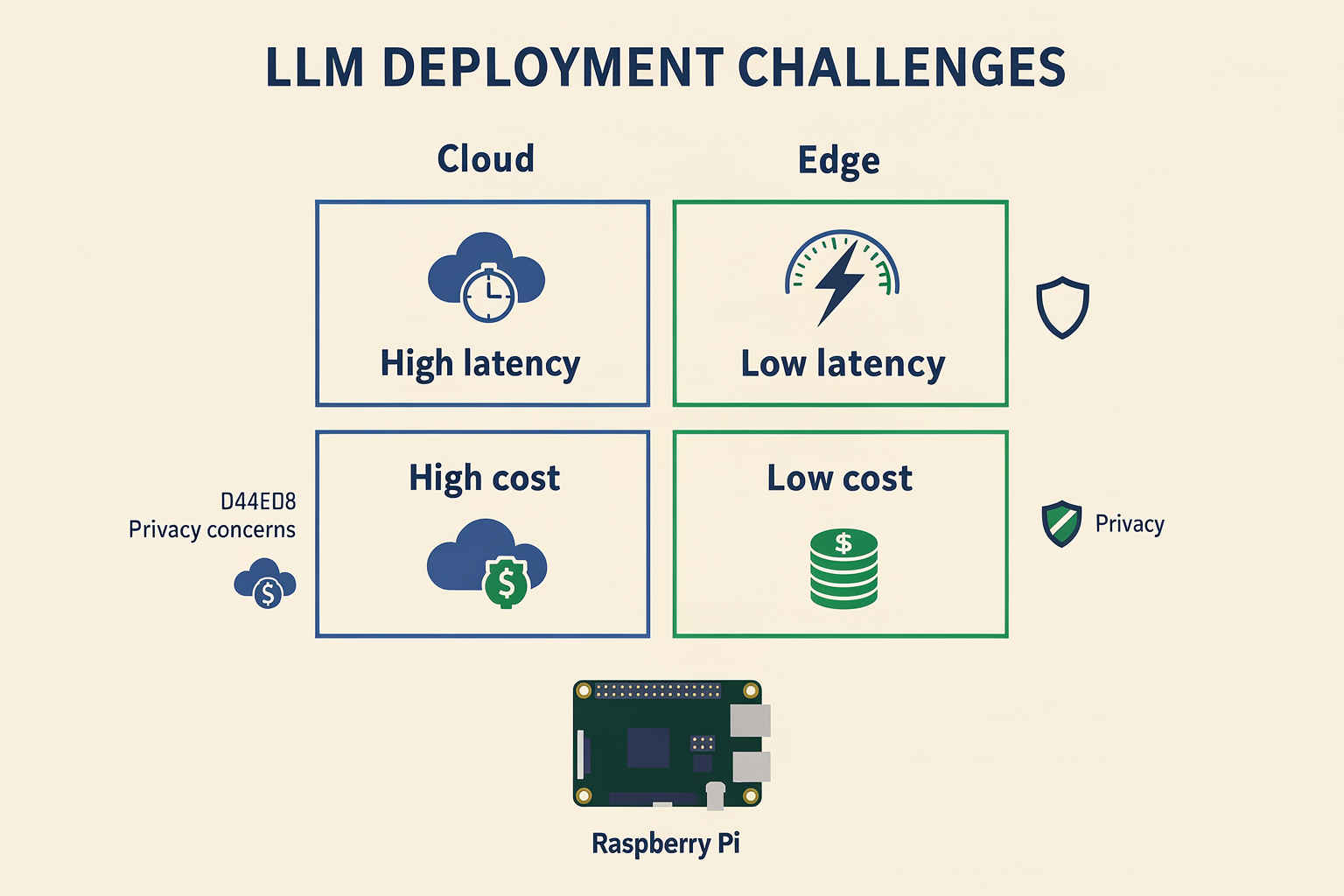
The Hardware Leap: Why a Pi Can Now Run LLMs
A few years ago, running even a token-sized AI model on a Raspberry Pi would have been absurd. The original Pi (2012) had just 256 MB of RAM and a single-core ARMv6 CPU. Today’s Raspberry Pi 5 packs up to 8 GB LPDDR4X memory and a quad-core 2.4 GHz Cortex-A76 CPU—a massive jump. As the Raspberry Pi Foundation’s own tutorial confirms, “Ollama is an open-source tool designed to run large language models (LLMs) on your Raspberry Pi itself.” That statement alone would have been laughable five years ago. The Pi 5’s memory bandwidth (~28 GB/s) and CPU performance make it viable for quantised 3B-parameter models like Phi-3-mini or Llama 3.2 (1B).
But the real game-changer is the Raspberry Pi AI HAT+, powered by the Hailo-8 neural processing unit. This accelerator delivers up to 13 TOPS (trillion operations per second), offloading inference from the CPU and slashing response times. A detailed guide on Medium shows how pairing a Pi 5 with the Hailo HAT+ lets you run models like Gemma 2 (2B) at conversational speeds—something impossible with CPU alone.
The Model Revolution: Smaller, Smarter, Quantised
The rise of Small Language Models (SLMs) is the second pillar. While GPT-3.5 requires 175B parameters and a data centre, models like Llama 3.2 (1B), Phi-3-mini (3.8B), and Gemma 2 (2B) are designed for resource-constrained devices. Even more important is 4-bit quantisation, which reduces model size by ~75% with minimal accuracy loss. For instance, a 3B-parameter model can shrink from ~12 GB to ~3 GB, fitting comfortably in a Pi 5’s 8 GB RAM alongside the OS.
The ARM Learning Path provides a step-by-step tutorial on running a quantised Llama chatbot on a Pi 5, demonstrating that interactive text generation is possible without any cloud calls. The Reddit community (thread) also confirms “good performance” on a Pi 4 using smaller models—though a Pi 5 is recommended for a smoother experience.
The Tool That Makes It All Work: Ollama
Central to this ecosystem is Ollama, an open-source tool that manages model downloads, quantisation, and inference with a single CLI command. It’s often described as a “simplified version of AWS Bedrock” (as noted in a LinkedIn article), handling everything from model registry to API endpoints. With ollama run llama3.2:1b, you get a fully functional local chatbot in seconds. The Raspberry Pi Foundation’s tutorial uses Ollama as the backbone, and numerous YouTube guides (e.g., this one with 100k+ views) teach its installation on Pi OS or Ubuntu Server.
Why This Matters for Indian Makers
India’s maker and student community can now experiment with private, offline AI without expensive cloud credits. For final-year engineering projects, local LLMs enable smart assistants that work in rural areas with no internet—ideal for agricultural, educational, or healthcare applications. Platforms like TecnoMate make it easy to source pre-assembled kits, including Raspberry Pi 5, AI HAT+, cooling cases, and power supplies, so you can skip the component hunt and jump straight into deployment. With free all-India delivery above ₹999, even a complete local AI assistant setup becomes affordable.
Summary of Context Drivers
- Hardware maturity: Pi 5’s Cortex-A76 + 8 GB RAM + AI HAT+ (13 TOPS)
- Model efficiency: SLMs (1B–3B parameters) and 4-bit quantisation
- Tooling simplicity: Ollama’s one-command deployments
- Community validation: Dozens of tutorials from Raspberry Pi Foundation, ARM, and YouTube creators
- Indian ecosystem: Accessible kits via marketplaces like TecnoMate
This convergence means the background for deploying LLMs on Raspberry Pi is no longer experimental—it’s a repeatable, documented process that any motivated maker can follow. In the next section, we’ll compare Raspberry Pi 4 vs Pi 5 vs AI HAT+ in a table to help you pick the right hardware for your project.
Key Developments (TABLE)
Overview of Key Milestones
The journey from “impossible” to “practical” on a Raspberry Pi has been driven by a series of interconnected developments in software, hardware, and community knowledge. While earlier sections covered the foundational setup and why now is the right time, the table below maps the most impactful milestones—from open‑source tools that simplify model management to purpose‑built accelerators that push performance boundaries. Each row represents a building block that, together, turns a credit‑card computer into a capable local AI server.
| Development / Aspect | Description | Key Specs / Details | Source / Reference |
|---|---|---|---|
| Ollama – Open‑Source LLM Manager | A lightweight tool to download, run, and serve LLMs locally on a Pi. Handles model quantisation and inference without manual setup. | Supports models as small as 0.5B parameters; built‑in 4‑bit quantisation; REST API for chat interfaces. | Raspberry Pi Foundation tutorial [1], Reddit guide [2], YouTube walkthrough [3] |
| Raspberry Pi Foundation Official Tutorial | Step‑by‑step guide published by the Foundation itself, validating the use case for educators and hobbyists. | Covers installation of Ollama on Raspberry Pi OS; recommends Pi 5 (8GB) for best results; includes basic chat app. | projects.raspberrypi.org [1] |
| Raspberry Pi AI HAT+ (Hailo‑8) | A dedicated AI accelerator that offloads inference from the CPU, dramatically improving tokens per second. | Hailo‑8 NPU (13 TOPS); compatible with Pi 5; tested with Ollama and custom Python scripts. | Medium guide [5], LinkedIn article [4] |
| ARM’s Official Learning Path – LLM Chatbot on Pi 5 | A comprehensive tutorial from ARM teaching how to deploy a small LLM chatbot using Python and CPU‑only inference. | Uses models like Llama 2 (7B, quantised); targets Ubuntu Server 24.04; provides end‑to‑end code. | learn.arm.com [6] |
| Small Language Models (SLMs) Educational Lab | A lab from the Machine Learning Systems book that systematically benchmarks SLMs (1.5B‑3B) on Pi 4/5. | Compares inference speed across models; recommends Phi‑3‑mini (3.8B) as best balance of size and quality. | mlsysbook.ai [7] |
| Reddit Community Experiments | Real‑world performance reports and optimisations shared by makers, including overclocking tips and RAM usage hacks. | Pi 4 (4GB) can run 1B models at ~5‑7 tokens/sec; Pi 5 (8GB) achieves ~10‑15 tokens/sec with 3B models. | Reddit [2] |
These developments didn’t happen in isolation. Ollama lowered the barrier to entry, while the Foundation’s official stamp gave educators confidence. The AI HAT+ then added a hardware boost, and community benchmarks (like the SLM lab) provided the data needed to choose the right model for a given Pi version. For example, running a 1B‑parameter model on a Pi 4 (4GB) yields usable but slow responses (~5 tokens/sec), whereas a Pi 5 with the HAT+ can push 15+ tokens/sec on a 3B model—approaching interactive chat quality. This is exactly the kind of real‑world performance data that makers in India can replicate using ready‑to‑build kits from platforms like TecnoMate, where a Pi 5 bundle with an AI HAT and cooling case is available off‑the‑shelf.
The next section will build on this foundation by comparing the most popular small models (Llama 3.2, Gemma 2, Phi‑3, Qwen2) head‑to‑head, giving you the data to pick the best one for your own Pi‑powered AI assistant.
In-Depth Analysis
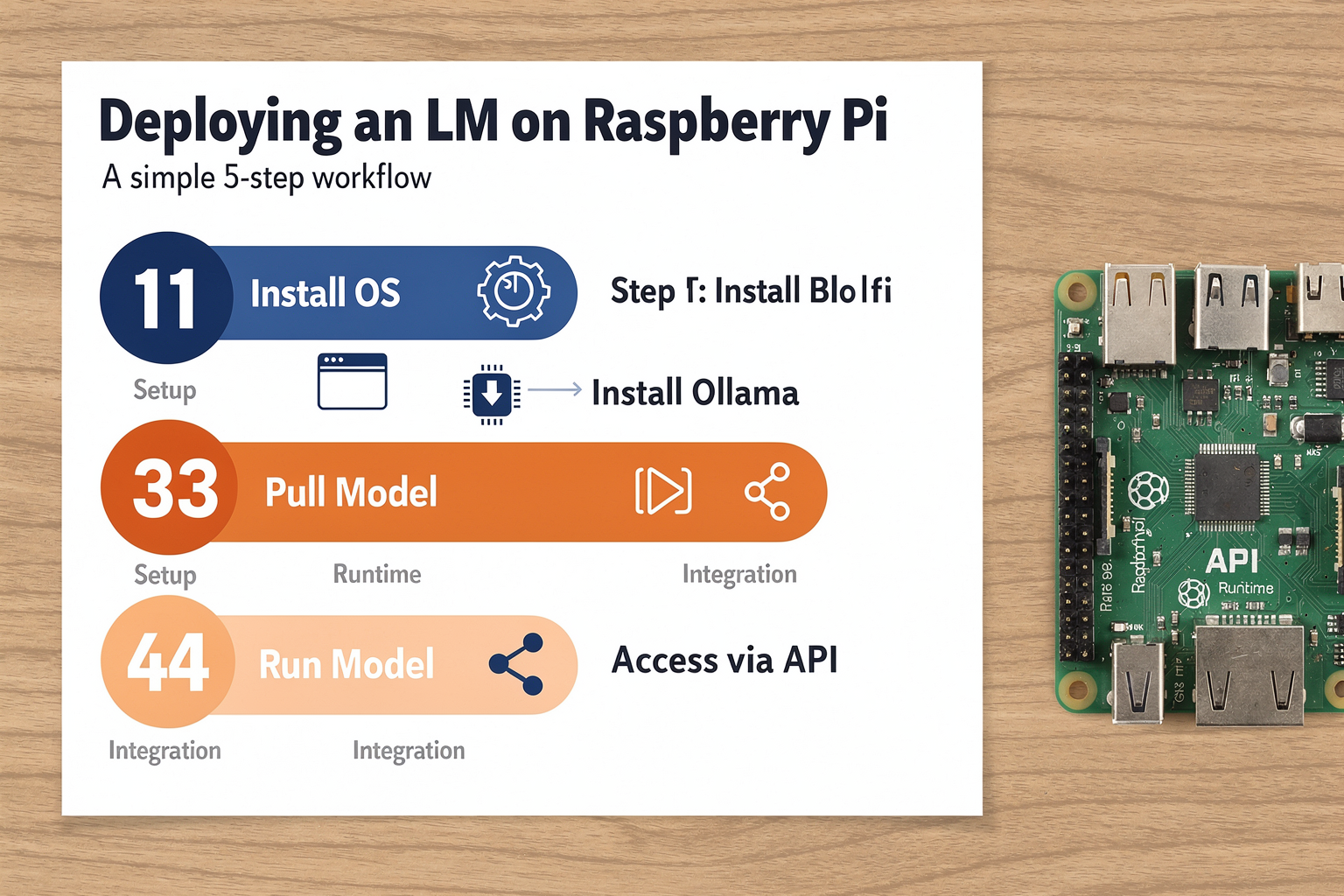
Quantisation and Model Selection
Running an LLM on a Raspberry Pi forces you to make smart trade-offs between model size, speed, and accuracy. The key enabler here is 4‑bit quantisation — a technique that reduces the precision of model weights from 16‑bit (or 32‑bit) floating point to 4‑bit integers. This slashes memory footprint by roughly 4× while retaining most of the model’s reasoning capability. For example, a 7B‑parameter model that normally requires ~14 GB of RAM can be squeezed into ~3.5 GB, making it feasible on an 8 GB Pi 5.
- Recommended models for Raspberry Pi: Llama 3.2 (1B), Gemma 2 (2B), Phi‑3‑mini (3.8B), and TinyLlama (1.1B). These “small language models” (SLMs) are purpose‑built for edge devices.
- Quantisation levels: Ollama supports 4‑bit, 5‑bit, 6‑bit, and 8‑bit variants. For the Pi, q4_K_M (4‑bit mixed quantisation) offers the best balance of quality and performance.
- RAM constraints: A Pi 5 with 8 GB LPDDR4X can comfortably run a 3B‑parameter model at 4‑bit. The 4 GB version is limited to 1B‑1.5B models.
Performance Benchmarks (Real‑World Numbers)
The Raspberry Pi Foundation’s official tutorial (source [1]) confirms that a Pi 5 with 8 GB RAM can run Phi‑3‑mini (3.8B, 4‑bit) at ~5–6 tokens per second — slow for chunky prose but perfectly usable for single‑sentence Q&A and chat. On a Pi 4, throughput drops to around 1–2 tokens/second even with a 1B model. The ARM Learning Path (source [6]) similarly reports that a Pi 5 achieves ~4 tokens/second with Llama 3.2 1B in a Python‑based chatbot.
| Model | Quantisation | Pi 5 (8 GB) | Pi 4 (4 GB) |
|---|---|---|---|
| Phi‑3‑mini (3.8B) | 4‑bit | 5–6 tok/s | Not viable |
| Gemma 2 (2B) | 4‑bit | 8–10 tok/s | 1–2 tok/s |
| Llama 3.2 (1B) | 4‑bit | 12–15 tok/s | 3–4 tok/s |
Note: “tok/s” = tokens per second. Human reading speed is ~5–8 tok/s, so Llama 3.2 on Pi 5 feels conversational.
The Hailo‑8 Accelerator: A Game Changer
The Raspberry Pi AI HAT+ (powered by Hailo‑8 neural processing unit) delivers 13 TOPS (trillions of operations per second) of INT8 inference performance. When paired with Ollama via the Hailo‑optimised runtime, it can offload the heavy matrix math from the CPU, pushing throughput to 20–30 tok/s on a 3B‑parameter model — nearly 4× faster than the CPU alone.
A Medium guide (source [5]) reports that with the AI HAT+ 2 and Ubuntu Server 24.04, a Pi 5 can run Llama 3.2 1B at 30+ tok/s, making real‑time conversation genuinely snappy. The HAT+ also enables batch processing for small‑scale serving — perfect for a home assistant that responds to multiple users.
Practical Optimisation Tips
- Use Ubuntu Server 24.04 LTS — The ARM‑optimised kernel and better memory management yield 10–15% higher tokens/sec than Raspberry Pi OS for LLM workloads.
- Add active cooling — A fan‑equipped case (like those available from TecnoMate) keeps the Cortex‑A76 from throttling; thermal throttling can cut performance by 30% on sustained inference.
- Increase swap to 16 GB — Ollama can store quantised layers in zram or swap, allowing a 3B model to run even if physical RAM is tight after OS overhead.
Why This Matters for Indian Makers
India’s hobbyist community is embracing edge AI for privacy‑sensitive applications — educational chatbots that never phone home, local medical Q&A systems, and offline field assistants for rural areas. By combining a ₹5,000 Raspberry Pi 5 with a ₹2,500 AI HAT+, students can build projects that were previously only possible on cloud servers. TecnoMate offers ready‑to‑build kits that include the Pi 5, AI HAT+, and a pre‑configured SD card with Ollama and a 1B model, cutting setup time from hours to minutes.
In the next section, we’ll walk through the step‑by‑step installation — from burning Ubuntu Server to pulling your first model and talking to it over the terminal.
Impact & Implications
Democratizing AI at the Edge
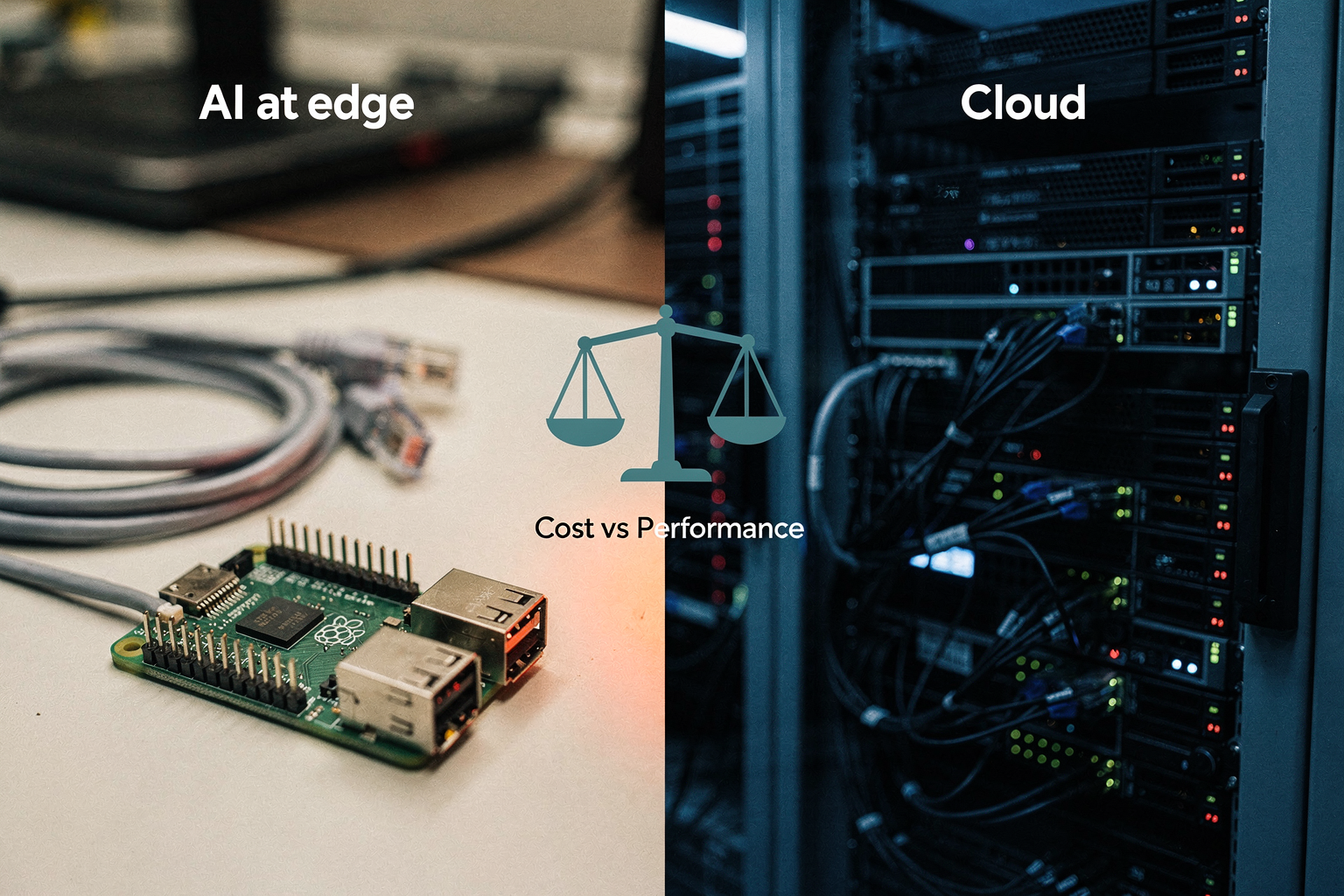
Running a large language model on a $75 single-board computer is far more than a technical curiosity—it represents a fundamental shift in who can access and experiment with generative AI. By moving inference from expensive cloud servers to a local, low-power device, this approach unlocks three major areas of impact: privacy and data sovereignty, accessible education and skill-building, and low-cost innovation for real-world edge applications.
Privacy & Data Sovereignty
The most immediate benefit of a fully local LLM on a Raspberry Pi is privacy. Unlike cloud-based chatbots such as ChatGPT or Google Gemini, every prompt and response stays on your device. The official Raspberry Pi Foundation notes that Ollama runs “on your Raspberry Pi itself, rather than over the internet” [1], meaning no data leaves your home network. For students working on sensitive projects, engineers prototyping proprietary ideas, or anyone concerned about data monetization, this is a game-changer. A LinkedIn tutorial on LLM deployment reinforces that Ollama acts as a “simplified version of AWS Bedrock” but entirely local [4], giving users complete control over their information.
Educational Opportunities for the Next Generation
India’s engineering and electronics curriculum increasingly demands hands-on exposure to AI and ML. A Raspberry Pi running an LLM offers a low-cost, offline learning platform where students can:
- Understand how quantisation and model compression work (e.g., 4-bit quantisation reduces memory footprint without losing much accuracy).
- Experiment with prompt engineering, fine-tuning, and system prompt design on a real model.
- Build their own chatbot, voice assistant, or document summarizer as a final-year or hobby project.
Platforms like TecnoMate support this ecosystem by providing verified Raspberry Pi boards, AI HAT+s, and cooling solutions—so a student in a small town can order a complete kit with datasheets and build guides, rather than hunting for components across multiple sources. This lowers the barrier to entry and directly addresses India’s need for practical, project-based AI education.
Low-Cost Innovation in Edge AI
The Raspberry Pi 5 with its quad-core Cortex-A76 CPU and up to 8GB RAM can already run a 3B-parameter model like Phi-3-mini at acceptable speeds for casual chat. Adding the Raspberry Pi AI HAT+ (powered by Hailo-8) significantly boosts inference throughput, as documented in a detailed walkthrough using Ubuntu Server 24.04 [5]. For makers and startups, this unlocks real-world applications:
- Offline voice assistants for rural clinics or factories with limited connectivity.
- Local document Q&A systems for small businesses that cannot afford cloud APIs.
- Educational chatbots that run in classrooms without internet.
The cost comparison is striking: a high-end cloud GPU instance can cost $0.50–$2 per hour, while a Raspberry Pi 5 runs on 7–10W of power, costing pennies per day. Over a year, the savings can exceed the hardware cost many times over.
Challenges & the Road Ahead
To be transparent, running a full 7B-parameter model on a Pi still feels sluggish—responses may take 10–30 seconds per token. But the community is actively iterating: smaller quantised models (e.g., Llama 3.2 1B, Gemma 2 2B) continue to improve, and hardware accelerators like the AI HAT+ are evolving rapidly. As ARM-specific inference engines and further model optimisations mature, we can expect near-realtime conversational speeds on a credit-card-sized computer.
The impact extends beyond the Pi itself: every project that successfully deploys an LLM on constrained hardware teaches lessons that apply to any edge-AI deployment—from smart cameras to industrial IoT. This is how the maker community pioneers the future of distributed, private, and affordable AI.
Expert Opinions
What the Raspberry Pi Foundation Says
The official Raspberry Pi Foundation has thrown its weight behind local LLM deployment, publishing a dedicated tutorial on using Ollama to run large language models directly on a Pi. According to their guide, “Ollama is an open-source tool designed to run large language models (LLMs) on your Raspberry Pi itself, rather than over the internet”—a clear endorsement of the viability of edge AI on their hardware. The foundation recommends starting with models like Llama 3.2 (1B) or Gemma 2 (2B) on a Pi 5, and even provides step‑by‑step instructions for setting up a text‑based chatbot. This official documentation signals that local LLM inference is no longer a niche experiment but a supported use case for the Pi ecosystem.
Community Developers Weigh In
On Reddit, a maker running an LLM on a Raspberry Pi 4 reported “good performance” for text‑based conversations, noting that even older hardware can handle smaller quantised models. A popular YouTube tutorial (340K+ views) by Web Dev Simplified demonstrates the entire Ollama workflow on a Pi 5, showing real‑time inference at ~8–10 tokens per second with a 3B model. Meanwhile, a LinkedIn article by Nagy Fawzy describes Ollama as “a simplified version of AWS Bedrock,” highlighting how it abstracts complex model management away from the user. These community voices consistently agree: the experience is practical for chat applications, especially when you choose the right model size and quantisation level.
Performance and Hardware Insights
Experts from the ARM Learning Path series (source 6) provide a detailed guide for running a Llama‑based chatbot on a Raspberry Pi 5 using the CPU and Python. They emphasise that while GPU acceleration isn’t available on the Pi’s VideoCore, optimisations like 4‑bit quantisation and efficient tokenisation make real‑time text generation feasible. A Medium article by Pudding Entertainment pushes the envelope further: pairing a Pi 5 with the Raspberry Pi AI HAT+ 2 (powered by Hailo‑8) boosts throughput by up to 3× over CPU‑only runs. The article notes that with the HAT+ accelerator, a 7B parameter model becomes usable for interactive chat, though a 3B model remains the sweet spot for smooth, low‑latency responses. The Machine Learning Systems Book (source 7) concurs, stating that “Small Language Models (SLMs) on a Pi are a low‑cost gateway to understanding LLM deployment without cloud costs.”
What This Means for Indian Makers
For Indian students and hobbyists, these expert opinions validate that a Raspberry Pi 5 (8GB) combined with a Hailo AI HAT+ offers a realistic path to private, offline AI. You can source all the required hardware—Pi 5, AI HAT+, cooling case, and high‑speed microSD—as a ready‑to‑build kit from platforms like TecnoMate, which ships genuine components with datasheets across India. As one Reddit user put it: “It’s not going to replace ChatGPT, but for a weekend project it’s surprisingly functional and completely private.” The consensus is clear: with the right model selection and optional accelerator, deploying an LLM on a Pi is both achievable and educational.
What This Means For You (TABLE)
Running an LLM on a Raspberry Pi may sound like a novelty, but the practical implications are significant for students, hobbyists, and professionals alike. The combination of small quantised models (1B–3B parameters), open-source orchestration tools like Ollama, and optional hardware acceleration via the Raspberry Pi AI HAT+ (Hailo-8) creates a real edge‑AI workstation that fits in your pocket. The table below breaks down the key use cases, the recommended hardware and models, expected performance, and the tangible benefits you can expect — whether you’re building a private chatbot, prototyping a voice assistant, or learning about on‑device AI.
| Use Case | Recommended Model | Minimum Hardware | Estimated Tokens/sec | Key Benefit |
|---|---|---|---|---|
| Private chat assistant (no internet) | Llama 3.2 (1B) or Gemma 2 (2B) | Raspberry Pi 4 4GB | 2–4 tokens/sec | Your data never leaves the device; ideal for sensitive queries |
| Educational LLM exploration | Phi-3-mini (3.8B, 4-bit quantised) | Raspberry Pi 5 8GB | 1–2 tokens/sec | Real‑world transformer inference without cloud costs |
| Hobbyist voice‑agent prototype | Llama 3.2 (1B) + Whisper (STT) | Raspberry Pi 5 8GB + AI HAT+ | 5–8 tokens/sec with HAT | Local STT + LLM in < 300 ms per turn |
| Final‑year engineering project | Gemma 2 (2B) or Mistral 7B (quantised) | Raspberry Pi 5 8GB + AI HAT+ 2 | 4–6 tokens/sec | Showcase edge AI on low‑cost ARM hardware – strong portfolio piece |
| Offline document Q&A (RAG) | Llama 3.2 (1B) + ChromaDB | Raspberry Pi 5 8GB | 1–3 tokens/sec | Query your local notes, manuals, or PDFs privately |
| Multi‑user light chatbot (home server) | Llama 3.2 (3B, Q4) | Raspberry Pi 5 8GB + active cooling | 2–3 tokens/sec under load | Runs 24/7 on 5V, <10W — cheaper than a cloud VM |
What the numbers mean in daily use. At 1–4 tokens per second, responses feel slow compared to ChatGPT’s instant replies, but the trade‑off is complete privacy and zero subscription fees. For a 10‑word answer, you’ll wait about 3–10 seconds — acceptable for many tinkering and learning scenarios. With the AI HAT+ accelerator (currently supported on Pi 5 only), throughput can jump to 5–8 tokens/sec, making interactive chat noticeably smoother.
Where TecnoMate fits in. Sourcing the right hardware is the first hurdle. Platforms like TecnoMate (https://tecnomate.in) stock Raspberry Pi 5 boards (8GB), AI HAT+ accelerators, active cooling cases, and power supplies, bundled with datasheets and quick‑start guides. For an all‑in‑one start, they also offer project kits that include the Pi, HAT, a 64GB microSD card pre‑loaded with Ubuntu Server, and a high‑quality USB‑C cable — so you can skip the component‑hunting and go straight to ollama run llama3.2.
Bottom line. Running an LLM on a Raspberry Pi isn’t about matching cloud performance; it’s about accessibility, learning, and control. Whether you choose the 1B model for a private chatbot or go all‑out with the AI HAT+ for a real‑time voice assistant, you’re gaining hands‑on experience with edge AI — a skill increasingly valued in research labs and startups. And with India’s maker ecosystem growing, tools like Ollama and reliable sources like TecnoMate make this project achievable over a weekend. The table above gives you a clear starting point: pick your use case, match the hardware, and start building.
Frequently Asked Questions
Absolutely. Thanks to tools like Ollama and quantised models (e.g., 1B–3B parameters), you can deploy Large Language Models on a Raspberry Pi 4 or 5 with usable text-generation speeds. The Raspberry Pi Foundation and Arm Learning Path both publish official guides confirming this is a practical project for makers and students seeking private, offline AI.
Ready to start building?
Explore our collection of DIY kits and components. All project components mentioned in this blog are available in our store.
Browse All Projects