

Introduction: Unlocking Maximum Battery Life with ESP32
In the world of IoT and embedded systems, battery life optimization is not just a feature—it's a necessity. As India rapidly embraces smart devices and IoT solutions, engineering students and DIY enthusiasts are constantly seeking ways to maximize battery performance while maintaining functionality. The ESP32, with its powerful features and low power capabilities, has become the go-to microcontroller for countless projects across India's engineering colleges and maker spaces.
This comprehensive guide will walk you through advanced ESP32 deep sleep techniques that can extend your battery life from days to months, or even years. We'll explore practical implementations, common pitfalls, and optimization strategies specifically tailored for Indian electronics enthusiasts working with locally available components and tools.
Prerequisites: What You'll Need
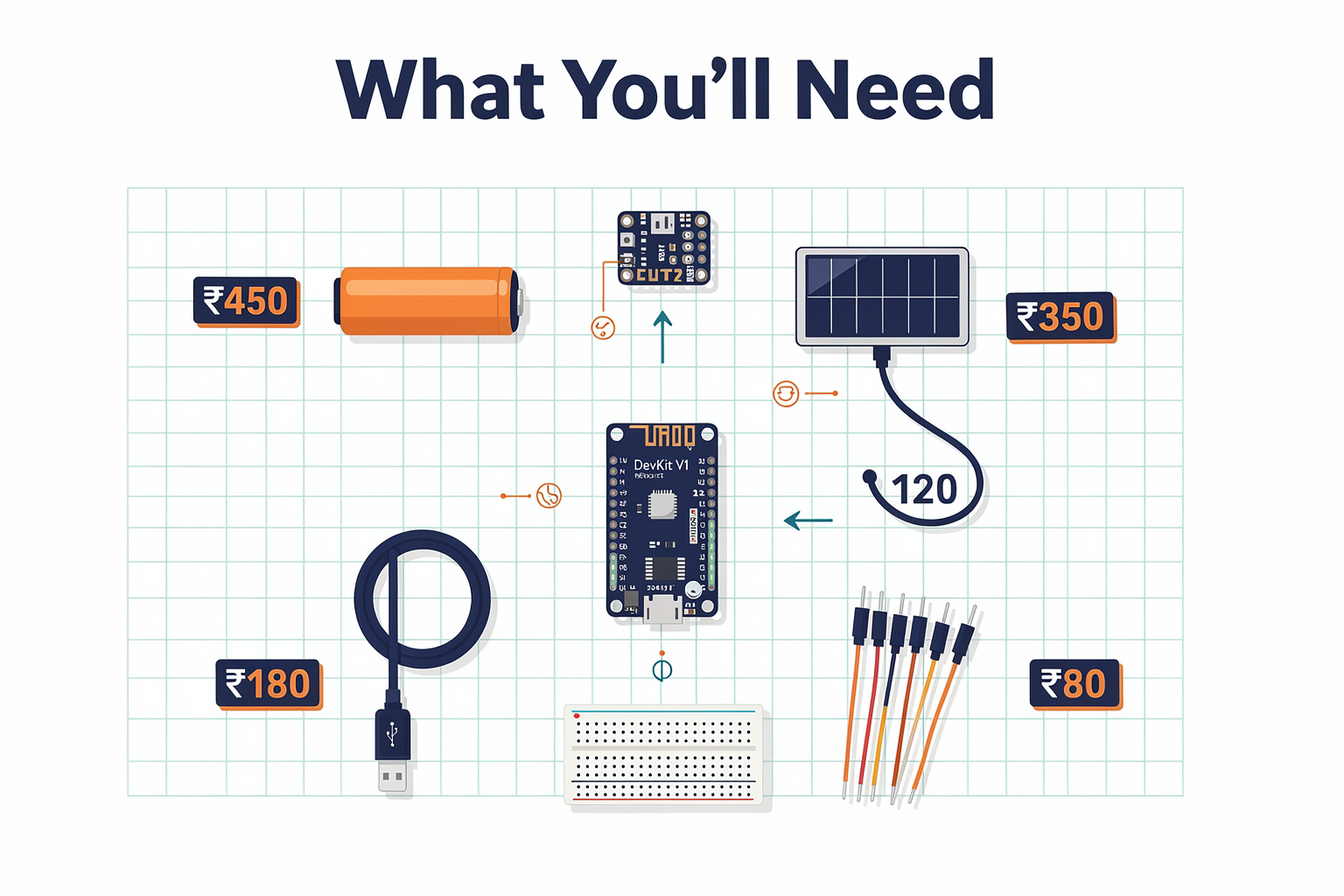
Before diving into deep sleep optimization, let's ensure you have everything required for successful implementation:
| Component | Specification | Price (₹) | Availability in India |
|---|---|---|---|
| ESP32 DevKit V1 | Dual-core 240MHz, WiFi + BT | 450 | Widely available |
| Lithium Battery 18650 | 3.7V 2600mAh | 350 | Amazon, local electronics stores |
| Buck-Boost Converter | 3.3V up to 2A | 180 | Robokits India, KitHub |
| Solar Panel Optional | 6V 1W | 120 | RoboElements, local markets |
| Micro USB Cable | Type-A to Micro | 50 | Available everywhere |
| Breadboard | Standard size | 100 | Local electronics shops |
| Jumper Wires | Male-to-Male | 80 | Easily available |
Essential Tools
- Programming Environment: Arduino IDE with ESP32 board support
- Power Monitor: USB Multimeter (₹1200-1500)
- Oscilloscope: Optional, DSO Nano V2X (₹3500)
- Logic Analyzer: Optional, FT232H (₹1800)
Getting Started: Basic Deep Sleep Implementation
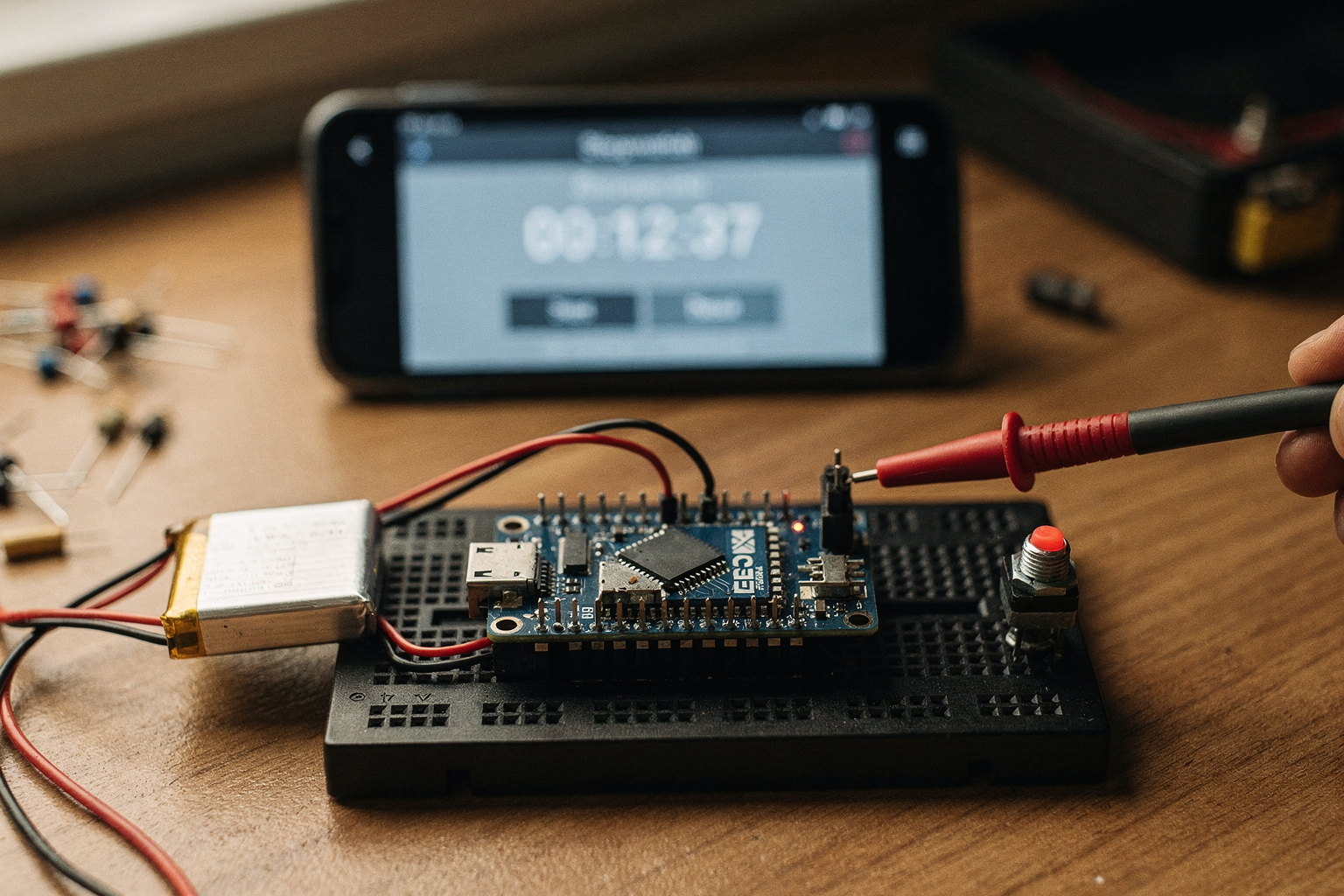
Understanding Deep Sleep Modes
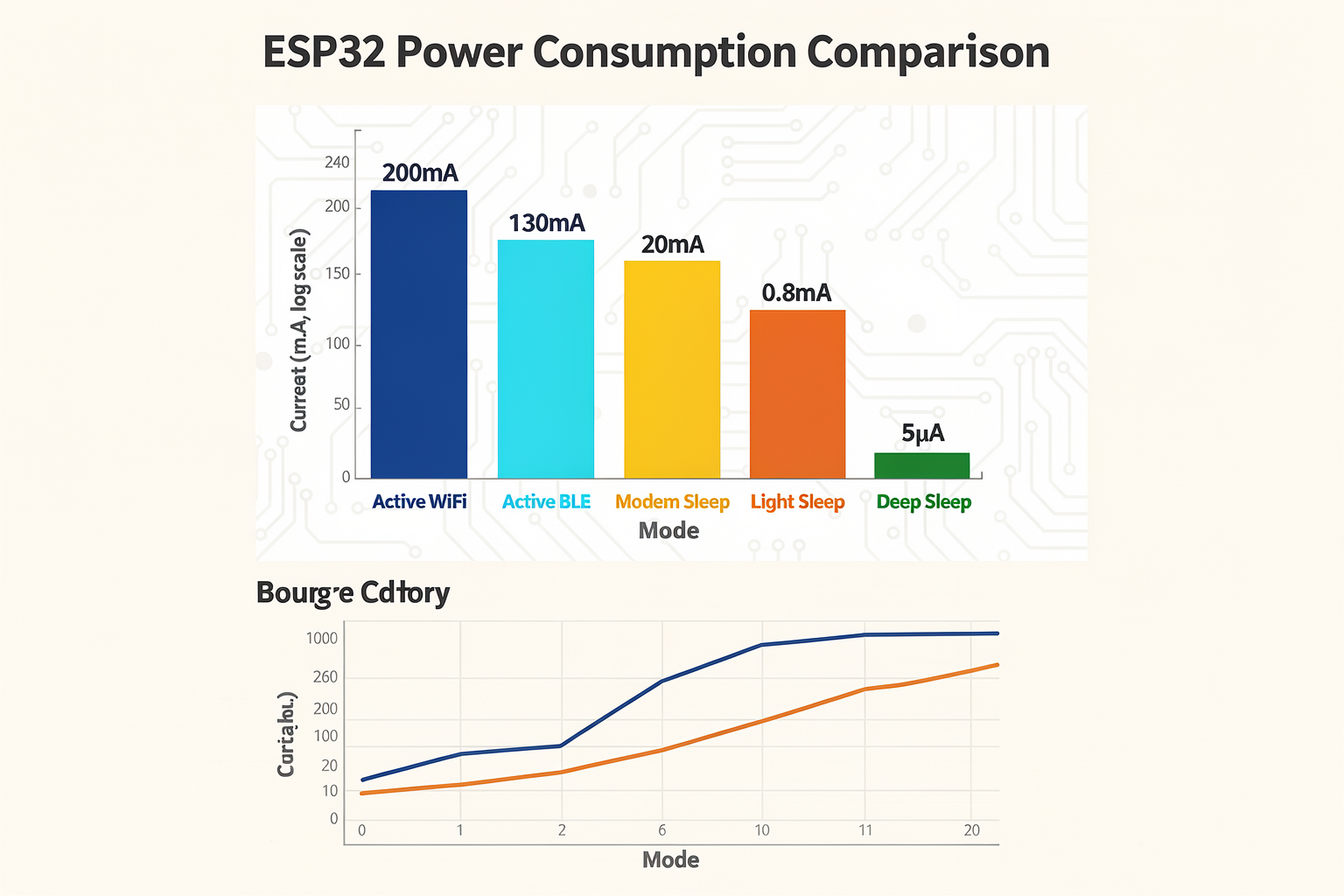
The ESP32 offers multiple deep sleep modes, each with different power consumption characteristics:
// Basic deep sleep example - wake after 10 seconds
#include <WiFi.h>

void setup() {
  Serial.begin(115200);
  Serial.println("Starting ESP32 Deep Sleep Demo");

  // Get wake-up reason
  esp_sleep_wakeup_cause_t wakeup_reason = esp_sleep_get_wakeup_cause();
  Serial.printf("Wake-up reason: %d\n", wakeup_reason);

  // Deep sleep for 10 seconds (10,000,000 microseconds)
  esp_sleep_enable_timer_wakeup(10000000);
  esp_deep_sleep_start();
}

void loop() {
  // This won't execute in deep sleep
}
Advanced Deep Sleep with RTC Memory Preservation
For projects requiring state preservation between wake cycles:
#include <WiFi.h>
#include <esp_sleep.h>

// Define RTC memory area
RTC_DATA_ATTR int counter = 0;

void setup() {
  Serial.begin(115200);

  // Read and increment counter
  counter++;
  Serial.printf("Wake #%d\n", counter);

  // WiFi reconnection logic
  connectWiFi();

  // Send data if needed
  sendSensorData();

  // Prepare for next wake cycle
  prepareForSleep();
}

void loop() {}

void connectWiFi() {
  WiFi.begin("YourSSID", "YourPassword");
  while (WiFi.status() != WL_CONNECTED) {
    delay(500);
    Serial.print(".");
  }
  Serial.println("\nWiFi connected");
}

void sendSensorData() {
  // Implement your sensor reading and sending logic
  // Consider using MQTT or HTTP for data transmission
}

void prepareForSleep() {
  // Disable peripherals to save power
  WiFi.mode(WIFI_OFF);

  // Configure wake-up source (timer in this case)
  esp_sleep_enable_timer_wakeup(5000000); // 5 seconds

  // Optional: Set GPIO for wake-up on touch
  // esp_sleep_enable_touchpad_wakeup();

  // Deep sleep
  esp_deep_sleep_start();
}
Advanced Optimization Techniques
Ultra-Low Power Configuration
For applications requiring maximum battery life, consider these optimizations:
| Optimization | Current Reduction | Implementation Complexity |
|---|---|---|
| Disable WiFi/BT | ~50mA | Simple |
| Disable ADC | ~5mA | Medium |
| Disable Timers | ~2mA | Medium |
| Use RTC peripherals only | ~0.5mA | Complex |
| Custom clock gating | ~0.2mA | Advanced |
Real-World Implementation Example
#include <WiFi.h>
#include <esp_sleep.h>
#include <esp_timer.h>
#include <driver/rtc_io.h>

RTC_DATA_ATTR struct {
  float sensor_value;
  unsigned long last_transmission;
} rtc_data;

void ultra_low_power_setup() {
  // Configure pins as RTC GPIO (low power)
  rtc_gpio_init(RTC_GPIO_NUM_4);
  rtc_gpio_set_direction(RTC_GPIO_NUM_4, RTC_GPIO_MODE_INPUT);

  // Disable all non-essential peripherals
  WiFi.mode(WIFI_OFF);

  // Configure brownout detector for lowest voltage
  WRITE_PERI_REG(RTC_CNTL_BROWN_OUT_REG, 3);

  // Set minimum sleep duration
  esp_sleep_enable_timer_wakeup(1000000);
}

void optimized_main() {
  // Power measurement setup
  WiFi.begin("test");

  // Your application logic here
  readSensor();
  processData();

  if (shouldTransmit()) {
    transmitData();
  }

  ultra_low_power_setup();
}

void readSensor() {
  // Use RTC timer for sensor readings
  rtc_data.sensor_value = readADC();
}

void processData() {
  // Process sensor data
  if (rtc_data.sensor_value > threshold) {
    triggerAlert();
  }
}

void transmitData() {
  // Implement efficient data transmission
  // Use MQTT with QoS 0 for minimal overhead
}
Power Measurement and Analysis
Measuring Current Consumption
Accurate power measurement is crucial for optimization. Here's how to measure ESP32 current consumption:
// Include power monitoring code
#include <WiFi.h>
#include <esp_sleep.h>

void measurePowerConsumption() {
  Serial.println("Measuring active power consumption...");

  // Disable sleep for measurement period
  esp_sleep_enable_timer_wakeup(0);

  unsigned long startTime = millis();
  float voltage = 3.3; // Measured battery voltage

  // Read current (requires external current sensor)
  float current = readCurrentSensor();

  Serial.printf("Active power: %.2f mW (%.2f mA)\n",
                current * voltage * 1000, current * 1000);

  esp_deep_sleep_start();
}

// Add to your main code for periodic power checks
void periodicPowerCheck() {
  static unsigned long lastCheck = 0;
  if (millis() - lastCheck > 3600000) { // Every hour
    measurePowerConsumption();
    lastCheck = millis();
  }
}
Common Mistakes to Avoid
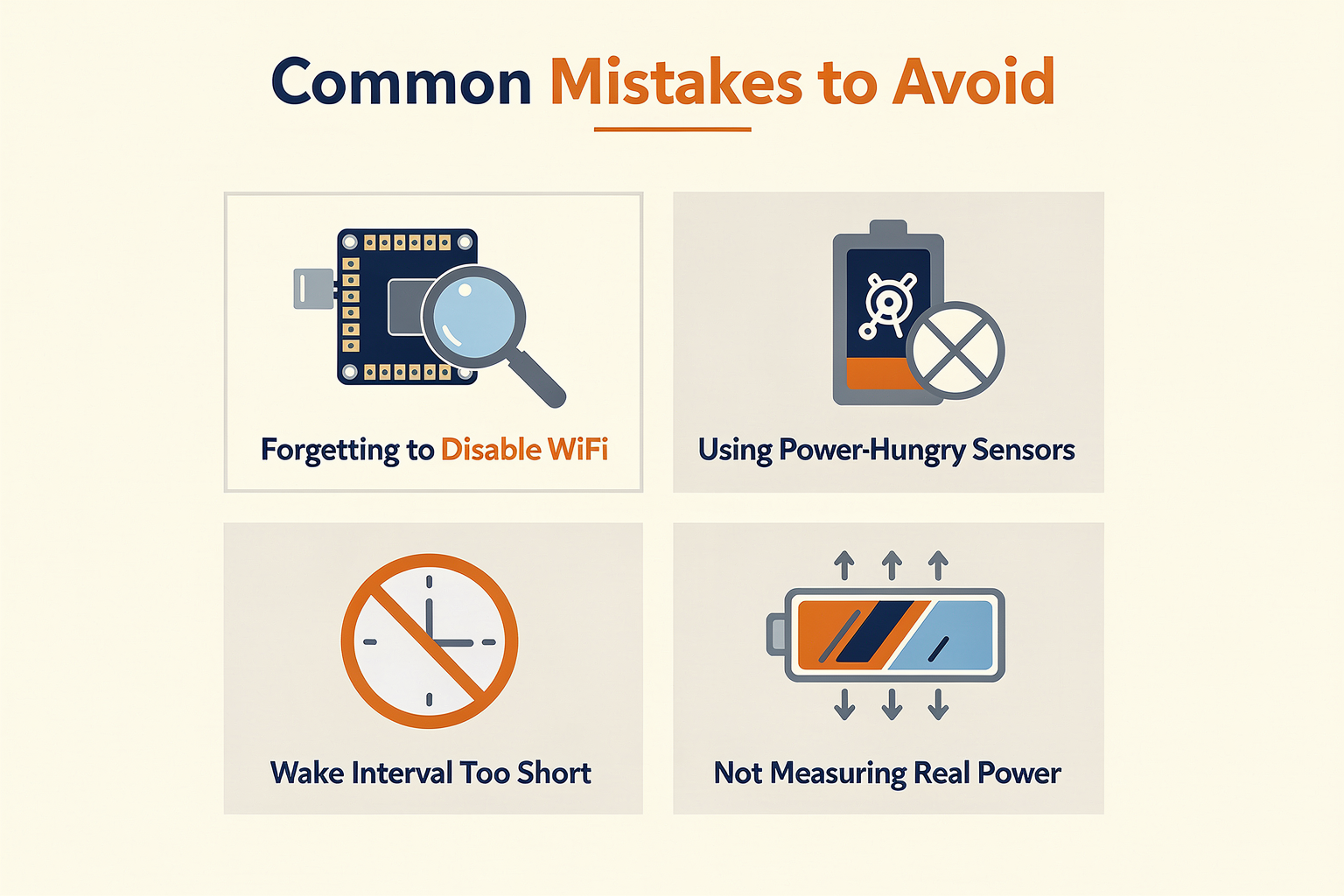
| Mistake | Impact on Battery Life | Solution |
|---|---|---|
| Not disabling WiFi in deep sleep | 50-100mA extra draw | Always disable before deep sleep |
| Using WiFi.persistent(true) | Increased standby current | Set to false when not needed |
| Keeping peripherals active | Unnecessary power drain | Disable all unused peripherals |
| Not using RTC memory properly | State corruption | Use RTC_DATA_ATTR correctly |
| High-resolution timers | Increased power | Use lower resolution when possible |
| Missing proper wake-up configuration | Random wake-ups | Validate wake-up sources |
Troubleshooting Common Issues
Deep Sleep Not Working
Problem: ESP32 doesn't wake up from deep sleep Solution: Check the following:
void debugDeepSleep() {
  // Verify wake-up source
  esp_sleep_wakeup_cause_t cause = esp_sleep_get_wakeup_cause();

  switch(cause) {
    case ESP_SLEEP_WAKEUP_TIMER:
      Serial.println("Timer wake-up");
      break;
    case ESP_SLEEP_WAKEUP_EXT0:
      Serial.println("External wake-up pin 0");
      break;
    case ESP_SLEEP_WAKEUP_EXT1:
      Serial.println("External wake-up pins");
      break;
    case ESP_SLEEP_WAKEUP_TOUCHPAD:
      Serial.println("Touchpad wake-up");
      break;
    case ESP_SLEEP_WAKEUP_ULP:
      Serial.println("ULP wake-up");
      break;
    default:
      Serial.println("Unknown wake-up cause");
  }

  // Check RTC memory
  Serial.printf("RTC counter: %d\n", rtc_data.counter);
}
Battery Life Not Meeting Expectations
Problem: Battery drains faster than expected Solution: Implement comprehensive power profiling:
struct PowerProfile {
  float active_current;
  float deep_sleep_current;
  unsigned long active_time;
  unsigned long sleep_time;
};

PowerProfile profileBatteryUsage() {
  PowerProfile profile = {0};

  // Measure active current
  profile.active_current = measureActiveCurrent();

  // Measure deep sleep current
  profile.deep_sleep_current = measureDeepSleepCurrent();

  // Calculate duty cycle
  profile.active_time = getActiveDuration();
  profile.sleep_time = getSleepDuration();

  return profile;
}
Frequently Asked Questions
With proper implementation, you can reduce power consumption from active mode (typically 80-120mA) to deep sleep mode (microamp range, 0.005-0.02mA). This represents a 99%+ reduction in power usage. In practical applications with a 10% duty cycle, this can extend battery life from days to months.
Ready to start building?
Explore our collection of DIY kits and components. All project components mentioned in this blog are available in our store.
Browse All Projects