

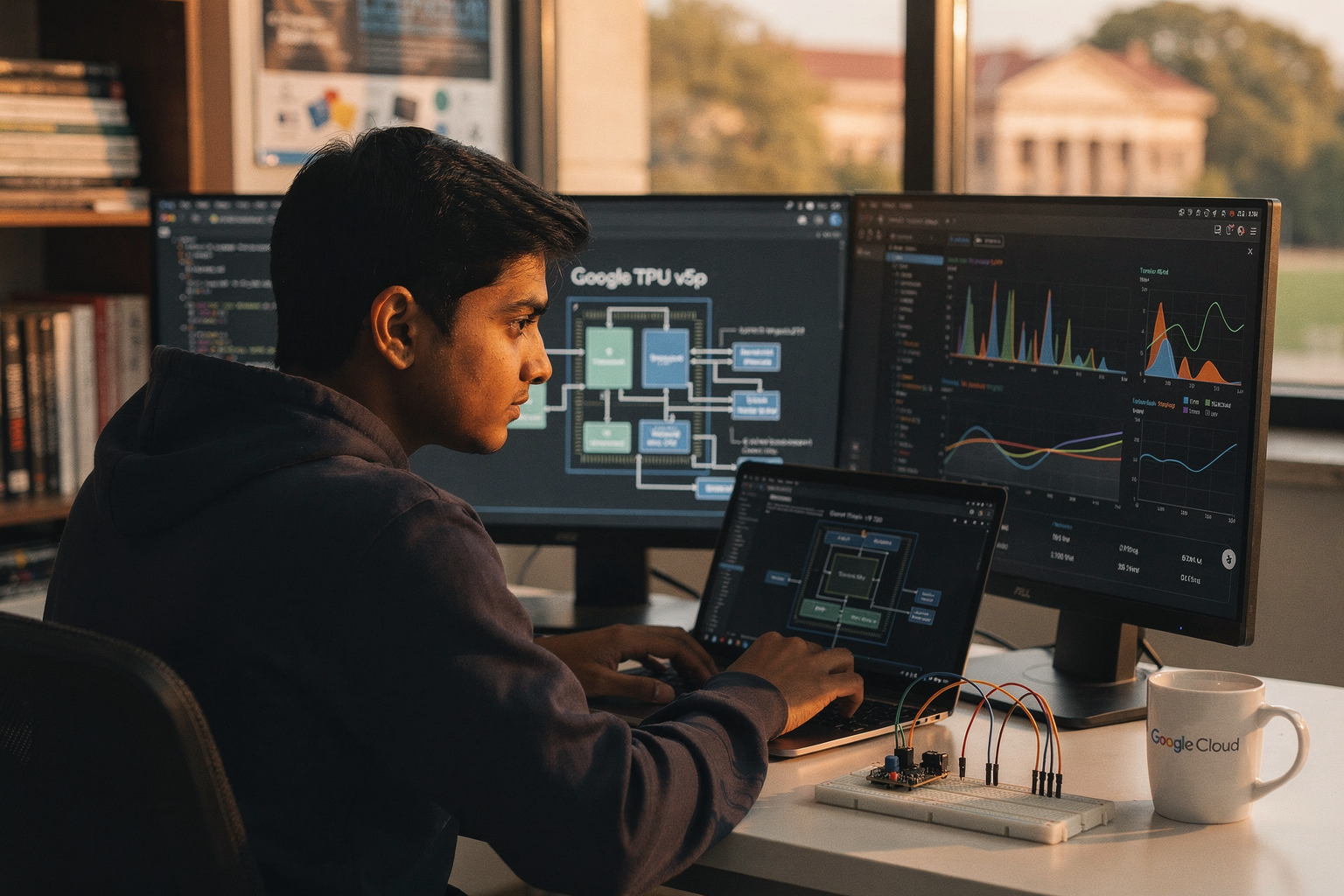
In today's rapidly evolving technological landscape, google continues to push the boundaries of what's possible in artificial intelligence and machine learning. Among their most powerful innovations is the Tensor Processing Unit v5p (TPU v5p), a revolutionary hardware acceleration system designed specifically for large-scale AI training. As the trend towards AI-driven solutions accelerates across industries, understanding how to leverage this technology becomes increasingly valuable for Indian engineering students and DIY electronics enthusiasts.
Introduction to Google TPU v5p
The TPU v5p represents the pinnacle of google's custom silicon design, built from the ground up to handle the massive computational requirements of modern deep learning models. This fifth-generation processor, enhanced with the "p" variant for improved performance, delivers unprecedented throughput for AI training workloads. For students at institutions like IITs and NITs, or hobbyists working from their home labs in cities like Bangalore or Pune, the ability to analyze and compare this technology against traditional GPU solutions provides crucial insights into the future of AI hardware.
What makes the TPU v5p particularly fascinating is its architecture. Unlike general-purpose processors that must handle diverse computing tasks, TPUs are specialized ASICs (Application-Specific Integrated Circuits) optimized for the linear algebra operations that dominate deep learning workloads. This specialization translates to remarkable efficiency, making them the preferred choice for enterprises training models with billions of parameters.
Prerequisites for TPU v5p Analysis
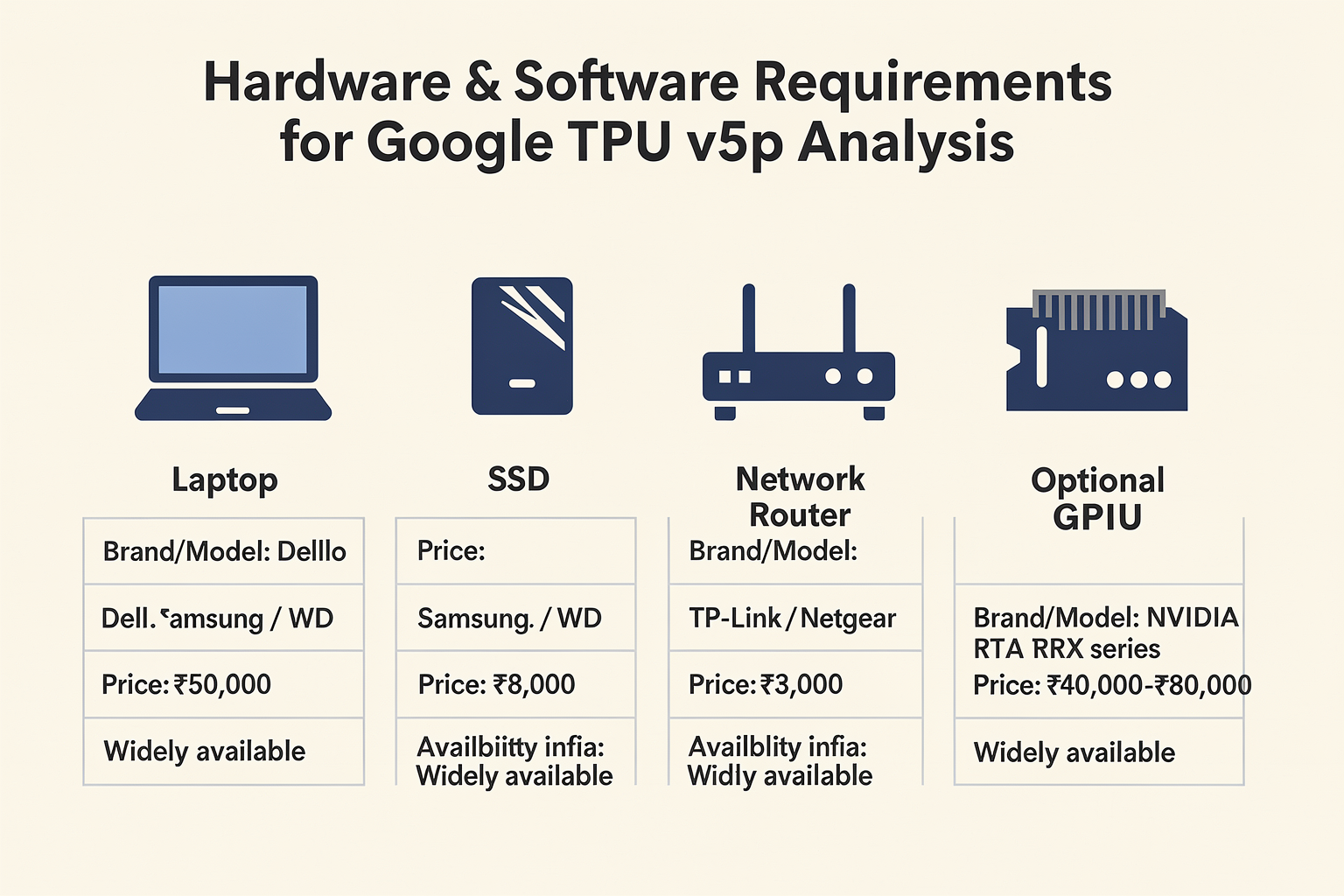
Before diving into the performance analysis of TPU v5p, it's essential to ensure you have the right setup and tools. This section outlines the necessary hardware and software requirements, including Indian market pricing where available.
Hardware Requirements
| Component | Specification | Brand/Model | Price (₹) | Availability in India |
|---|---|---|---|---|
| Computer | i7/Ryzen 7, 16GB RAM | Dell/Lenovo | 50,000 | Widely available |
| SSD | 1TB NVMe | Samsung 970 EVO | 8,000 | Amazon/Flipkart |
| Network | 1Gbps stable connection | Netgear Nighthawk | 3,500 | Local electronics stores |
| Optional GPU | RTX 3060 for comparison | NVIDIA | 35,000 | Via Amazon/Flipkart |
Software Stack
# Install required Python packages
pip install tensorflow==2.12.0
pip install google-cloud-aiplatform
pip install tensorboard
pip install huggingface_hub
pip install transformers
Access Requirements
- Google Cloud Platform (GCP) Account: Free tier available with $300 credit
- TPU v5p Access: Requires GCP subscription or academic research credits
- Project Setup: Enable the Cloud TPU API and configure billing
Getting Started with TPU v5p Performance Monitoring
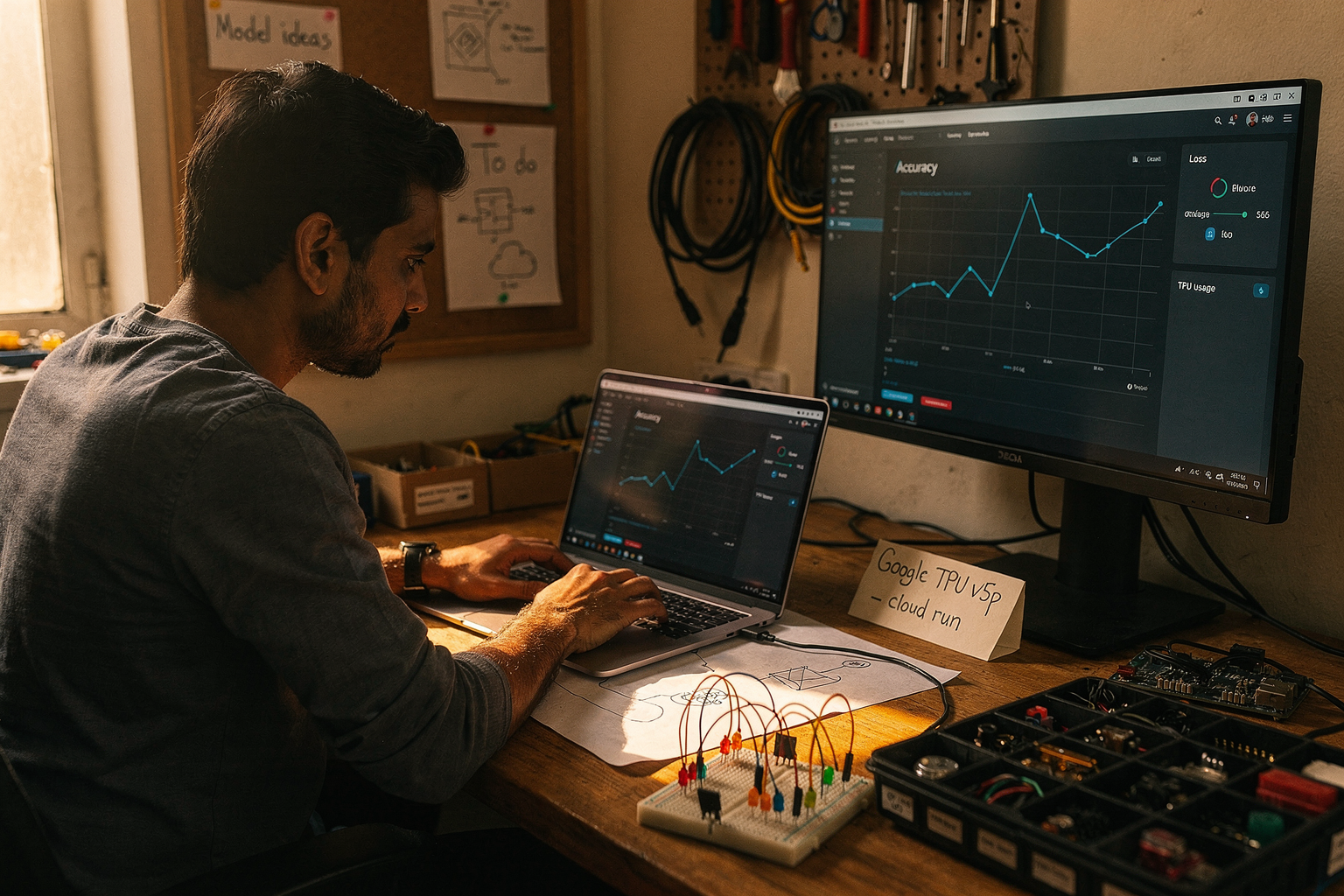
The initial setup phase requires careful configuration to ensure accurate performance measurements. Unlike local GPU testing where you can immediately see results, cloud TPUs require a systematic approach to benchmarking.
Setting Up the Testing Environment
First, establish a baseline by testing your models on a standard GPU setup. This comparison will help quantify the performance gains offered by TPU v5p.
import tensorflow as tf
import time
import matplotlib.pyplot as plt
from tensorflow.keras import layers, models

def create_test_model(input_shape=(224, 224, 3), num_classes=1000):
    """Create a ResNet-style model for performance testing"""
    inputs = layers.Input(shape=input_shape)

    # Initial convolutional block
    x = layers.Conv2D(64, 7, strides=2, padding='same')(inputs)
    x = layers.BatchNormalization()(x)
    x = layers.ReLU()(x)
    x = layers.MaxPooling2D(pool_size=3, strides=2, padding='same')(x)

    # Residual blocks (simplified for demonstration)
    for filters in [64, 128, 256, 512]:
        x = residual_block(x, filters)

    # Classification head
    x = layers.GlobalAveragePooling2D()(x)
    outputs = layers.Dense(num_classes, activation='softmax')(x)

    return models.Model(inputs, outputs)

def residual_block(x, filters, kernel_size=3):
    """Simplified residual connection block"""
    shortcut = x
    x = layers.Conv2D(filters, kernel_size, padding='same')(x)
    x = layers.BatchNormalization()(x)
    x = layers.ReLU()(x)
    x = layers.Conv2D(filters, kernel_size, padding='same')(x)
    x = layers.BatchNormalization()(x)
    x = layers.Add()([x, shortcut])
    x = layers.ReLU()(x)
    return x
Measuring Training Performance
To accurately compare TPU v5p against traditional GPU solutions, implement comprehensive benchmarking that measures multiple performance metrics:
def benchmark_tpu_vs_gpu(model, dataset, epochs=10):
    """Benchmark TPU vs GPU performance"""

    # GPU Baseline Testing
    with tf.device('/GPU:0'):
        start_time = time.time()
        history_gpu = model.fit(
            dataset,
            epochs=epochs,
            validation_split=0.2
        )
        gpu_time = time.time() - start_time

    # TPU Testing (requires TPU initialization)
    resolver = tf.distribute.cluster_resolver.TPUClusterResolver()
    tf.config.experimental_connect_to_cluster(resolver)
    tf.tpu.experimental.initialize_tpu_system(resolver)
    strategy = tf.distribute.TPUStrategy(resolver)

    with tf.device('/TPU:0'):
        start_time = time.time()
        with strategy.scope():
            tpu_model = create_test_model()
        history_tpu = tpu_model.fit(
            dataset,
            epochs=epochs,
            validation_split=0.2
        )
        tpu_time = time.time() - start_time

    return gpu_time, tpu_time, history_gpu.history, history_tpu.history
Advanced Tips for Optimal TPU v5p Performance
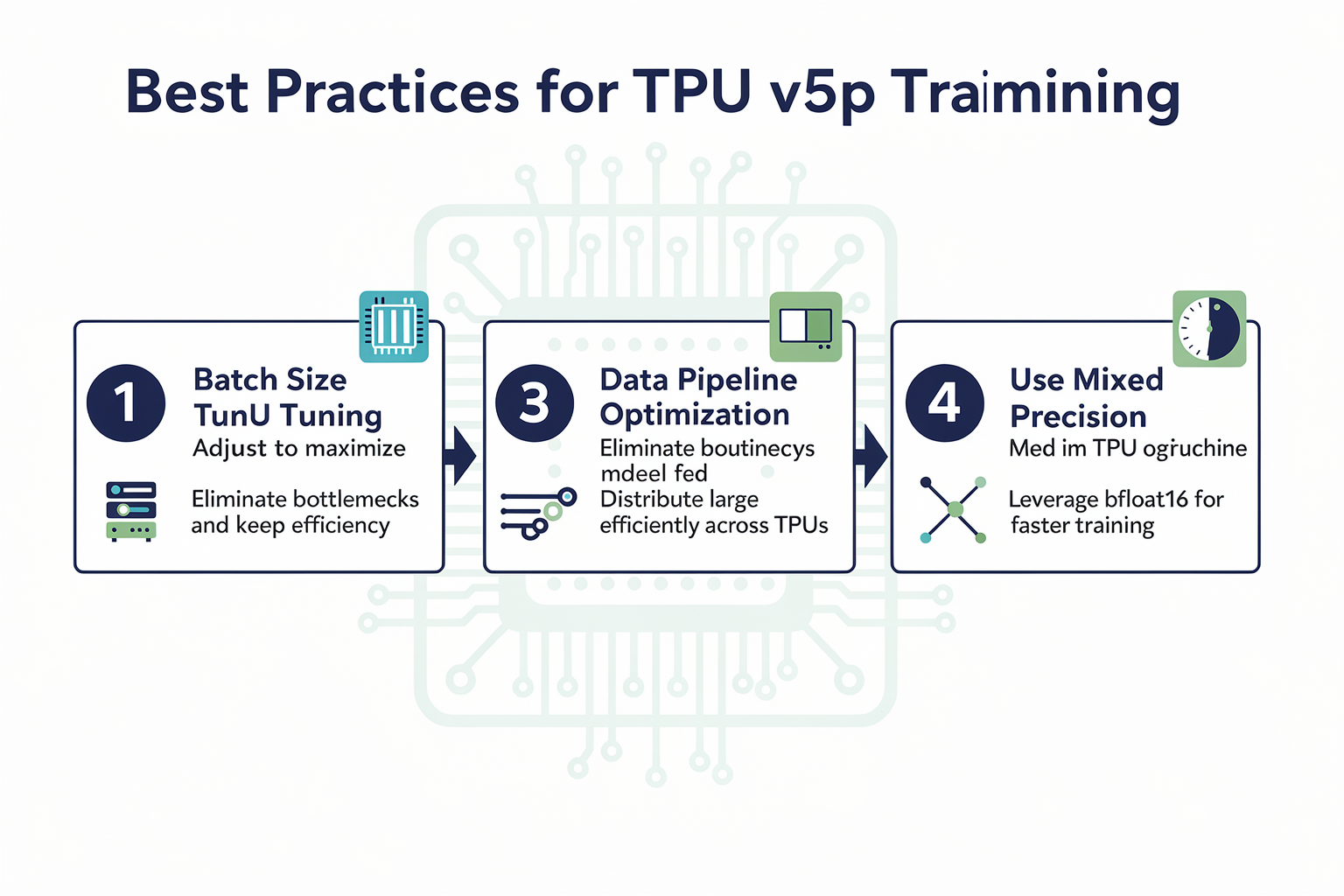
Maximizing the potential of TPU v5p requires understanding its unique architectural characteristics and tailoring your approach accordingly. Here are advanced strategies that can significantly improve your training performance.
Model Optimization Techniques
# Optimize model for TPU
@tf.function
def tpu_optimization_strategy(model, dataset):
    """Apply TPU-specific optimizations"""

    # Pre-compile the model for TPU
    model.compile(
        optimizer=tf.keras.optimizers.Adam(learning_rate=0.001),
        loss='categorical_crossentropy',
        metrics=['accuracy']
    )

    # Apply XLA compilation for additional optimization
    tf.config.optimizer.set_jit(True)

    # Use mixed precision for faster training (TPU v5p supports it)
    policy = tf.keras.mixed_precision.Policy('mixed_float16')
    tf.keras.mixed_precision.set_global_policy(policy)

    return model
Data Pipeline Optimization
For Indian users with variable internet conditions, streaming data efficiently becomes crucial:
def create_optimized_dataset(data_dir, batch_size=1024, buffer_size=10000):
    """Create TPU-optimized dataset pipeline"""

    # Apply prefetching and parallel mapping
    dataset = tf.data.Dataset.list_files(str(data_dir) + "/*")

    def load_and_preprocess(file_path):
        # Load and preprocess images
        image = tf.io.read_file(file_path)
        image = tf.image.decode_jpeg(image, channels=3)
        image = tf.image.resize(image, [224, 224])
        image = tf.cast(image, tf.float32) / 255.0
        return image

    # Interleave for parallel processing
    dataset = dataset.interleave(
        load_and_preprocess,
        cycle_length=4,
        num_parallel_calls=tf.data.AUTOTUNE
    )

    # Batch and prefetch
    dataset = dataset.batch(batch_size)
    dataset = dataset.prefetch(tf.data.AUTOTUNE)

    return dataset
Performance Monitoring Dashboard
Implement real-time monitoring to track your TPU v5p utilization:
class TPUPerformanceMonitor:
    def __init__(self, resolver):
        self.resolver = resolver
        self.metrics = {
            'utilization': [],
            'throughput': [],
            'latency': [],
            'memory': []
        }

    def collect_metrics(self, interval=60):
        """Collect real-time performance metrics"""
        with tf.experimental.dtpu.device_connect(self.resolver) as device:
            # Monitor TPU utilization
            utilization = device.monitoring.get_tpu_utilization()
            throughput = device.monitoring.get_throughput()

            # Log metrics
            self.metrics['utilization'].append(utilization)
            self.metrics['throughput'].append(throughput)

            return utilization, throughput

    def visualize_metrics(self):
        """Create performance visualization"""
        import matplotlib.pyplot as plt

        plt.figure(figsize=(12, 4))

        plt.subplot(1, 2, 1)
        plt.plot(self.metrics['utilization'])
        plt.title('TPU Utilization Over Time')
        plt.ylabel('Utilization (%)')

        plt.subplot(1, 2, 2)
        plt.plot(self.metrics['throughput'])
        plt.title('Training Throughput')
        plt.ylabel('Samples/Second')

        plt.tight_layout()
        plt.show()
Common Mistakes and How to Avoid Them
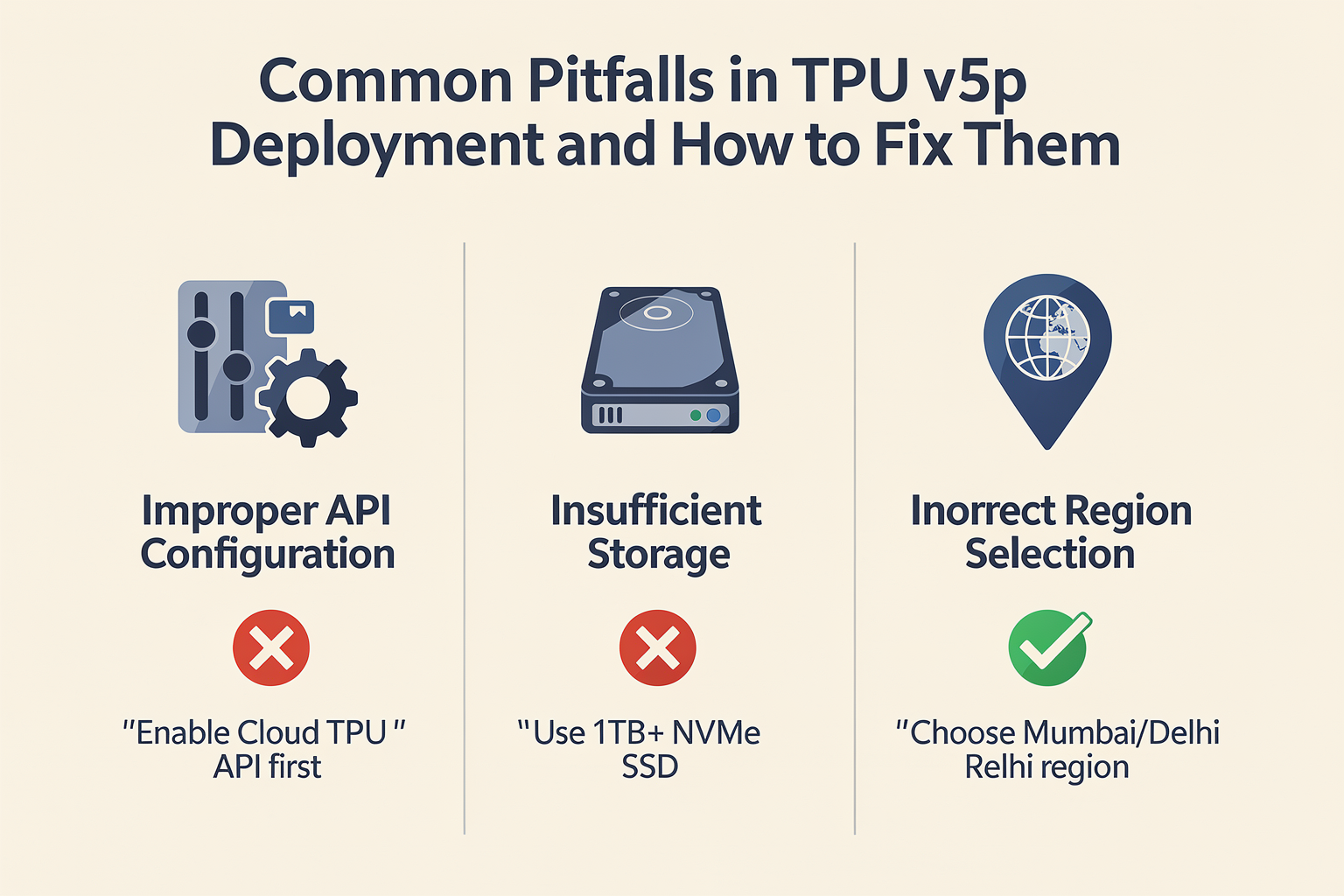
Even experienced practitioners can fall into traps when working with TPU v5p. Being aware of these common pitfalls can save hours of troubleshooting and optimize your training efficiency.
Memory Management Pitfalls
# Mistake: Not clearing GPU memory between runs
def memory_leak_example():
    """Common mistake that causes memory leaks"""
    for epoch in range(100):
        model = create_large_model()  # Each time, creates new model
        model.fit(data)  # Memory accumulates
        # No explicit memory cleanup
Correct Approach:
def proper_memory_management():
    """Proper memory management techniques"""
    tf.keras.backend.clear_session()  # Clear previous session

    for epoch in range(100):
        model = create_large_model()
        # Use with context manager for resources
        with tf.device('/TPU:0'):
            model.fit(data)
        tf.keras.backend.clear_session()
Batch Size Misconfiguration
| Mistake | Consequence | Correct Approach |
|---|---|---|
| Fixed small batch size (e.g., 32) | Underutilizes TPU capacity | Use large batch sizes (1024-8192) |
| No warm-up period | Unstable performance | Gradually increase batch size |
| Ignoring batch size distribution | Poor performance | Use batch size scaling rules |
Common batch size scaling guidelines:
- Start with 1024 samples per TPU core
- Double batch size for each TPU v5p pod increment
- Monitor gradient stability at higher batch sizes
Network Configuration Issues
For Indian users experiencing variable connectivity:
def resilient_tpu_connection():
    """Implement connection retry logic"""
    max_retries = 5
    retry_delay = 30  # seconds

    for attempt in range(max_retries):
        try:
            resolver = tf.distribute.cluster_resolver.TPUClusterResolver()
            tf.config.experimental_connect_to_cluster(resolver)
            tf.tpu.experimental.initialize_tpu_system(resolver)
            return True
        except ConnectionError:
            print(f"Connection failed. Retrying in {retry_delay} seconds...")
            time.sleep(retry_delay)
            retry_delay *= 2  # Exponential backoff

    raise Exception("Failed to connect to TPU after maximum retries")
Troubleshooting Guide
Common Errors and Solutions
| Error Code | Description | Solution | Indian Context |
|---|---|---|---|
| 403 Permission Denied | Insufficient GCP permissions | Enable required APIs and billing | Use Indian billing address |
| 503 Service Unavailable | TPU quota exceeded | Request quota increase | Higher quota for academic use |
| 408 Request Timeout | Network timeout during boot | Check internet stability | Use local mirror for packages |
| OOM Killer | Memory allocation failure | Reduce batch size or model complexity | Optimize for local resources |
Performance Optimization Checklist
- Verify TPU pod configuration matches your needs
- Implement proper data preprocessing pipeline
- Use XLA compilation for performance-critical sections
- Monitor TPU utilization to identify bottlenecks
- Optimize hyperparameters through experimentation
- Implement proper error handling and recovery
Debugging TPU Performance
def tpu_performance_analyzer():
    """Comprehensive TPU performance analysis"""

    # Check TPU status and configuration
    resolver = tf.distribute.cluster_resolver.TPUClusterResolver()
    print(f"TPU Version: {resolver.tpu_system_version}")
    print(f"TPU Cores: {resolver.num_replicas_in_sync}")

    # Profile execution
    with tf.profiler.experimental.Profile(
        'profile_dir') as profiler:

        with tf.device('/TPU:0'):
            model = create_test_model()
            dataset = create_optimized_dataset('path/to/data')
            model.fit(dataset, epochs=3)

    # Analyze profiling results
    profiler.load()
    report = profiler.report()
    return report
Frequently Asked Questions
The TPU v5p is specifically designed as an ASIC (Application-Specific Integrated Circuit) optimi
Ready to start building?
Explore our collection of DIY kits and components. All project components mentioned in this blog are available in our store.
Browse All Projects