

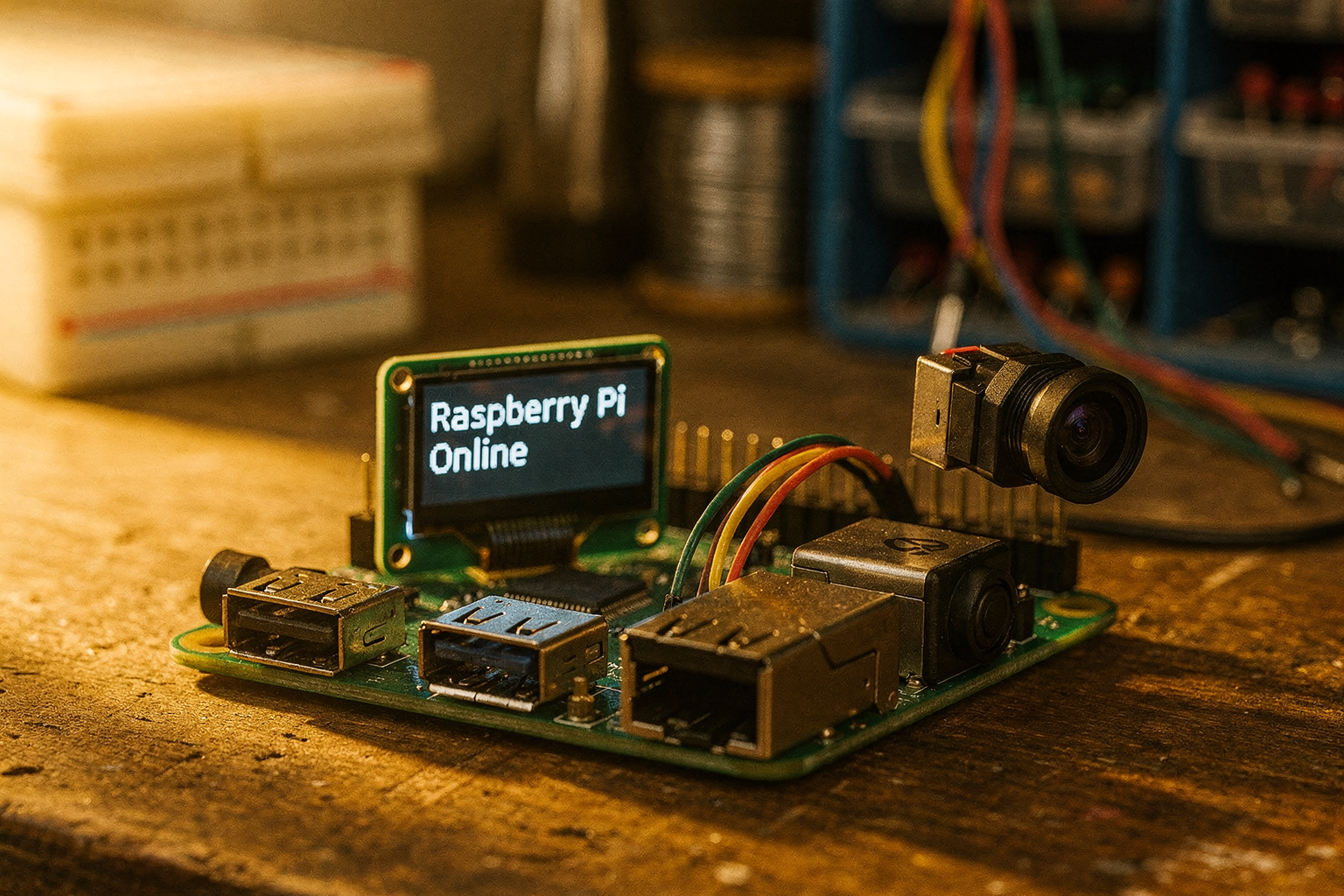
Introduction: The Rise of Edge AI
The landscape of artificial intelligence is rapidly evolving, and a new trend is emerging in the world of small language models (SLMs) that's particularly exciting for Indian engineers and DIY enthusiasts. Microsoft's Phi-3 Mini, the latest addition to their Phi series, represents a significant breakthrough in making advanced AI capabilities accessible on edge devices. As the cost of cloud computing continues to rise and privacy concerns grow, running AI models locally has become more than just a preference—it's becoming a necessity.
The trend toward edge AI computing is reshaping how we approach embedded systems, IoT projects, and even robotics. Imagine having a smart assistant that responds instantly on your Raspberry Pi, or a voice-controlled system that works offline without any internet connection. This is the promise that Phi-3 Mini brings to the table, and it's more affordable and accessible than ever before for students and hobbyists in India.
In this comprehensive guide, we'll explore how you can integrate Microsoft's Phi-3 Mini into your projects, what components you'll need, and how to overcome common challenges. We'll focus on practical implementations that you can build right here in India, using components readily available from local suppliers and online stores.
Prerequisites: Setting Up Your Edge AI Development Environment
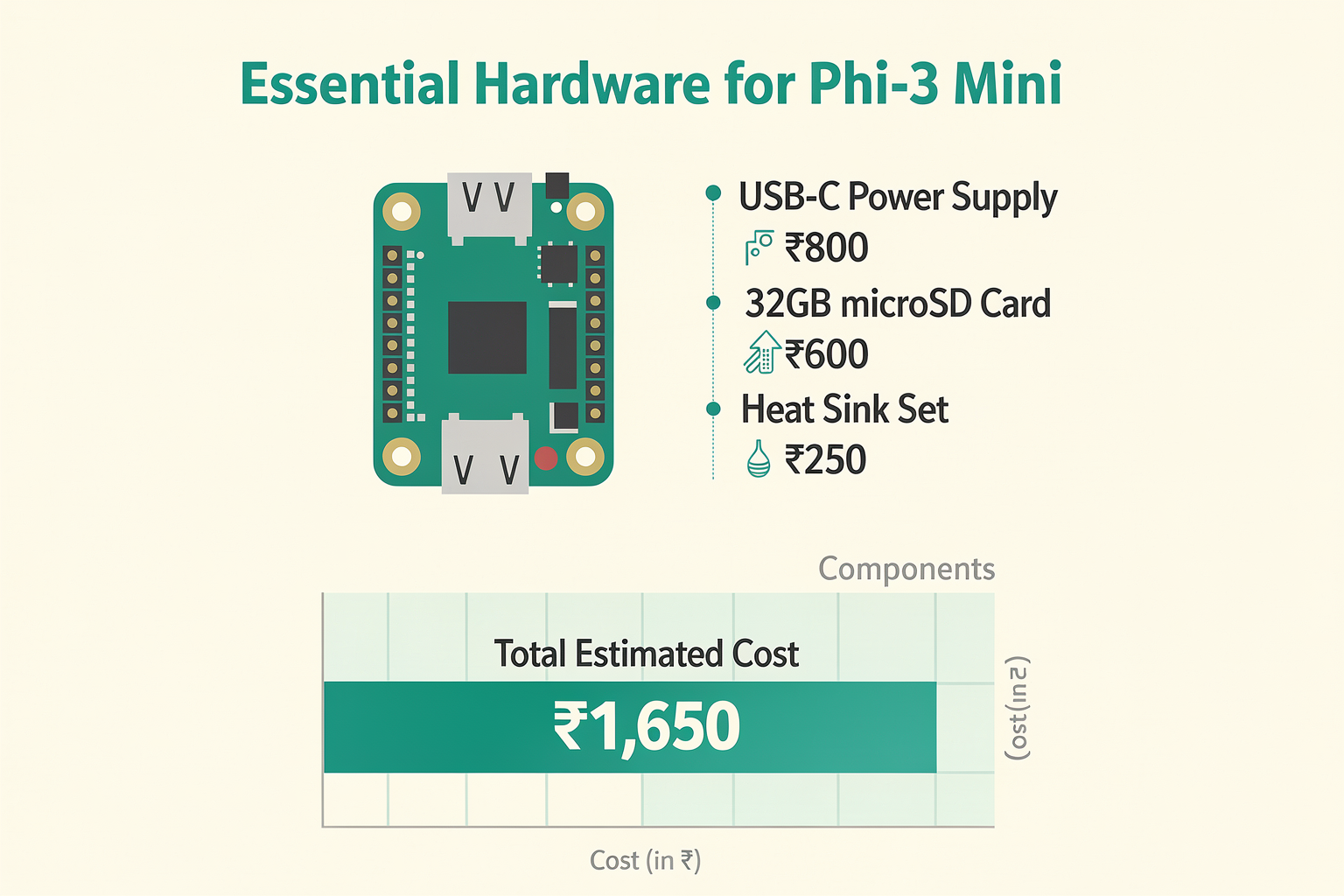
Before diving into Phi-3 Mini implementation, you'll need some essential components and software tools. Here's a comprehensive list of what you'll need, with pricing information from popular Indian electronics retailers:
Hardware Requirements
| Component | Specification | Price (₹) | Recommended Supplier |
|---|---|---|---|
| Raspberry Pi 4B | 4GB RAM, WiFi/Bluetooth | 3,500 | Amazon India, Robokits India |
| USB-C Power Supply | 5V 3A, Official Raspberry Pi | 800 | Local Electronics Stores |
| 32GB microSD Card | Class 10, A1 rated | 600 | PiShop India, Amazon India |
| Heat Sink Set | Aluminum, 40x40mm | 250 | Local Electronics Market |
Software Tools
| Software | Purpose | Cost (₹) | Availability |
|---|---|---|---|
| Raspberry Pi OS | Operating System | Free | Official Download |
| Python 3.9+ | Programming Language | Free | Pre-installed |
| Pip | Package Manager | Free | Pre-installed |
| Git | Version Control | Free | Terminal Installation |
Optional but Recommended Components
| Component | Specification | Price (₹) |
|---|---|---|
| Camera Module v2 | 8MP, 1080p video | 2,000 |
| Microphone Array | Noise cancellation | 1,500 |
| OLED Display | 1.3" I2C, 128x64 | 300 |
Getting Started with Phi-3 Mini
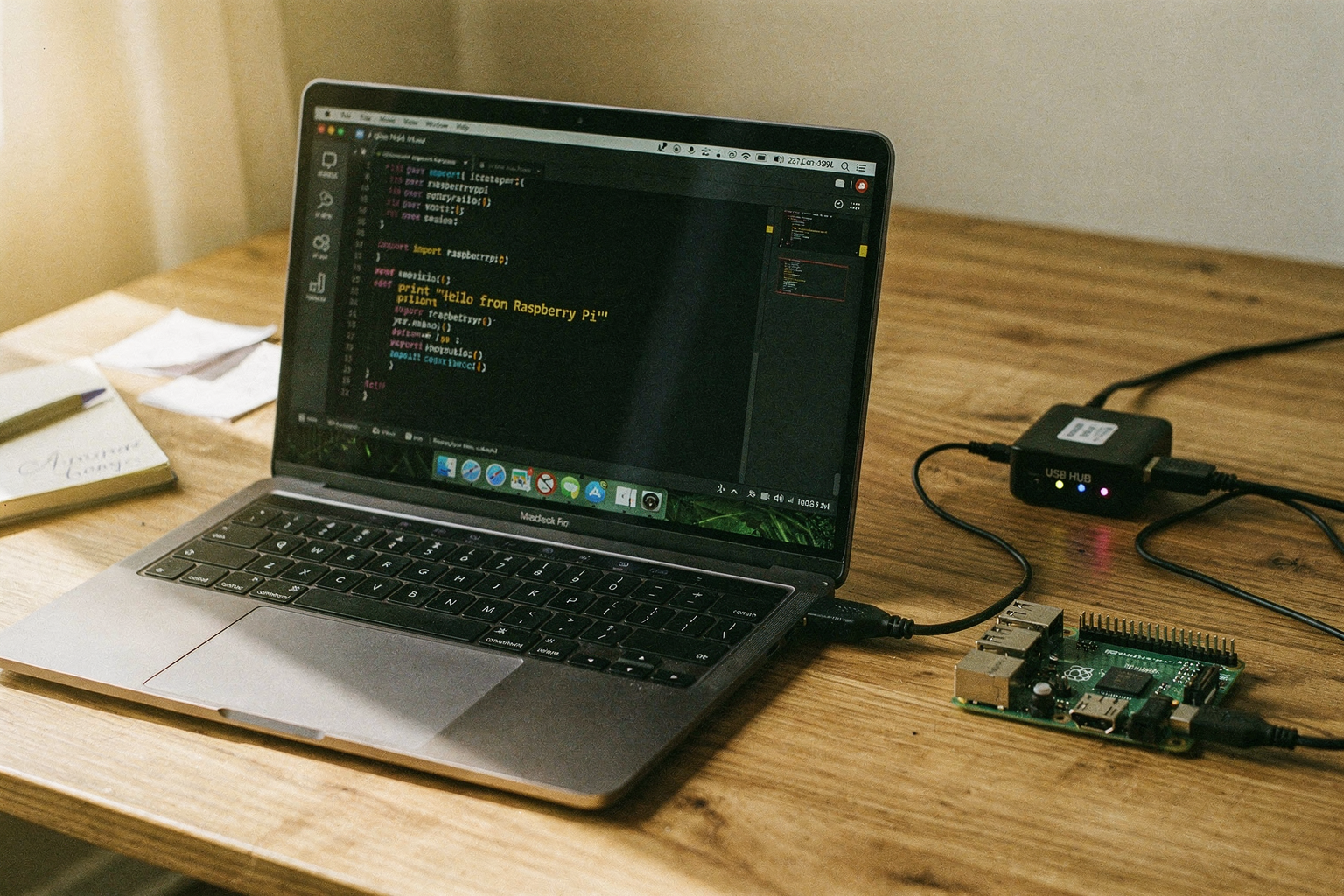
Understanding the Phi-3 Mini Architecture
The Phi-3 Mini is a 3.8 billion parameter model that represents Microsoft's commitment to creating efficient yet powerful language models. While smaller than traditional large language models like GPT-4, it maintains impressive performance on reasoning and language tasks while running efficiently on resource-constrained devices.
The model excels in several areas:
- Reasoning tasks: Complex problem-solving capabilities
- Language understanding: Multilingual support including Indian languages
- Code generation: Writing and debugging code snippets
- Conversation: Natural dialogue interactions
Installation and Setup Process
Let's walk through the complete setup process step by step:
# Step 1: Update your system packages
sudo apt update && sudo apt upgrade -y

# Step 2: Install essential Python packages
pip install torch torchvision torchaudio
pip install transformers accelerate bitsandbytes
pip install peft optimum

# Step 3: Clone the Phi-3 Mini repository
git clone https://github.com/microsoft/Phi-3.git
cd Phi-3

# Step 4: Download the pre-trained model weights
python download_model.py --model phi3-mini-4k-instruct
Basic Implementation Example
Here's a simple Python script to get you started with Phi-3 Mini on your Raspberry Pi:
import torch
from transformers import AutoTokenizer, AutoModelForCausalLM
import time

def load_phi3_mini():
    model_name = "microsoft/Phi-3-mini-4k-instruct"

    # Load tokenizer and model
    tokenizer = AutoTokenizer.from_pretrained(model_name)
    model = AutoModelForCausalLM.from_pretrained(
        model_name,
        torch_dtype=torch.float16,
        device_map="auto",
        load_in_4bit=True  # Reduce memory usage
    )

    return tokenizer, model

def inference(model, tokenizer, prompt):
    # Prepare the prompt
    messages = [{"role": "user", "content": prompt}]
    formatted_prompt = tokenizer.apply_chat_template(
        messages,
        add_generation_prompt=True,
        tokenize=True
    ).unsqueeze(0)

    # Generate response
    with torch.no_grad():
        outputs = model.generate(
            formatted_prompt,
            max_new_tokens=512,
            temperature=0.7,
            do_sample=True,
            pad_token_id=tokenizer.eos_token_id
        )

    # Decode and return response
    response = tokenizer.decode(outputs[0], skip_special_tokens=True)
    return response

# Main execution
if __name__ == "__main__":
    print("Loading Phi-3 Mini model...")
    tokenizer, model = load_phi3_mini()
    print("Model loaded successfully!")

    # Example conversation
    while True:
        user_input = input("\nYou: ")
        if user_input.lower() in ['exit', 'quit']:
            break

        start_time = time.time()
        response = inference(model, tokenizer, user_input)
        end_time = time.time()

        print(f"Assistant: {response}")
        print(f"Response time: {end_time - start_time:.2f} seconds")
Optimizing for Edge Performance
Running language models on edge devices requires careful optimization. Here are some techniques to improve performance:
# Memory optimization settings
import torch
from transformers import BitsAndBytesConfig

# Configure 4-bit quantization
bnb_config = BitsAndBytesConfig(
    load_in_4bit=True,
    bnb_4bit_quant_type="nf4",
    bnb_4bit_compute_dtype=torch.float16,
    bnb_4bit_use_double_quant=True
)

# Apply configuration to model loading
model = AutoModelForCausalLM.from_pretrained(
    model_name,
    quantization_config=bnb_config,
    device_map="auto",
    torch_dtype=torch.float16
)
Advanced Implementation: Real-World Projects
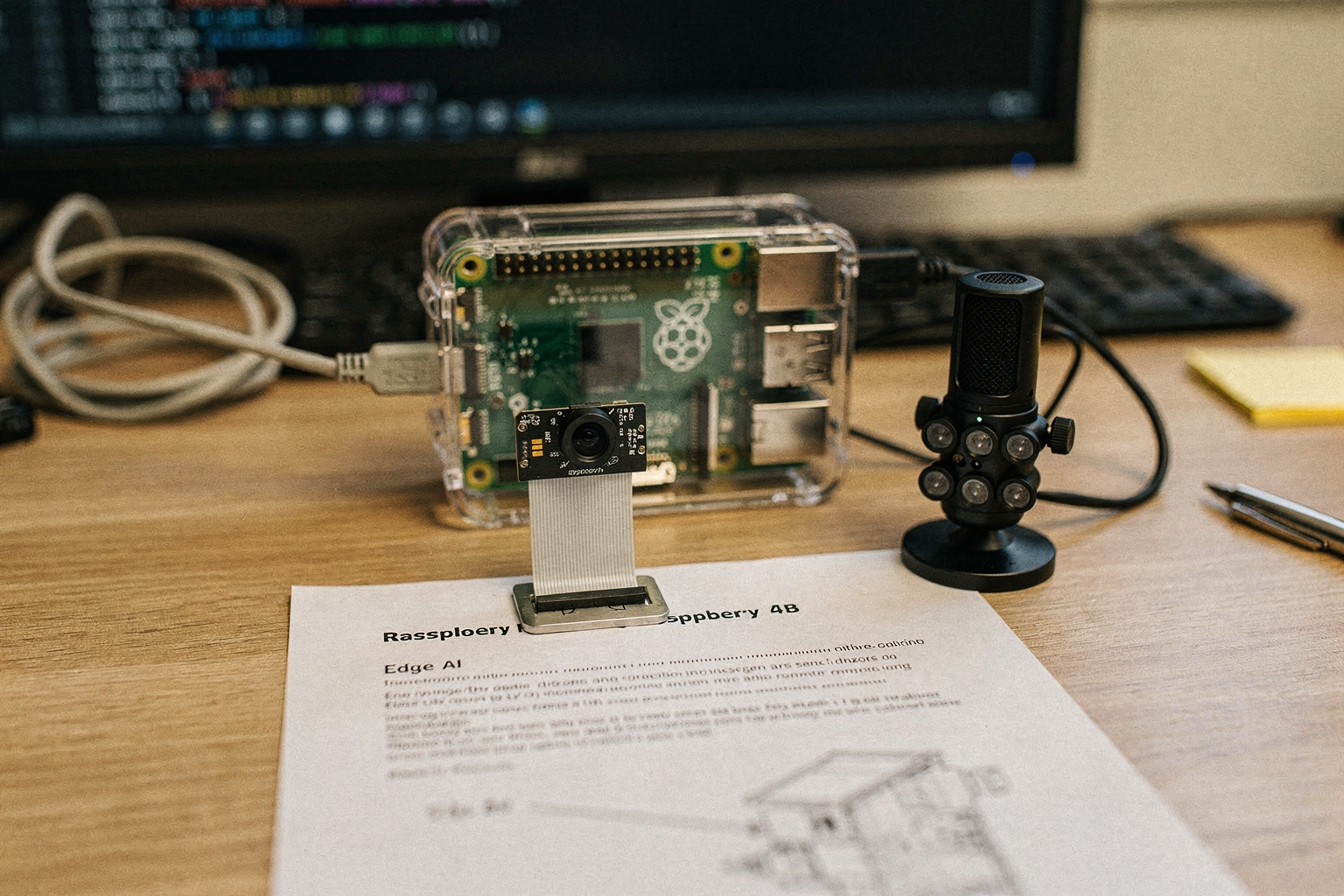
Project 1: Voice Assistant System
Let's create a practical voice assistant that works offline using Phi-3 Mini:
import speech_recognition as sr
import pyaudio
from threading import Thread
import queue

class VoiceAssistant:
    def __init__(self):
        self.recognizer = sr.Recognizer()
        self.microphone = sr.Microphone()
        self.response_queue = queue.Queue()
        self.is_listening = False

        # Initialize Phi-3 Mini (reuse from previous example)
        self.tokenizer, self.model = load_phi3_mini()

    def listen_for_command(self):
        with self.microphone as source:
            self.recognizer.adjust_for_ambient_noise(source)
            try:
                audio = self.recognizer.listen(source, timeout=5, phrase_time_limit=10)
                command = self.recognizer.recognize_google(audio)
                self.response_queue.put(f"user: {command}")
            except sr.WaitTimeoutError:
                return
            except sr.UnknownValueError:
                return

    def generate_response(self, text):
        prompt = f"Translate this to Hindi: {text}"
        response = inference(self.model, self.tokenizer, prompt)
        self.response_queue.put(f"assistant: {response}")

    def run(self):
        # Start listening in background thread
        listen_thread = Thread(target=self.listen_for_command)
        listen_thread.daemon = True
        listen_thread.start()

        while True:
            try:
                message = self.response_queue.get(timeout=1)
                print(message)

                # Simple command processing
                if "translate" in message.lower():
                    user_text = message.split(": ")[1]
                    self.generate_response(user_text)

            except queue.Empty:
                continue

# Run the assistant
assistant = VoiceAssistant()
assistant.run()
Project 2: Code Generation Assistant
Create a helpful coding assistant that can explain and generate code:
def code_generator(model, tokenizer, language, description):
    prompt = f"""
    Generate Python code for {language} to: {description}

    Requirements:
    1. Write clean, well-documented code
    2. Include error handling
    3. Follow PEP 8 standards
    4. Add comments explaining each step

    Code:
    """

    response = inference(model, tokenizer, prompt)
    return response

# Example usage
code_request = "Create a web scraper for Amazon products using Python"
generated_code = code_generator(model, tokenizer, "Python", code_request)
print(generated_code)
Advanced Tips and Best Practices
Memory Management Strategies
When working with language models on edge devices, memory management is crucial:
| Strategy | Implementation | Memory Savings | Performance Impact |
|---|---|---|---|
| 4-bit Quantization | bitsandbytes library | 75% | Slight quality reduction |
| Model Pruning | Remove unused layers | 30-40% | Minimal impact |
| Batch Processing | Process multiple inputs | 50% | Slower response time |
| Caching | Store common responses | 20% | Faster repeat queries |
Power Optimization Techniques
Running AI models can be power-intensive. Here are some optimization strategies:
# Dynamic power management
import psutil
import time

def adaptive_inference(model, tokenizer, prompt, max_power_watts=10):
    # Check current power consumption
    cpu_percent = psutil.cpu_percent()
    estimated_power = cpu_percent * 0.05  # Rough estimation

    if estimated_power > max_power_watts:
        print("High power consumption detected, using optimized settings")
        # Reduce model complexity
        return inference_optimized(model, tokenizer, prompt)
    else:
        return standard_inference(model, tokenizer, prompt)
Temperature and Response Quality Tuning
Finding the right balance between creativity and accuracy is key:
def optimized_generation(model, tokenizer, prompt):
    # Experiment with different temperatures
    temperatures = [0.1, 0.3, 0.5, 0.7, 0.9]
    results = []

    for temp in temperatures:
        response = inference(
            model, tokenizer, prompt,
            temperature=temp,
            top_p=0.95
        )
        results.append((temp, response))

    # Return the best response (you can implement quality scoring)
    return results[2][1]  # Middle temperature often works well
Common Mistakes and Troubleshooting
Troubleshooting Table
| Problem | Common Cause | Solution |
|---|---|---|
| Out of Memory Error | Model too large for available RAM | Use 4-bit quantization, reduce batch size |
| Slow Response Time | Insufficient processing power | Optimize with ONNX Runtime, use smaller models |
| High Temperature | Poor cooling in Raspberry Pi | Add active cooling, improve ventilation |
| Poor Response Quality | Incorrect prompt formatting | Use proper chat template, add context |
| Connection Drops | USB instability | Use powered USB hub, check cables |
Common Pitfalls to Avoid
-
Insufficient RAM: The Raspberry Pi 4B with 4GB RAM is the minimum requirement. Consider upgrading to 8GB if possible.
-
Ignoring Temperature: Running AI models generates heat. Monitor your device temperature and implement cooling solutions.
-
Poor Prompt Engineering: The quality of Phi-3 Mini's responses heavily depends on how you phrase your prompts.
-
Neglecting Updates: Keep your system and Python packages updated for optimal performance and security.
-
Overlooking Power Supply: Invest in a high-quality power supply. Unstable power can cause system crashes.
Frequently Asked Questions
The minimum requirement is 4GB RAM using 4-bit quanti
Ready to start building?
Explore our collection of DIY kits and components. All project components mentioned in this blog are available in our store.
Browse All Projects