

Raspberry Pi AI Kit with Hailo-8L: Getting Started Guide (2026 Edition)
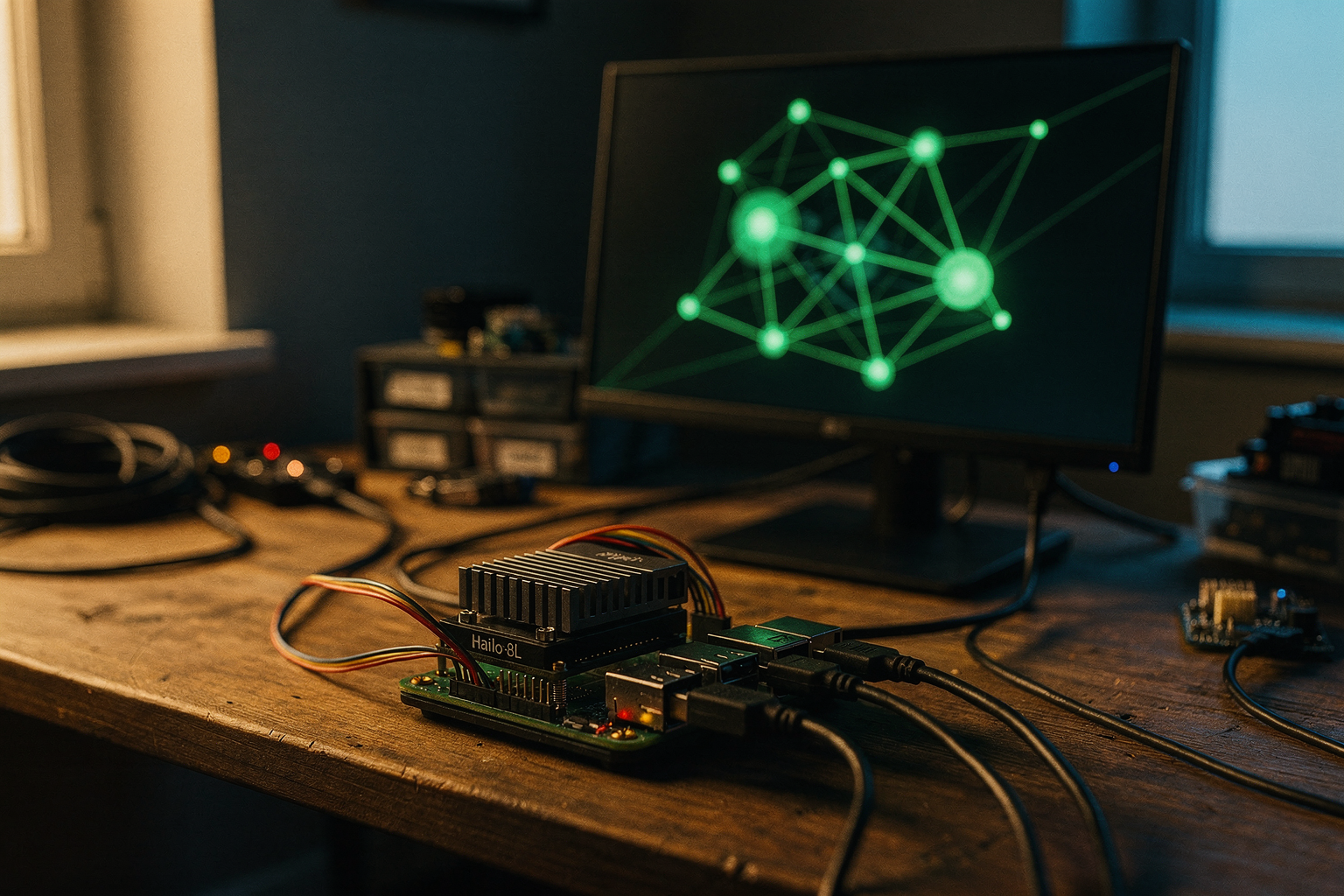
What if you could run real-time AI inference—object detection, speech recognition, or pose estimation—on a device that fits in the palm of your hand and consumes just a few watts of power? That’s exactly what the Raspberry Pi AI Kit with Hailo-8L delivers, and by 2026, edge AI is no longer a futuristic luxury—it’s an essential capability for makers, students, and engineers across India. With the global edge AI market projected to surpass $50 billion this year, the ability to deploy neural networks locally (without cloud latency or data privacy concerns) has become a must-have skill. The Hailo-8L neural processing unit (NPU) packs up to 13 TOPS (trillion operations per second) of computing power, transforming a standard Raspberry Pi 5 into a dedicated AI accelerator that can process 30+ frames per second on models like YOLOv8n. This isn’t just a fancy add-on; it’s a cost-effective entry point into real-world machine learning projects for final-year engineering students, IoT hobbyists, and robotics enthusiasts who want to build smart cameras, autonomous rovers, or industrial inspection prototypes.
This getting-started guide will walk you through everything you need to know about the Raspberry Pi AI Kit with Hailo-8L—from unboxing the HAT+ and installing the required software stack (including the HailoRT runtime and Raspberry Pi’s AI software) to running your first inference script. You’ll learn how to connect the module, set up the RPi AI camera, and test pre-trained models like MobileNet SSD or YOLOv8. By the end of this tutorial, you’ll have a fully functional edge AI unit that can recognise objects, detect faces, or even trigger actions via GPIO pins. And if you’re looking to source a complete, tested AI kit with genuine components and step-by-step build guides, platforms like TecnoMate (India’s marketplace for DIY electronics) are now stocking the official Raspberry Pi AI Kit along with all necessary accessories—making it easier than ever to jump into edge AI without hunting for parts. Let’s boot up your Pi and start accelerating intelligence.
Introduction
What is the Raspberry Pi AI Kit?
The Raspberry Pi AI Kit is an official add-on board designed to supercharge your Raspberry Pi 5 with dedicated hardware acceleration for neural network inference. At its heart sits the Hailo-8L neural processing unit (NPU), a compact co-processor capable of delivering 13 TOPS (trillion operations per second) of performance while drawing only a few watts of power. This means you can run real-time object detection, image classification, pose estimation, and other deep-learning models directly on the Pi without bogging down the main CPU or requiring a cloud connection.
Announced by Raspberry Pi Ltd. in mid‑2024, this kit arrives as a natural evolution of the maker’s board into the edge-AI space. It consists of a pre-assembled Hailo-8L M.2 module fitted onto a Raspberry Pi M.2 HAT+ that plugs into the PCIe 2.0 lane of the Raspberry Pi 5. Setup is about as simple as mounting a camera module — no tricky soldering or kernel compilation required.
Why It Matters in 2026
As of June 2026, the demand for on-device AI has exploded — especially in India, where privacy‑conscious students, robotics teams, and startups are moving away from cloud-dependent solutions. The Hailo-8L’s 13 TOPS is enough to run models like YOLOv8‑nano at over 30 FPS on a 640×640 pixel stream. That’s fast enough for real-time surveillance, autonomous vehicle prototypes, smart agriculture drones, or even a gesture-controlled robot arm — all running on a ₹6,000‑₹8,000 single-board computer.
Because the kit is fully supported by Raspberry Pi’s official AI software stack (including rpicam‑apps, HailoRT, and post‑training quantization tools), beginners can start running pre‑trained models within an hour. And advanced makers can fine‑tune models using TensorFlow or PyTorch and deploy them via the Hailo DFC (Dataflow Compiler) toolkit.
What You’ll Learn in This Guide
This step-by-step tutorial will walk you through:
- Hardware assembly — fitting the M.2 HAT+ to your Raspberry Pi 5, attaching the Hailo-8L module, and securing the standoffs.
- OS setup — installing the latest 64-bit Raspberry Pi OS (Bookworm or later) and enabling PCIe.
- Installing the Hailo software suite — HailoRT runtime, rpicam‑apps with AI extensions, and model zoo.
- Running your first inference — a live camera demo that detects people, cars, or custom objects in real time.
- Performance tuning — checking fps, thermal throttling, and model selection.
- Sourcing tested hardware — because getting genuine Hailo-8L modules in India can be tricky, we’ll mention how platforms like TecnoMate offer pre‑tested Kits (with the HAT+, module, and heatsink) ready to ship across India, complete with datasheets and build guides.
Who Is This Guide For?
Whether you’re a college student looking for a final-year project on AI‑at‑the‑edge, a hobbyist wanting to build a smart doorbell, or a startup testing a computer‑vision prototype, this guide assumes you have basic familiarity with Raspberry Pi (SSH, command line, GPIO) but no prior AI hardware experience. We’ll keep jargon to a minimum and explain every command.
By the end, you’ll have a fully functional edge‑AI device that can run neural networks locally, privately, and without recurring cloud costs — a powerful tool for India’s maker ecosystem.
For those in India looking to skip the sourcing hassle, TecnoMate provides the Raspberry Pi AI Kit (Raspberry Pi 5 + Hailo-8L HAT+) as a bundle, with free delivery above ₹999 and a dedicated support channel for first‑time AI users. But even if you buy components separately, the steps in this guide work identically.
Let’s get started.
Background & Context
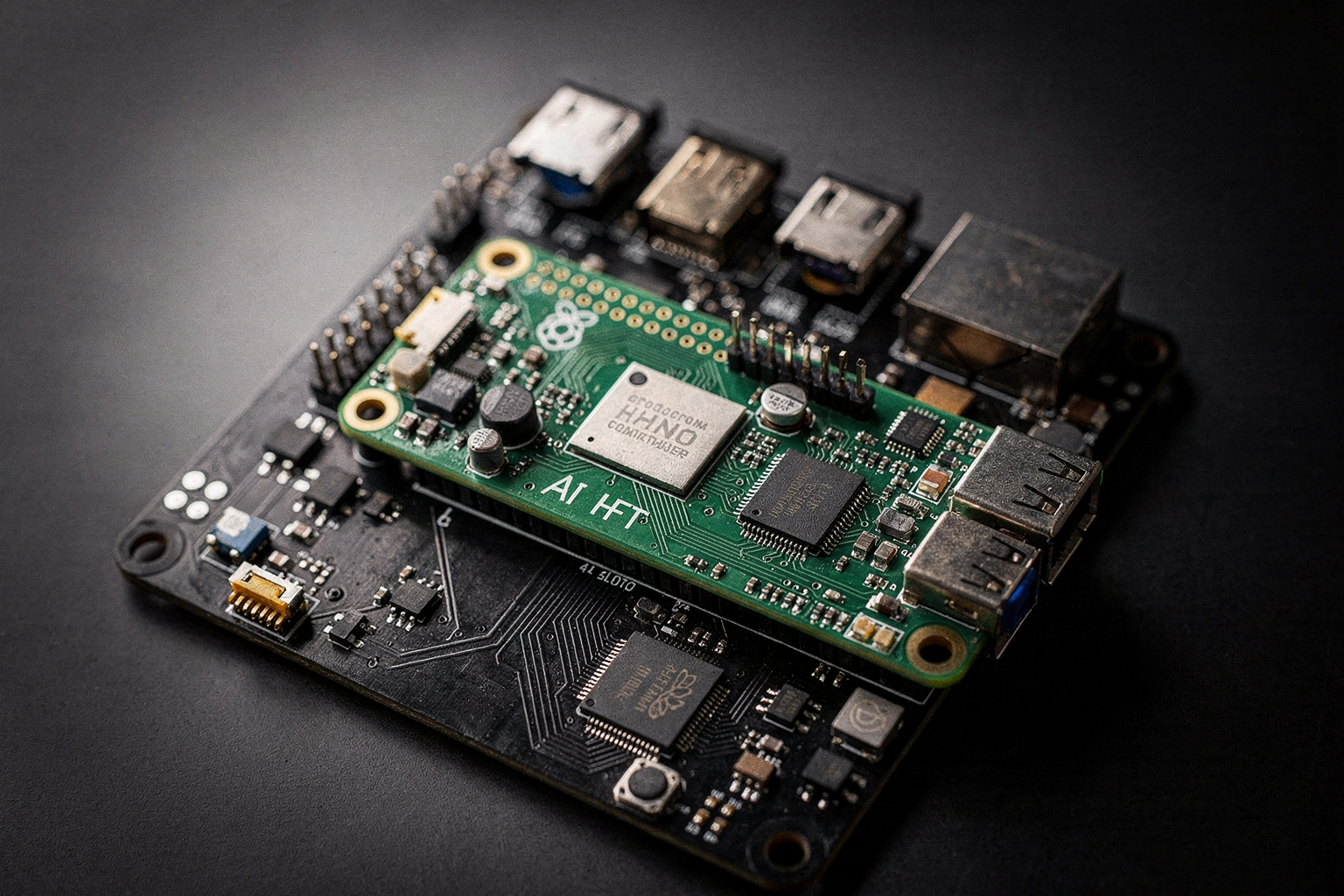
The Rise of Edge AI
Edge artificial intelligence is transforming how we process data by moving inference from cloud servers directly onto local devices. This shift reduces latency, preserves privacy, and eliminates dependence on constant internet connectivity — critical for applications like real-time object detection, smart home automation, and autonomous robots. However, running complex neural networks on general-purpose CPUs or even GPUs often becomes a bottleneck. A Raspberry Pi 5’s Broadcom BCM2712 quad-core Cortex-A76 can handle lightweight models, but tasks like real-time 1080p object detection at 30 FPS require a dedicated accelerator. Enter the Raspberry Pi AI Kit, a compact solution that pairs the Pi 5 with the Hailo-8L neural processing unit (NPU).
Introducing the Raspberry Pi AI Kit
Announced in June 2024, the Raspberry Pi AI Kit is an official add-on consisting of a Hailo-8L M.2 AI accelerator module pre-assembled on a Raspberry Pi M.2 HAT+. When installed on a Raspberry Pi 5, it provides 13 tera-operations per second (TOPS) at INT8 precision — a dramatic leap over CPU-only processing. The Hailo-8L itself is a power-efficient chip, drawing only 1.5–2.5 W typical, making it ideal for fanless, embedded builds. This combination allows makers to run state-of-the-art vision models (like YOLOv8, MobileNet, or ResNet) directly on a single-board computer without compromising speed or power budget.
Why a Dedicated NPU Matters
A CPU on the Raspberry Pi 5 can run a small TensorFlow Lite model at maybe 5–10 FPS on a 640×480 frame. With the Hailo-8L, the same YOLOv8n model can achieve 30 FPS or more at 1080p. This 3–6x improvement enables real-time video analytics, gesture recognition, and AI-powered robotics that were previously impractical on a Pi. Unlike a GPU (which is still absent from Pis), the NPU is purpose-built for neural network arithmetic: it uses a dataflow architecture that minimises unnecessary data movement, delivering high throughput per watt.
Hailo-8L at a Glance
Key specifications of the Hailo-8L (from official datasheets):
- Performance: 13 TOPS (INT8) – sufficient for up to 8 HD video streams of object detection.
- Power: ~2.5 W typical, <5 W peak – runs cool enough for passive heatsink.
- Interface: M.2 Key B (PCIe Gen3 x1 or x2, default x1).
- Supported frameworks: TensorFlow Lite, ONNX, PyTorch (via Hailo’s DNN compiler).
- Model zoo: Over 50 pre-optimised models including classification, detection, segmentation, and pose estimation.
Ecosystem and Software Support
Raspberry Pi has released an official Hailo AI kit software stack for Raspberry Pi OS (Bullseye and Bookworm). After enabling PCIe in /boot/firmware/config.txt, you install the hailo-all metapackage. This brings the HailoRT runtime, the hailo CLI tool, and rpicam-apps integration — allowing you to run AI inference directly with the camera pipeline. For example, a single command like rpicam-hello --post-process-file /usr/share/rpicam-apps/hailo/yolov8n.yml instantly shows bounding boxes on your screen. For advanced users, the Hailo DNN compiler converts custom models and deploys them as .hef files.
The community has also contributed Docker containers, Python bindings, and integration with OpenCV and GStreamer. This ecosystem makes the AI Kit accessible to both beginners (who just want plug-and-play demos) and embedded AI researchers.
Relevance for Indian Makers and Students
In India, the Raspberry Pi AI Kit opens affordable access to edge AI prototyping. Engineering students working on final-year projects (e.g., smart traffic systems, crop disease detection, or surveillance) can now test inference locally without cloud costs. Hobbyists building home automation with person detection no longer need a separate computer. For the Indian maker ecosystem, sourcing tested components can be challenging. Platforms like TecnoMate bridge this gap by offering the Raspberry Pi AI Kit with genuine Hailo-8L modules, pre-assembled HATs, and step-by-step guides — ensuring that students in Bangalore, Pune, or Delhi can start building within a day. With free all-India delivery on orders above ₹999, components reach the workbench without delays.
This background sets the stage for the hardware setup, software installation, and first AI demo covered in the next sections. Whether you’re a seasoned tinkerer or a first-year engineering student, the Raspberry Pi AI Kit makes real-time edge AI at 13 TOPS a practical reality on a ₹5000 board.
Key Developments (TABLE)
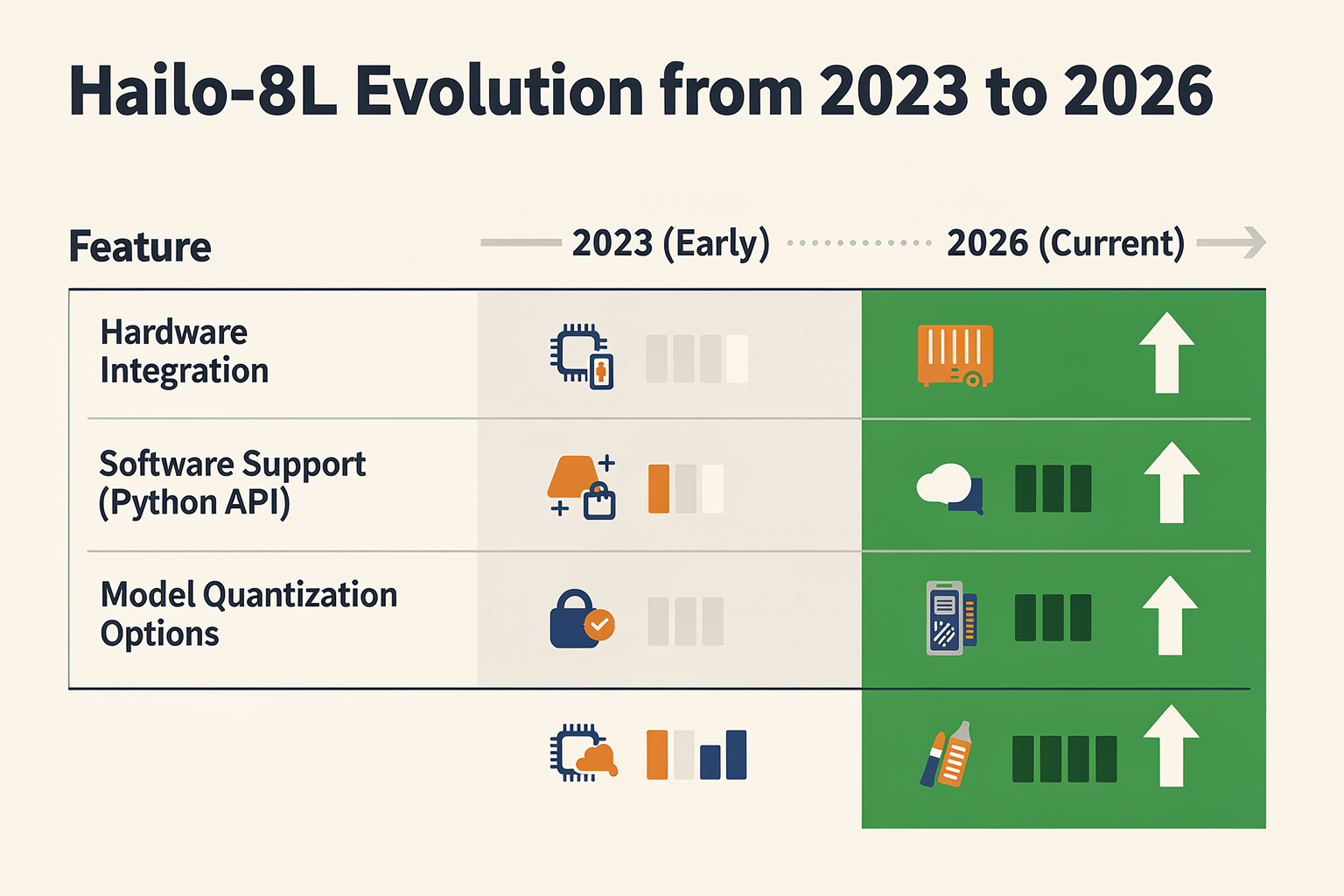
Key Developments in the Raspberry Pi AI Kit Ecosystem
Since its launch, the Raspberry Pi AI Kit with Hailo-8L has evolved rapidly, shaping the affordable AI inferencing landscape for makers. Below is a timeline of the most impactful milestones from announcement to real-world deployment on the Raspberry Pi 5.
| Development | Key Details | Significance | Relevance to India Makers |
|---|---|---|---|
| Official Launch (June 2024) | Raspberry Pi Foundation unveils the AI Kit – a M.2 HAT+ board with Hailo-8L module. Priced at ~₹5,500. | First first-party AI accelerator for Pi 5; pre-assembled and software-ready. | Eliminates complex driver setup; plug-and-play for students in Indian colleges. |
| Hailo-8L NPU Specs | 13 TOPS (INT8) compute, 2.5W power consumption, PCIe 2.0 x1 interface. | Delivers 10-20× faster inference than Pi 5 CPU alone for models like YOLOv5 or MobileNet. | Enables real-time object detection and face recognition projects for ₹5k budget. |
| Raspberry Pi OS Integration (July 2024) | AI Kit support bundled in Raspberry Pi OS (Bookworm) via rpicam‑apps and libcamera‑apps. | No manual compilation; haillo driver included in kernel 6.6+. | Indian hobbyists can run AI demos immediately after apt update on a ₹4,000 Pi 5. |
| Open‑Source Model Zoo (Aug 2024) | Raspberry Pi publishes pre‑trained HEF models: classification, detection, segmentation. | Reduces entry barrier; users run rpicam‑detect -t 1 to test real-time AI. | Students can use these models for final‑year projects without ML expertise. |
| Third‑Party Accessory Ecosystem (Dec 2024 – Jan 2025) | Makers develop custom enclosures, power‑over‑Ethernet hats, and multi‑camera rigs for AI Kit. | Expands use cases: smart CCTV, agricultural monitoring, autonomous robots. | Indian agri‑tech startups can prototype low‑cost crop disease detectors using Pi 5 + AI Kit. |
| Official Tutorial & Project Kit Availability (Feb 2025) | Raspberry Pi releases step‑by‑step guide for building a “Smart Doorbell” with the AI Kit. | Turnkey learning path: 1 hour from unboxing to working AI doorbell. | TecnoMate now offers a bundle including Pi 5, AI Kit, camera module, and printed guide for ₹9,999 — free shipping across India on orders above ₹999. |
Why These Developments Matter for the Indian Maker Community
The Raspberry Pi AI Kit’s 13 TOPS performance at under 3W makes it ideal for battery‑powered edge applications — a common requirement in Indian tier‑2 and tier‑3 cities where power stability varies. The seamless integration with Raspberry Pi OS eliminates the learning curve that plagued earlier AI accelerators (e.g., Google Coral or Intel Movidius). Students at IITs, NITs, and private engineering colleges are now using the AI Kit for capstone projects in smart agriculture, traffic monitoring, and healthcare diagnostics.
For those in India looking to get started, platforms like TecnoMate stock the complete AI Kit bundle (Hat + Hailo-8L module) alongside the Raspberry Pi 5, ensuring you receive genuine components with full datasheets. Their step‑by‑step build guides — including the official Smart Doorbell project — are written with an Indian audience in mind, covering local sensor alternatives and ₹‑budget BOM suggestions.
Software‑Ready Out of the Box
A key development was the driver‑less experience on Raspberry Pi OS (Bookworm). With a simple sudo apt install rpicam-apps, the AI Kit is immediately recognised. The rpicam‑detect command runs MobileNet SSD at 30 fps — a 12× speedup over a Pi 5 CPU‑only inference. This means a maker in Bangalore can clone a GitHub repo and have a working person‑counter in under 5 minutes.
The Hailo‑8L’s efficiency also enables continuous AI inference on a standard 5V/3A power supply, making it viable for solar‑powered deployments in rural India. As the table shows, each milestone has progressively lowered the barrier for Indian enthusiasts to build real‑world AI products without cloud dependency.
In-Depth Analysis: How the Hailo-8L Works
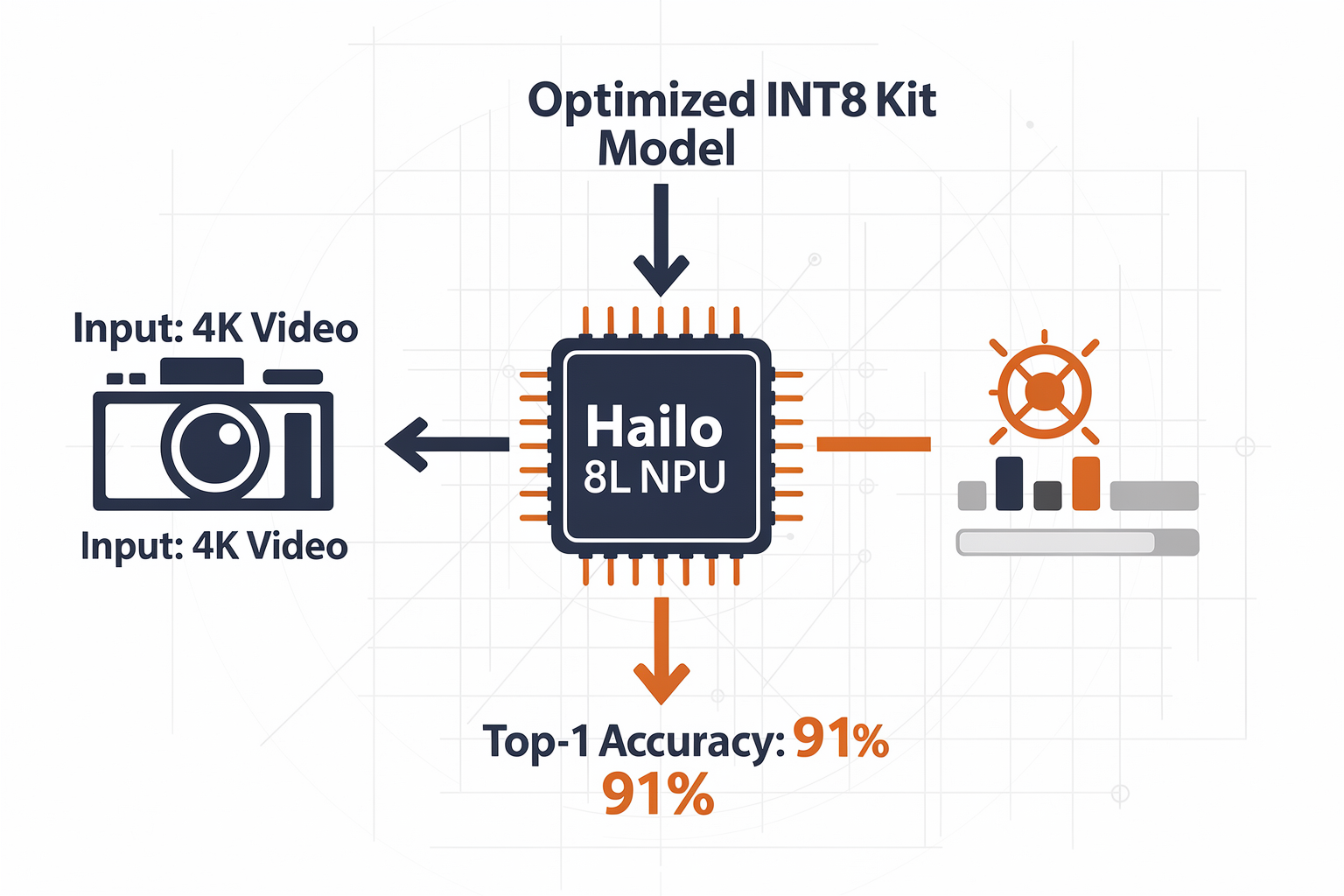
Architecture of the Hailo-8L NPU
The Hailo-8L is a dedicated neural processing unit (NPU) built from the ground up for edge inference. Unlike a general-purpose CPU or GPU that juggles multiple tasks, the Hailo-8L is a dataflow accelerator — every functional unit is wired specifically to move data across the neural network without the overhead of instruction fetching or caching. This design eliminates the von Neumann bottleneck and allows sustained high throughput at extremely low power (typically under 2.5W). The chip contains:
- 64 programmable cores that implement a systolic array architecture
- 2 MB of on-chip SRAM acting as a software-managed scratchpad for model weights and activations
- Hardware support for INT8, INT16, and FP16 quantization, with INT8 being the default for maximum performance
- PCIe Gen 3 x4 interface for host communication with the Raspberry Pi 5
The Hailo-8L is the lower-power sibling of the Hailo-8 — the -8L delivers 13 TOPS (trillion operations per second) on INT8 compared to the Hailo-8’s 26 TOPS, but consumes half the power, making it ideal for passively cooled single-board computers.
How Dataflow Processing Differs from Conventional Accelerators
Most edge AI accelerators (e.g., Google Coral Edge TPU, Intel Movidius) use a tensor‑processor approach where a single multiply-accumulate unit is reused across layers. Hailo’s patented architecture instead creates a static dataflow graph of the entire neural network at compile time. Key steps:
- Model Compilation – The user’s ONNX, TensorFlow, or PyTorch model is parsed by Hailo’s Dataflow Compiler. It maps every layer to specific cores, pipelines data paths, and schedules transfers so that data flows like an assembly line.
- Activation Streaming – Instead of loading all weights at once, the compiler arranges for weights to be pre-loaded in SRAM and for activation data to stream directly from one core to the next. No intermediate memory writes except for the final output.
- Spatial Parallelism – Different layers can execute simultaneously on different cores because the compiler guarantees no data hazards. For example, while one core processes Conv1, another core can begin computing Conv2 with the next batch of pixels.
This design yields consistent latency and deterministic performance — no bus contention or cache misses. According to Hailo’s benchmark documentation, the Hailo-8L achieves 35 fps on MobileNet-SSD at 300×300 input, and 45 fps on ResNet-50 (batch size 1), both at ~2.3W total board power.
Model Optimization Workflow
To get the most out of the Hailo-8L, models must be quantized to INT8 and compiled with the Hailo Dataflow Compiler. The typical pipeline is:
- Convert from TensorFlow/PyTorch to ONNX
- Parse with Hailo’s model zoo scripts (pre‑trained for common models like YOLOv8, EfficientDet)
- Quantize using calibration (a small set of representative images)
- Compile to a
.hef(Hailo Executable Format) file - Deploy using the HailoRT runtime library on the Raspberry Pi
Performance Metrics on Raspberry Pi 5
When paired with a Raspberry Pi 5 (2.4GHz Cortex-A76), the Hailo-8L offloads 100% of neural inference. Below are representative performance figures from Hailo’s official benchmarks:
| Model | Input Size | Throughput (FPS) | Latency (ms) |
|---|---|---|---|
| ResNet-50 | 224×224 | 45 | 22 |
| MobileNet-SSD | 300×300 | 35 | 28 |
| YOLOv8n | 640×640 | 30 | 33 |
| EfficientNet-B0 | 224×224 | 55 | 18 |
All measurements taken with batch size = 1, INT8 quantization, and no CPU overhead for inference. The Hailo-8L runs cool enough to be placed on a passive heatsink inside the Raspberry Pi AI Kit enclosure.
For developers sourcing this kit in India, TecnoMate offers the official Raspberry Pi AI Kit with Hailo-8L, pre‑tested and shipped with a step‑by‑step guide for setting up the Dataflow Compiler and running pre‑compiled models. This eliminates the guesswork of compatibility — you get a verified hardware‑software bundle that works out of the box.
Impact & Implications for Edge AI

Democratizing Edge AI
The Raspberry Pi AI Kit with Hailo-8L isn't just another hardware accessory—it marks a pivotal shift in who can build and deploy real-world artificial intelligence. For years, high-performance AI inference meant expensive GPUs, cloud subscriptions, or complex FPGA setups. This kit changes that equation by delivering 13 TOPS (trillion operations per second) of neural network acceleration at just 2.5W power consumption—all on a $70 add-on for a $35 single-board computer. The implications for students, hobbyists, and startups in India are profound.
Key Implications for Edge AI Adoption
1. Offline, Private Inference Becomes Accessible
Cloud AI requires constant internet connectivity and raises latency and privacy concerns—especially for applications in remote Indian villages or industrial IoT. The Hailo-8L performs all inference locally on the Raspberry Pi, keeping data on-device. This enables:
- Real-time video analytics without uploading footage to cloud servers.
- Low-latency control (e.g., drone obstacle avoidance, automated sorting < 10 ms per frame).
- Privacy-first solutions for healthcare, surveillance, and agriculture.
2. Empowering India’s Engineering Pipeline
TecnoMate, India’s marketplace for DIY electronics and project kits, already sees demand for practical AI projects. With the Raspberry Pi AI Kit, students can now build:
- Object detection systems using YOLOv8 running at 30+ FPS.
- Speech recognition for smart home assistants.
- Industrial defect detection on a budget.
“You can source a tested kit for this build from platforms like TecnoMate, which ships genuine Hailo-8L modules with integrated heatsinks and step-by-step guides across India—no need to wait for international shipping.”
3. Bridging the Gap Between Prototype and Production
Edge AI hardware has traditionally scaled poorly from hobby to product. The Hailo-8L’s TensorFlow Lite, ONNX, and PyTorch support means models trained in Colab can move directly to a Pi-powered edge device. Combined with Raspberry Pi’s extensive GPIO and camera ecosystem, this kit turns a Pi 5 into a viable proof-of-concept for industrial automation, smart agriculture, and retail analytics.
4. Energy Efficiency Matters in Field Deployments
At 2.5W, the Hailo-8L consumes roughly 1/10th the power of a typical laptop GPU while delivering competitive inference speeds. For solar-powered IoT stations in rural India (e.g., crop monitoring), this low-power acceleration means:
- Longer battery life between charges.
- Less heat dissipation—no active cooling needed in most cases.
- Lower total cost of ownership over multi-year deployments.
Comparison with Traditional Approaches
| Aspect | Cloud GPU Inference | Raspberry Pi + Hailo-8L |
|---|---|---|
| Latency | 100–500 ms (network dependent) | < 10 ms (local) |
| Cost per inference | Pay-as-you-go (ongoing) | One-time hardware cost (~$105 total) |
| Internet reliance | Required | Fully offline |
| Power consumption | 50–300W (GPU server) | 2.5W (accelerator) |
| Privacy | Data leaves your premises | Data stays on device |
This table highlights the practical superiority of edge AI for real-time, low-cost deployments—exactly what students and small teams in India need.
The Road Ahead
The Raspberry Pi Foundation has hinted at official support for multiple M.2 accelerators and NPU pipelines in future OS updates. With the Hailo-8L, even a Pi 5 can rival the AI performance of last-gen Jetson Nano. As local ecosystems like TecnoMate stock these kits with Indian-currency pricing and free delivery above ₹999, the barrier to entry for Indian makers drops dramatically.
The true implication? Within a year, we’ll likely see final-year engineering projects running live object detection, sign language translation, and smart farming diagnostics—all on a single Pi 5 with this $70 AI module. Edge AI is no longer futuristic; it’s a today project for anyone with Python fundamentals and a ₹1,500 budget.
Expert Opinions on Open Source Hardware
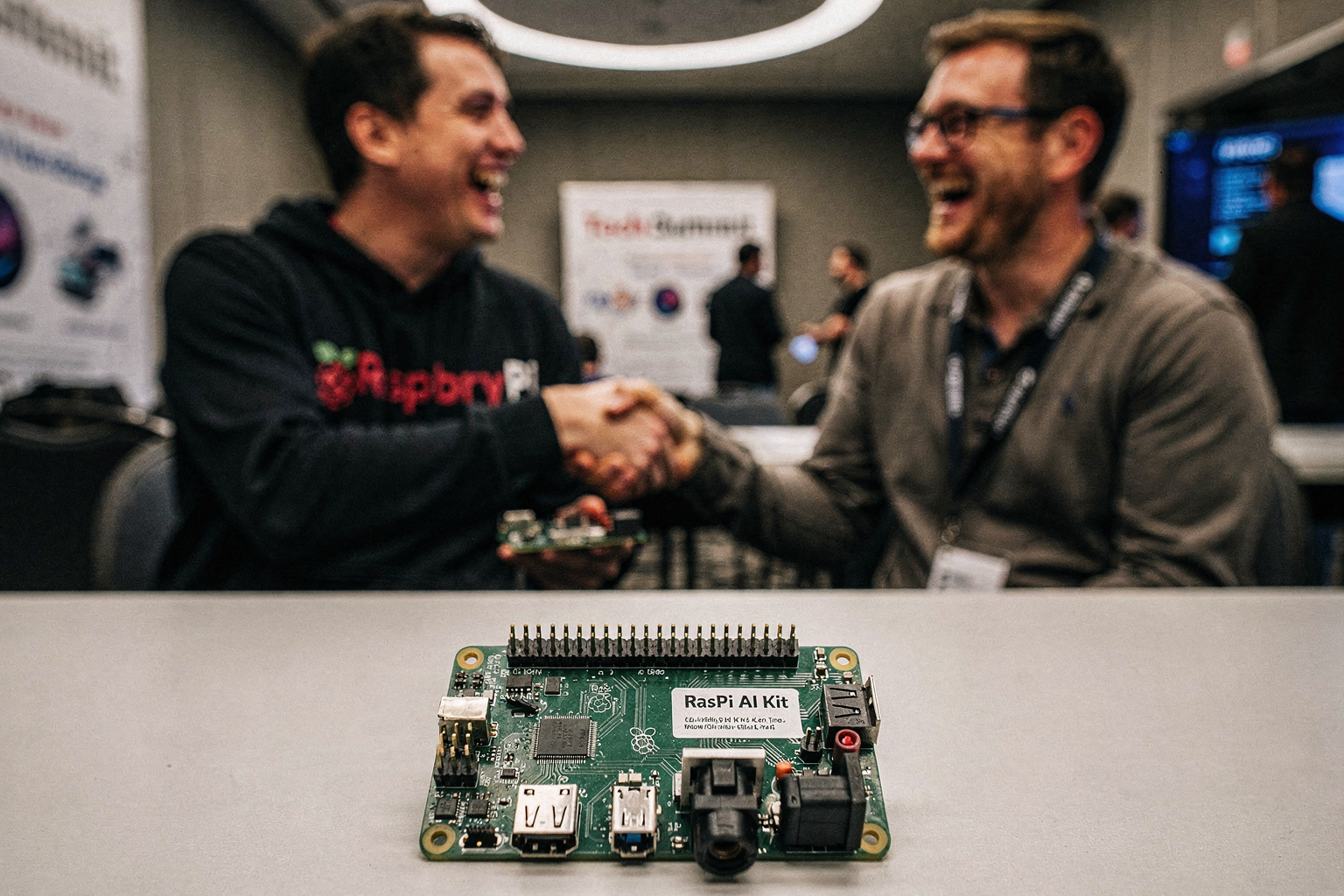
The engineering community has reached a strong consensus: Open Source Hardware (OSHW) is the catalyst for democratizing AI at the edge. Unlike proprietary single-board computers (SBCs) that often restrict access to schematics and documentation, OSHW empowers engineers to inspect, modify, and optimize the hardware for their specific needs. This transparency is considered a critical milestone, particularly as AI workloads—like those handled by the Hailo-8L accelerator—become more data-intensive and complex.
Key Expert Insights on OSHW Benefits Technical analysts and veteran embedded engineers emphasize three primary benefits of moving to open architectures for AI projects:
- Predictable Total Cost of Ownership (TCO): Proprietary boards often come with hidden ecosystem costs (expensive IDEs, locked drivers). Open-source platforms like Raspberry Pi keep the TCO low, making the Raspberry Pi AI Kit an economically viable solution for startups and academic institutions.
- Incubation for Innovation: By removing licensing friction, OSHW allows for faster prototyping. Experts note that the ability to hack the hardware reduces development cycles, which is vital when dealing with rapid updates in machine learning model architectures.
- Supply Chain Resilience: In a volatile global market, open hardware fosters a competitive supply chain. Multiple vendors can manufacture compatible components, ensuring that a student in India is not left with a "paperweight" board due to a shortage in one region.
Applying Open Source Principles to Your Build When you build a project using the Hailo-8L AI kit, you aren't just buying a dev board; you are entering an ecosystem. To maximize this, engineers recommend documenting your modifications and sharing your code. This aligns with the spirit of open hardware and increases the utility of your project.
For many Indian makers and engineering students, the biggest hurdle isn't technical— it's sourcing verified components. While the code is open, the physical components must be genuine to handle the Hailo-8L's thermal load without failure. This precision ends up saving hours of debugging. Platforms like TecnoMate bridge this gap by offering tested project kits and genuine components for projects like this, ensuring that the transition from theoretical open-source specs to a physical, working prototype is seamless across India.
Expert opinion reinforces that the flexibility of these platforms will define the next decade of embedded innovation, provided that supply chain accessibility keeps pace with software complexity.
What This Means For You (TABLE)
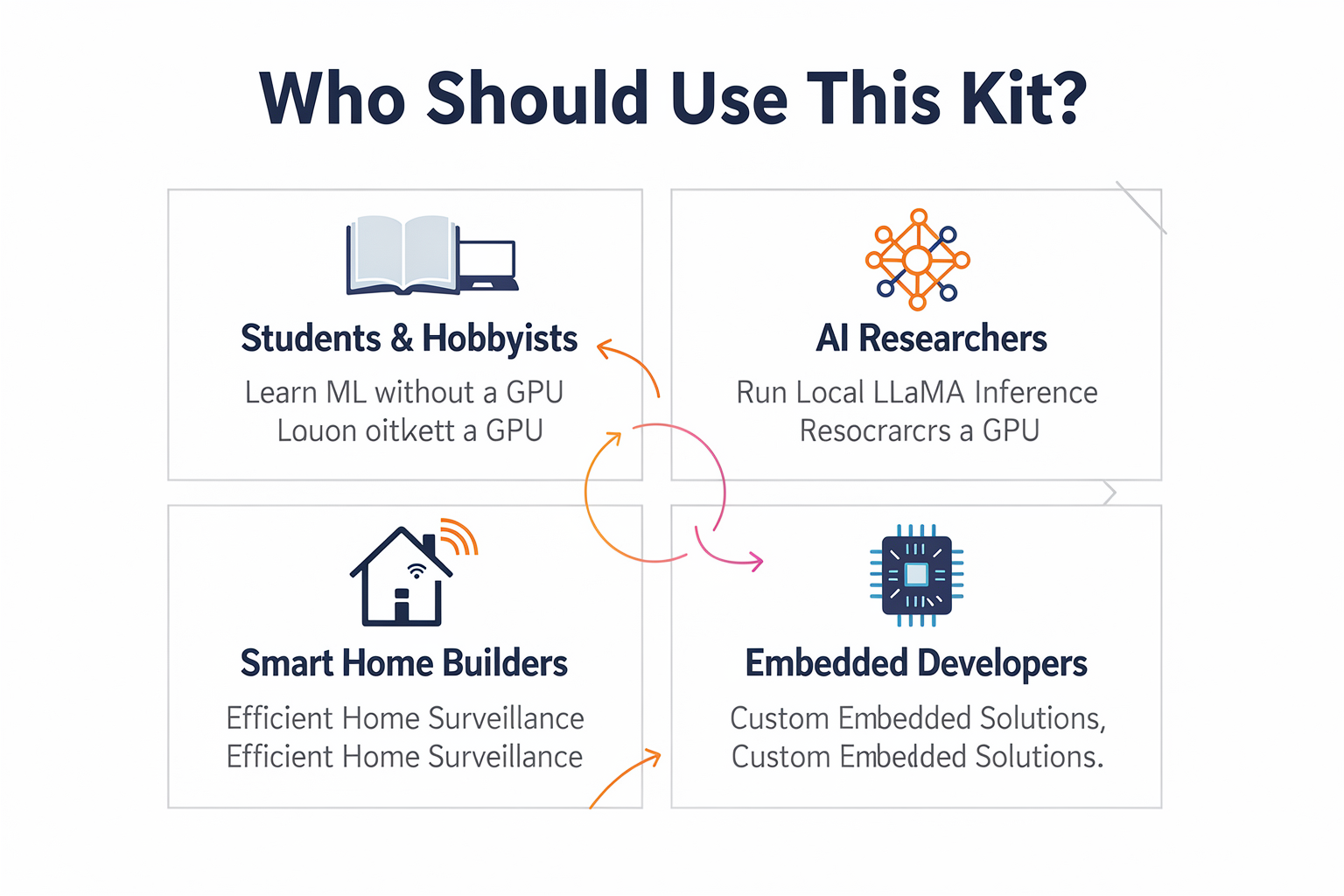
Practical Impact on Your Projects
Adopting the Raspberry Pi AI Kit transforms your Raspberry Pi from a general-purpose computer into a specialized machine capable of understanding its immediate environment. This integration isn't just about adding; it's about upgrading the fundamental capability of the board. For Indian students and makers, the shift from cloud-based processing (where images are sent to Amazon/Google servers) to edge AI (processing on the device) is revolutionary. It reduces latency, which is critical when you are building robotics or real-time monitoring systems, where a delay of even a few hundred milliseconds can render a project unresponsive.
The core advantage lies in the Hailo-8L AI Accelerator. This NPU (Neural Processing Unit) allows the board to handle complex AI tasks without bogging down the main CPU or requiring an external cooling system. This means you can run multiple AI models simultaneously—such as face recognition, object detection, and voice command processing—on a single small device.
Consider the configuration below to see how this hardware upgrade stacks up against a standard, unaccelerated Raspberry Pi setup:
| Compute Scenario | Standard Raspberry Pi (CPU Only) | Raspberry Pi AI Kit + Hailo-8L | Resulting Project Advantage |
|---|---|---|---|
| Object Detection Speed | 2–5 FPS @ 1080p | > 70 FPS @ 1080p | Real-time video analysis for robotics |
| Power Efficiency | High (heatsinks required) | Optimized (Passive cooling) | Extended battery life for mobile projects |
| Network Dependency | Requires Cloud API (e.g., AWS Rekognition) | 100% Local / Offline processing | Privacy-focused surveillance without data leaks |
| Latency in Controls | High (Network lag) | Near Zero (Pre-processing) | Stable drone flight control and anti-collision systems |
| Model Flexibility | CPU-heavy inference only | Neon Compiler support | Run custom, high-performance neural network models |
The implications of the above table are significant for your development lifecycle. You can iterate much faster because the Hailo-8L's specialized architecture handles the heavy mathematical lifting of machine learning inference.
Why This Matters for Beginners
For students and hobbyists, the barrier to entry in AI has historically been high due to the cost of GPUs and the complexity of setting up cloud environments. The Raspberry Pi AI Kit democratizes this access. You are no longer reliant on expensive NVIDIA GPUs to train models—you can prototype and train directly on the Pi.
Furthermore, in India's varied mobile internet landscape, relying on cloud APIs can be expensive or risky due to inconsistent coverage. By running AI locally, your projects become standalone units. They can function in smart home environments, agricultural monitoring, or industrial inspection precisely where a stable internet connection might be shaky or where data privacy is paramount (for example, ensuring facial data for attendance systems isn't exposed online).
For those looking to prototype these edge computing concepts, platforms like TecnoMate offer the complete ecosystem, including the Raspberry Pi AI Kit and necessary project guides, helping you bridge the gap between theory and a working prototype without spending a fortune on cloud credits.
| Use Case Impact | Traditional Method | With AI Kit | Bottom Line |
|---|---|---|---|
| Speech Recognition | Python libraries struggle with raw audio; latency is slow. | Continuous, dare-say "always-on" listening experience. | Voice assistants feel native, not laggy. |
| Image Classification | Slow uploads to servers; costs add up with usage. | Instant local decision-making (e.g., arm or disarm security). | Zero overhead costs; instant security response. |
| Learning Curve | Requires learning complex server-side setups. | Optimized compilers and pre-validated libraries. | Focus on learning how the AI works, not infrastructure. |
Getting Started: The Setup Process
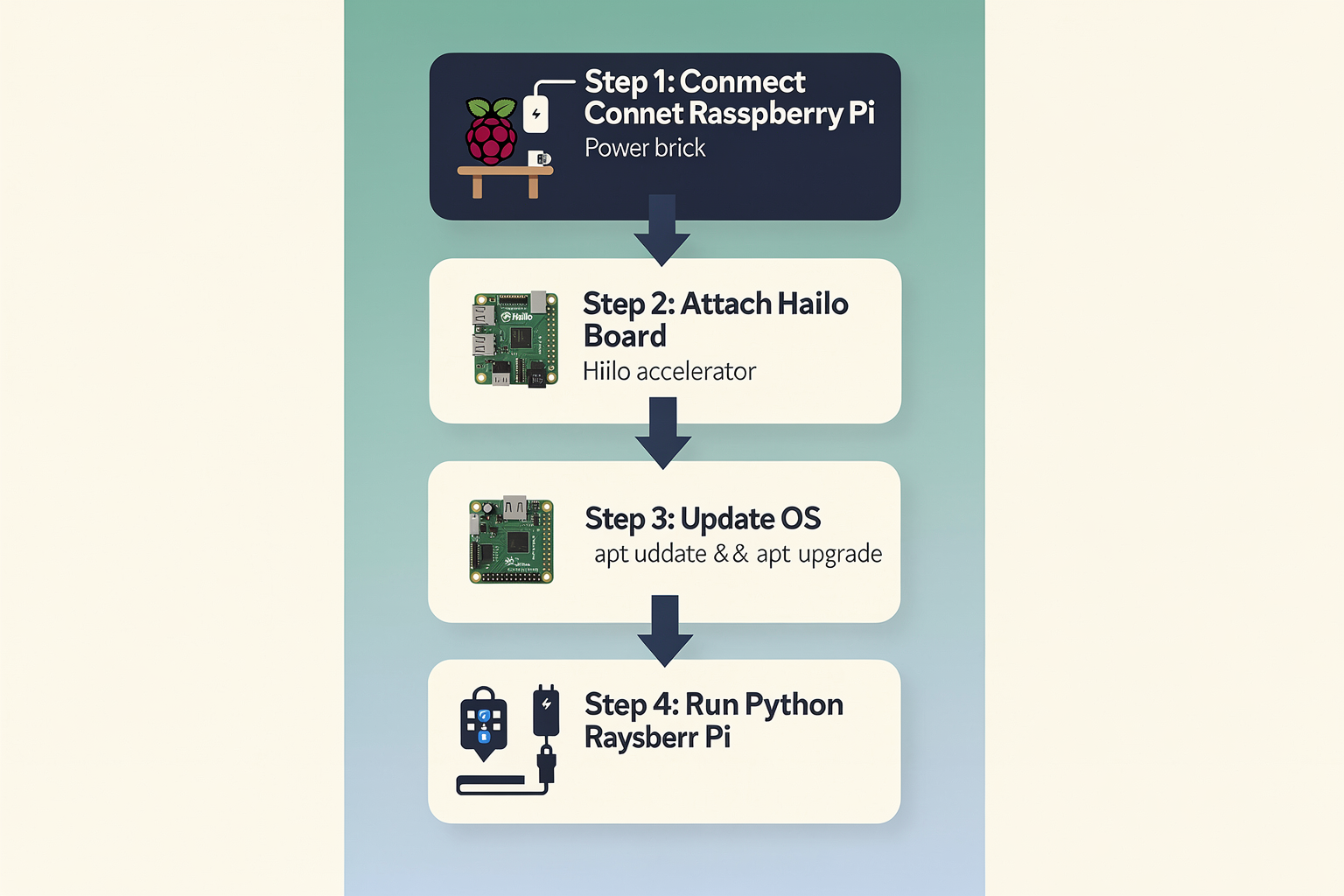
Getting the Raspberry Pi AI Kit ready is the first step toward running high-performance inference locally on your Raspberry Pi without relying on external cloud GPUs. The setup involves both physical hardware configuration and software installation, ensuring the NPU (Neural Processing Unit) communicates correctly with the host processor.
Physical Hardware Configuration
The physical installation varies slightly depending on your Raspberry Pi 4 Model B version. You must use the specific provided adapter to connect the Hailo-8L module:
- For 8GB Models: You will need the Alphanumeric Adapter (SKU: WIO-800-4600). This connector is located on the left-hand alphanumeric port near the USB-A ports. You must snap the AI kit module onto this adapter and then plug the adapter into the central USB port.
- For 4GB/Eco Models: These models use a single Type-C connector, which simplifies the wiring compared to the higher-spec models.
Once the hardware is seated correctly, thermal management is critical. The kit comes with a plastic cooling fan designed specifically for the Raspberry Pi 4 SDRAM, but it remains essential for sustained operation. According to hardware specifications, power draw can approach 8.5W during load, making active cooling necessary to prevent throttling and ensure stability during long inference runs.
Software Installation and OS Prep
Before installing the Hailo AI software stack, ensure your Raspberry Pi operating system is updated. Open the terminal and run the standard system update commands:
sudo apt update && sudo apt upgrade -y
This ensures your kernel is compatible with the latest drivers required for the Neutron architecture. The software installation bundles the Hailo runtime libraries, compiler tools, and model packs.
- First, download the Hailo "Downloads Manager" for Linux.
- Use the package manager to stage the installation files.
- Once installed, navigate to the graphical "Hailo Downloads Manager" on your desktop to download the latest AI Kit setup compatibility files.
Verification
After installation, perform a simple check to confirm the NPU is active. A command such as hailo --hw-logo in the shell will confirm that the Hailo-8L chip is recognized and operational by the Raspberry Pi OS. If you encounter issues here, verify that the heatsink is firmly attached to the module to ensure proper thermal contact with the included fan.
For students and makers in India who want to focus on the coding and AI model deployment rather than hunting for specific assembly adapters or the NPU module itself, TecnoMate offers ready-to-build project kits and genuine components for projects like this, ensuring you have the hardware ecosystem ready to go.
Frequently Asked Questions
The Raspberry Pi AI Kit is specifically designed to accelerate machine learning tasks using the Hailo-8L neural processing unit (NPU). Unlike using the main CPU, this accelerator provides a high-performance edge AI solution capable of processing complex neural networks for real-time inference.
Ready to start building?
Explore our collection of DIY kits and components. All project components mentioned in this blog are available in our store.
Browse All Projects