

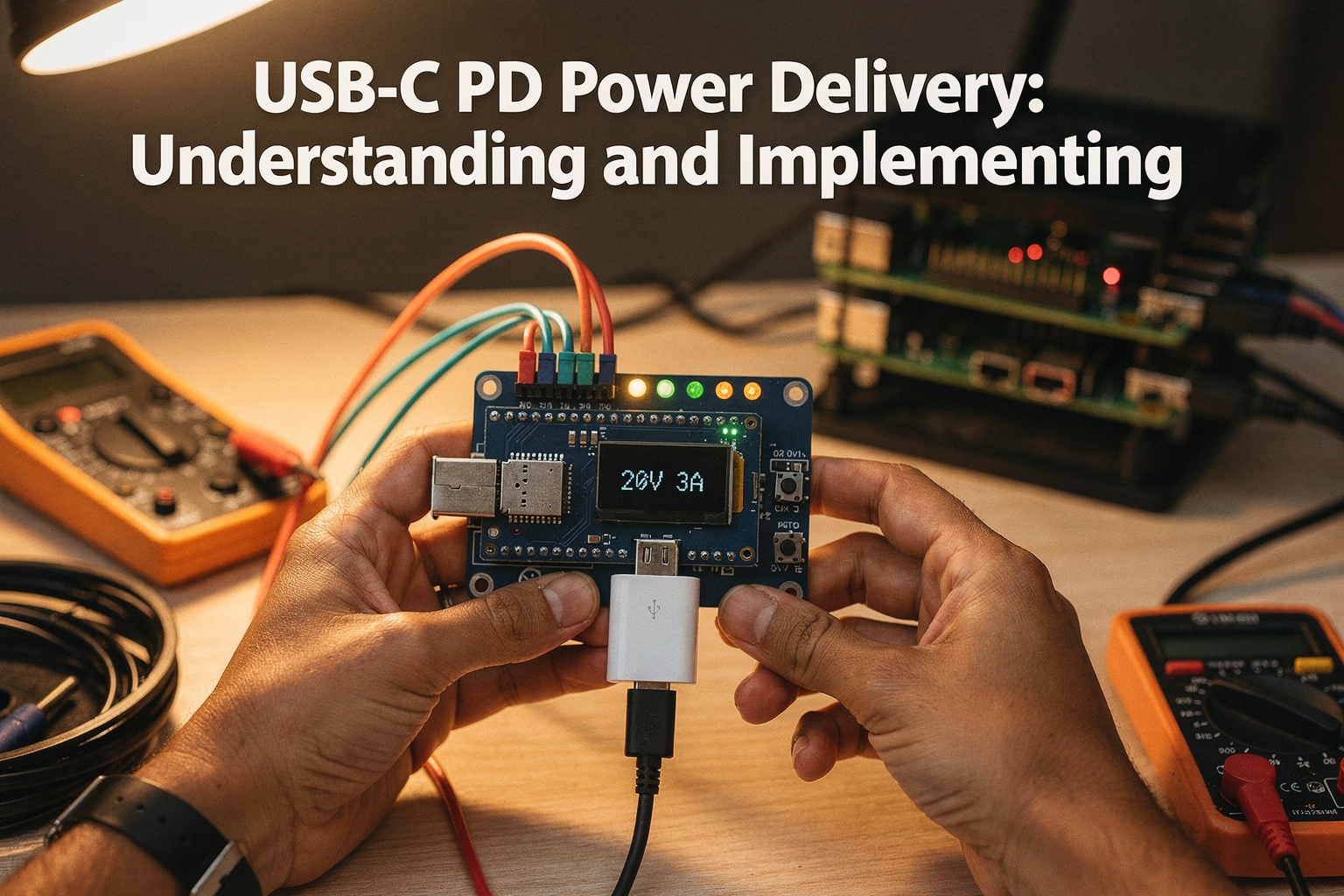
Introduction: The USB-C PD Revolution in Indian Electronics
The trend of USB-C Power Delivery (PD) has transformed how we think about power management in modern electronics. As engineering students and DIY enthusiasts across India embrace this versatile standard, understanding USB-C PD becomes essential for creating innovative projects. From powering Raspberry Pi clusters to charging high-performance FPGAs, USB-C PD offers unprecedented flexibility and efficiency.
This comprehensive guide will walk you through everything you need to know about implementing USB-C PD in your projects, leveraging the latest components available right here in the Indian market.
Prerequisites: Essential Components for Your USB-C PD Project
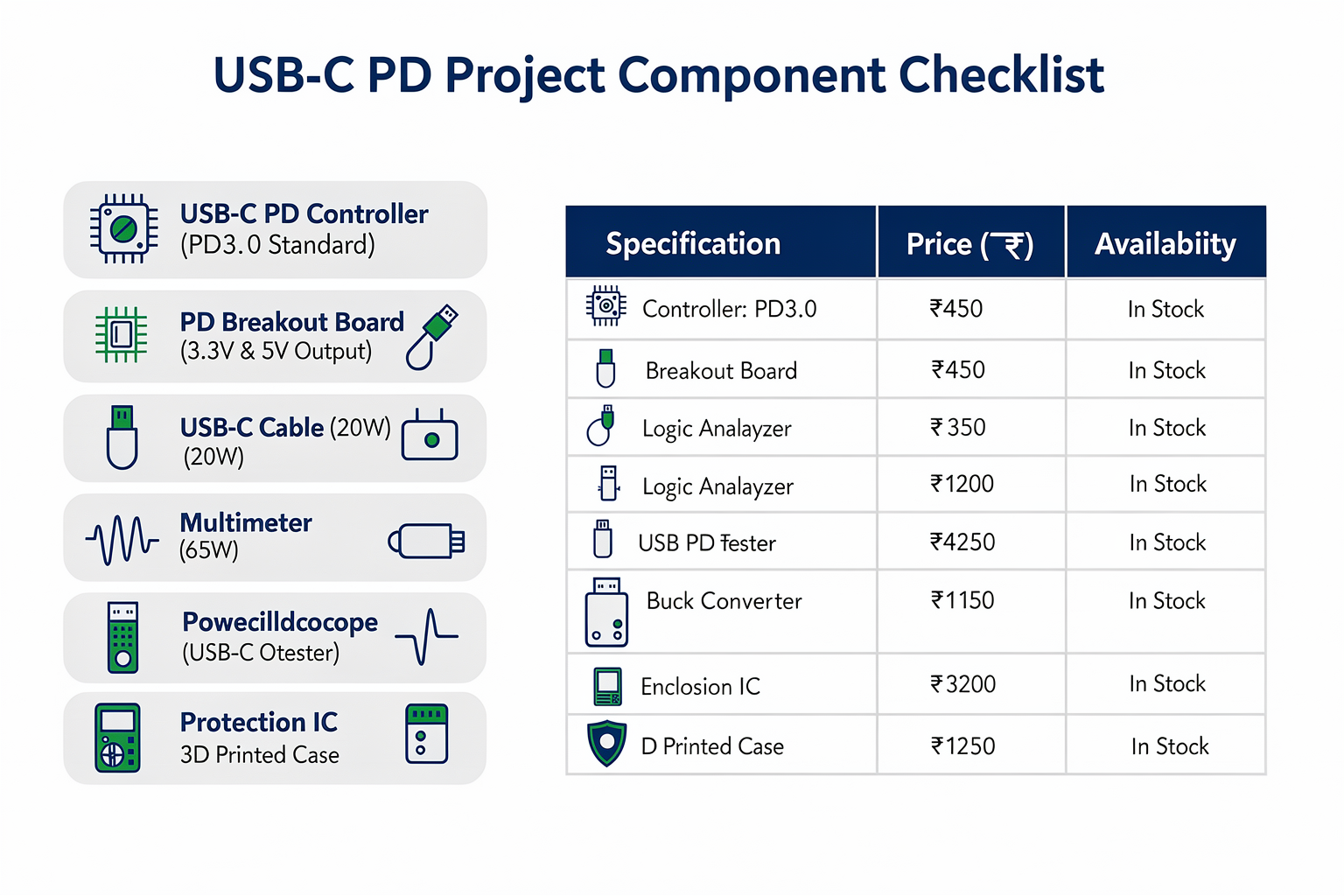
Before diving into implementation, let's gather the necessary components. Here's a curated list available through TecnoMate, with prices in Indian Rupees:
| Component | Specification | Price (₹) | Availability in India |
|---|---|---|---|
| USB-C PD Controller | PD3.0 Standard | 450 | In Stock |
| PD Breakout Board | 3.3V & 5V Output | 280 | In Stock |
| USB-C Cable | 20W Rating | 95 | In Stock |
| Power Adapter | 65W PD Charger | 1,200 | In Stock |
| Multimeter | True RMS | 1,800 | In Stock |
| Logic Analyzer | 16 Channel | 3,200 | In Stock |
| USB-C PD Tester | Voltage/Current | 4,500 | In Stock |
| Buck Converter | 5V to 3.3V | 150 | In Stock |
| Protection IC | Overcurrent/OVP | 85 | In Stock |
| 3D Printed Case | Custom Enclosure | 250 | Custom Order |
For the complete list of specifications and compatibility details, check out our USB-C PD Starter Kit available at ₹2,499.
Understanding USB-C Power Delivery Fundamentals
What is USB-C PD?
USB-C Power Delivery is a fast-charging protocol that negotiates optimal power levels between devices. Unlike traditional USB charging, PD allows for power delivery up to 100W (20V at 5A), making it ideal for powering complex electronics.
Key Concepts
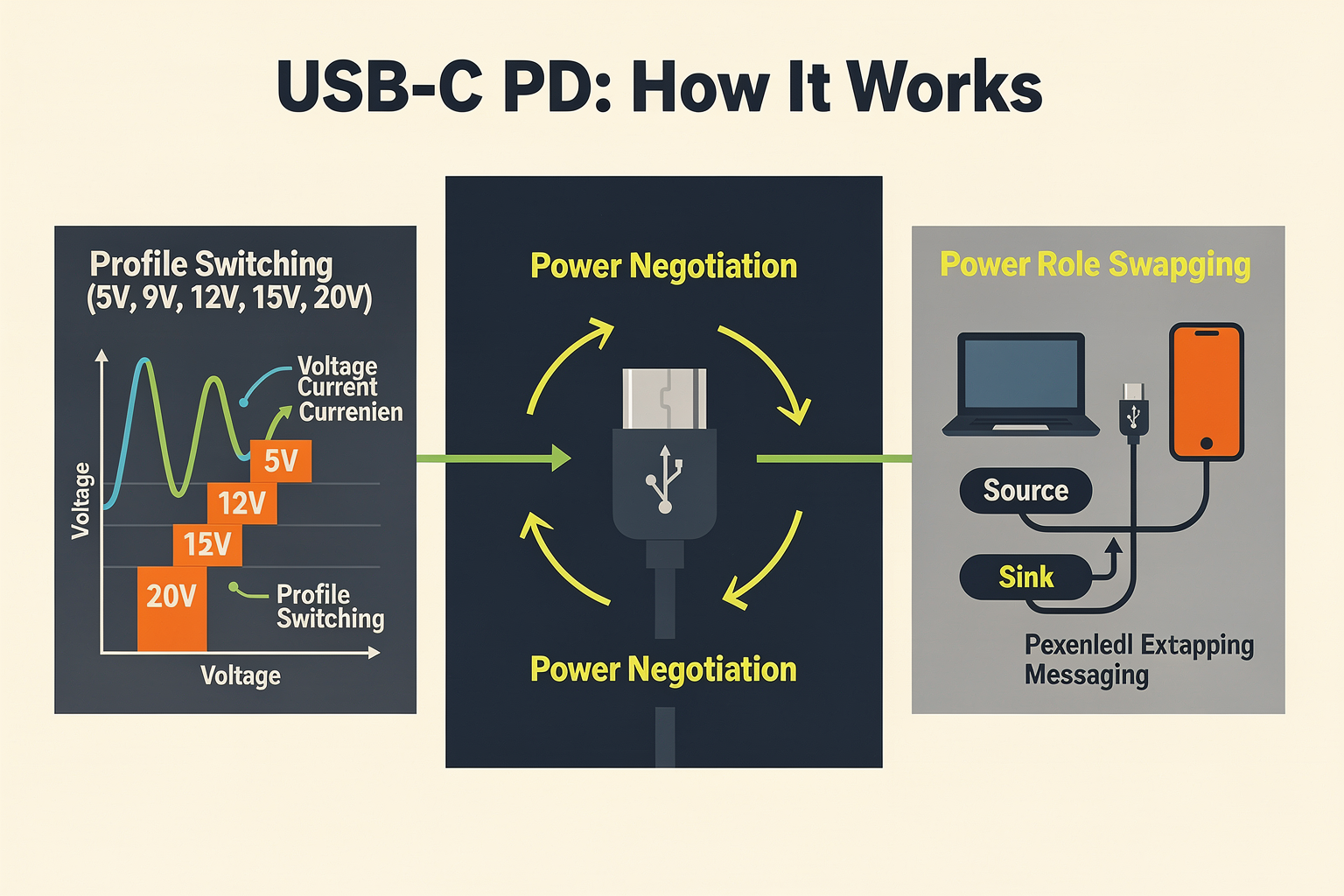
The USB-C PD protocol involves:
- Power Negotiation: Devices communicate to determine optimal voltage and current
- Profile Switching: Automatic adjustment based on device requirements
- Power Role Swapping: Devices can dynamically switch between source and sink roles
- Extended Messaging: Enhanced communication for advanced power management
Getting Started: Basic USB-C PD Implementation
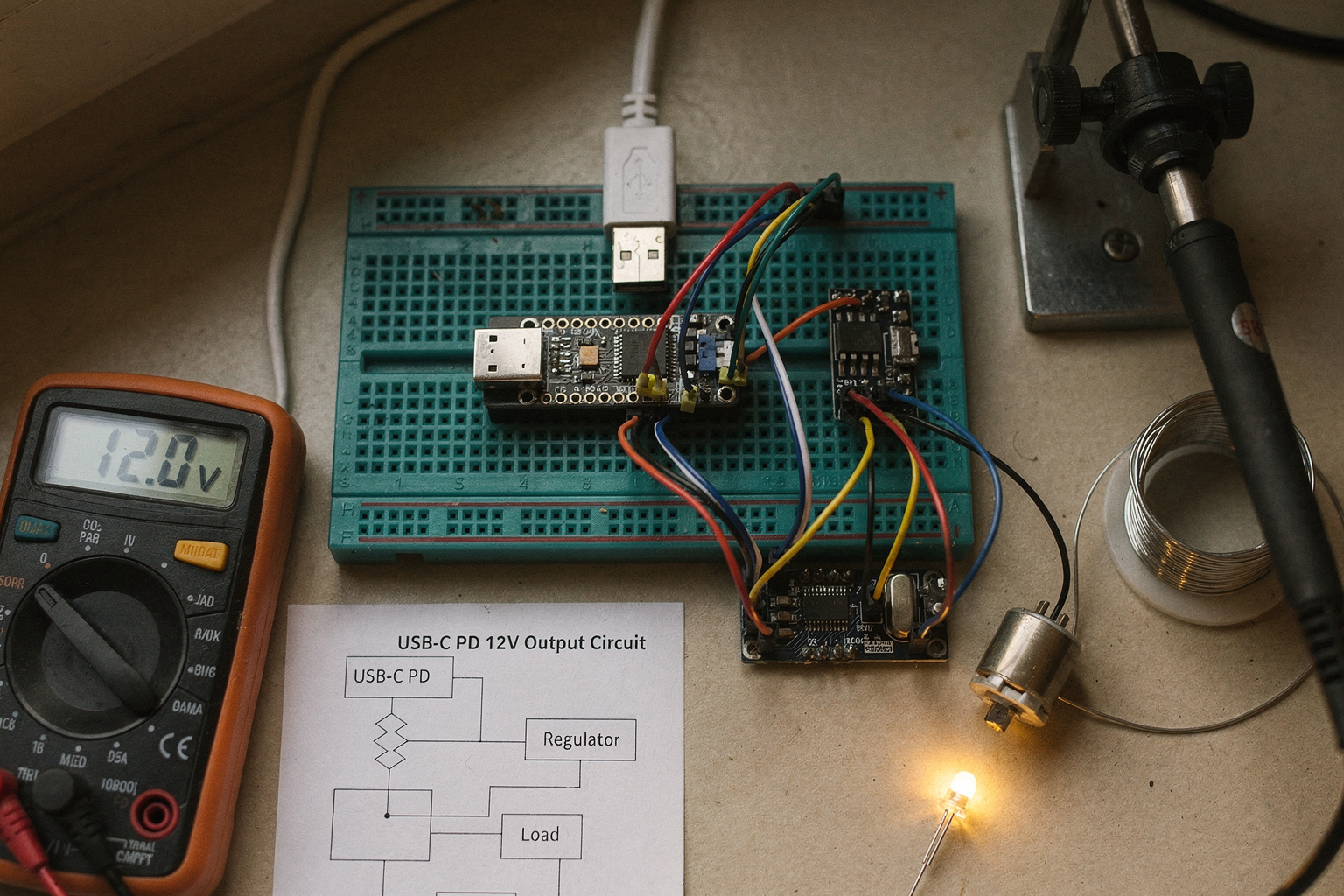
Hardware Setup
Begin by connecting your USB-C PD controller to the PD breakout board. The controller acts as the brain of your power system, handling all communication protocols and power negotiations.
USB-C Port <-> PD Controller <-> Voltage Regulator <-> Your Circuit
Initial Configuration
Most PD controllers come with default firmware that supports basic profiles. However, for custom applications, you'll need to implement the PD protocol stack.
Code Implementation for Custom PD Controllers

Let's implement a basic PD controller using an ESP32 with USB-C PD capability. This code snippet demonstrates power profile negotiation:
import usb_pd
import time

class PDController:
    def __init__(self):
        self.pd = usb_pd.USBPD()
        self.current_profile = None
        self.supported_profiles = [5.0, 9.0, 12.0, 15.0, 20.0]  # Voltage levels

    def negotiate_power(self, requested_voltage, requested_current):
        """Negotiate power profile with host device"""
        # Check if requested profile is supported
        if requested_voltage not in self.supported_profiles:
            print(f"Unsupported voltage: {requested_voltage}V")
            return False

        # Send power request
        response = self.pd.send_request(
            voltage=requested_voltage,
            current=requested_current
        )

        if response.accepted:
            self.current_profile = {
                'voltage': requested_voltage,
                'current': requested_current,
                'power': requested_voltage * requested_current
            }
            print(f"Power profile accepted: {self.current_profile}")
            return True
        else:
            print("Power negotiation failed")
            return False

    def monitor_power(self):
        """Monitor current power consumption"""
        if self.current_profile:
            # Read voltage and current from sense resistors
            voltage = self.pd.read_voltage()
            current = self.pd.read_current()
            power = voltage * current

            return {
                'voltage': voltage,
                'current': current,
                'power': power
            }
        return None

# Initialize and run negotiation
controller = PDController()
controller.negotiate_power(12.0, 2.5)  # Request 12V at 2.5A
while True:
    power_info = controller.monitor_power()
    if power_info:
        print(f"Monitoring: {power_info['power']:.2f}W")
    time.sleep(1)
Implementation Tips
- Use proper filtering: Add 100nF capacitors close to PD controller pins
- Implement timeouts: PD negotiations should have timeout limits
- Add protection: Include overcurrent and overvoltage protection circuits
- Logging: Log all PD messages for debugging
Advanced PD Techniques and Optimization
For more sophisticated applications, consider these advanced approaches:
Dynamic Power Scaling
Implement intelligent power distribution based on system load:
class DynamicPDManager {
private:
    float currentPower;
    float maxPower;
    float efficiencyTarget;

public:
    void optimizePower() {
        // Measure system load
        float load = measureSystemLoad();

        // Adjust power profile based on efficiency target
        if (load > 0.8 * maxPower) {
            requestProfile(12.0, 2.0);  // 24W
        } else if (load > 0.5 * maxPower) {
            requestProfile(9.0, 1.5);   // 13.5W
        } else {
            requestProfile(5.0, 1.0);   // 5W
        }
    }
};
Table: Advanced PD Optimization Techniques
| Technique | Implementation Complexity | Power Savings | Cost Impact |
|---|---|---|---|
| Dynamic Scaling | High | 15-25% | +₹500 |
| Sleep Profile | Medium | 30-40% | +₹200 |
| Multi-rail Distribution | High | 20-35% |
Ready to start building?
Explore our collection of DIY kits and components. All project components mentioned in this blog are available in our store.
Browse All Projects