

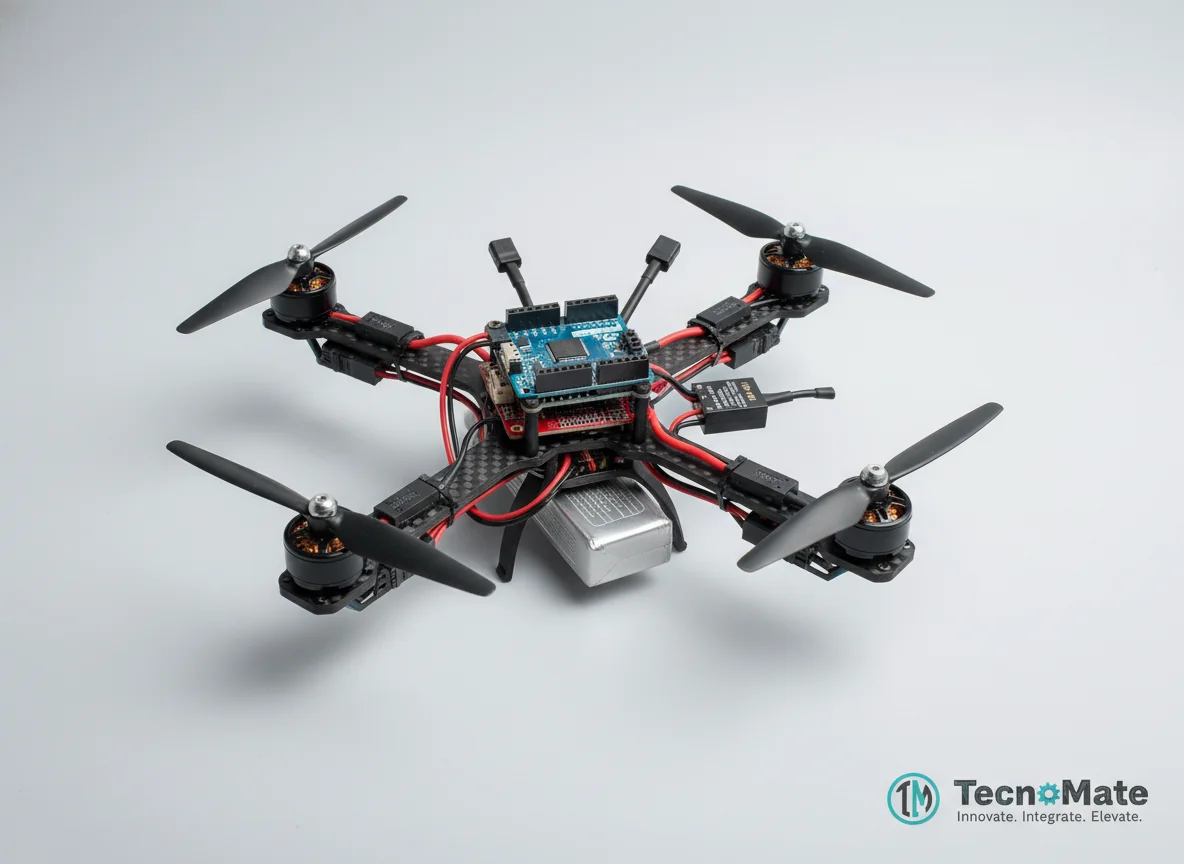
Arduino Drone Flight Controller
Design and build an Arduino-based drone flight controller that stabilizes a quadcopter using IMU sensors, PID control, and motor speed regulation.
Inclusive of all taxes
- Secure payments via Razorpay
- 7-day returns on defective items
- GST invoice on every order
Free delivery on orders above ₹2,000
Delivers in 4-7 business days
Check delivery at your pincode
₹13754.00
Inclusive of all taxes

Components
11 items
Difficulty
Advanced
Build Time
12 – 20 hours (assembly + tuning + flight testing)
Project Details
How It Works
 How It Works
The flight controller continuously reads data from the IMU (MPU6050) which provides gyroscope and accelerometer readings. This data is processed using sensor fusion algorithms to calculate the drone's orientation (roll, pitch, yaw). PID controllers for each axis compute the necessary corrections based on the difference between desired and current orientation. These corrections are translated into PWM signals sent to the ESCs, which adjust the speed of the four brushless motors to stabilize the quadcopter. The system operates in real-time, constantly monitoring and adjusting to maintain stable flight.
Prerequisites
Users should have a solid understanding of Arduino programming, basic electronics, and control systems. Familiarity with I2C communication, PWM signals, and PID control concepts is essential. Experience with soldering and assembling electronic components is also recommended. This is an advanced project, so beginners should start with simpler Arduino projects first.
What You'll Learn
 What You'll Learn
Understanding how drones stabilize and maneuver in air
Combining gyroscope and accelerometer data for accurate orientation
Implementing proportional-integral-derivative controllers for stabilization
Managing motor speeds via PWM signals
Writing code that responds to sensor data in real-time
Designing and integrating drone control systems
Key Features
Maintains stable flight using continuous sensor feedback
Implements PID algorithms for roll, pitch, and yaw control
Easy to add additional sensors like GPS or telemetry
Can be extended for waypoint navigation and data transmission
Uses control systems similar to commercial drones
Suitable for academic research and advanced engineering portfolios
What's Included in the Kit
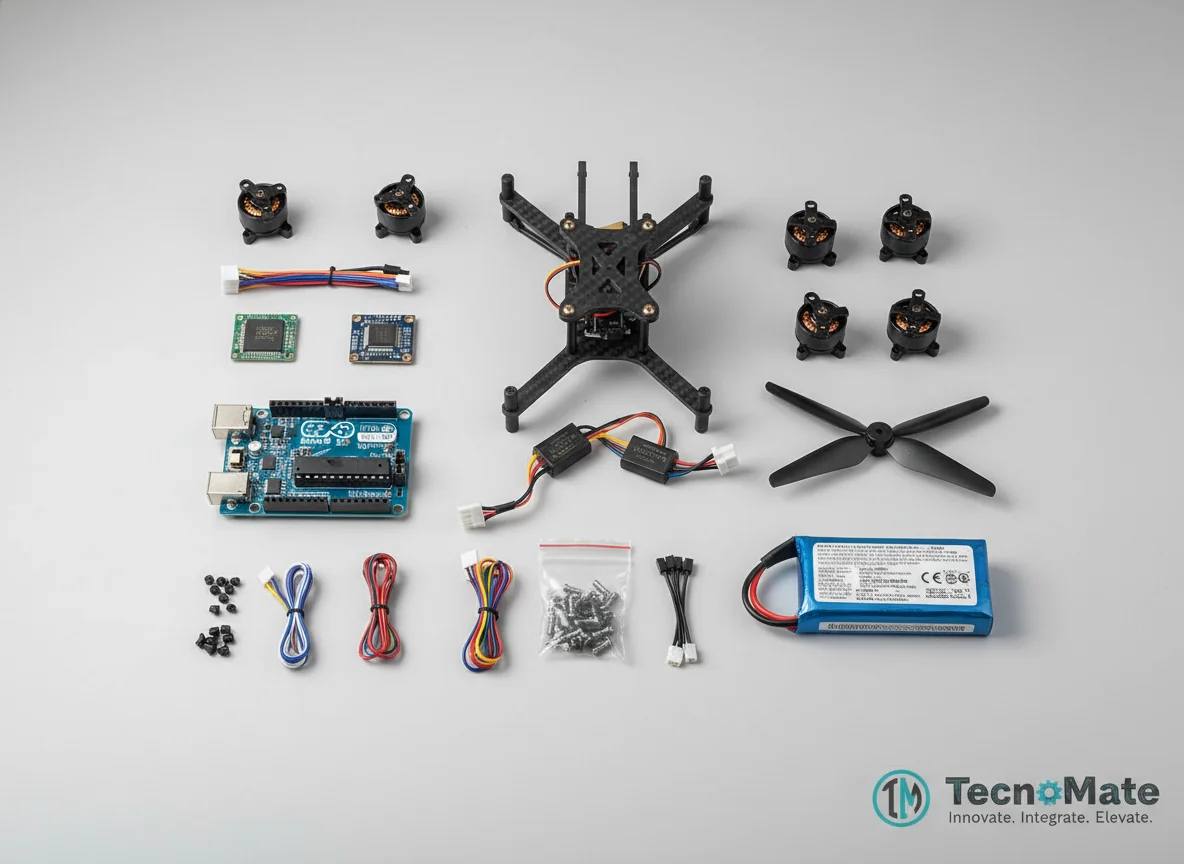
| Component | Qty | Price |
|---|---|---|
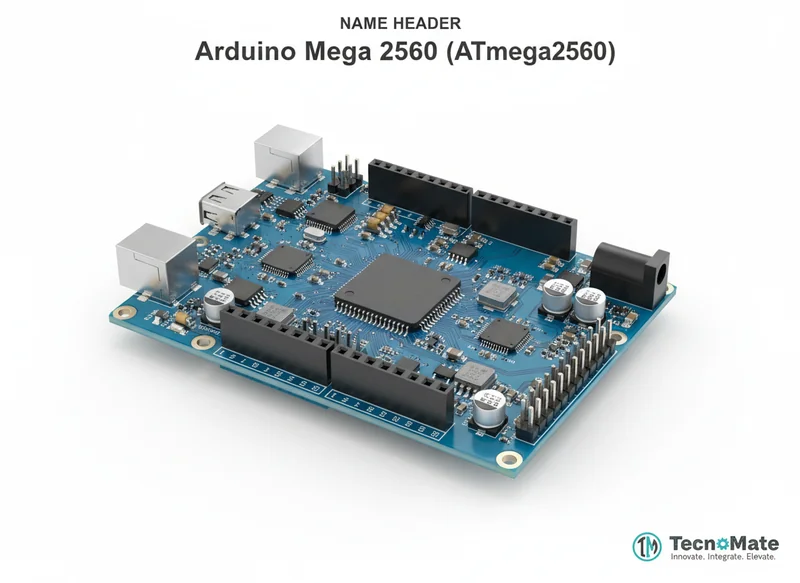 | 1 | ₹1399.00 |
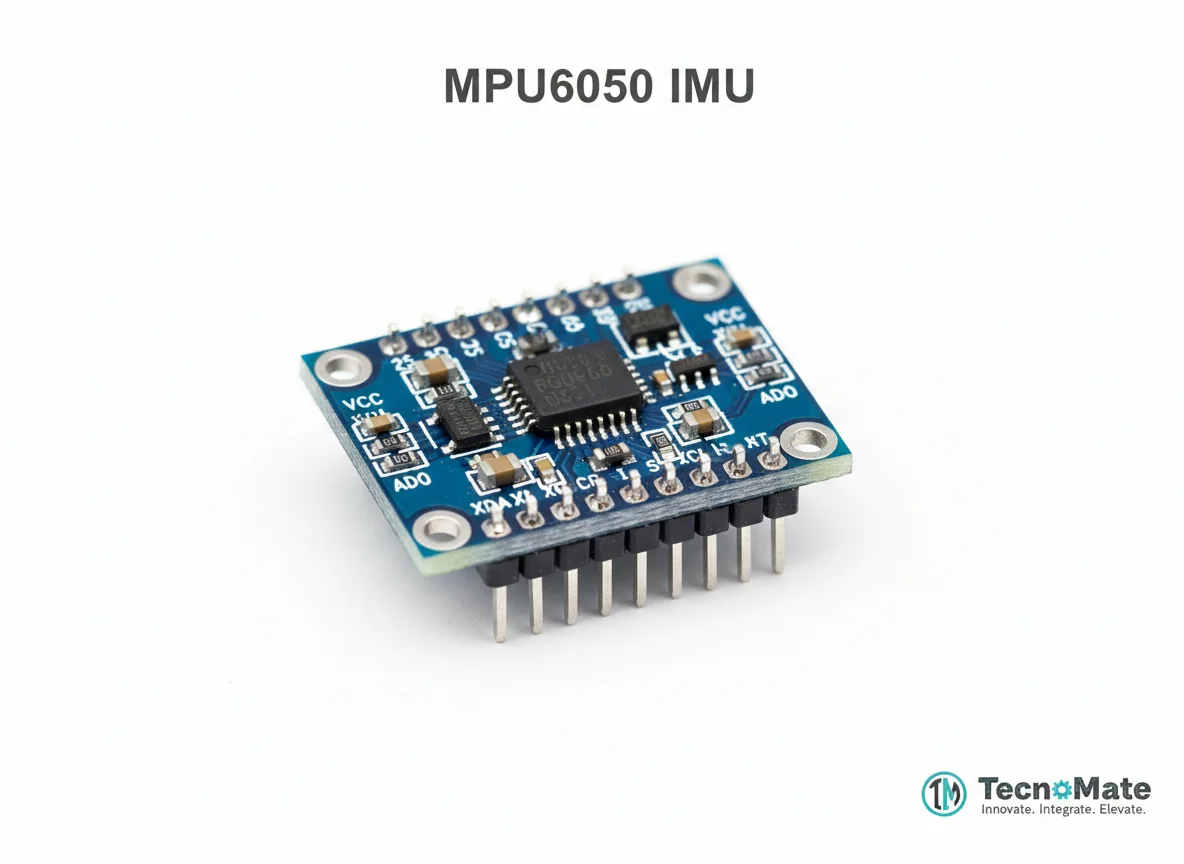 | 1 | ₹122.00 |
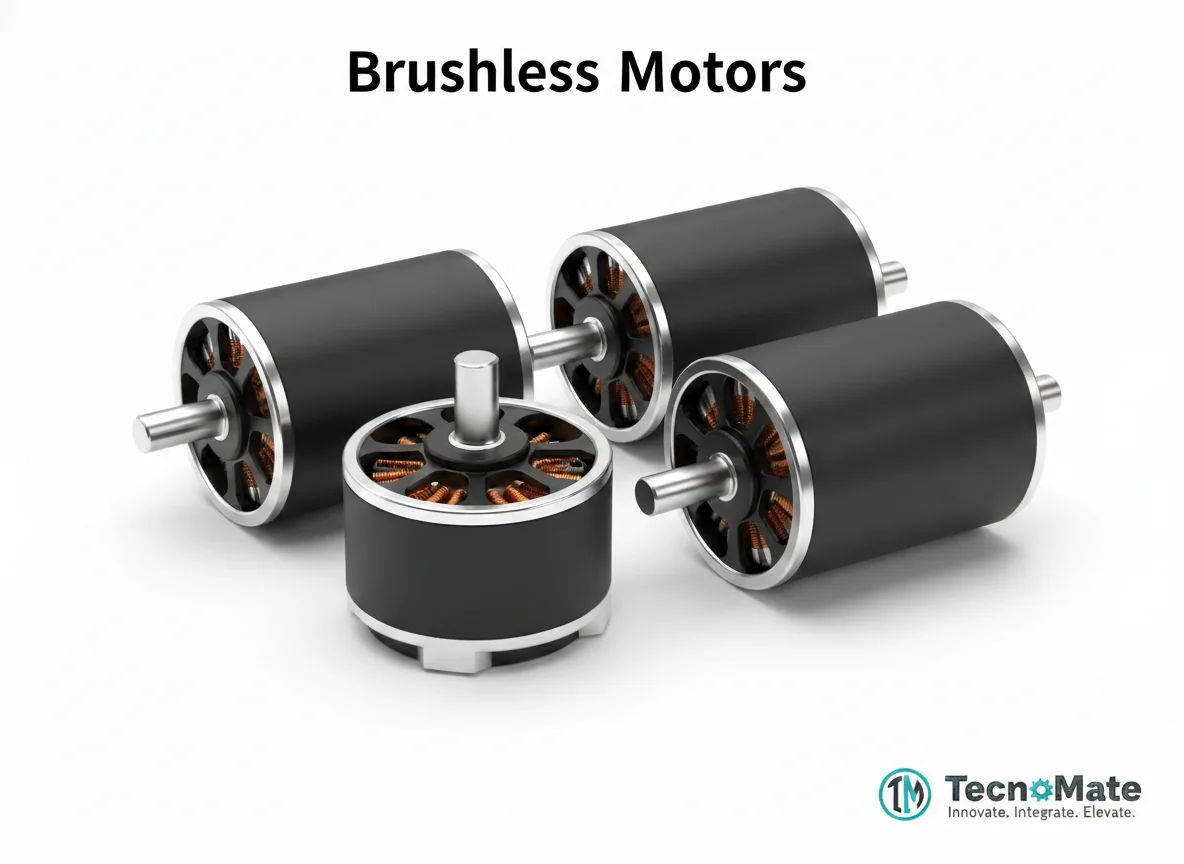 | 4 | ₹2124.00₹531.00 × 4 |
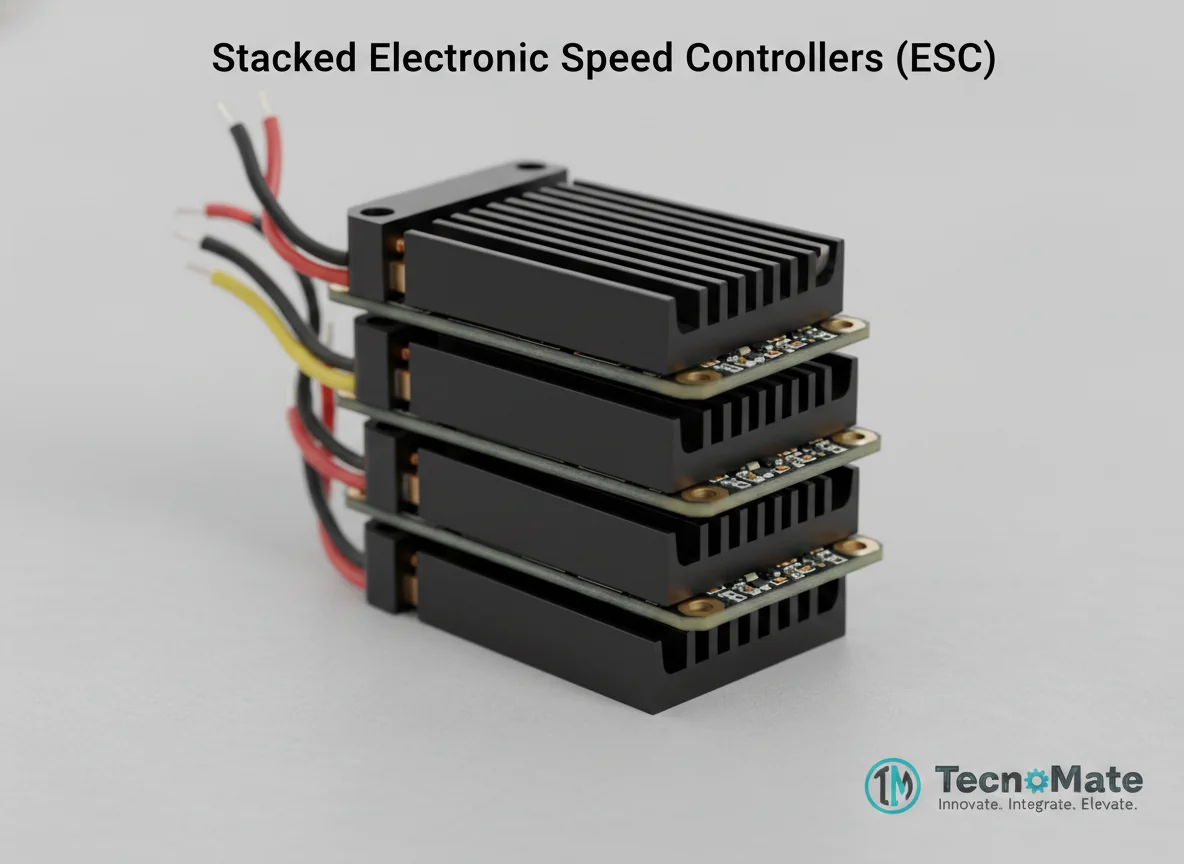 | 4 | ₹3719.00₹930.00 × 4 |
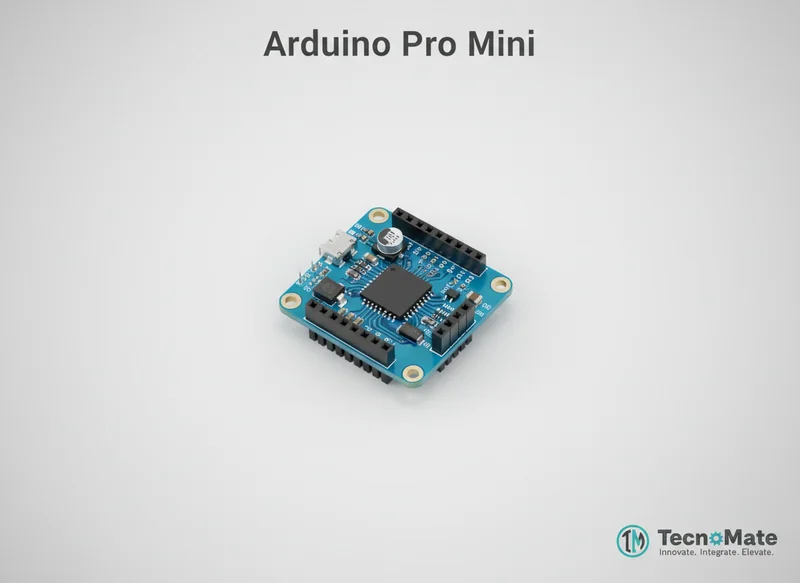 | 4 | ₹0.00₹0.00 × 4 |
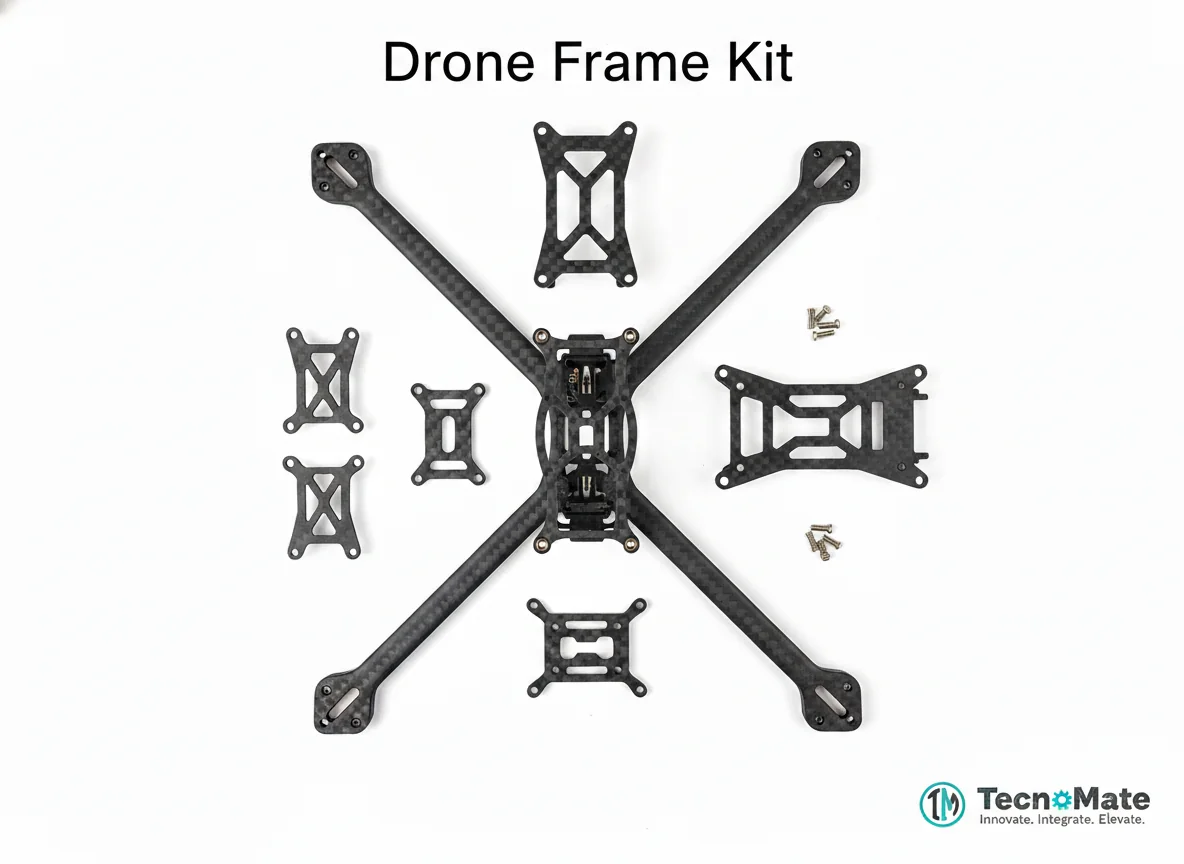 | 1 | ₹1168.00 |
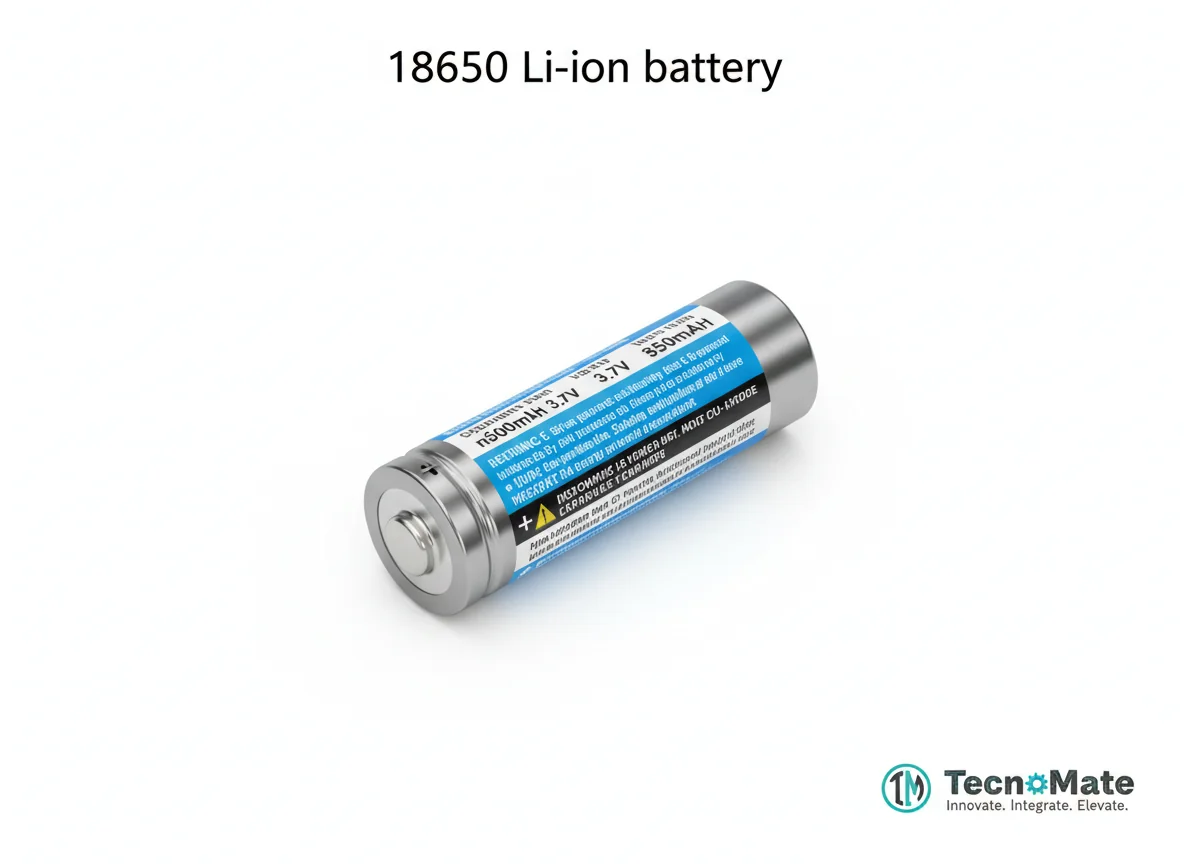 | 1 | ₹142.00 |
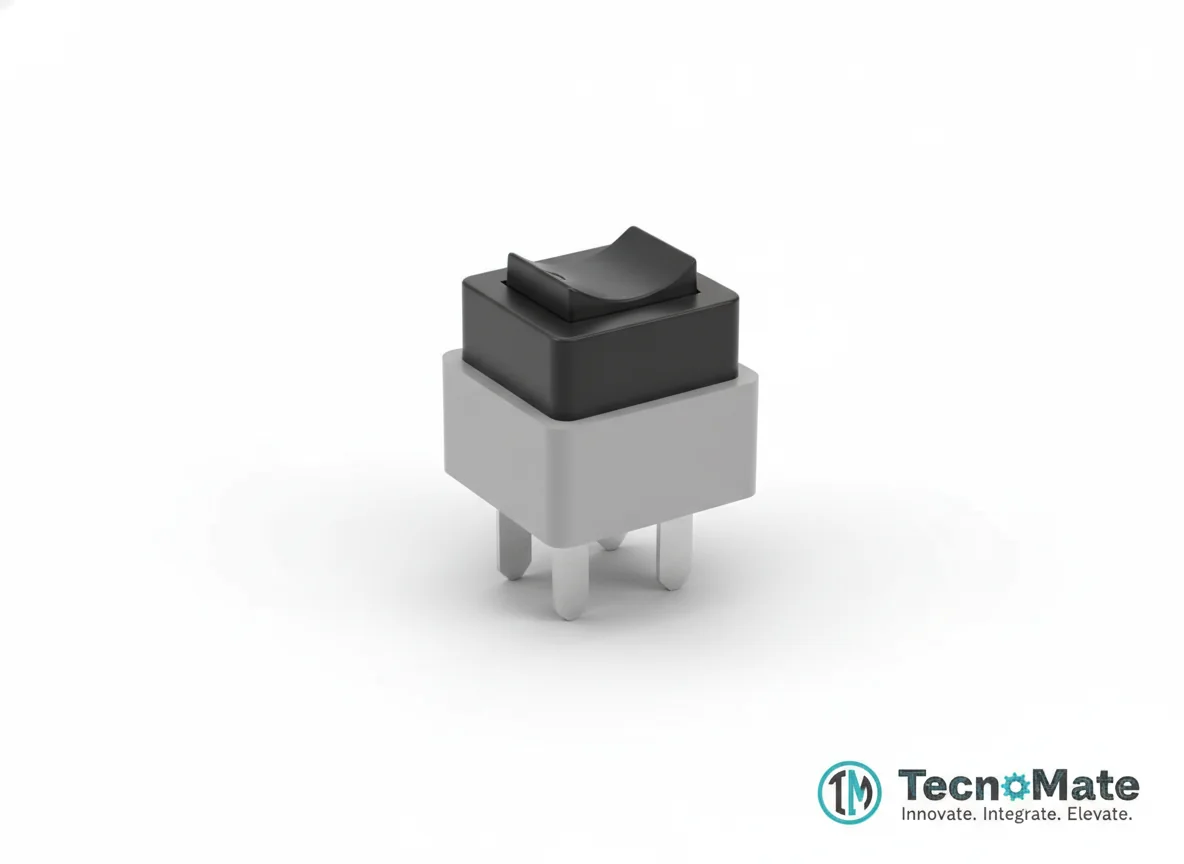 | 1 | ₹0.00 |
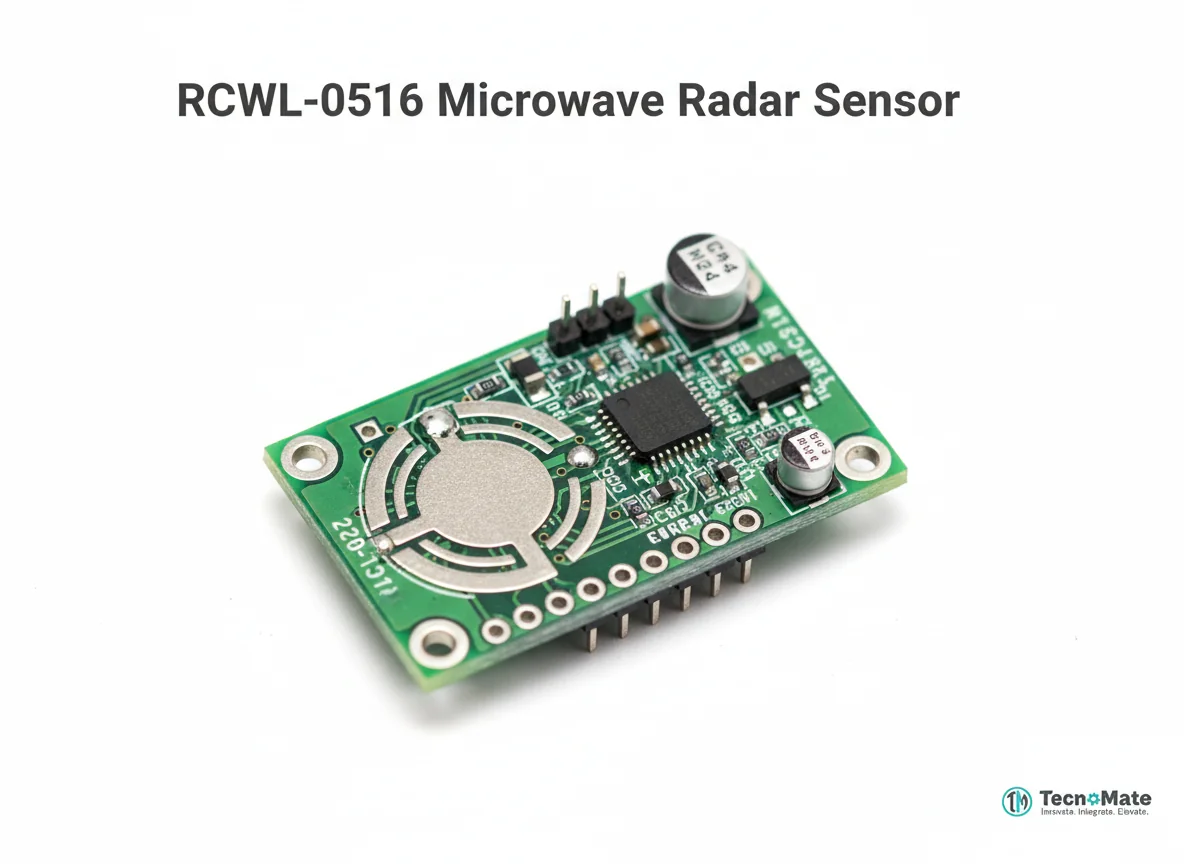 | 1 | ₹0.00 |
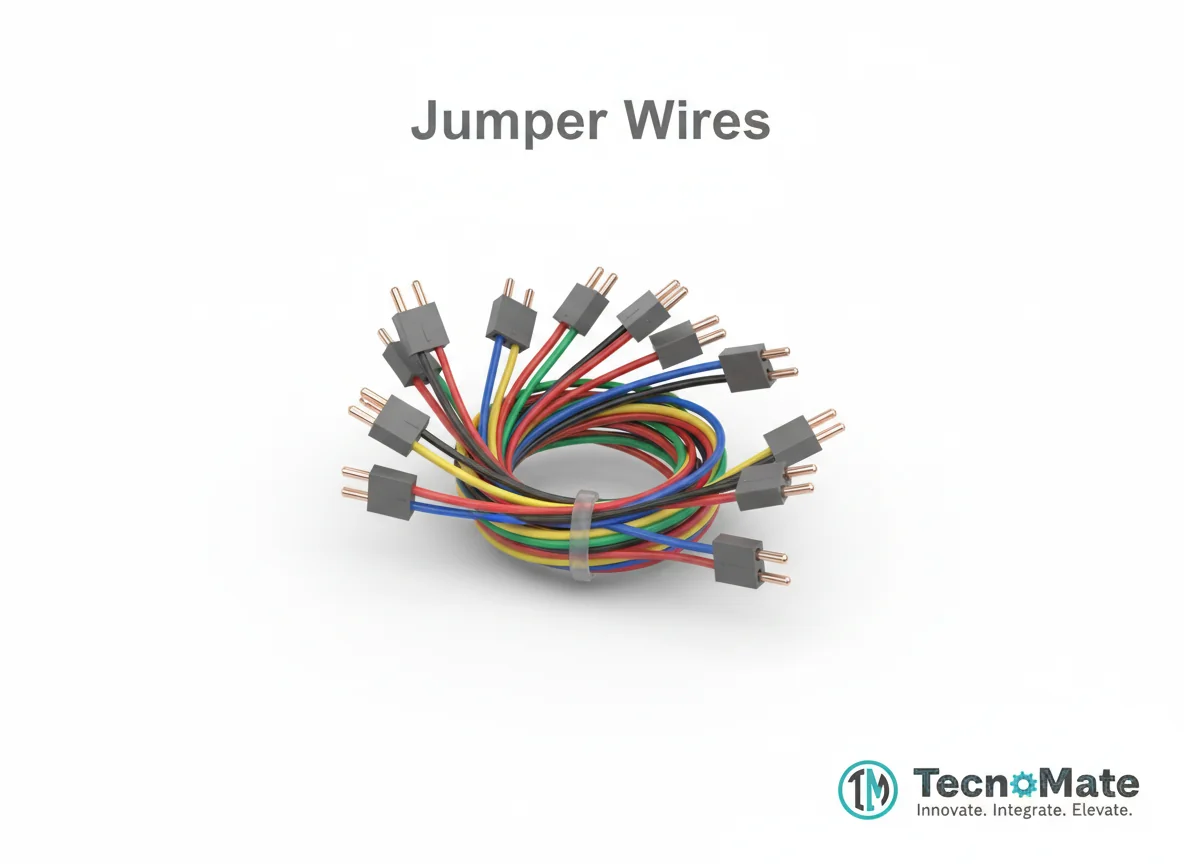 | 1 | ₹171.00 |
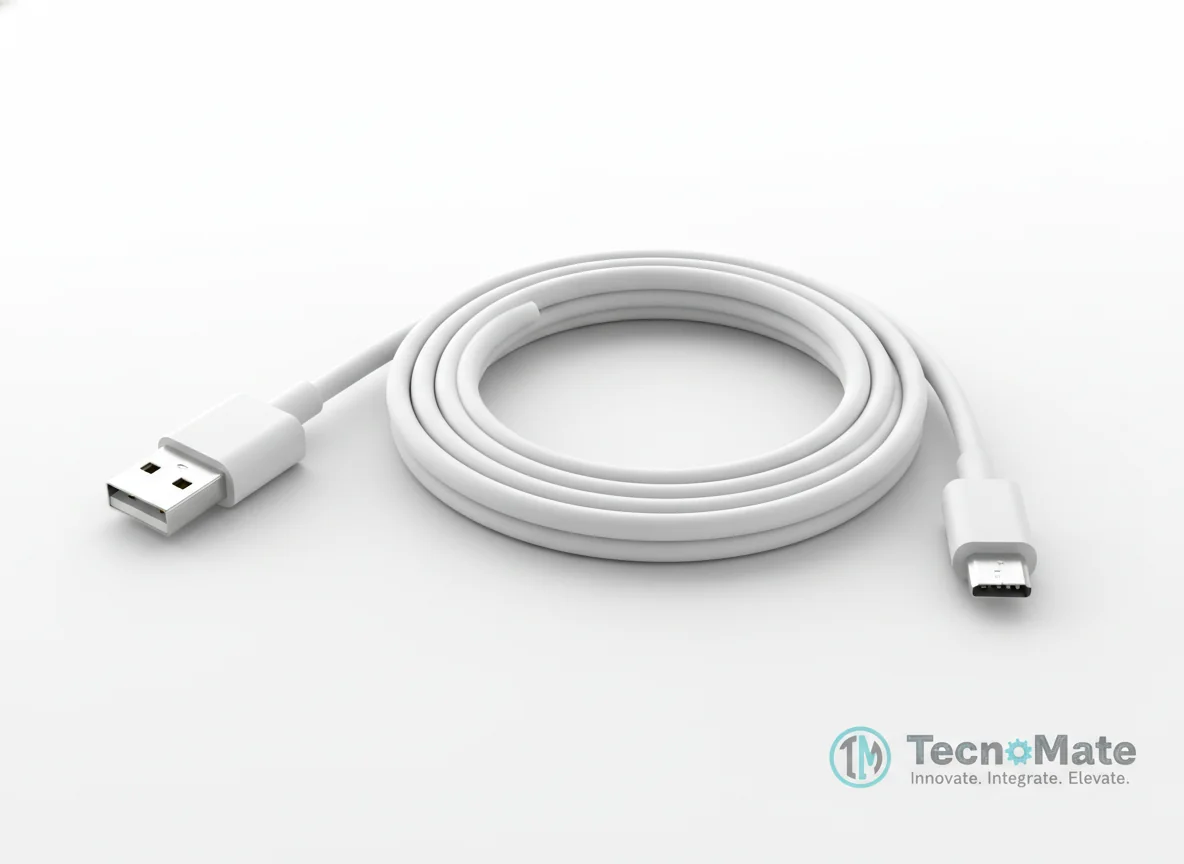 | 1 | ₹190.00 |
Operating Instructions
Pin Connections
 Pin Connections
| MCU Pin | Connected To | Purpose | Notes |
|---|---|---|---|
| 5V | MPU6050 VCC | Power supply | - |
| GND | MPU6050 GND | Ground connection | - |
| SDA | MPU6050 SDA | I2C data line | - |
| SCL | MPU6050 SCL | I2C clock line | - |
| D3 | ESC 1 | PWM signal for Motor 1 | - |
| D5 | ESC 2 | PWM signal for Motor 2 | - |
| D6 | ESC 3 | PWM signal for Motor 3 | - |
| D9 | ESC 4 | PWM signal for Motor 4 | - |
Tools Required
 Tools Required
Safety Precautions
Handling
- ⚠REMOVE PROPELLERS during testing
- ⚠Use Li-Po batteries carefully
- ⚠Never short battery terminals
- ⚠Calibrate ESCs before flight
Operating
- ⚠Keep distance during first flight
- ⚠Use safety goggles at all times
Frequently Asked Questions
 Frequently Asked Questions
Q:Is Arduino powerful enough for a drone?
Q:Why use Arduino Mega instead of UNO?
Q:Can GPS be added?
Q:Is this project beginner-friendly?
Product images are for illustration purposes only. Actual products may differ in appearance, packaging, or specifications. See our Terms of Service.