

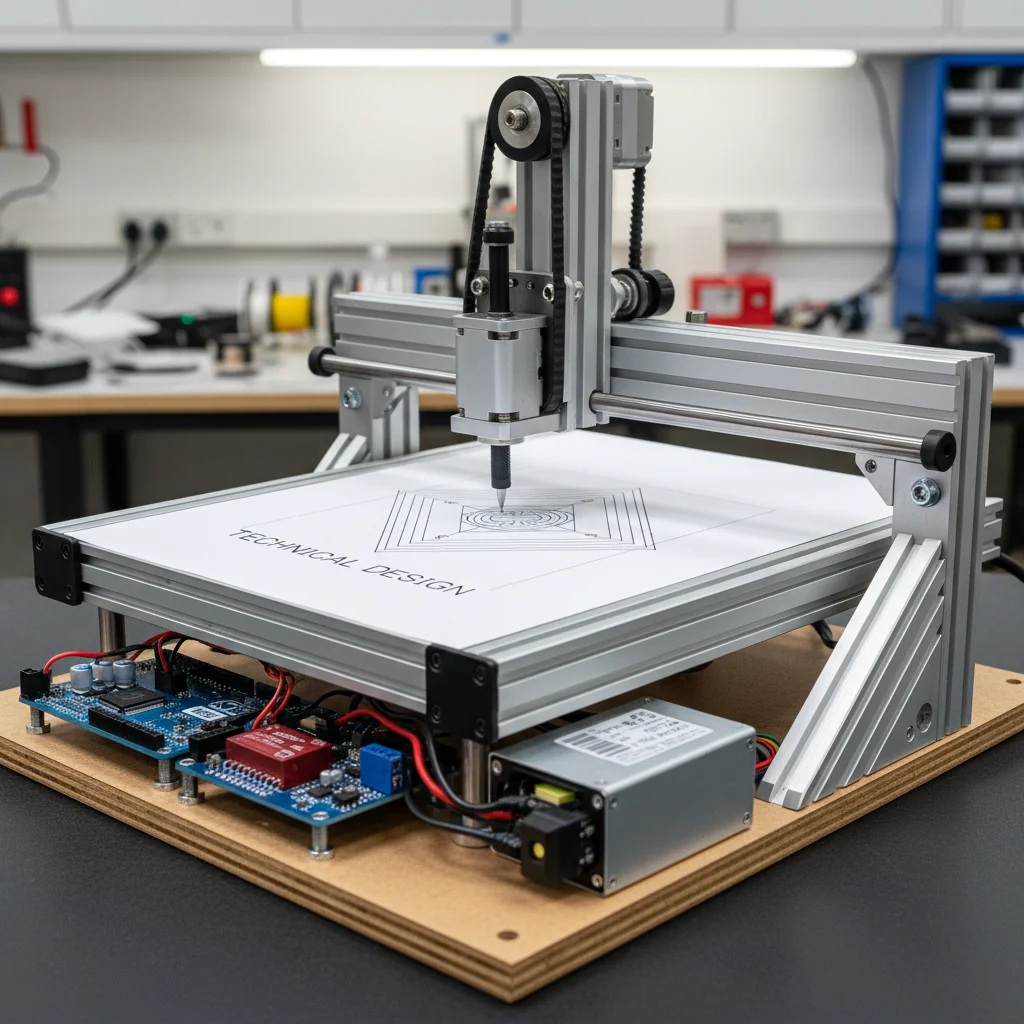
CNC Drawing Machine Using Arduino & GRBL
Design and build a CNC drawing machine using Arduino, stepper motors, and GRBL firmware to automatically draw images, text, and patterns with high precision.
Inclusive of all taxes
- Secure payments via Razorpay
- 7-day returns on defective items
- GST invoice on every order
Free delivery on orders above ₹2,000
Delivers in 4-7 business days
Check delivery at your pincode
₹15683.00
Inclusive of all taxes
Components
14 items
Difficulty
Advanced
Build Time
6 – 10 hours (assembly + calibration + testing)
Project Details
How It Works
 How It Works
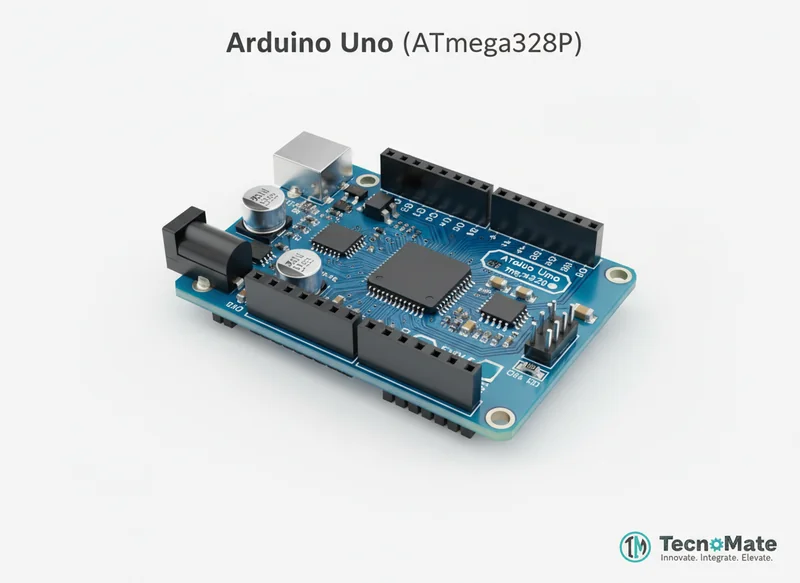
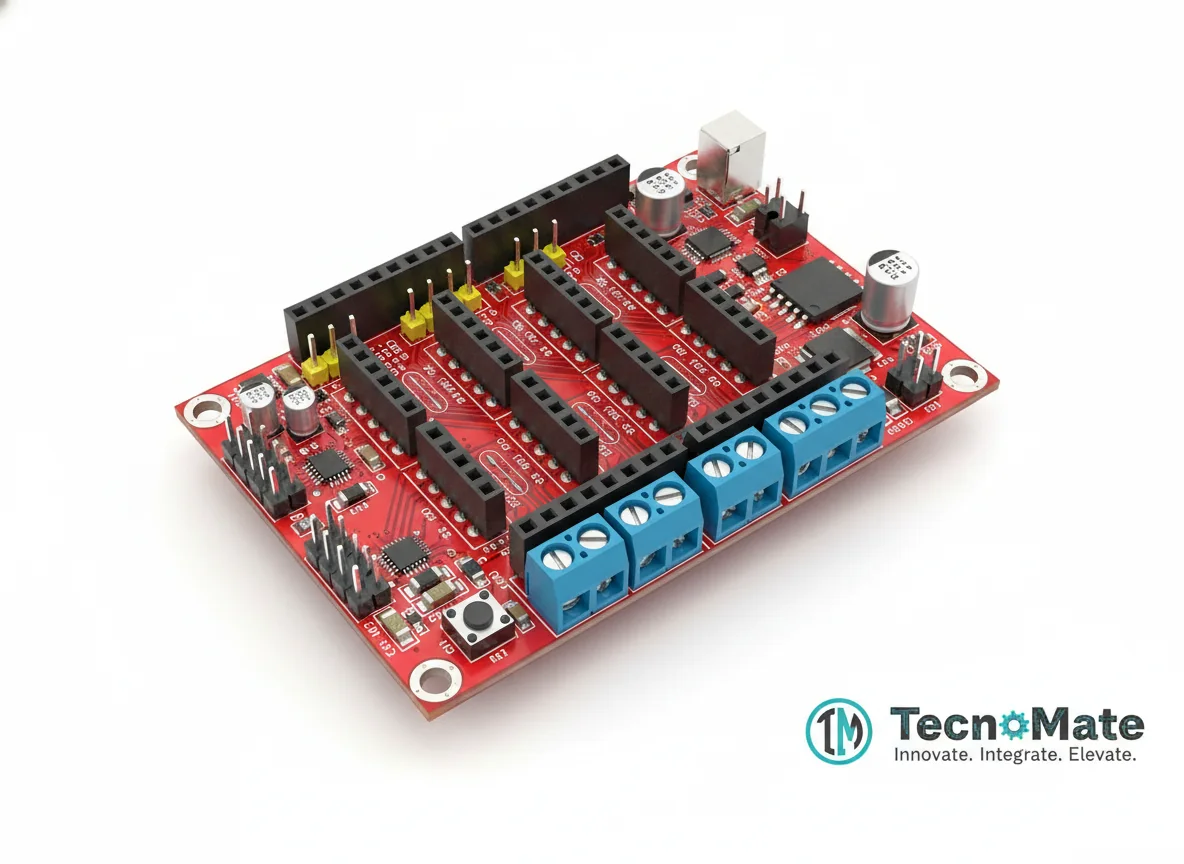
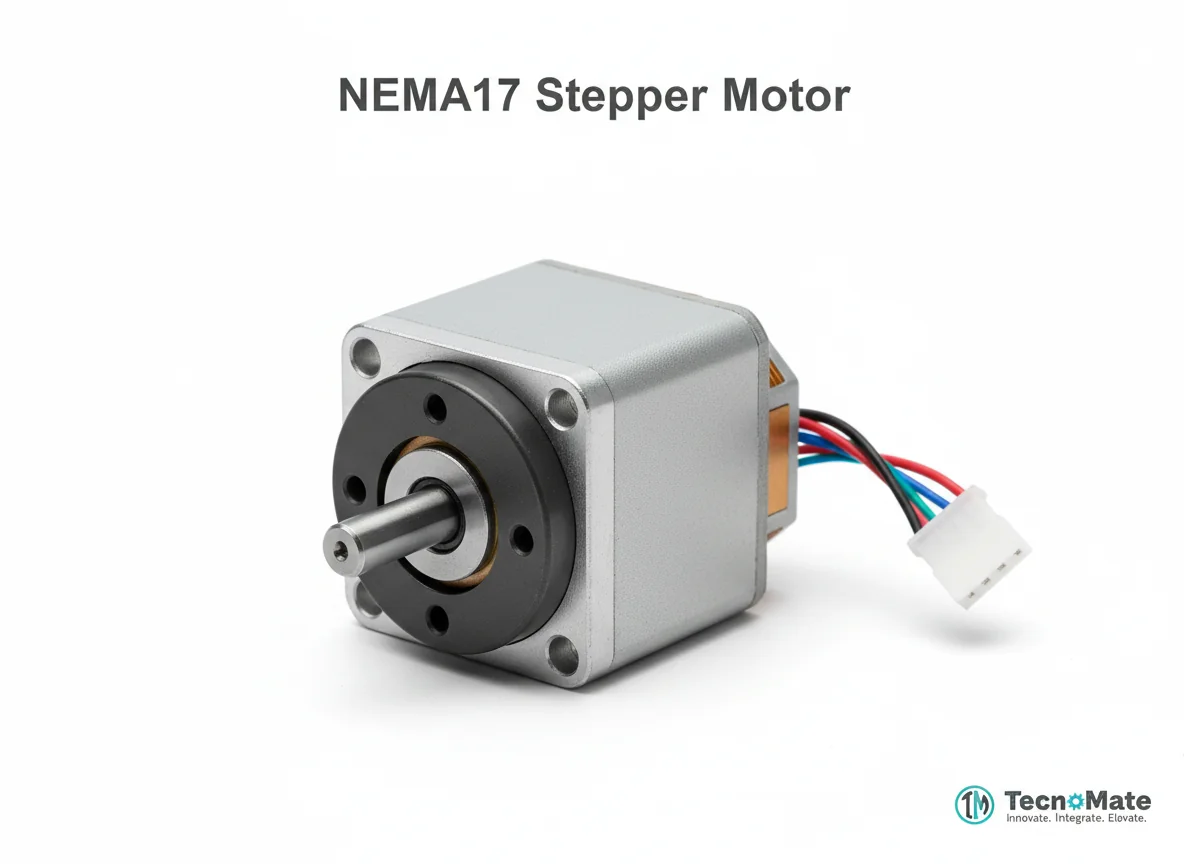
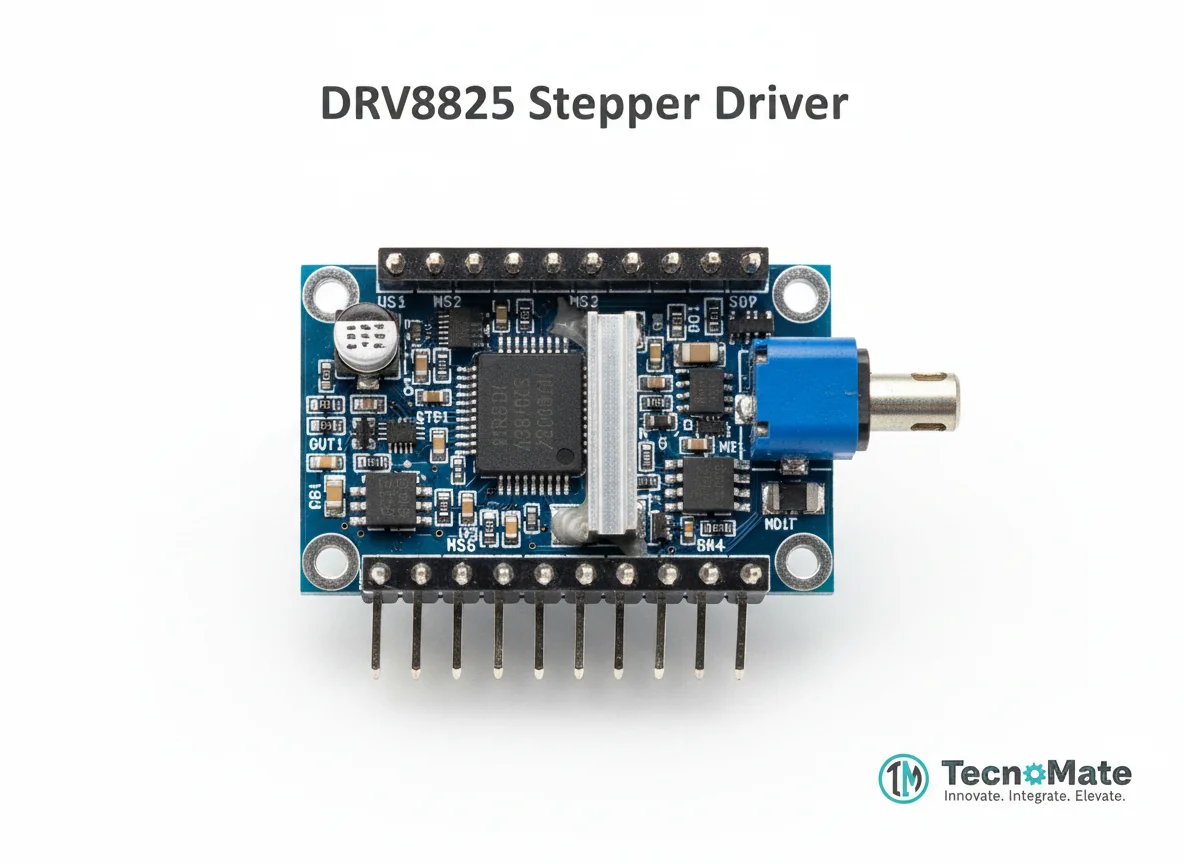
The CNC drawing machine works by converting digital designs into G-code instructions. The computer runs Inkscape to create or import designs, which are then converted to G-code. Universal G-code Sender transmits this G-code to the Arduino running GRBL firmware. GRBL interprets the G-code and sends precise STEP/DIR signals to the stepper drivers (A4988/DRV8825), which control the NEMA 17 stepper motors for X and Y axis movement. A servo motor (SG90) controlled via PWM on pin D11 handles the Z-axis (pen up/down). The machine follows the coordinate system to draw the design accurately on paper or other surfaces.
Prerequisites
Basic knowledge of Arduino programming, understanding of stepper motors and servo control, familiarity with G-code commands, and experience with mechanical assembly. Knowledge of electronics and soldering is helpful but not strictly required.
What You'll Learn
 What You'll Learn
Understanding the structure and components of CNC systems
Learning to configure and use GRBL with G-code commands
Controlling precise movement with stepper motors
Setting up and calibrating machine coordinates
Combining hardware and software for automation
Applying real-world industrial automation principles
Key Features
Machine automatically draws designs without manual intervention
Accurate positioning for detailed drawings
Designs created on computer and sent to machine
Compatible with professional CNC software
Can be upgraded for engraving tasks
Industry-relevant for advanced engineering students
What's Included in the Kit
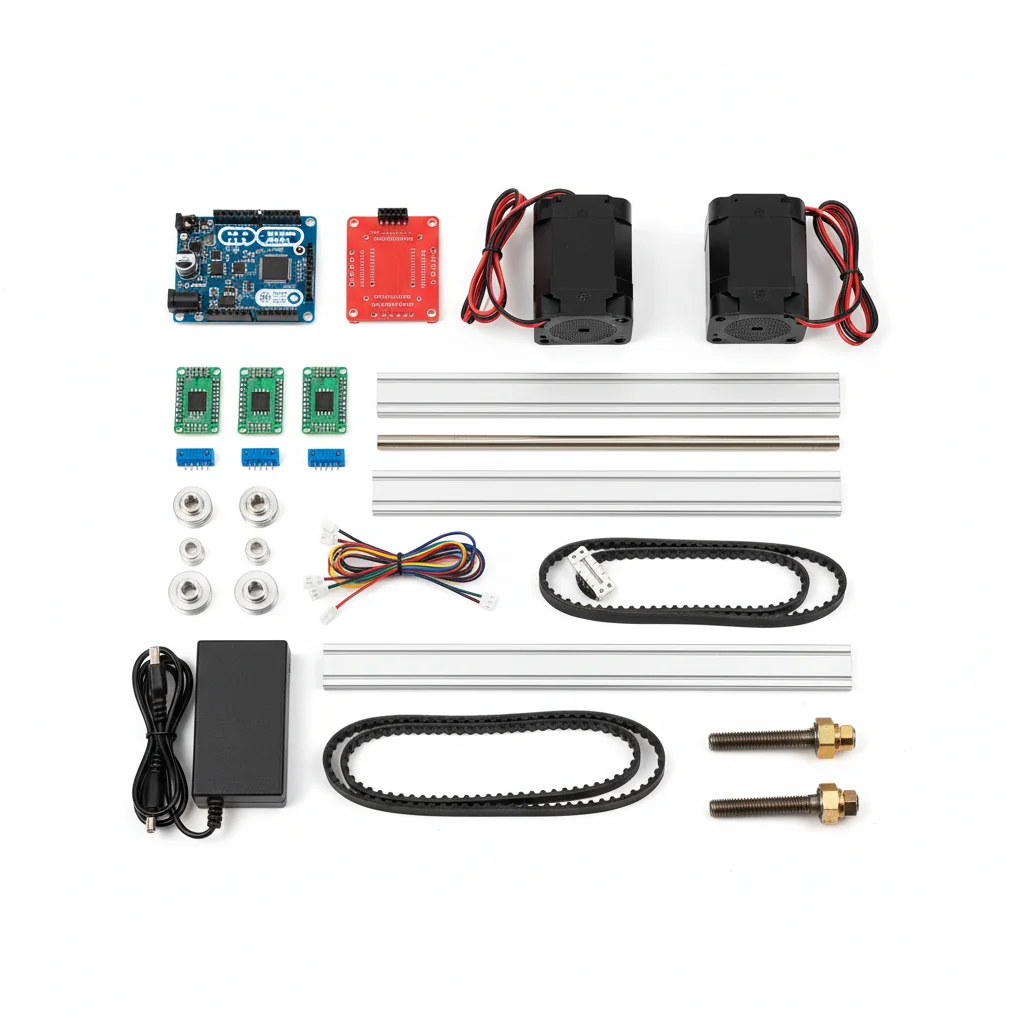
| Component | Qty | Price |
|---|---|---|
 | 1 | ₹767.00 |
 | 1 | ₹123.00 |
 | 2 | ₹0.00₹0.00 × 2 |
 | 2 | ₹2598.00₹1299.00 × 2 |
 | 2 | ₹2598.00₹1299.00 × 2 |
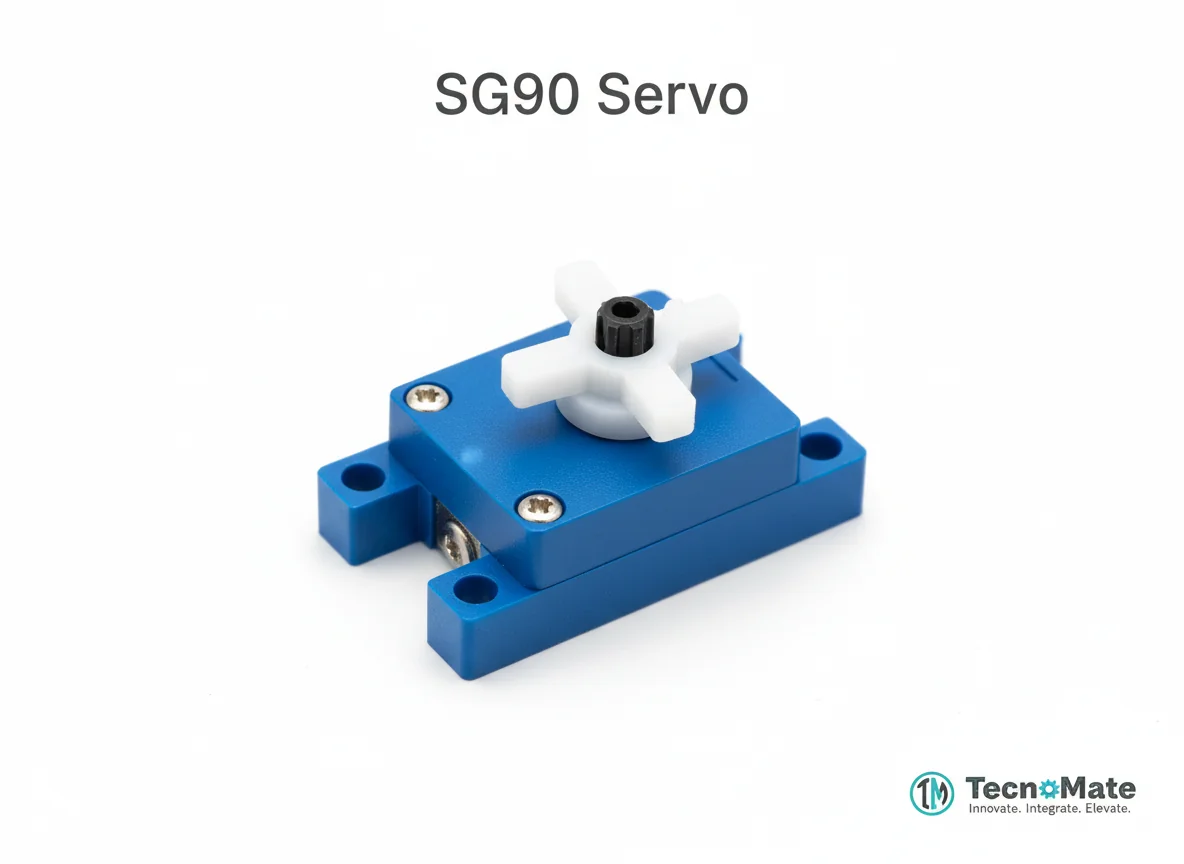 | 1 | ₹340.00 |
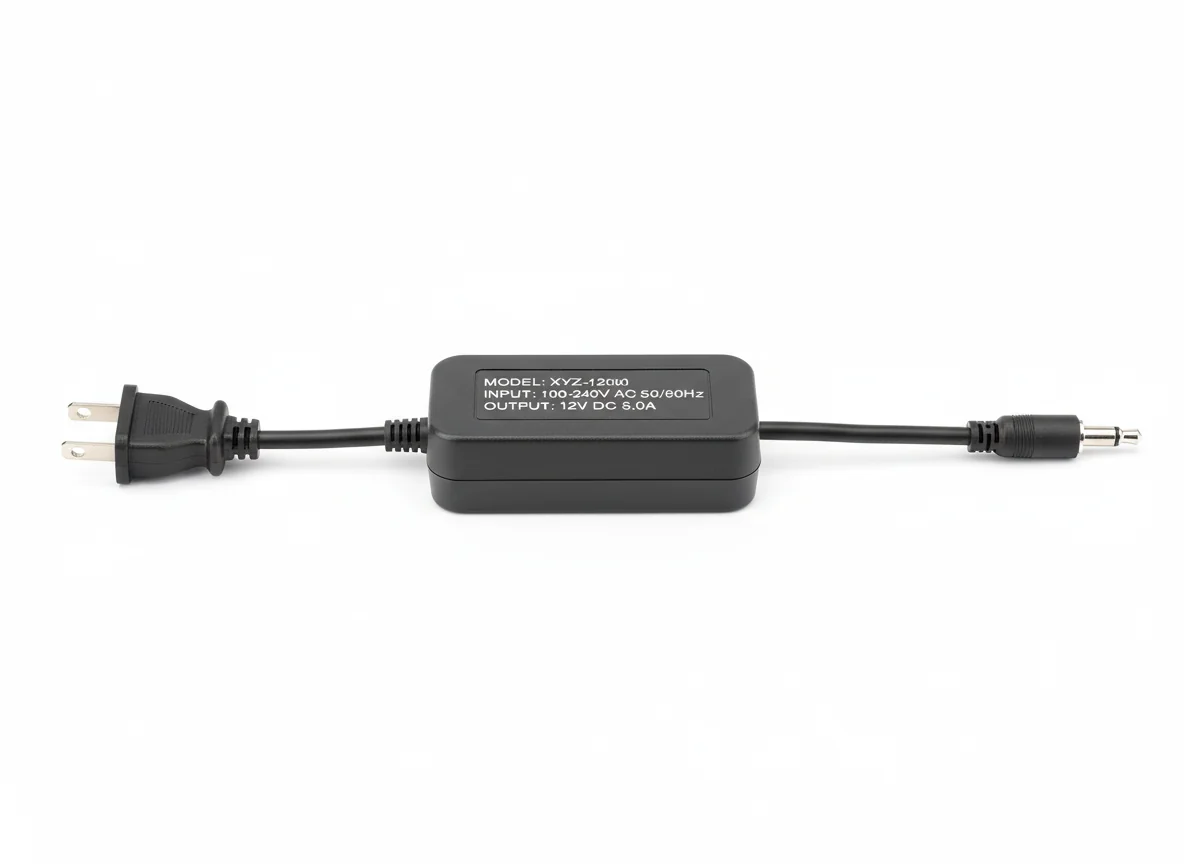 | 1 | ₹0.00 |
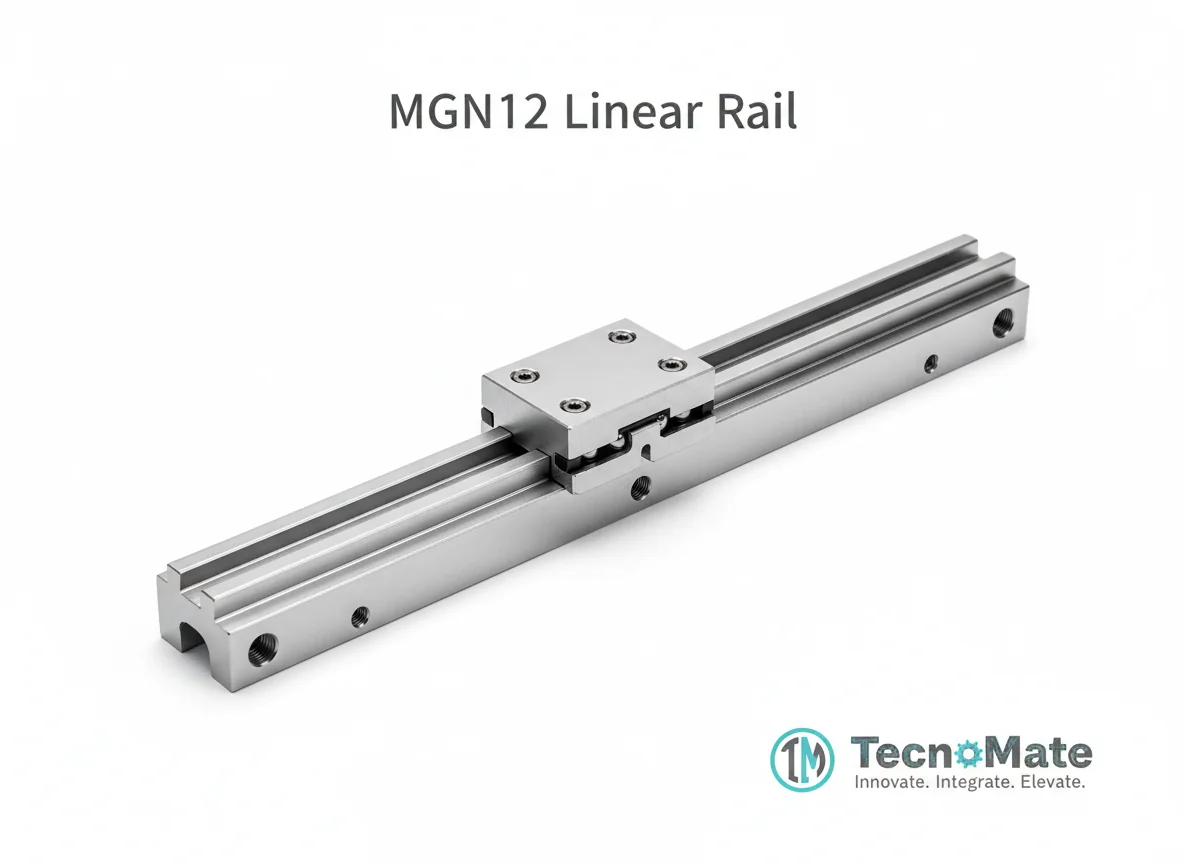 | 1 | ₹0.00 |
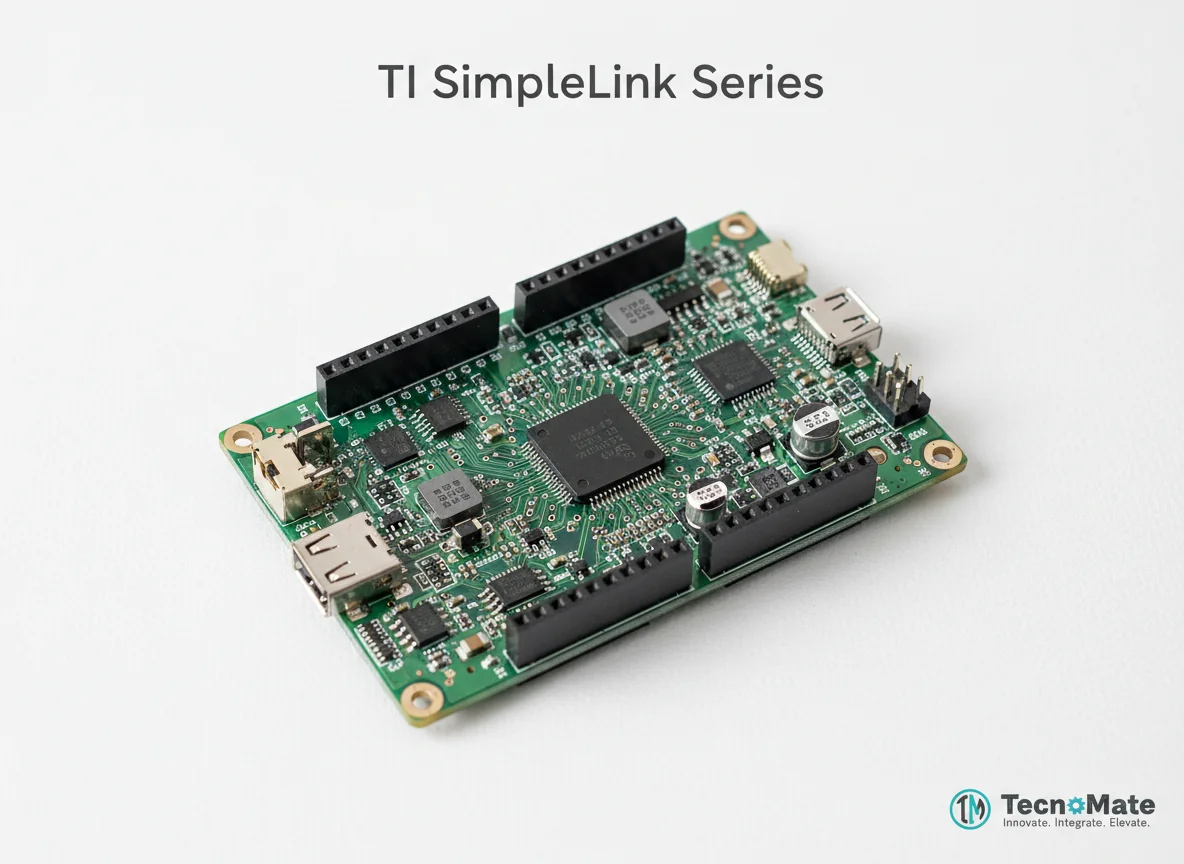 | 1 | ₹1999.00 |
Pen Holder | 1 | ₹0.00 |
Limit Switches | 2 | ₹0.00₹0.00 × 2 |
 | 1 | ₹0.00 |
 | 1 | ₹1168.00 |
 | 1 | ₹190.00 |
Operating Instructions
Pin Connections
 Pin Connections
| MCU Pin | Connected To | Purpose | Notes |
|---|---|---|---|
| D11 | Servo Motor (Z-axis) | PWM signal for pen up/down control | Via CNC Shield |
| CNC Shield X-Axis | A4988 Slot X | Controls X-axis stepper motor | STEP/DIR signals |
| CNC Shield Y-Axis | A4988 Slot Y | Controls Y-axis stepper motor | STEP/DIR signals |
| A4988 VMOT | 12V Power Supply | Motor power supply | Requires 12V DC |
| A4988 GND | Common Ground | Ground connection | Ensure proper grounding |
Tools Required
 Tools Required
Safety Precautions
Electrical
- ⚠Never connect motors while powered ON
- ⚠Set current limit before operation
- ⚠Use emergency power cutoff
Handling
- ⚠Secure moving parts firmly
- ⚠Avoid loose wiring
Operating
- ⚠Keep hands away during operation
Frequently Asked Questions
 Frequently Asked Questions
Q:Can this machine engrave wood?
Q:Is GRBL difficult to use?
Q:Can I add limit switches?
Q:What accuracy can I expect?
Product images are for illustration purposes only. Actual products may differ in appearance, packaging, or specifications. See our Terms of Service.