

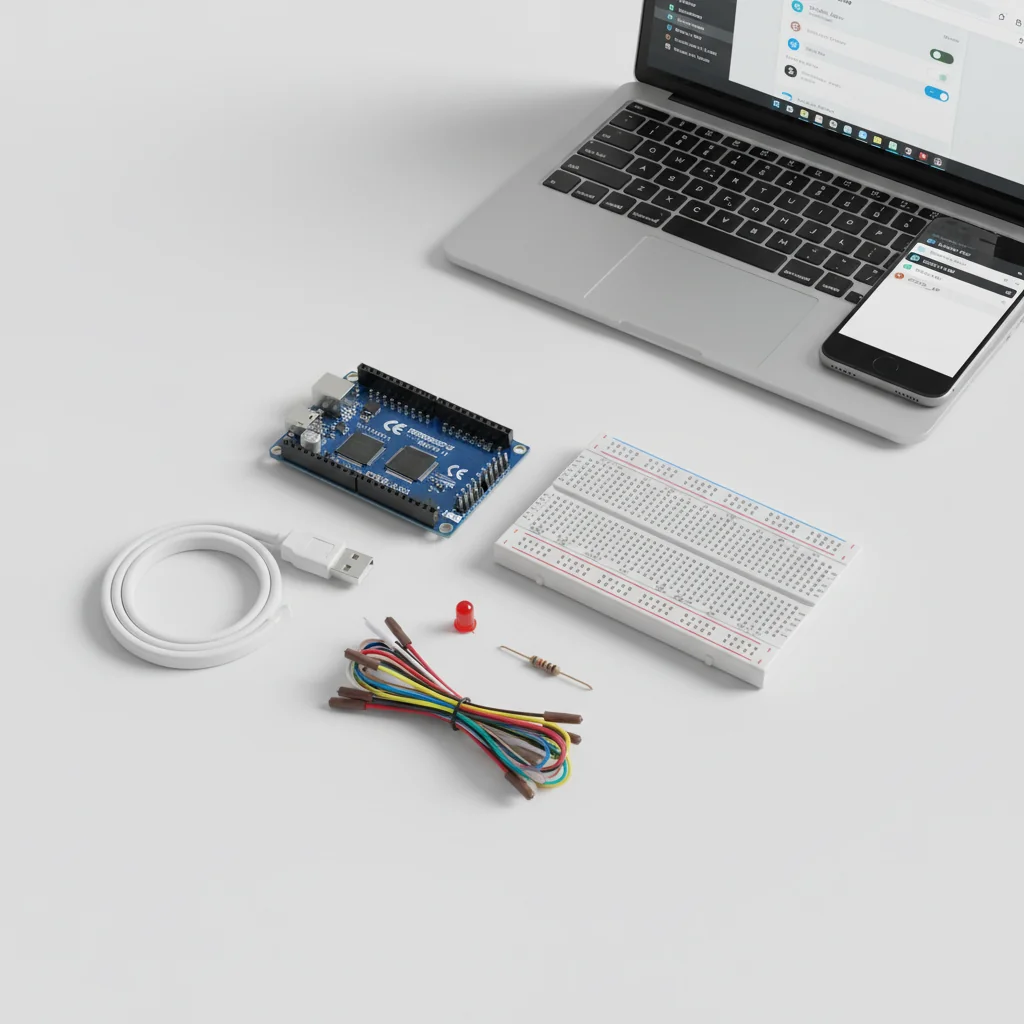
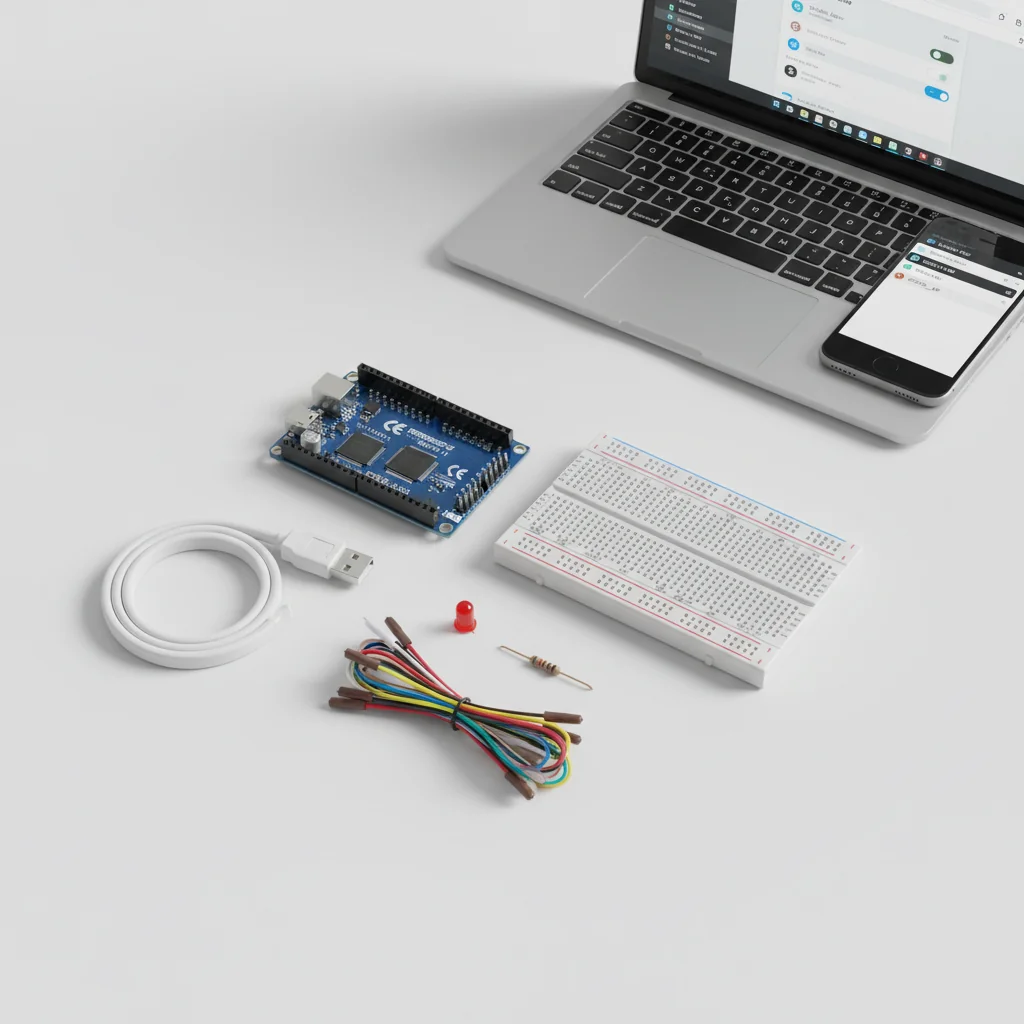
ESP32 Access Point Mode
Configure ESP32 as a Wi-Fi Access Point and control an LED through a web page without using a router or internet.
Inclusive of all taxes
- Secure payments via Razorpay
- 7-day returns on defective items
- GST invoice on every order
Free delivery on orders above ₹2,000
Delivers in 4-7 business days
Check delivery at your pincode
₹3698.00
Inclusive of all taxes

Components
7 items
Difficulty
Intermediate
Build Time
40 minutes – 1 hour
Project Details
How It Works
 How It Works
The ESP32 is configured in Access Point mode using the WiFi.softAP() function, creating a Wi-Fi hotspot with a specified SSID and password. The ESP32 hosts a web server on port 80 that listens for incoming HTTP requests. When a client device (smartphone or laptop) connects to the ESP32's Wi-Fi network and accesses the web page, the server responds with an HTML page containing buttons for LED control. Clicking the 'LED ON' or 'LED OFF' buttons sends HTTP requests to specific URLs (/ON or /OFF), which the ESP32 processes to toggle the LED state via GPIO 2.
Prerequisites
Basic knowledge of Arduino programming, understanding of Wi-Fi concepts, familiarity with HTML basics, and experience with ESP32 or similar microcontrollers.
What You'll Learn
 What You'll Learn
Learn to set up ESP32 as a Wi-Fi hotspot
Create and manage a local web server on ESP32
Enable communication between ESP32 and client devices without router
Design IoT systems that work without internet connectivity
Create and serve web pages from microcontroller
Key Features
ESP32 creates its own Wi-Fi network independently
Full functionality without any internet connection
Smartphones and laptops can connect directly to ESP32
Basic WPA2 security for the access point
Project can be extended to control relays and other sensors
What's Included in the Kit
| Component | Qty | Price |
|---|---|---|
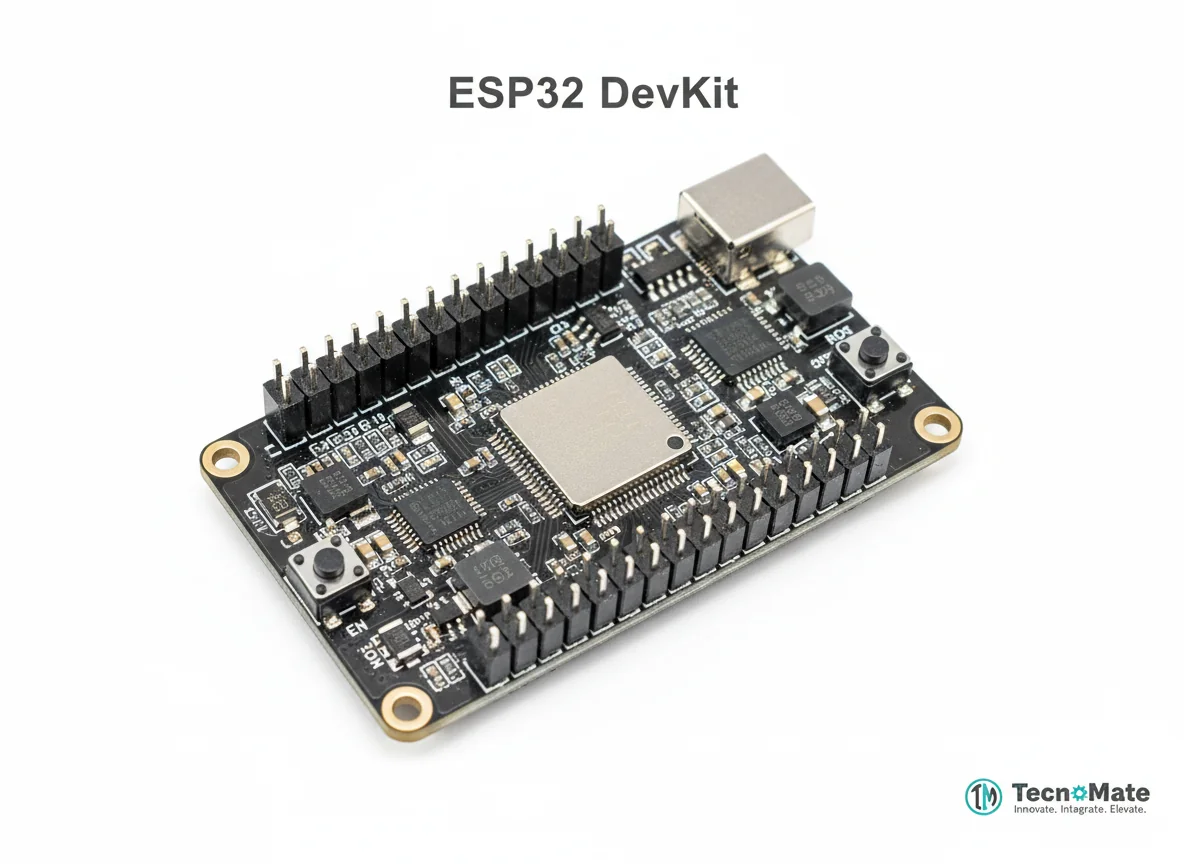 | 1 | ₹1682.00 |
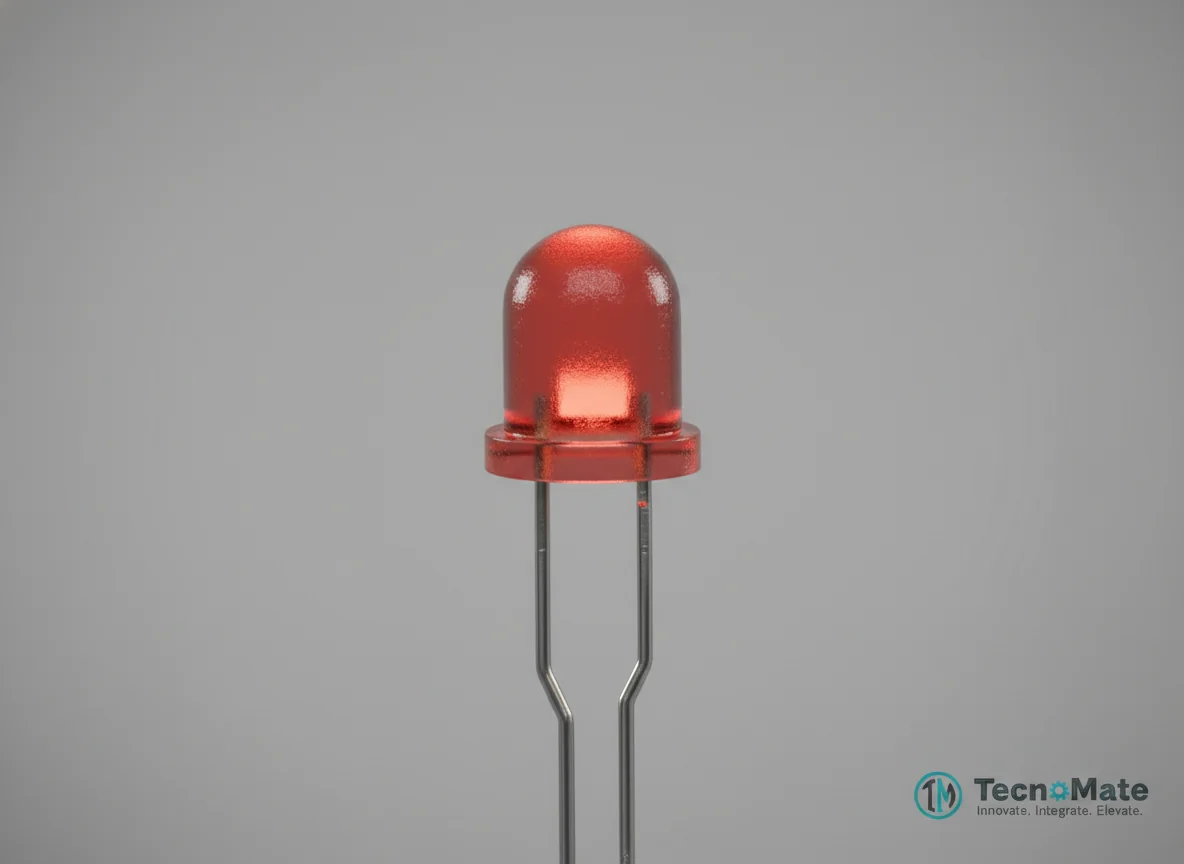 | 1 | ₹400.00 |
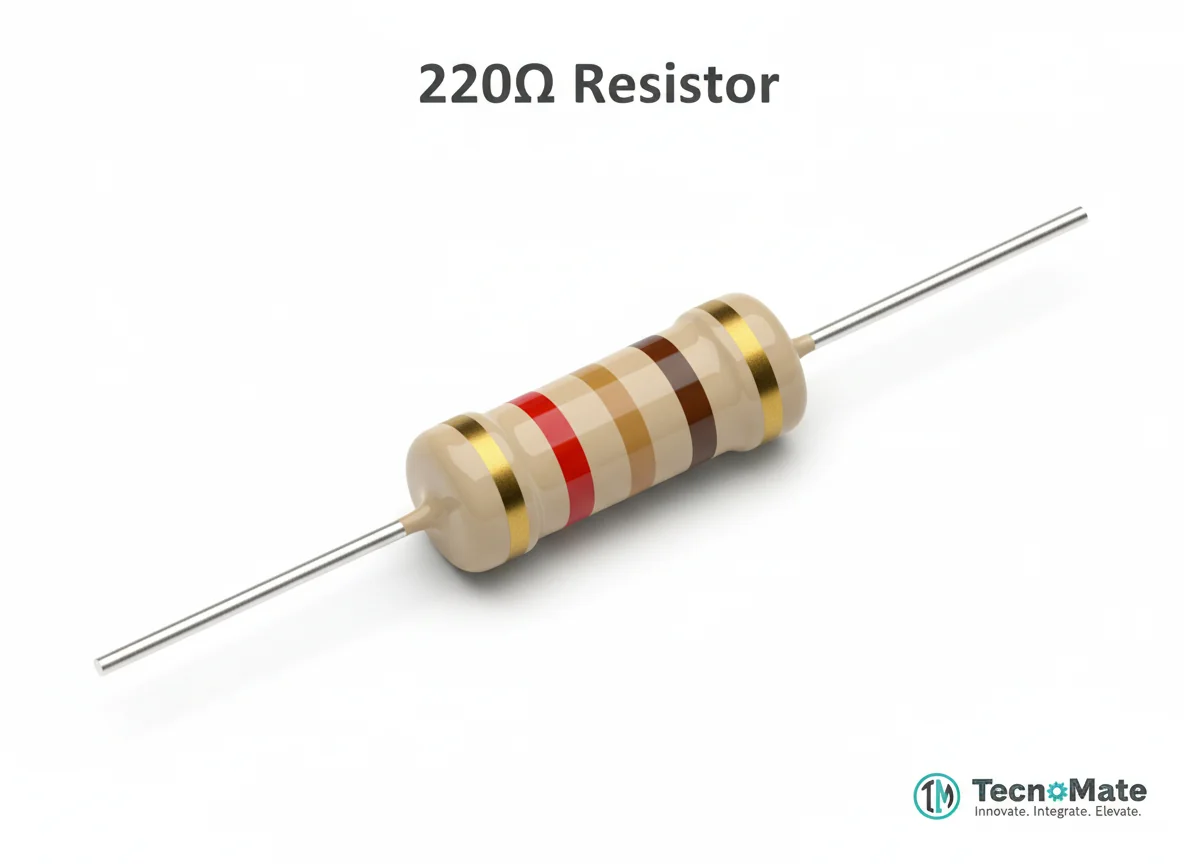 | 1 | ₹0.00 |
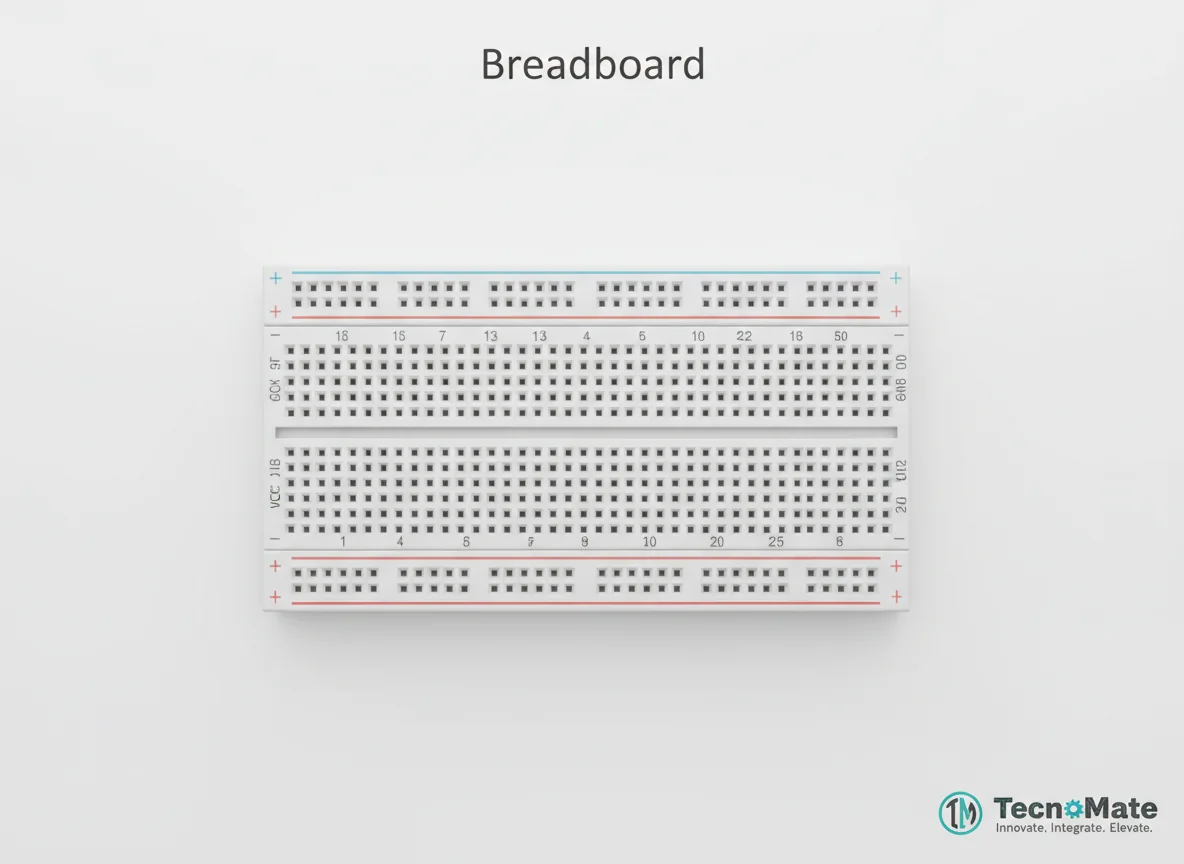 | 1 | ₹77.00 |
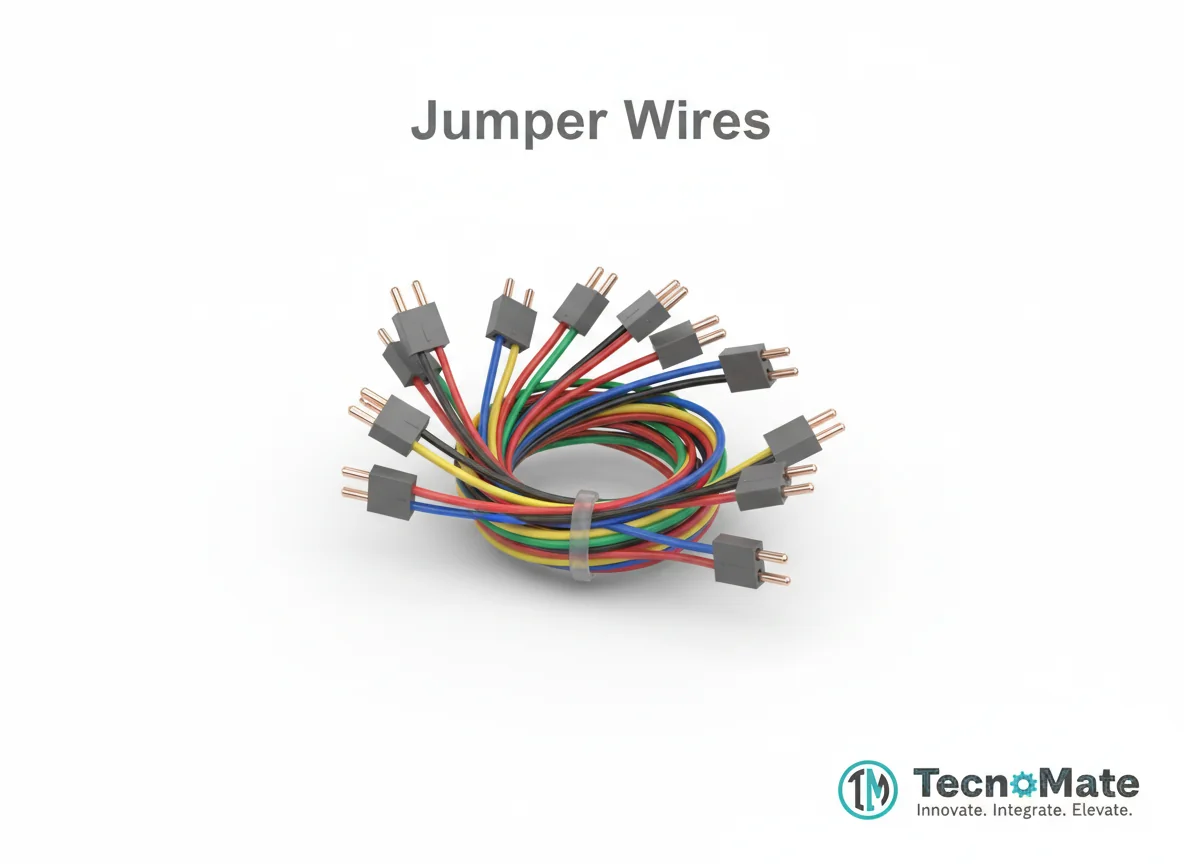 | 1 | ₹171.00 |
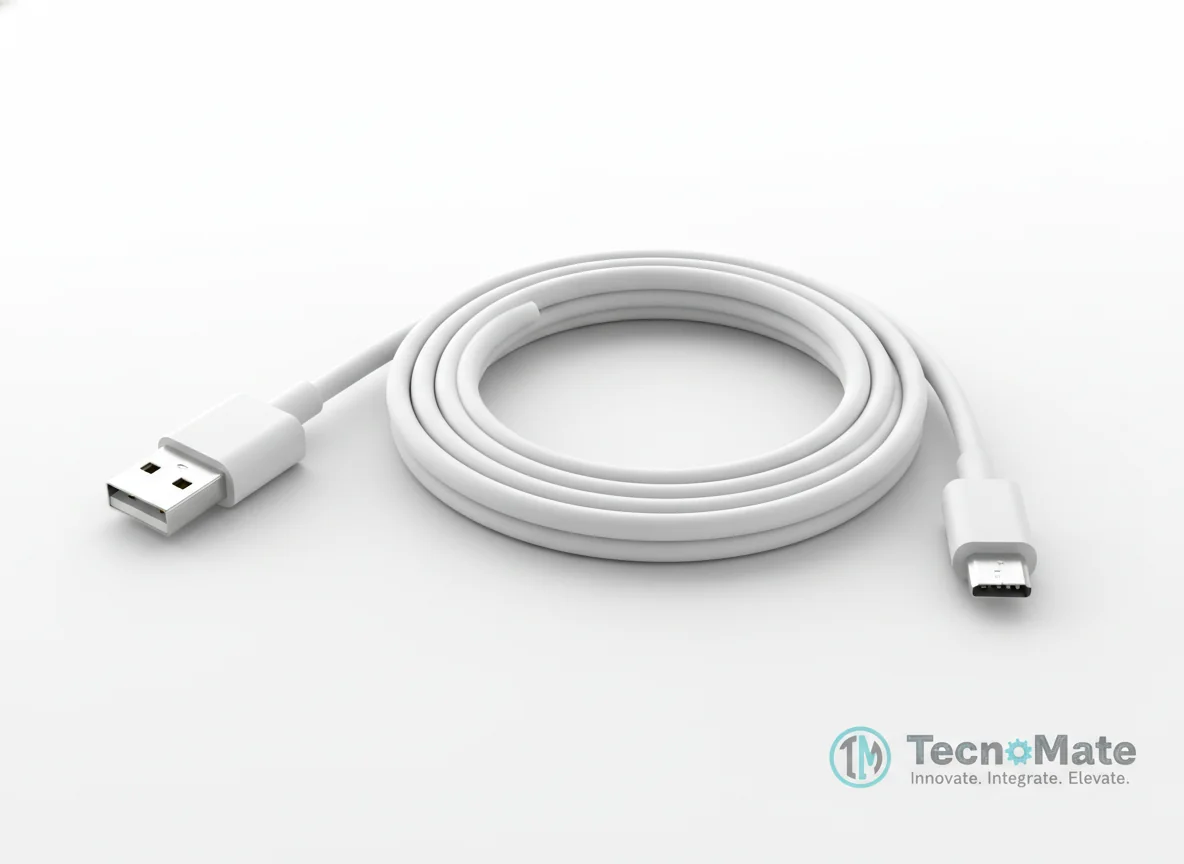 | 1 | ₹190.00 |
Smartphone / Laptop | 1 | ₹0.00 |
Operating Instructions
Pin Connections
 Pin Connections
| MCU Pin | Connected To | Purpose | Notes |
|---|---|---|---|
| GPIO 2 | LED Anode (+) | Digital output to control LED | ESP32's built-in LED pin |
| GND | LED Cathode (–) via resistor | Ground connection for LED circuit | 220Ω resistor in series |
Tools Required
 Tools Required
Safety Precautions
Electrical
- ⚠Use a resistor with the LED to prevent damage
- ⚠Avoid powering ESP32 from unstable sources
Handling
- ⚠Disconnect USB when rewiring components
Security
- ⚠Do not use weak passwords in real applications
Frequently Asked Questions
 Frequently Asked Questions
Q:Do I need internet for this project?
Q:What is the default IP address?
Q:Can multiple devices connect?
Q:Is AP mode secure?
Product images are for illustration purposes only. Actual products may differ in appearance, packaging, or specifications. See our Terms of Service.