

ESP32 BLE (Bluetooth Low Energy) LED Control
Control an LED using ESP32 Bluetooth Low Energy (BLE) from a mobile application with low power consumption.
Inclusive of all taxes
- Secure payments via Razorpay
- 7-day returns on defective items
- GST invoice on every order
Free delivery on orders above ₹2,000
Delivers in 4-7 business days
Check delivery at your pincode
₹3108.00
Inclusive of all taxes

Components
7 items
Difficulty
Intermediate
Build Time
40 – 60 minutes
Project Details
How It Works
 How It Works
The ESP32 acts as a BLE server, advertising a custom service with a characteristic that accepts write commands. A smartphone connects as a BLE client using a BLE scanner app. When the app writes '1' to the characteristic, the ESP32 turns the LED ON via GPIO 2. When it writes '0', the LED turns OFF. The ESP32 uses the BLEDevice library to initialize the BLE stack, create a server, define a service with a unique UUID, and set up a characteristic with write property. A callback function handles incoming write commands and controls the LED accordingly.
Prerequisites
Basic knowledge of ESP32 programming, understanding of digital I/O, familiarity with Arduino IDE, and basic concept of wireless communication. Experience with mobile app development is helpful but not required.
What You'll Learn
 What You'll Learn
Understanding GATT, services, and characteristics
Programming ESP32 as a BLE server
Establishing BLE connection from smartphone
Implementing energy-efficient wireless communication
Using BLE for IoT applications
Key Features
BLE is optimized for minimal power usage
Works on both Android and iOS devices
Uses BLE security features for safe data transfer
Implements industry-standard BLE protocol
Can be extended to sensors and data logging
What's Included in the Kit
| Component | Qty | Price |
|---|---|---|
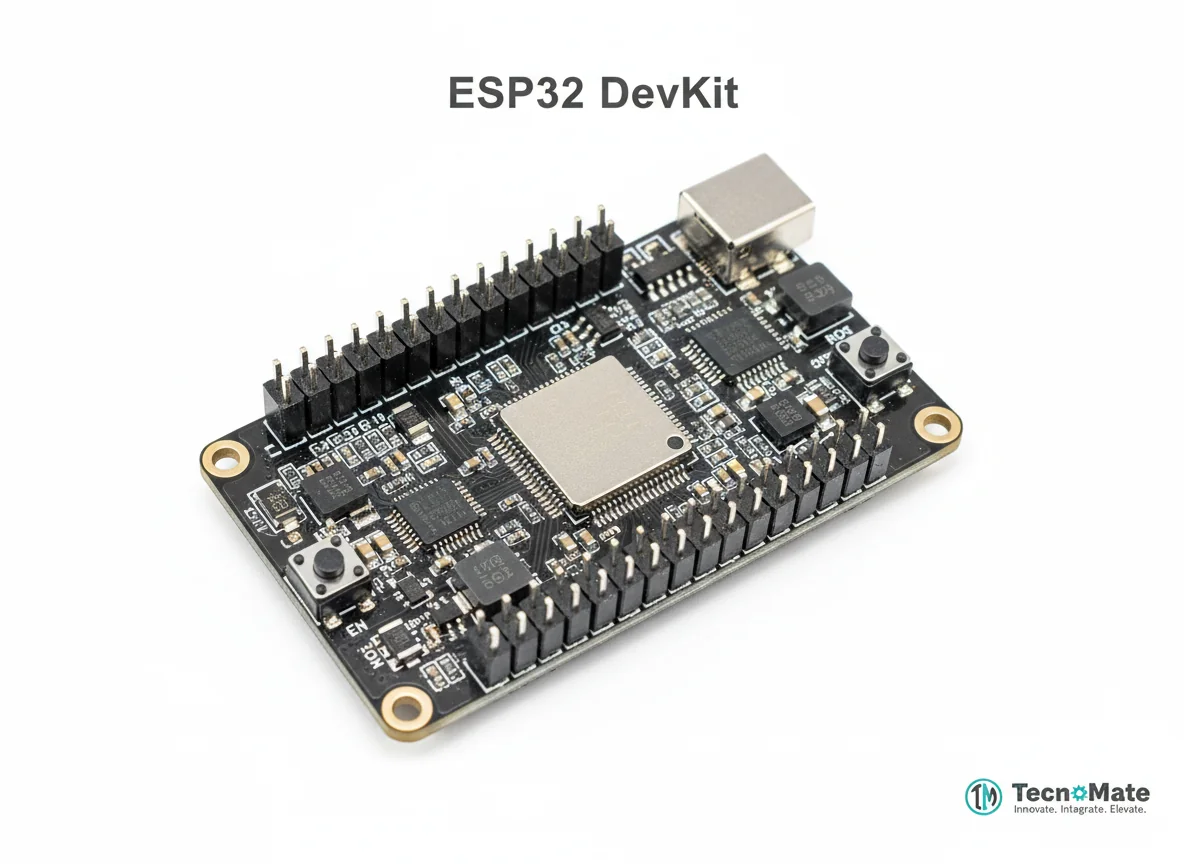 | 1 | ₹1682.00 |
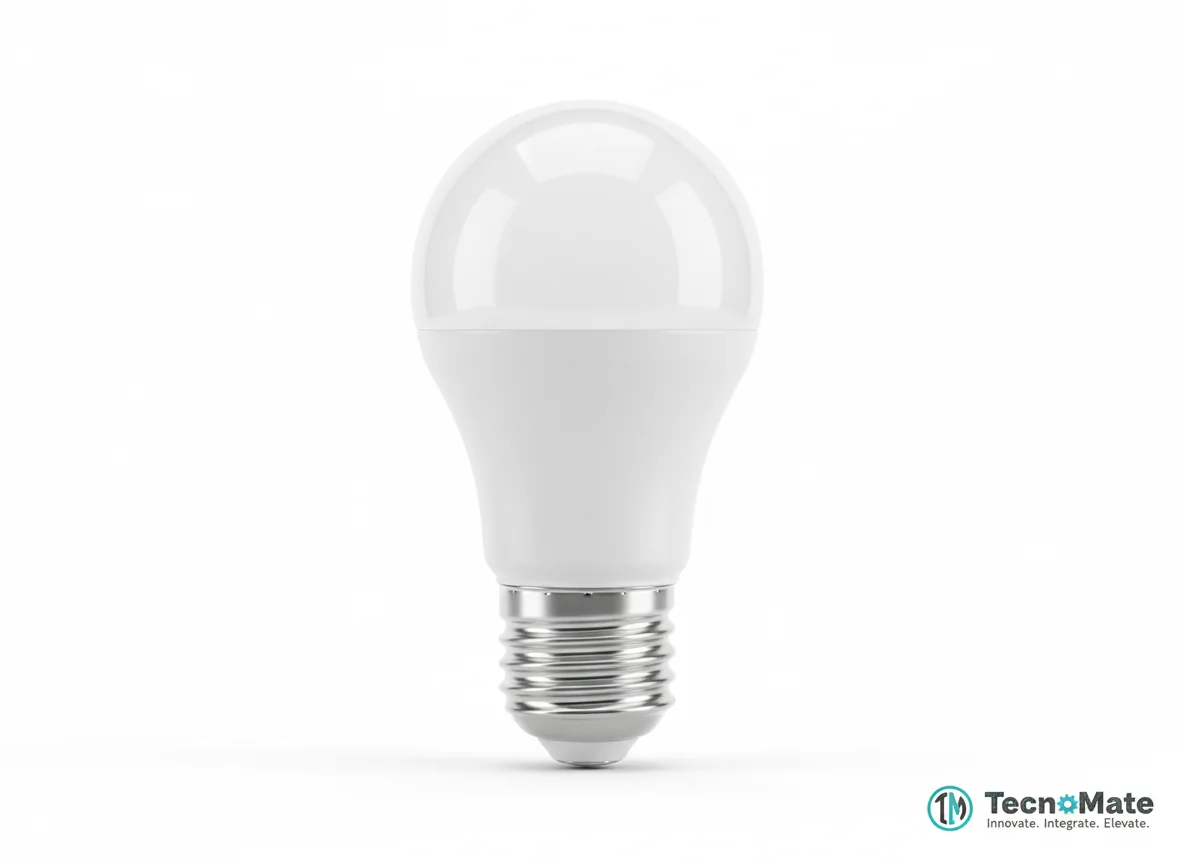 | 1 | ₹400.00 |
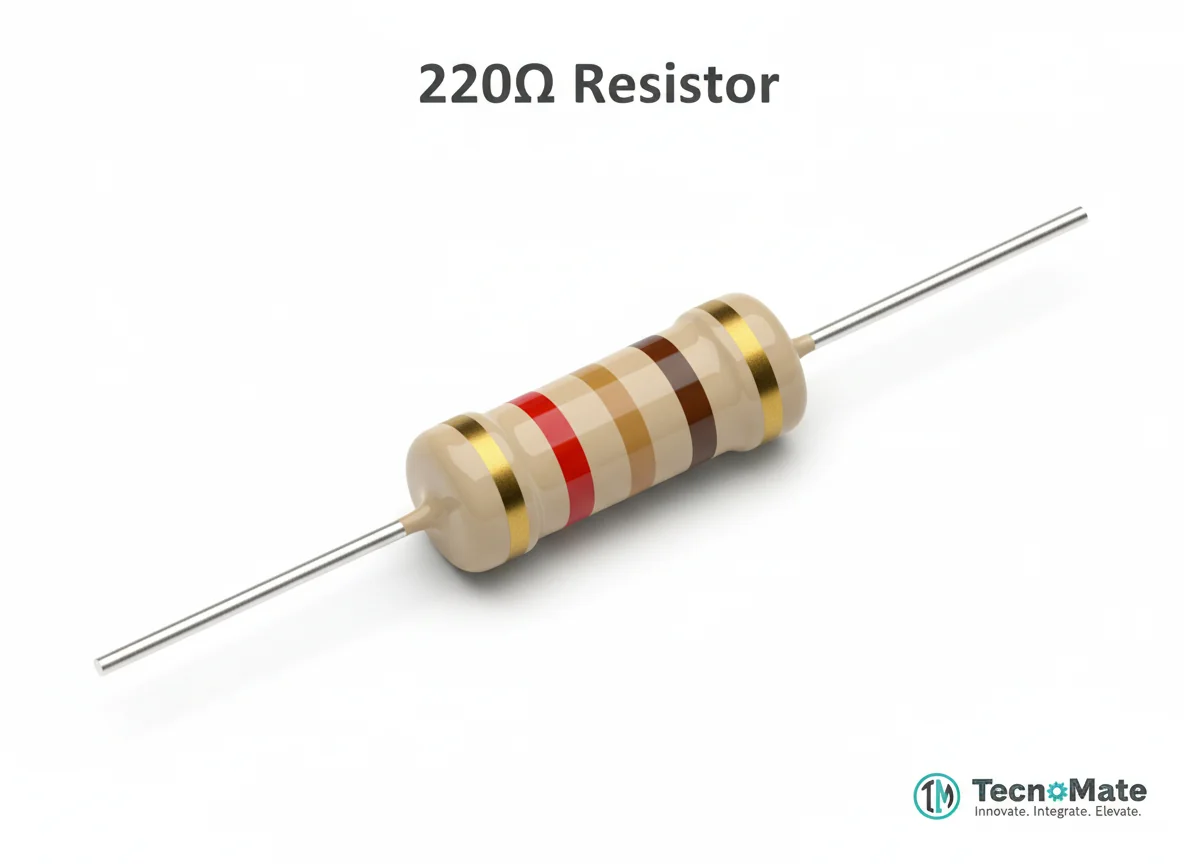 | 1 | ₹0.00 |
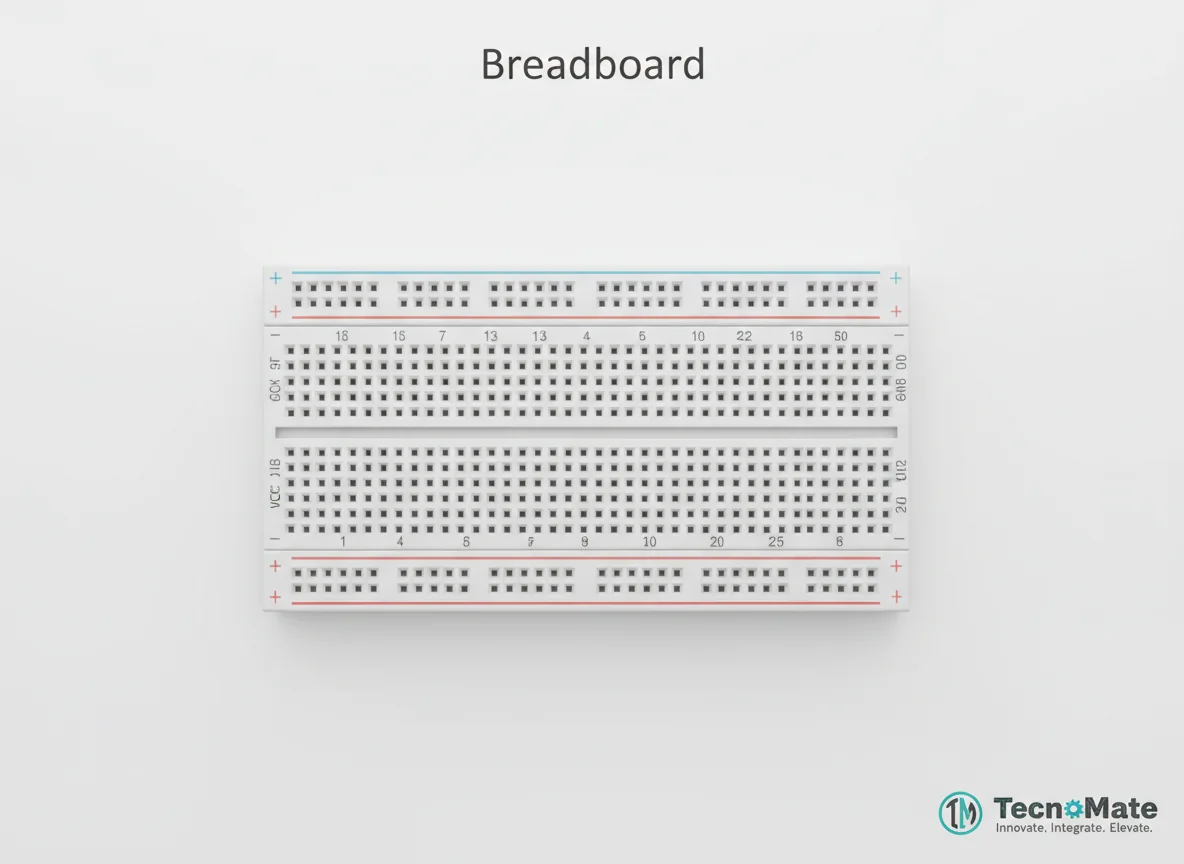 | 1 | ₹77.00 |
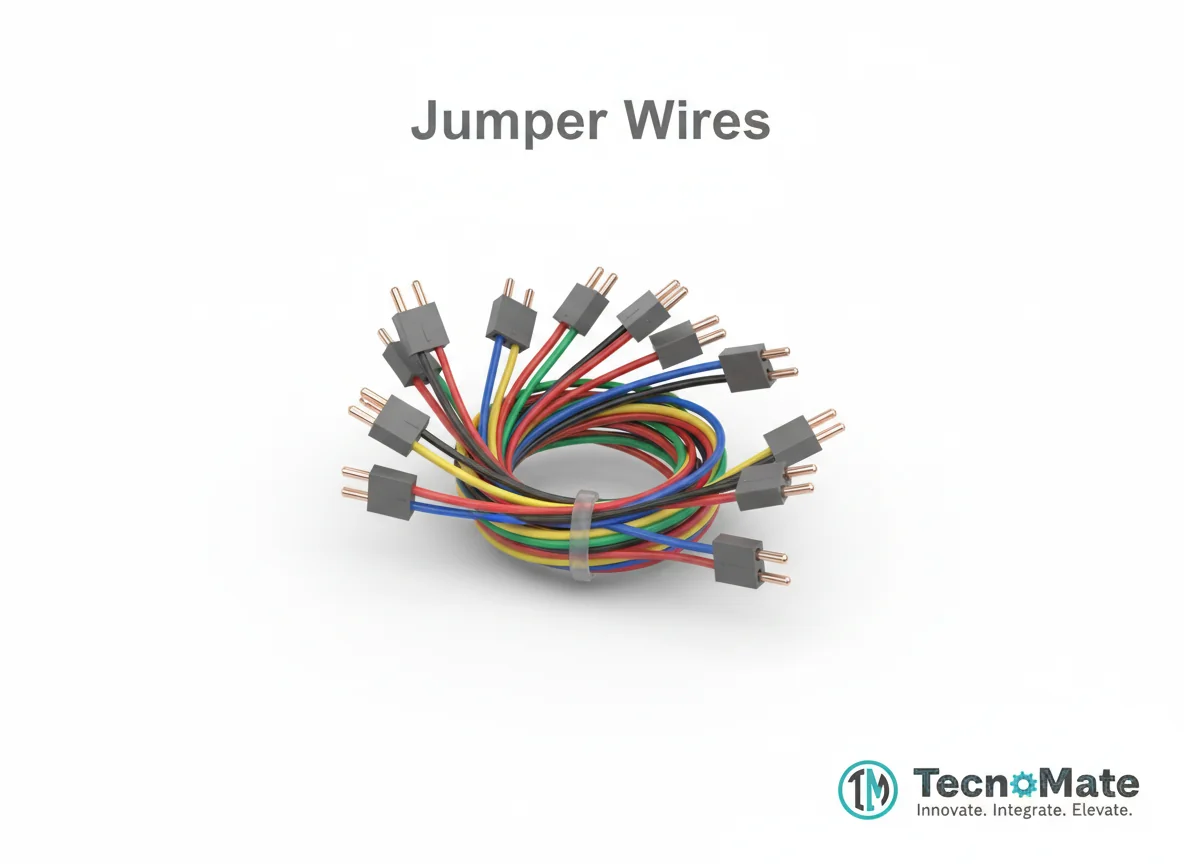 | 1 | ₹171.00 |
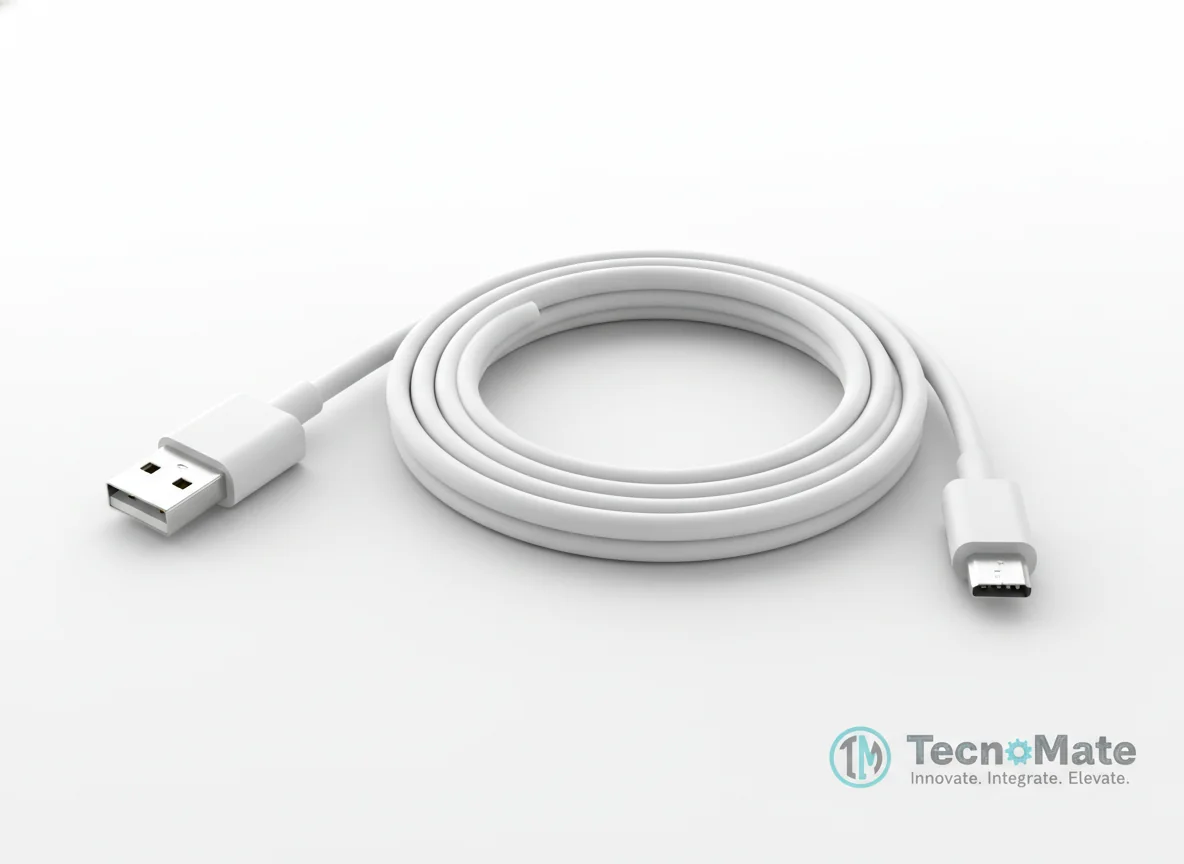 | 1 | ₹190.00 |
Smartphone (Android/iOS) | 1 | ₹0.00 |
Operating Instructions
Pin Connections
 Pin Connections
| MCU Pin | Connected To | Purpose | Notes |
|---|---|---|---|
| GPIO 2 | LED Anode (+) | Digital output to control LED | LED cathode connects to resistor then GND |
| GND | LED Cathode (–) via resistor | Ground connection for LED circuit | Resistor protects LED from overcurrent |
Tools Required
 Tools Required
Safety Precautions
Electrical
- ⚠Use resistor to protect LED from excessive current
- ⚠Disconnect power while wiring to prevent short circuits
General
- ⚠Avoid unknown BLE apps to prevent security risks
- ⚠Keep UUIDs documented for future reference
Frequently Asked Questions
 Frequently Asked Questions
Q:What is BLE used for?
Q:Is BLE better than Bluetooth Classic?
Q:Can iOS control this project?
Q:What is GATT?
Product images are for illustration purposes only. Actual products may differ in appearance, packaging, or specifications. See our Terms of Service.