

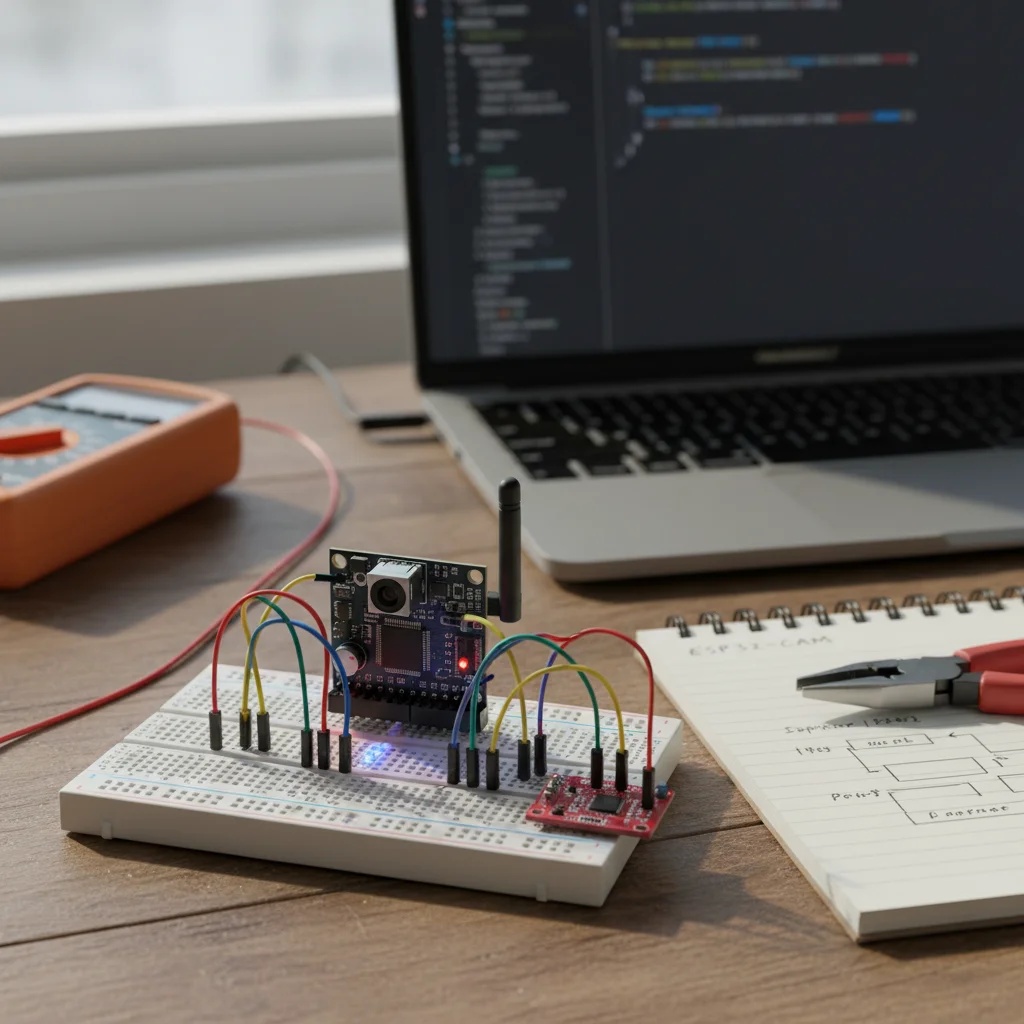
ESP32-CAM Getting Started Guide
Learn how to set up and use the ESP32-CAM module to capture images, stream video, and build basic camera-based IoT projects.
Inclusive of all taxes
- Secure payments via Razorpay
- 7-day returns on defective items
- GST invoice on every order
Free delivery on orders above ₹2,000
Delivers in 4-7 business days
Check delivery at your pincode
₹2374.00
Inclusive of all taxes
Components
6 items
Difficulty
Beginner
Build Time
60 – 90 minutes
Project Details
How It Works
 How It Works
The ESP32-CAM module uses an ESP32 microcontroller with a built-in OV2640 camera. The code initializes the camera with specific pin configurations for data lines, clock signals, and control signals. It connects to a Wi-Fi network and starts a web server. When a client connects to the server's IP address, the ESP32-CAM streams JPEG images continuously, creating a live video feed. The camera data is captured via parallel interface (D0-D7), synchronized with VSYNC and HREF signals, and processed by the ESP32's image processing capabilities.
Prerequisites
Basic knowledge of electronics and wiring. Familiarity with Arduino IDE and C++ programming. Understanding of Wi-Fi concepts. A computer with USB ports and internet access.
What You'll Learn
 What You'll Learn
Understanding the components and capabilities of the ESP32-CAM module
Learning to write and upload code to the ESP32-CAM module
Using the built-in camera to capture photos and stream video
Setting up a web server on ESP32-CAM to stream video over Wi-Fi
Understanding how to connect ESP32-CAM to Wi-Fi networks
Key Features
Integrated OV2640 camera for image and video capture
Stream live video over Wi-Fi to web browsers
Affordable module for camera-based IoT projects
Small form factor suitable for embedded applications
Can be used for face detection and other vision projects
What's Included in the Kit
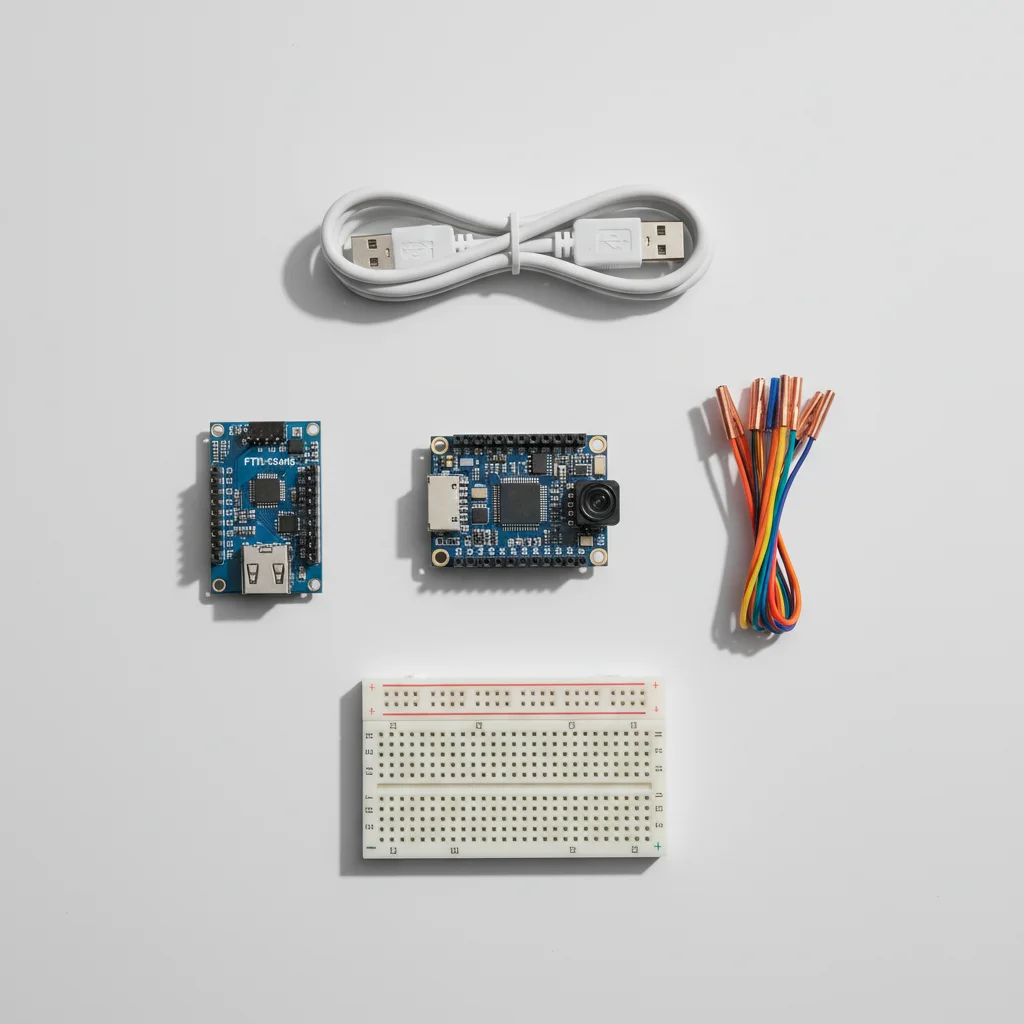
| Component | Qty | Price |
|---|---|---|
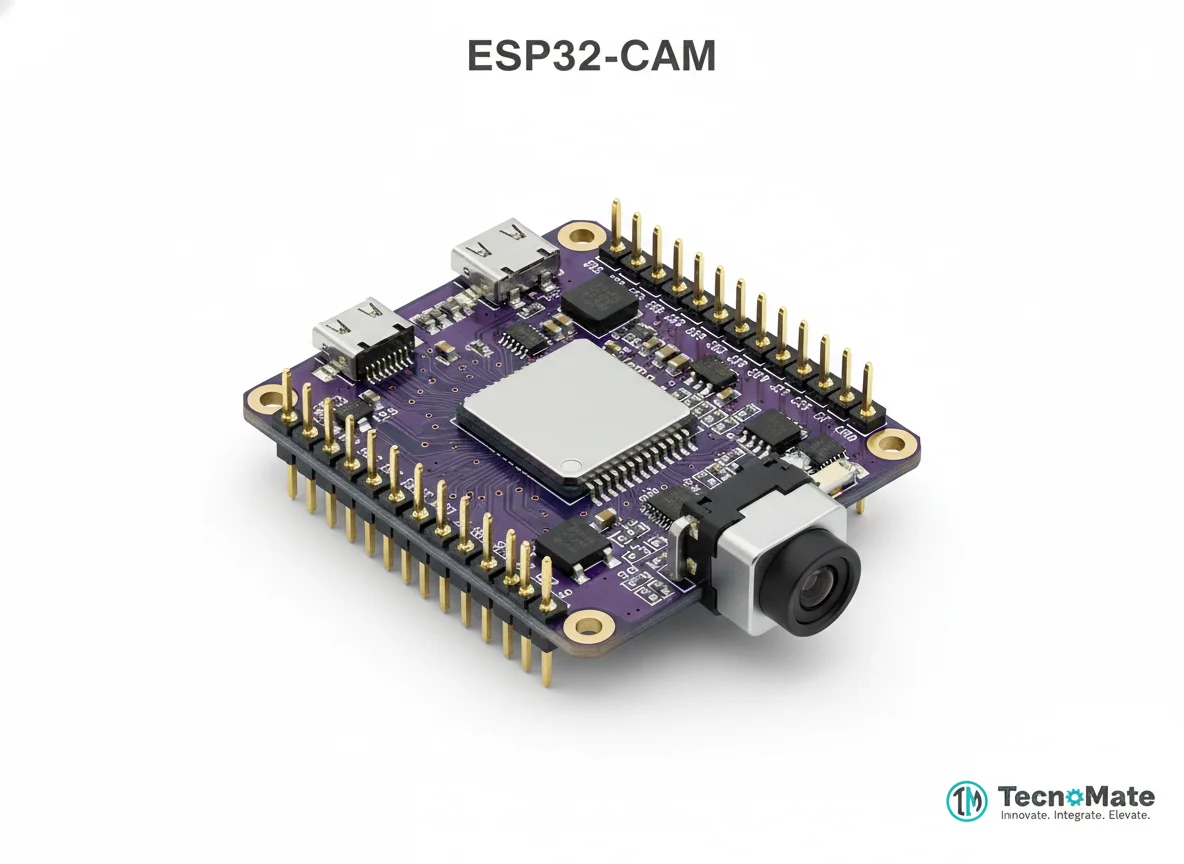 | 1 | ₹648.00 |
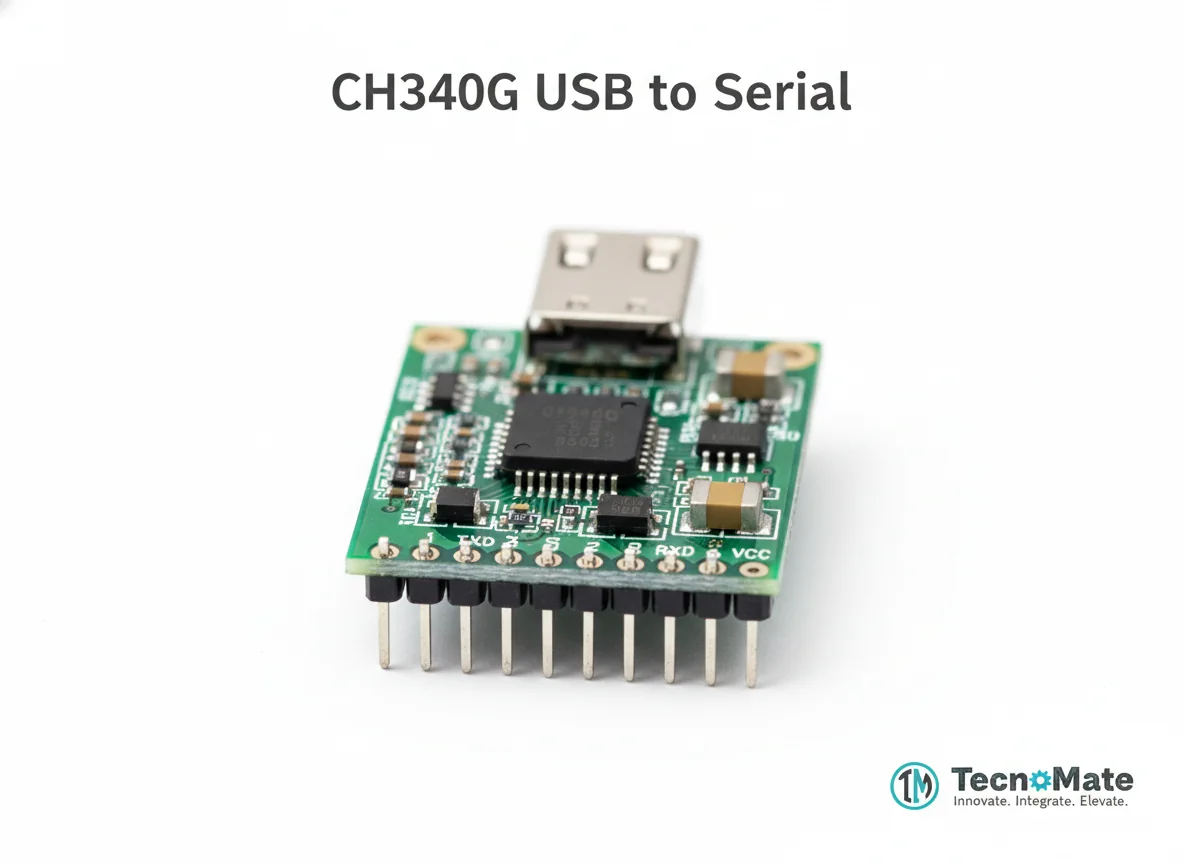 | 1 | ₹110.00 |
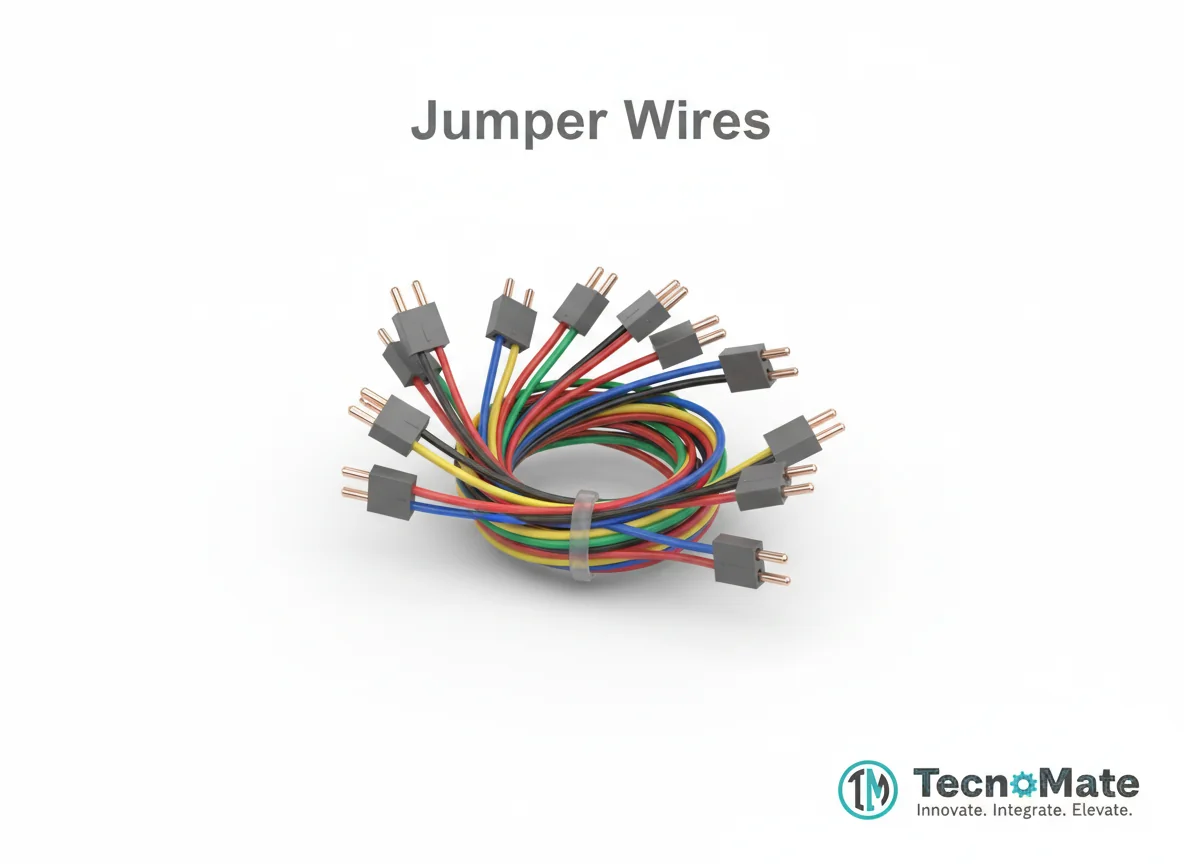 | 1 | ₹171.00 |
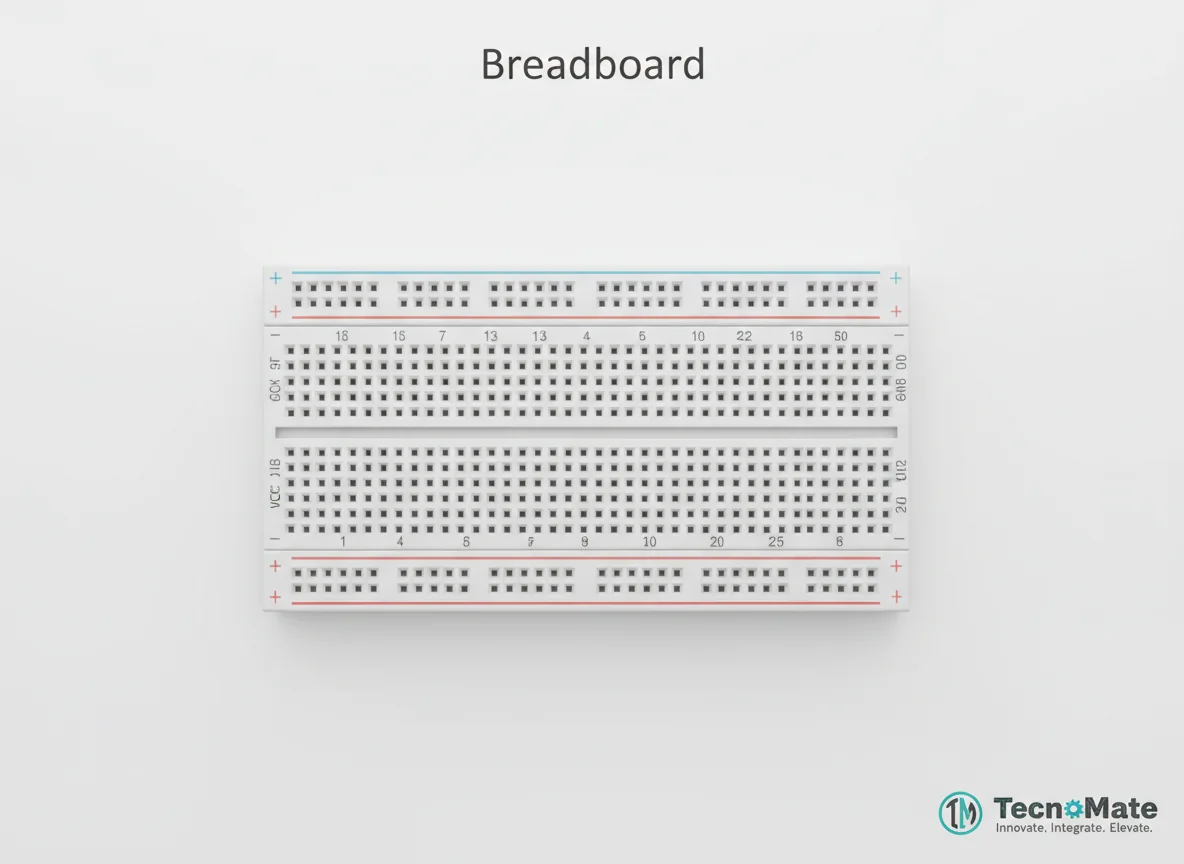 | 1 | ₹77.00 |
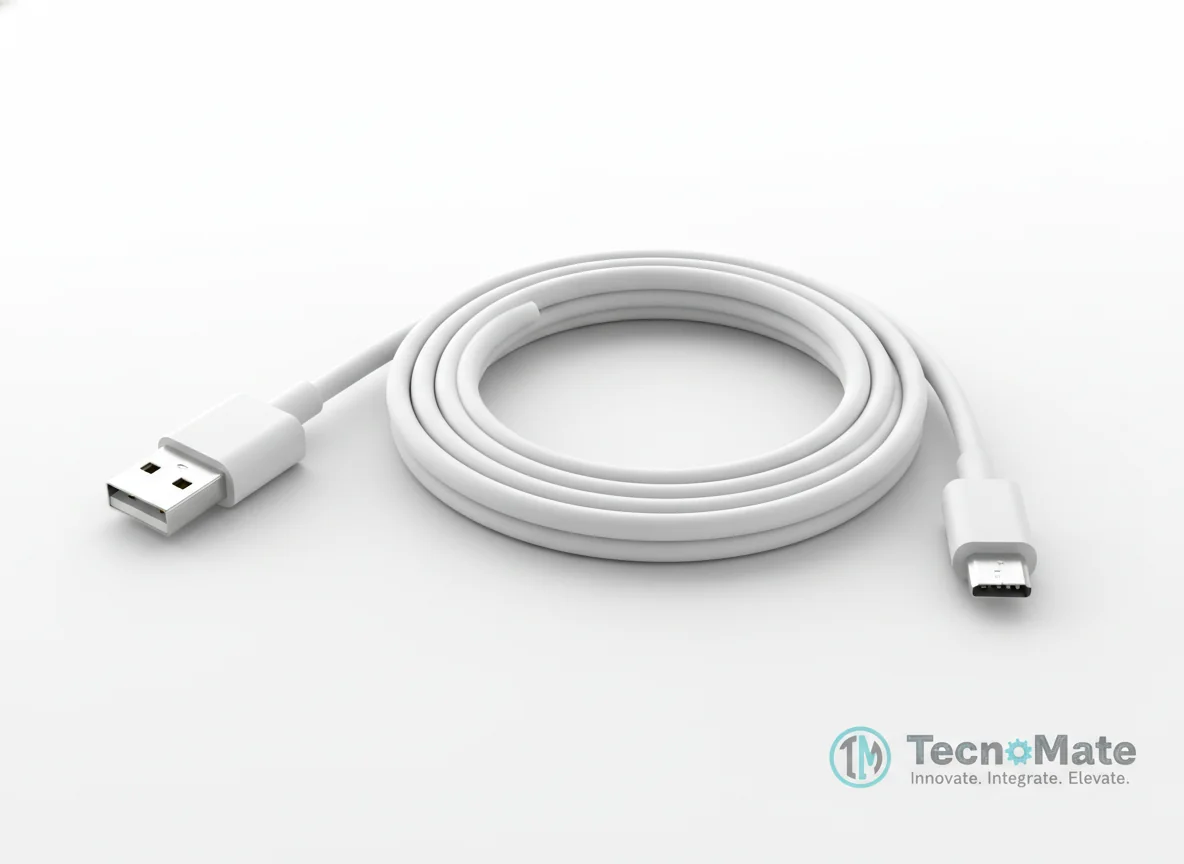 | 1 | ₹190.00 |
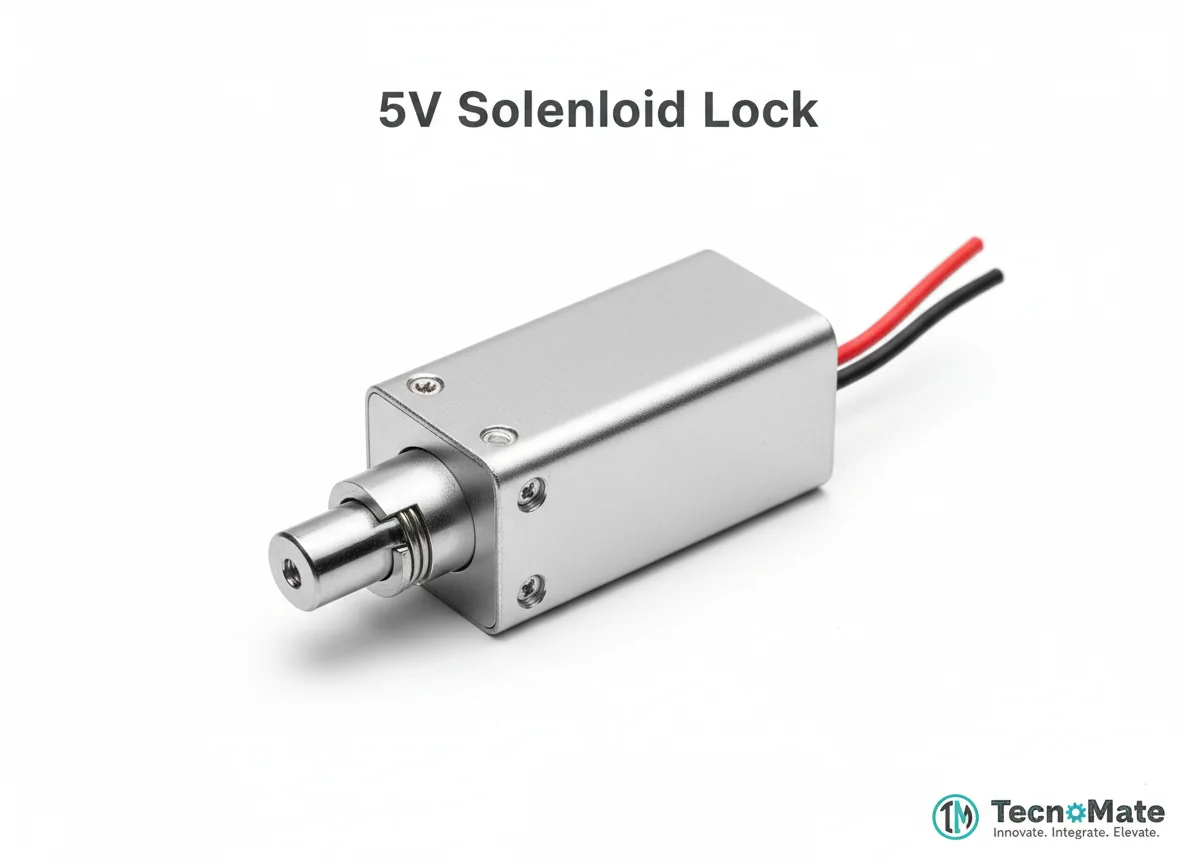 | 1 | ₹0.00 |
Operating Instructions
Pin Connections
 Pin Connections
| MCU Pin | Connected To | Purpose | Notes |
|---|---|---|---|
| 5V | FTDI 5V | Power supply | Use 5V power source, not 3.3V |
| GND | FTDI GND | Ground connection | - |
| U0R | FTDI TX | Serial receive | - |
| U0T | FTDI RX | Serial transmit | - |
| IO0 | FTDI GND | Programming mode | Must be connected to GND during upload, then removed |
Tools Required
 Tools Required
Safety Precautions
Electrical
- ⚠Do not power ESP32-CAM from 3.3V (use 5V)
- ⚠Double-check FTDI TX/RX connections
- ⚠Use stable power supply to prevent resets
Handling
- ⚠Avoid touching camera lens
Frequently Asked Questions
 Frequently Asked Questions
Q:Does ESP32-CAM have a USB port?
Q:Why is my upload failing?
Q:Can ESP32-CAM run face detection?
Q:Is ESP32-CAM beginner-friendly?
Product images are for illustration purposes only. Actual products may differ in appearance, packaging, or specifications. See our Terms of Service.