

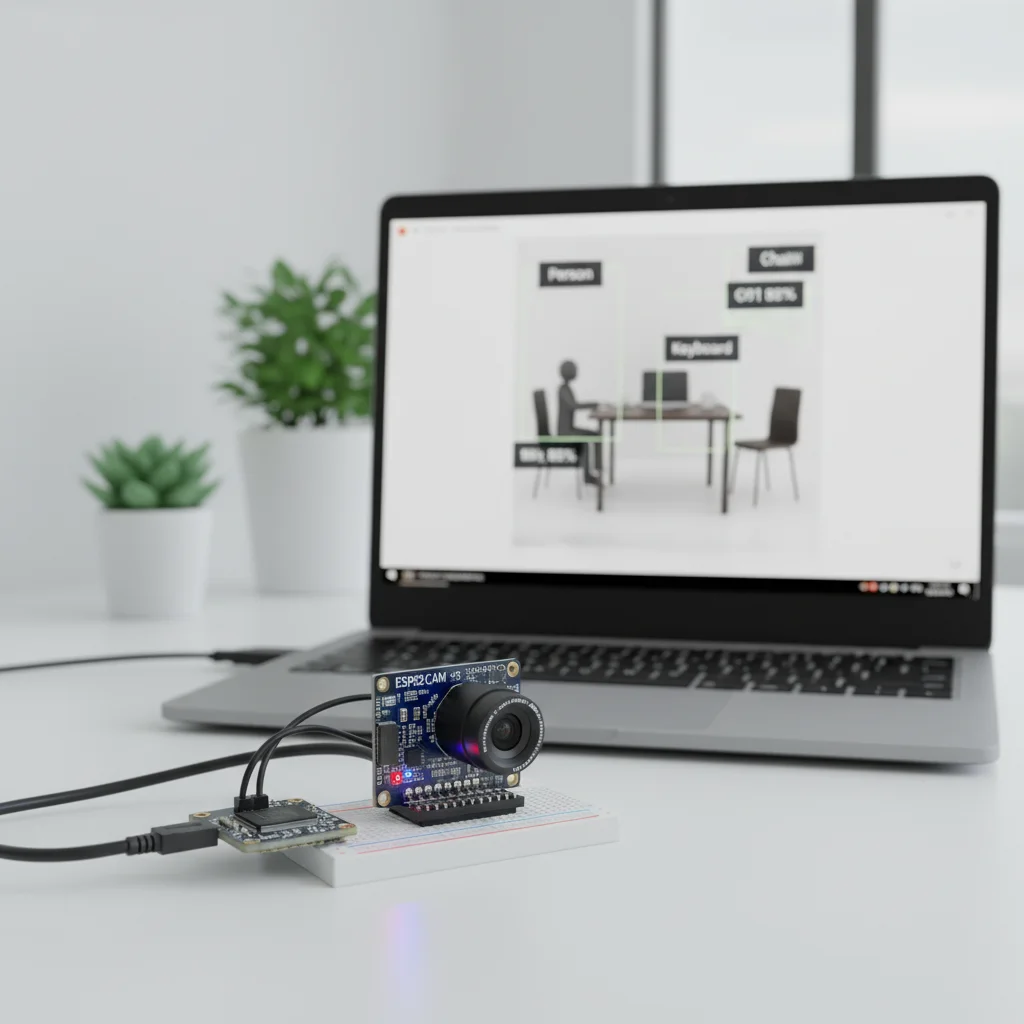
ESP32-CAM Image Recognition System
Build an AI-powered image recognition system using ESP32-CAM capable of detecting faces or objects in real time over WiFi.
Inclusive of all taxes
- Secure payments via Razorpay
- 7-day returns on defective items
- GST invoice on every order
Free delivery on orders above ₹2,000
Delivers in 4-7 business days
Check delivery at your pincode
₹3236.00
Inclusive of all taxes

Components
7 items
Difficulty
Advanced
Build Time
4 – 8 Hours (including setup & training)
Project Details
How It Works
 How It Works
The ESP32-CAM captures images using its onboard OV2640 camera. The ESP32 dual-core processor runs AI algorithms for face detection and recognition. For face detection, it uses edge AI processing directly on the device. For recognition, it can store faces in local memory. Optionally, images can be sent to cloud AI services like Google Vision for more advanced classification. The system connects via WiFi to stream video and can trigger actions like activating a relay or buzzer based on recognition results.
Prerequisites
Basic knowledge of Arduino programming, familiarity with ESP32 boards, understanding of WiFi connectivity, and some experience with AI concepts would be helpful. Users should also be aware of privacy considerations when implementing face recognition.
What You'll Learn
 What You'll Learn
Understanding how to run AI models on embedded devices
Learning to handle image data on microcontrollers
Implementing and understanding face detection techniques
Connecting devices to cloud services for advanced processing
Integrating AI capabilities into IoT devices
Key Features
Detects faces in live video stream from the camera
Stores and recognizes registered faces locally
Streams video over WiFi for remote viewing
Option to use cloud services like Google Vision for advanced recognition
Triggers actions like alerts or relay activation based on recognition
Can be integrated into broader security systems
What's Included in the Kit
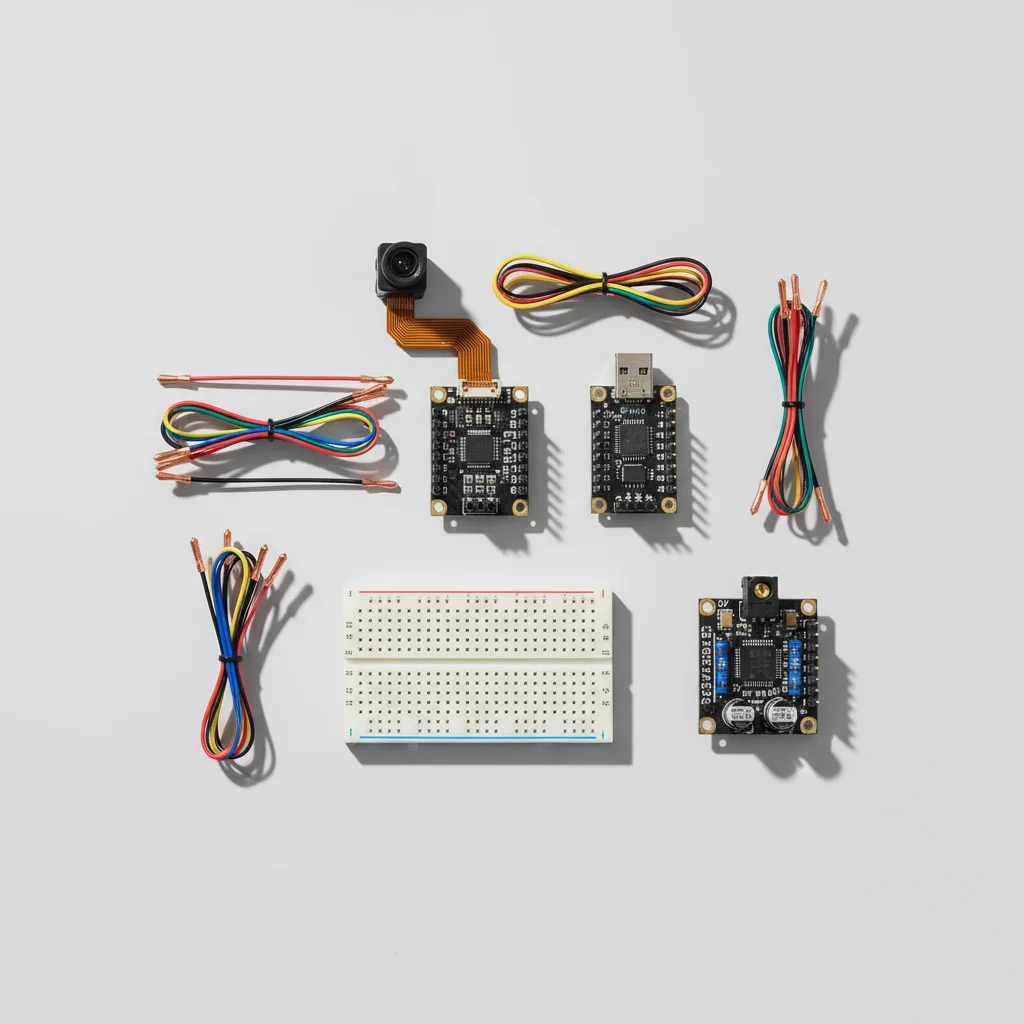
| Component | Qty | Price |
|---|---|---|
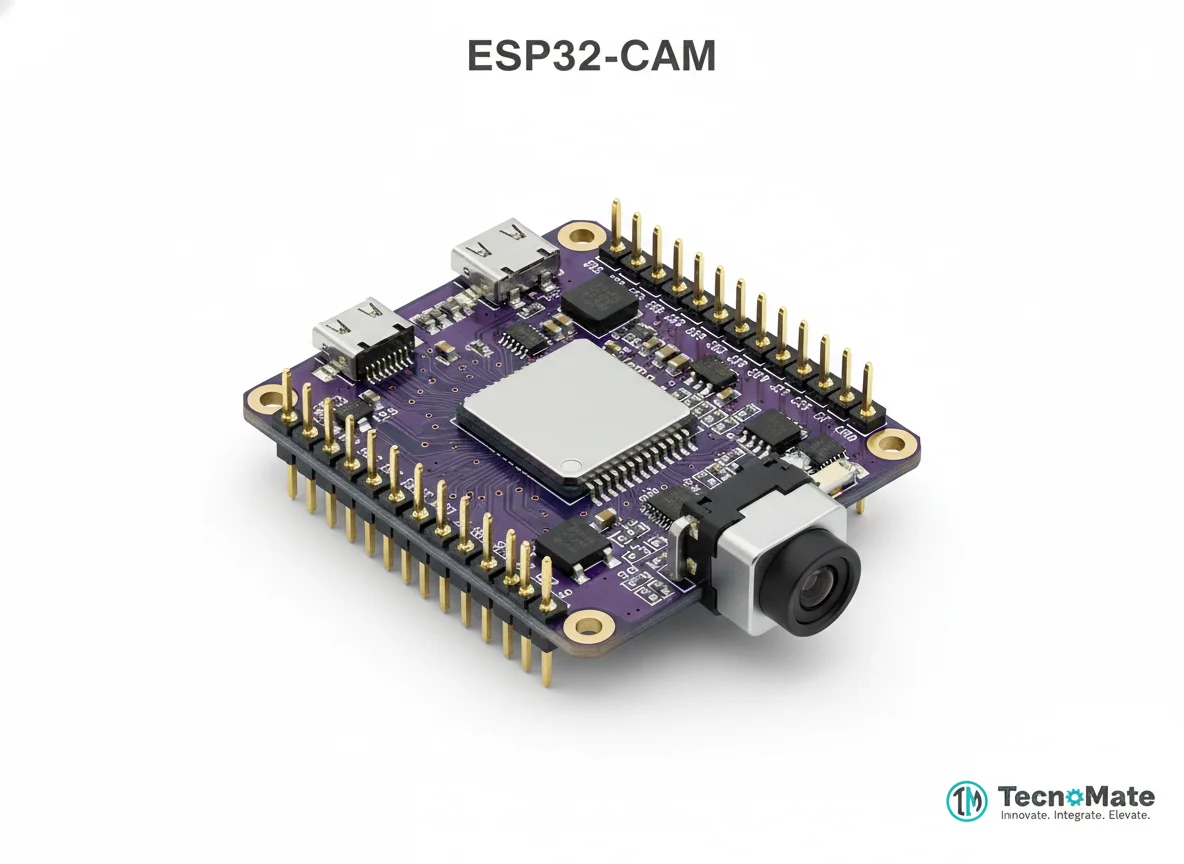 | 1 | ₹648.00 |
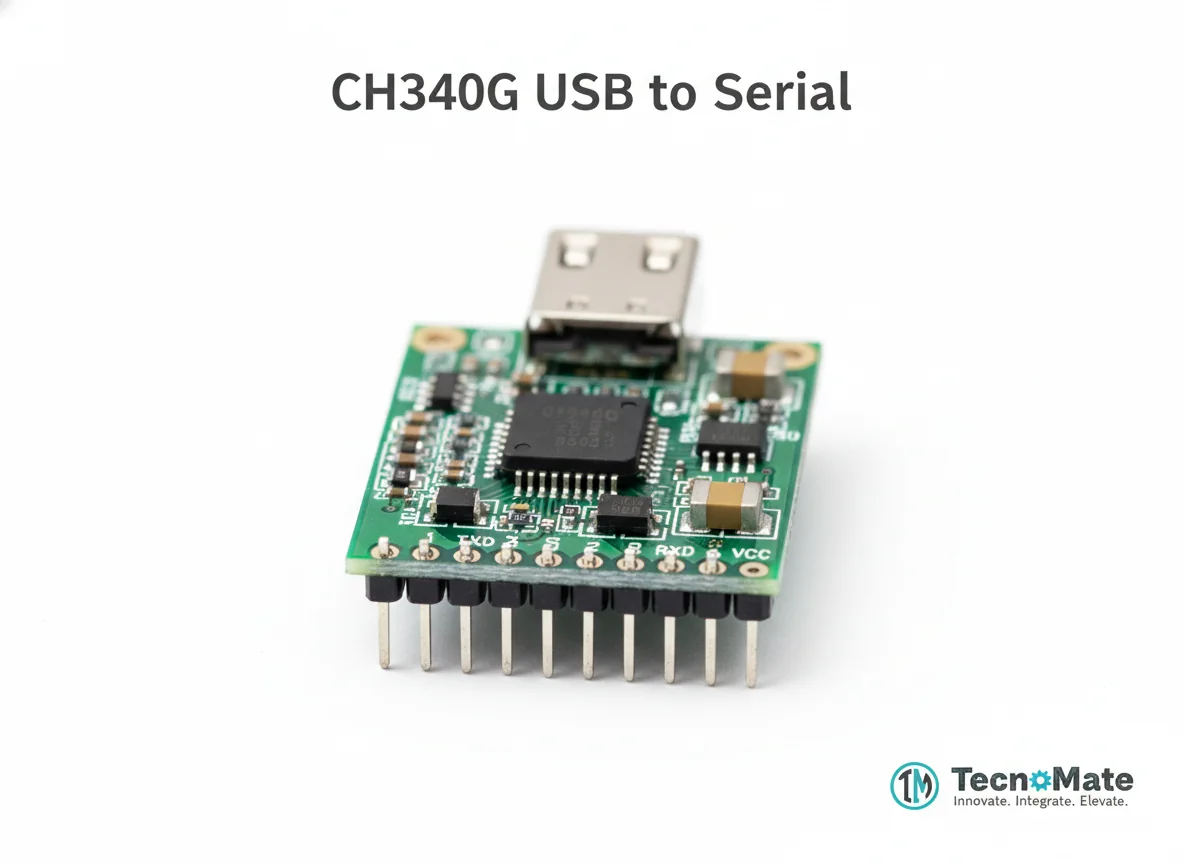 | 1 | ₹0.00 |
Push Button | 1 | ₹0.00 |
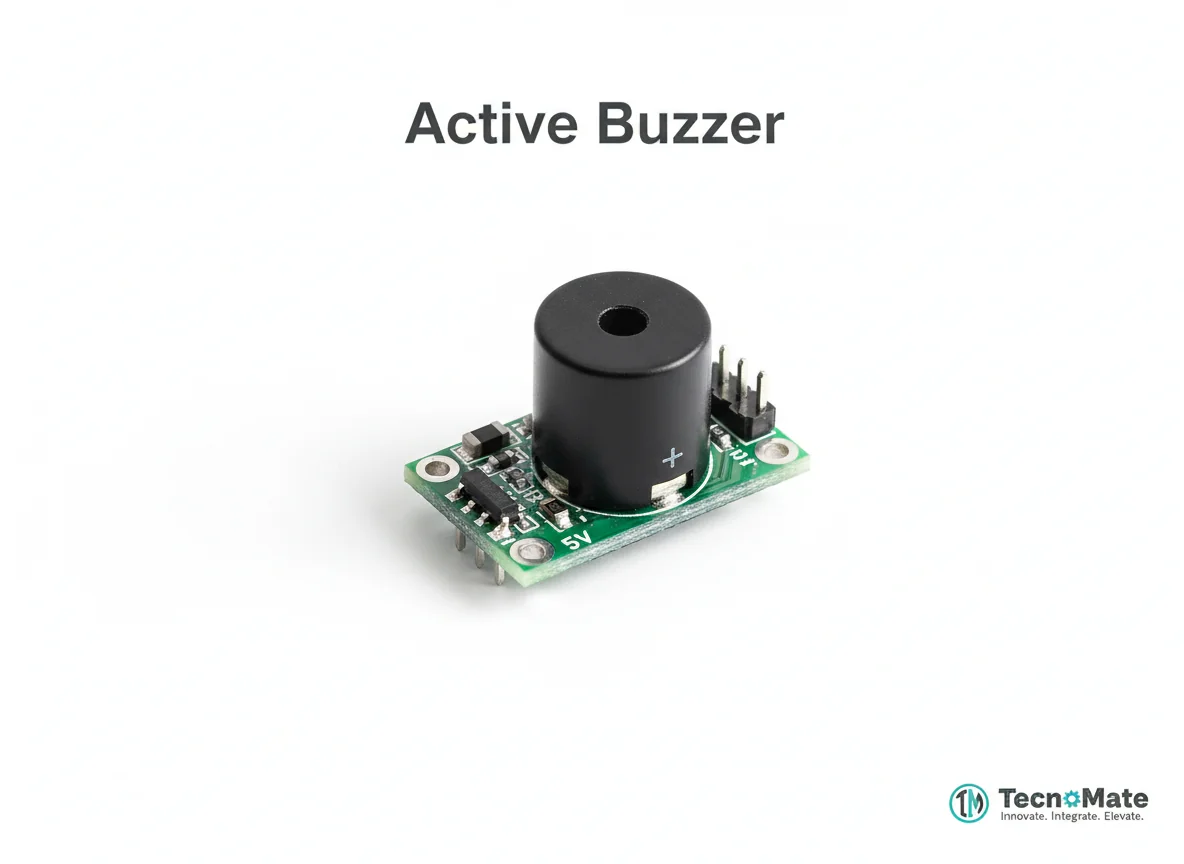 | 1 | ₹13.00 |
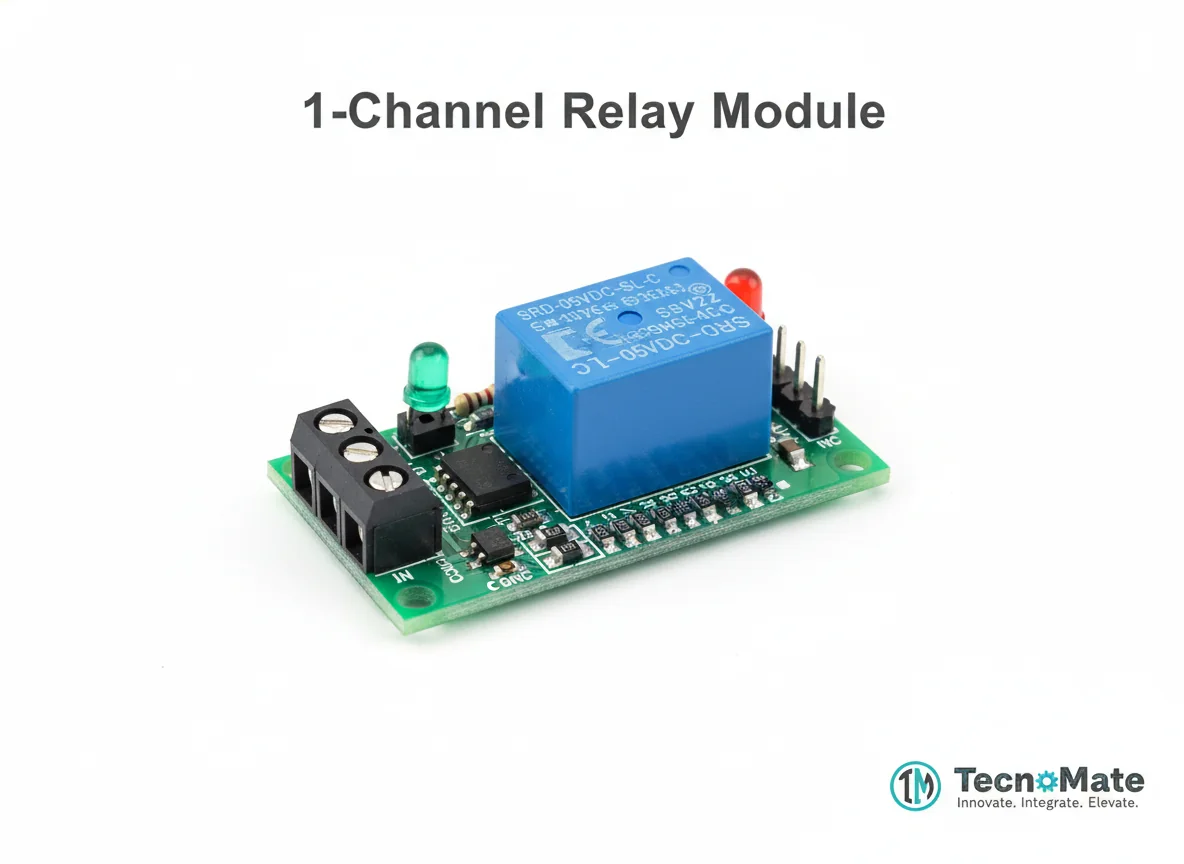 | 1 | ₹163.00 |
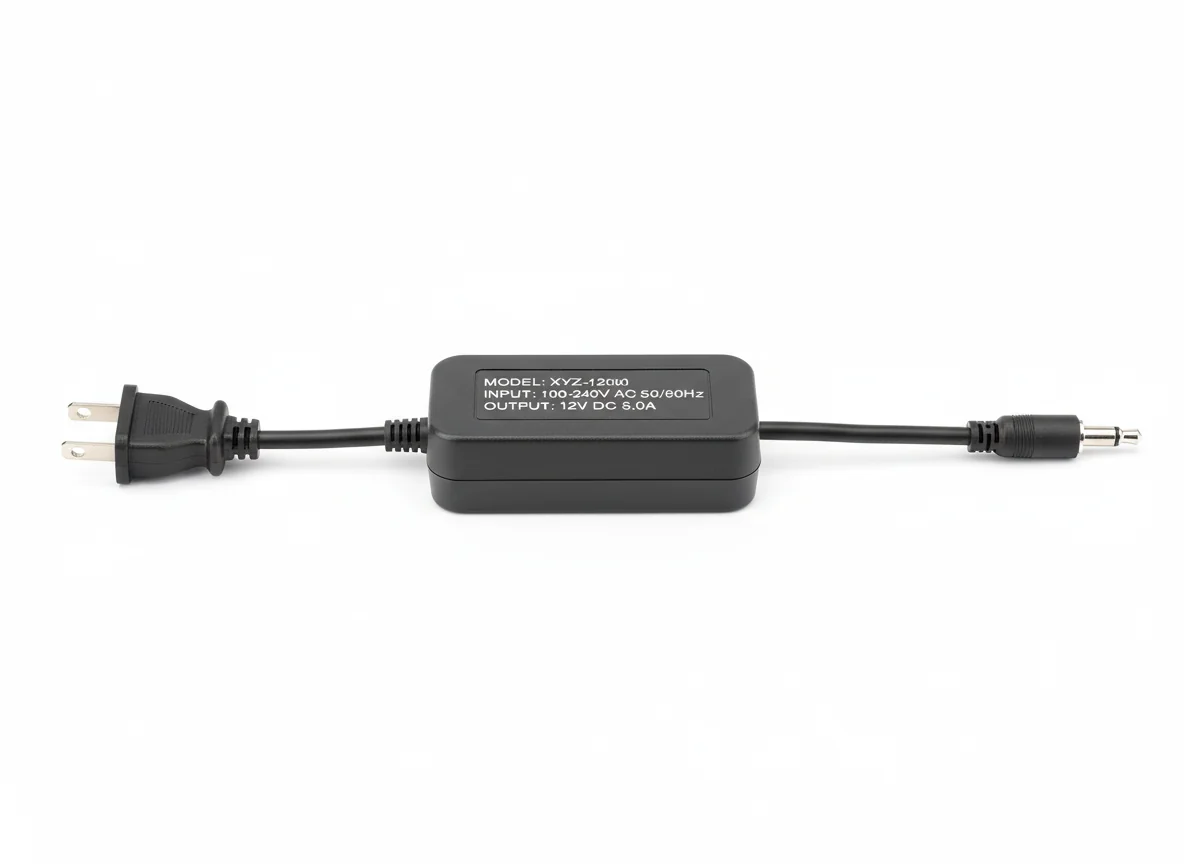 | 1 | ₹0.00 |
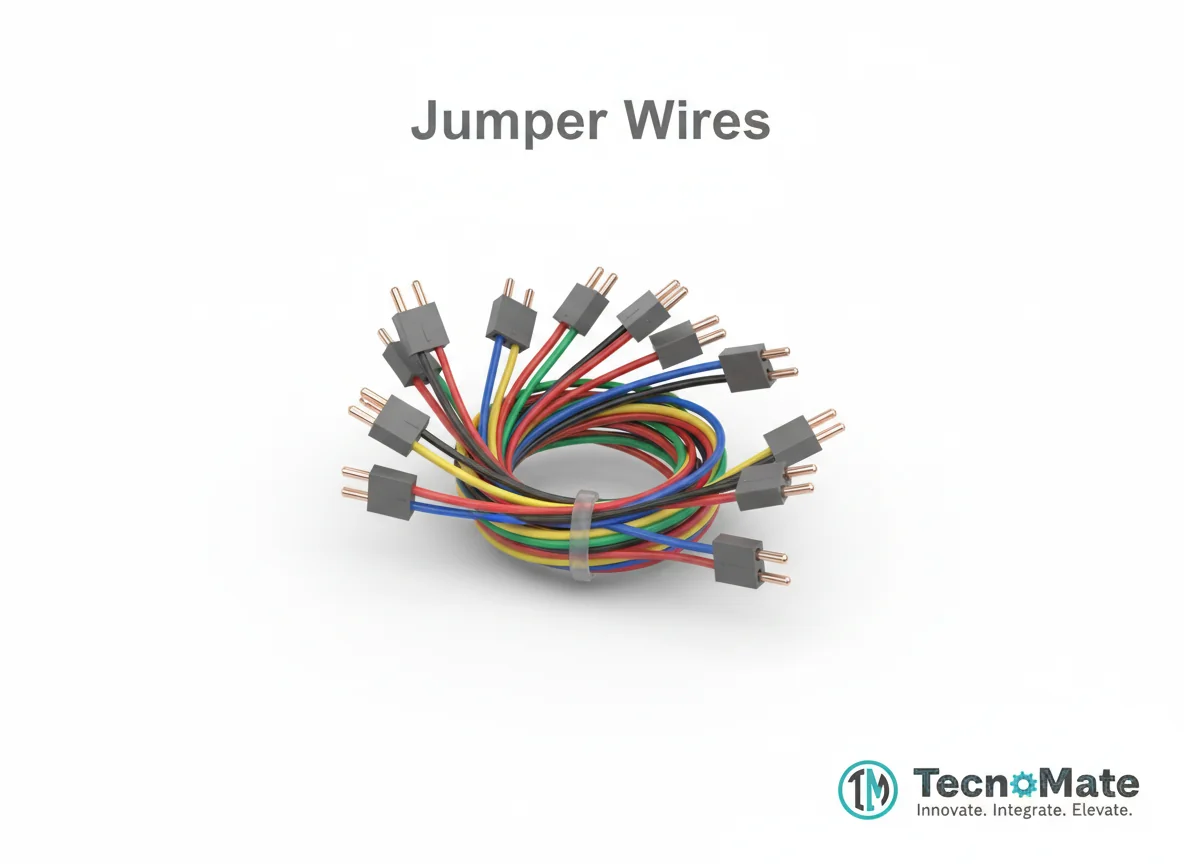 | 1 | ₹171.00 |
Operating Instructions
Pin Connections
 Pin Connections
| MCU Pin | Connected To | Purpose | Notes |
|---|---|---|---|
| U0R | FTDI TX | Serial communication for programming | Programming mode |
| U0T | FTDI RX | Serial communication for programming | Programming mode |
| GND | FTDI GND | Ground connection | Programming mode |
| 5V | FTDI 5V | Power connection | Programming mode |
| GPIO0 | GND | Enter programming mode | Connect during upload only, then disconnect and press reset |
Tools Required
 Tools Required
Safety Precautions
Electrical
- ⚠Use regulated 5V supply
- ⚠Do not power from 3.3V
- ⚠Avoid short circuits
Operating
- ⚠Keep stable WiFi connection
- ⚠Respect privacy laws when using face recognition
Frequently Asked Questions
 Frequently Asked Questions
Q:Can ESP32-CAM run full object detection?
Q:How many faces can it store?
Q:Can I connect this to a door lock?
Q:Is internet required?
Product images are for illustration purposes only. Actual products may differ in appearance, packaging, or specifications. See our Terms of Service.