

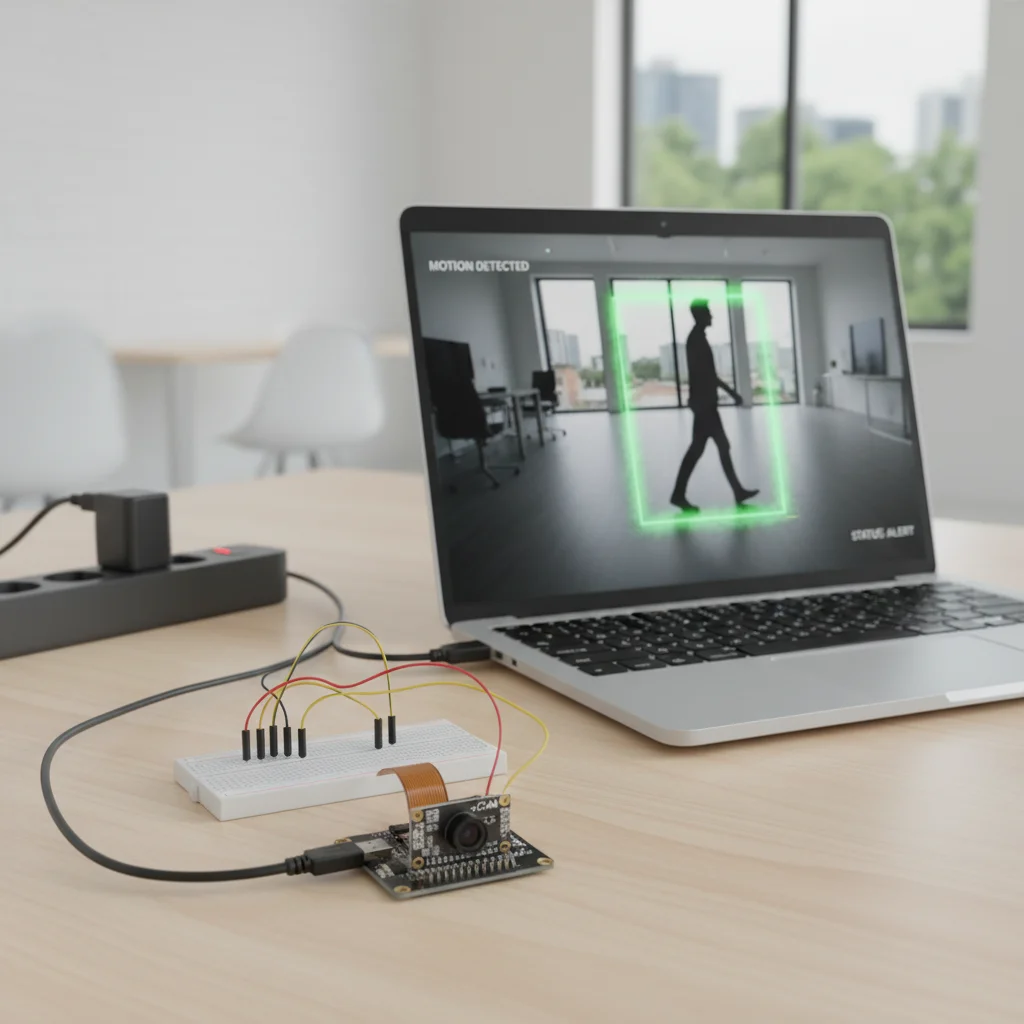
ESP32-CAM Motion Detection
Build an ESP32-CAM motion detection system that detects movement and captures images or streams video automatically.
Inclusive of all taxes
- Secure payments via Razorpay
- 7-day returns on defective items
- GST invoice on every order
Free delivery on orders above ₹2,000
Delivers in 4-7 business days
Check delivery at your pincode
₹3554.00
Inclusive of all taxes

Components
6 items

Difficulty
Intermediate
Build Time
2-3 hours
Project Details
How It Works
 How It Works
The ESP32-CAM captures video frames continuously. The CameraWebServer example code compares consecutive frames to detect changes (motion). When significant changes are detected above a threshold, it triggers actions like capturing a photo, starting video streaming, or sending alerts. The motion detection algorithm runs directly on the ESP32-CAM's processor, making it a self-contained system that doesn't require external processing.
Prerequisites
Basic knowledge of Arduino IDE and ESP32 programming. Familiarity with camera concepts and Wi-Fi networking. Understanding of how to upload code to microcontrollers.
What You'll Learn
 What You'll Learn
Learn to detect motion by comparing video frames
Understand how to analyze and compare images for motion
Implement systems that trigger actions based on events
Adjust camera parameters for optimal motion detection
Design and implement IoT-based security systems
Key Features
Detects movement using camera frame analysis instead of PIR sensors
Uses built-in camera for motion detection, reducing component count
Triggers actions immediately when motion is detected
Can tune detection parameters for different environments
Can be extended to send alerts or save images to SD card
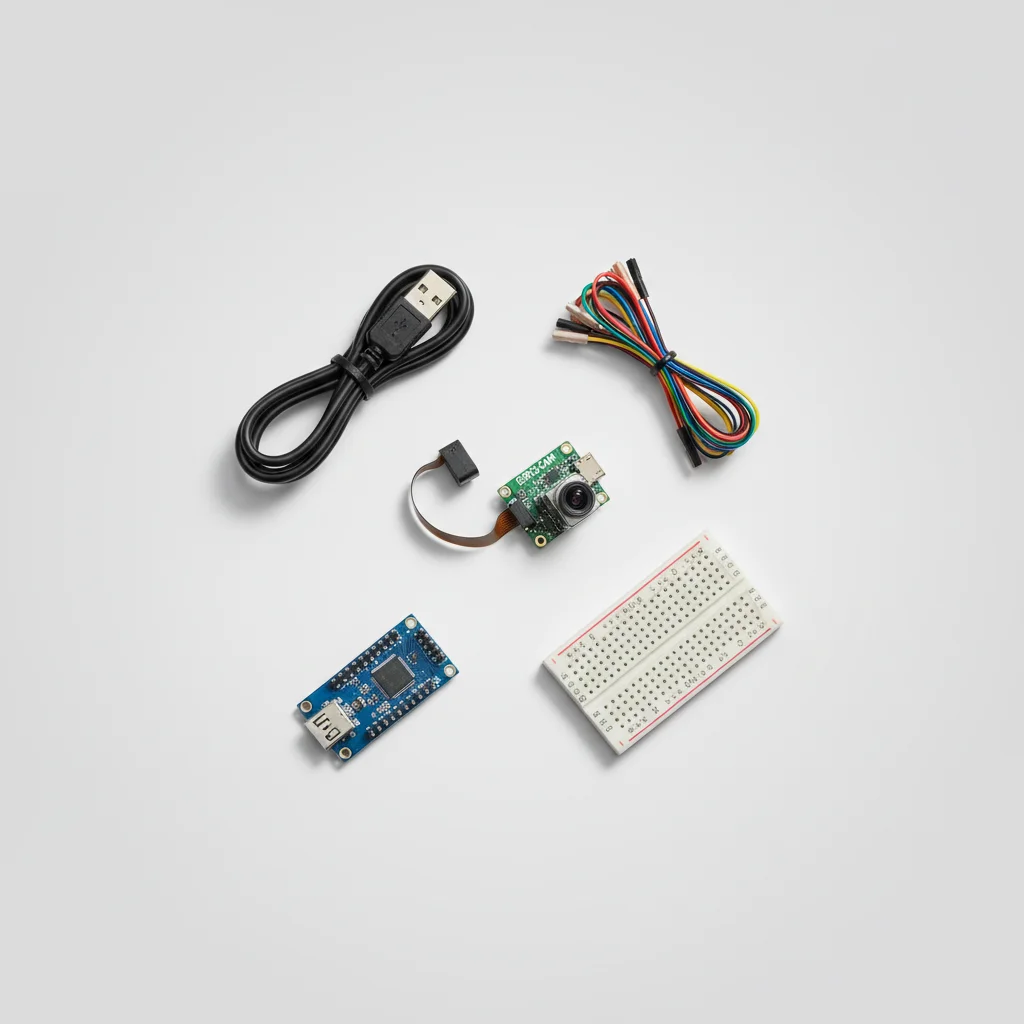
What's Included in the Kit
| Component | Qty | Price |
|---|---|---|
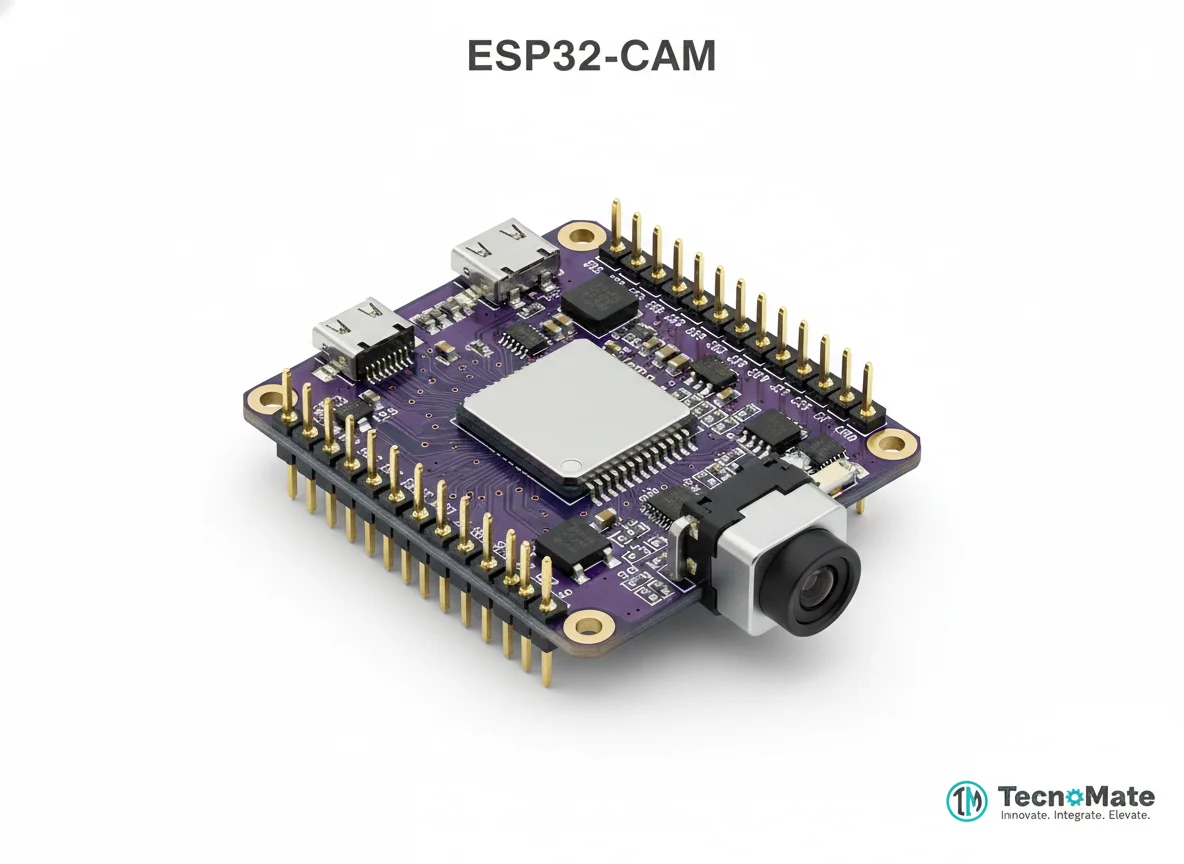 | 1 | ₹648.00 |
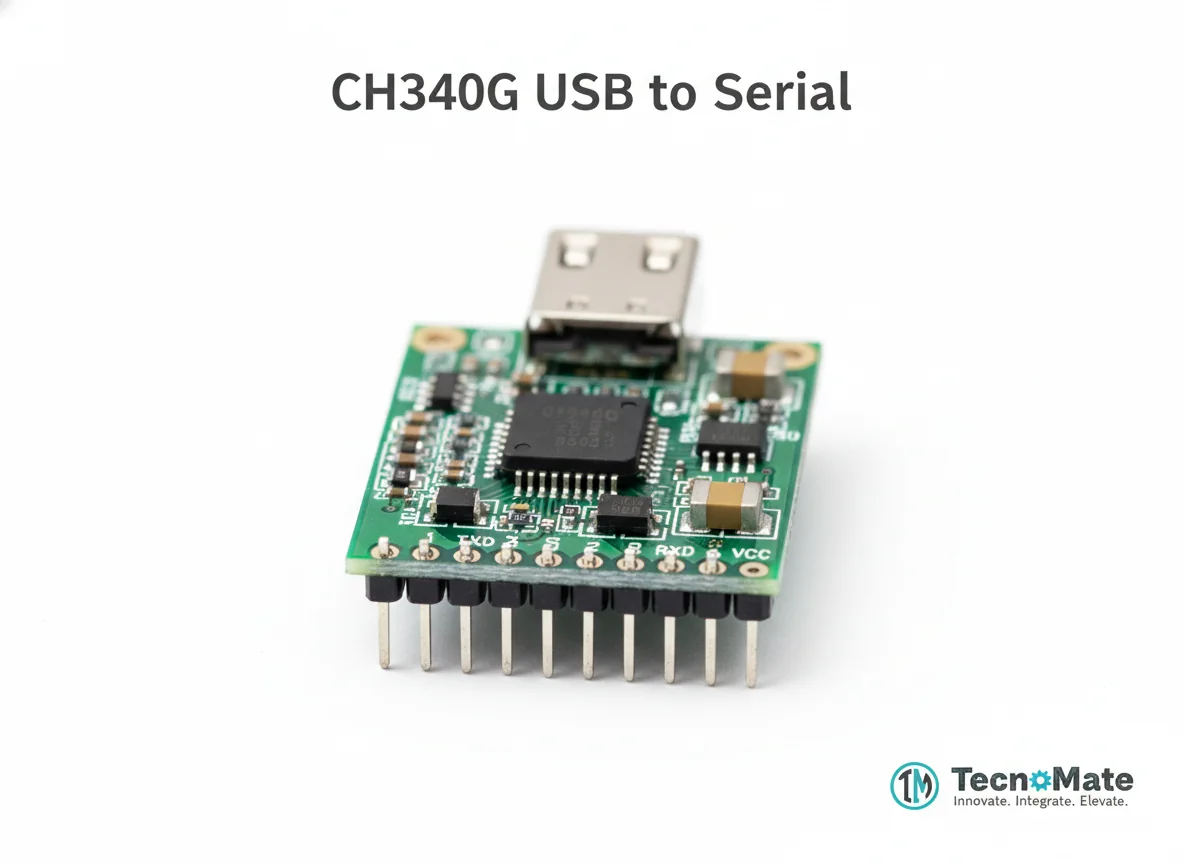 | 1 | ₹110.00 |
 | 1 | ₹171.00 |
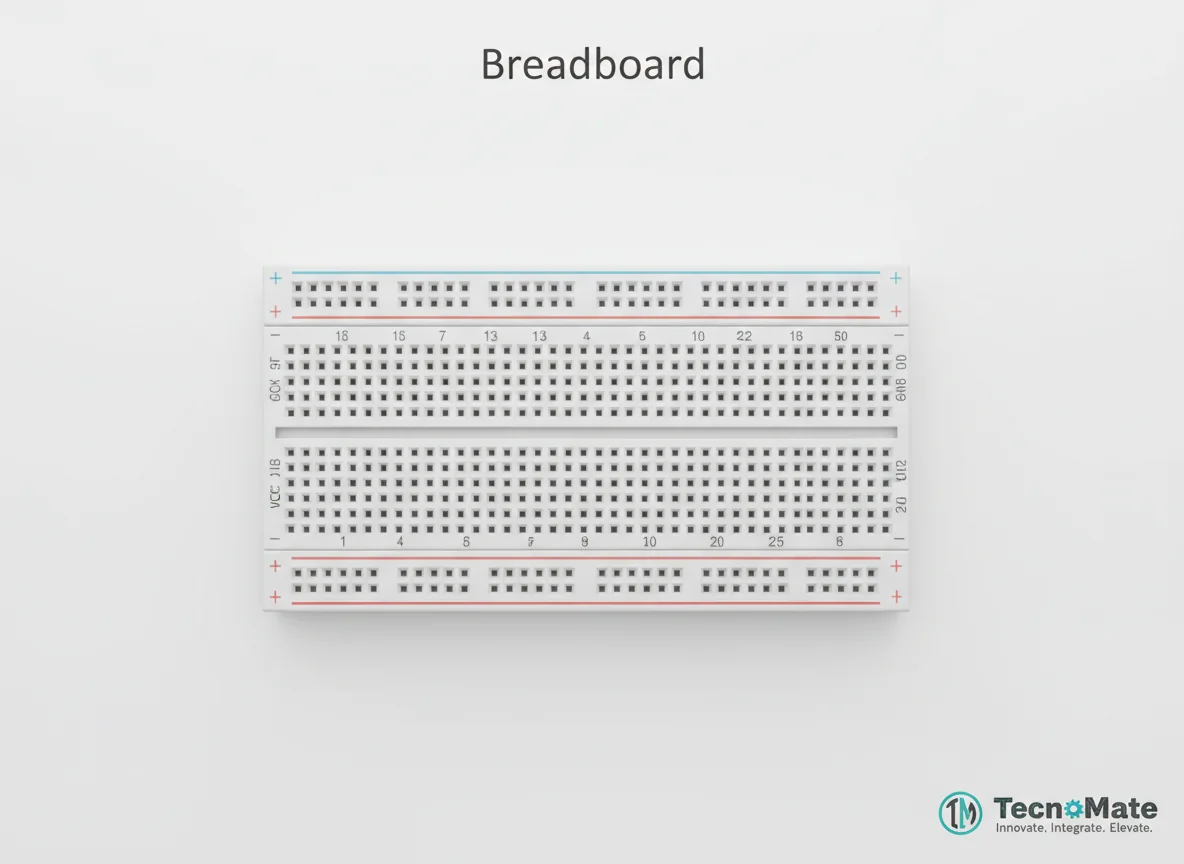 | 1 | ₹77.00 |
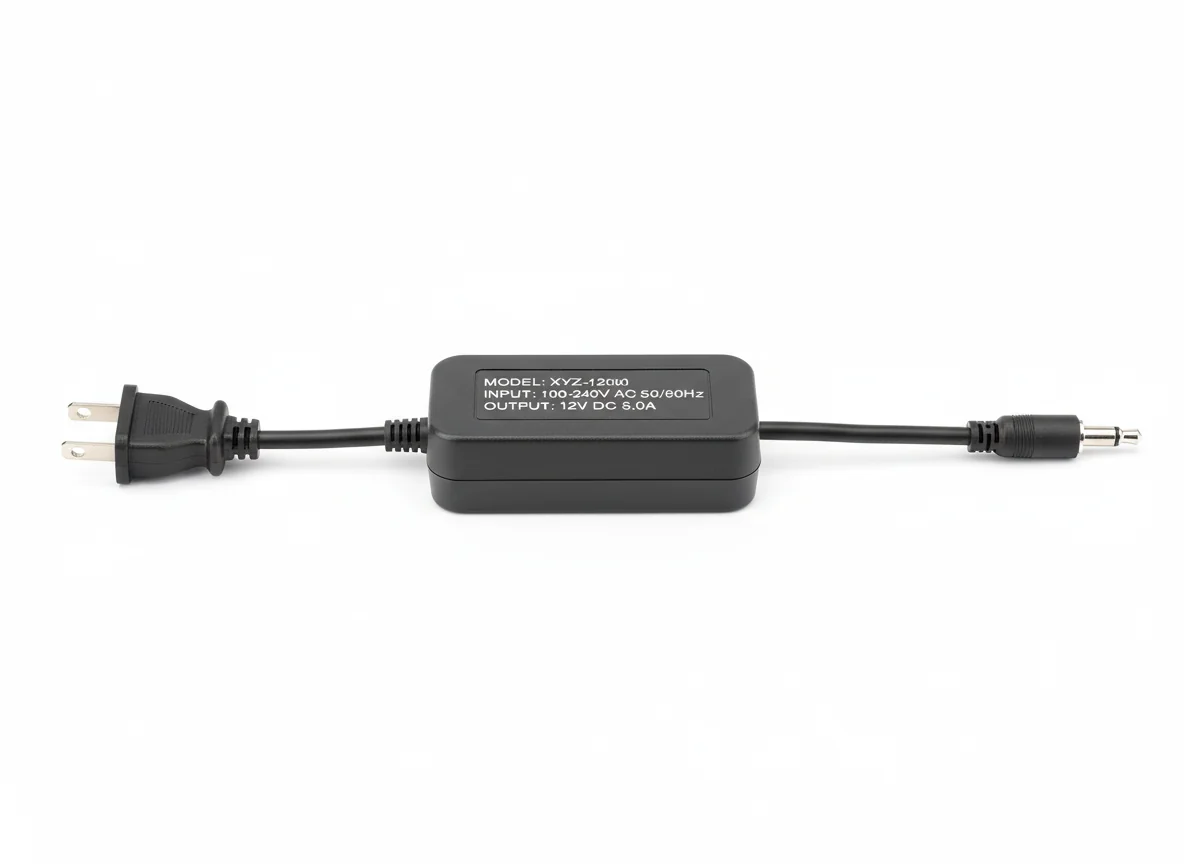 | 1 | ₹0.00 |
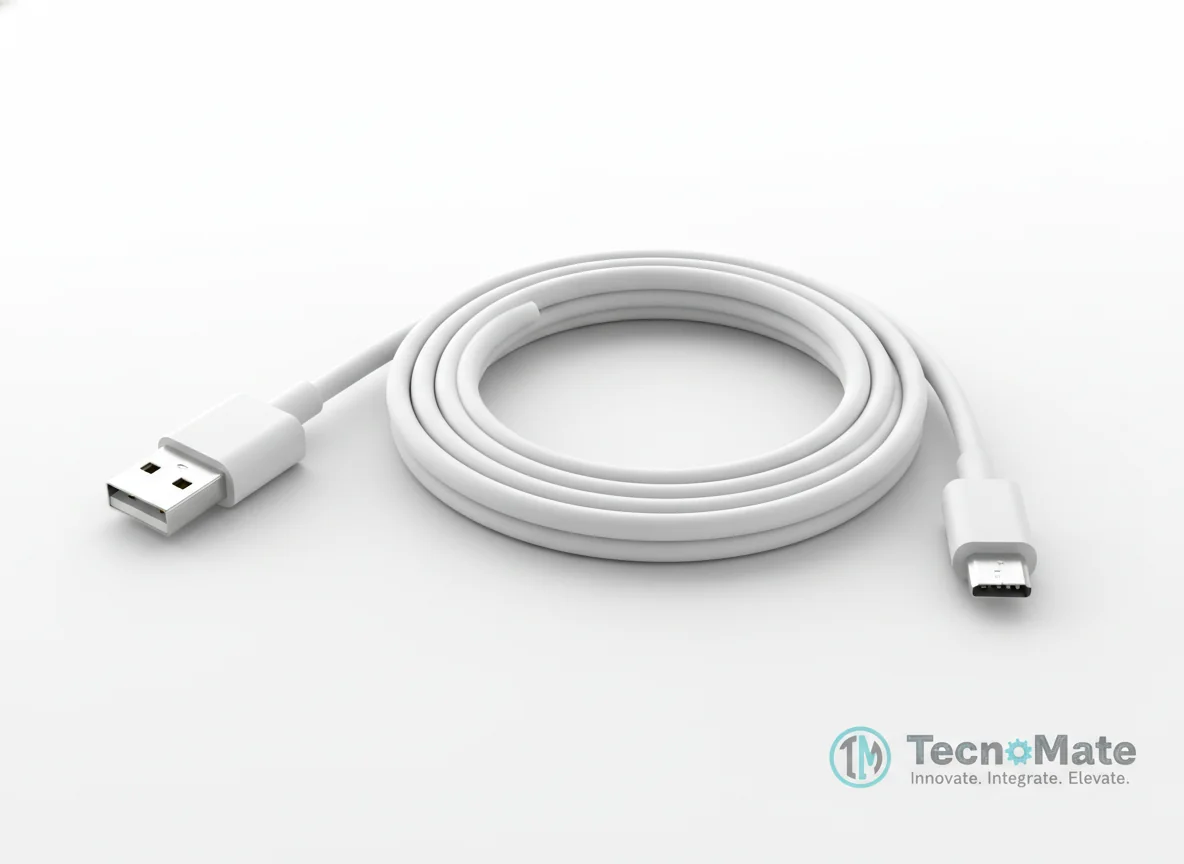 | 1 | ₹190.00 |
Operating Instructions
Pin Connections
 Pin Connections
| MCU Pin | Connected To | Purpose | Notes |
|---|---|---|---|
| 5V | FTDI 5V | Power supply connection | Ensure regulated 5V power |
| GND | FTDI GND | Ground connection | Common ground reference |
| U0R (RX) | FTDI TX | Serial communication (receive) | For programming and debugging |
| U0T (TX) | FTDI RX | Serial communication (transmit) | For programming and debugging |
| IO0 | FTDI GND | Upload mode enable | Must be connected during upload, remove after |
Tools Required
 Tools Required
Safety Precautions
Electrical
- ⚠Always use regulated 5V power supply
- ⚠Ensure stable power during motion processing to prevent crashes
Operating
- ⚠Avoid pointing camera at fast light changes to prevent false triggers
- ⚠Follow local surveillance and privacy laws when using for monitoring
General
- ⚠Inform users before monitoring if used in shared spaces
Frequently Asked Questions
 Frequently Asked Questions
Q:Is PIR sensor required?
Q:Does it work in low light?
Q:Can it save photos on motion?
Q:Is internet required?
Product images are for illustration purposes only. Actual products may differ in appearance, packaging, or specifications. See our Terms of Service.