

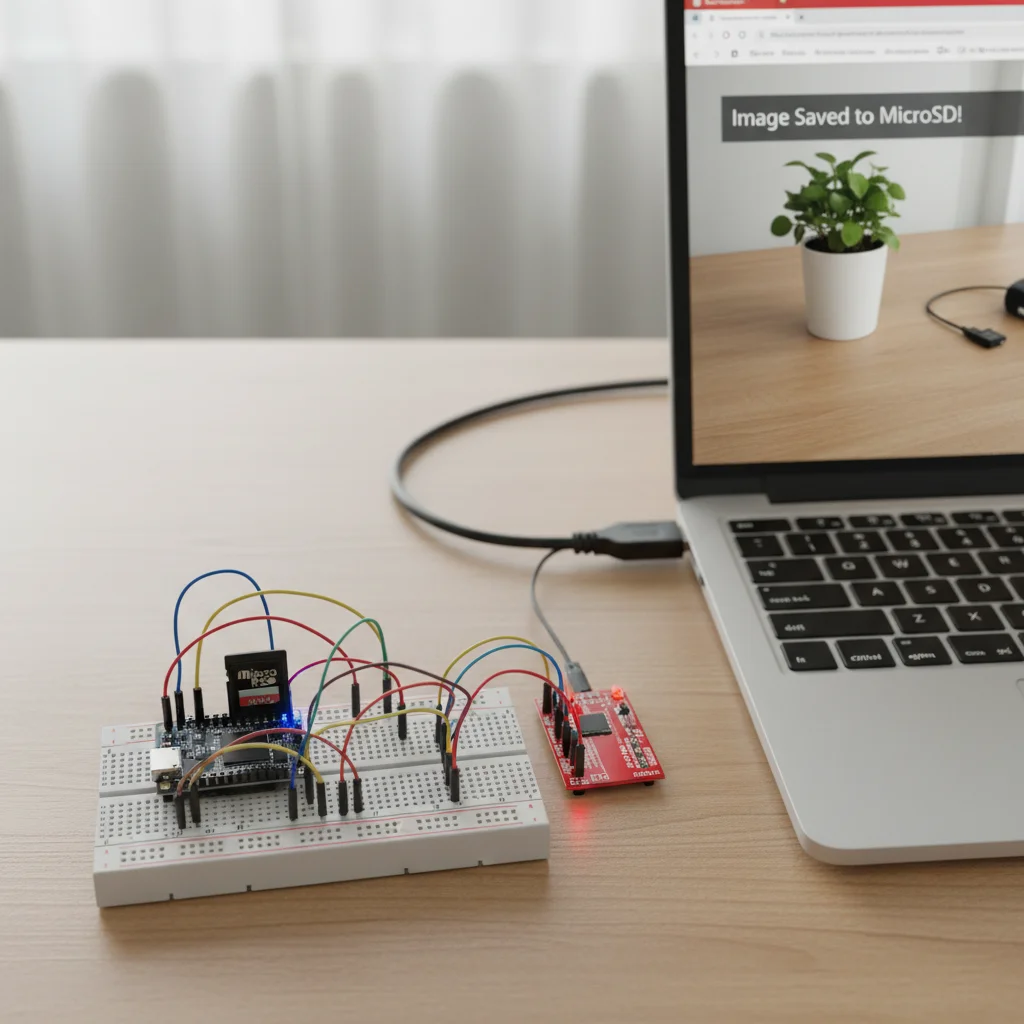
ESP32-CAM Photo Capture and Save
Capture photos using ESP32-CAM and save images locally to a microSD card or access them via a web interface.
Inclusive of all taxes
- Secure payments via Razorpay
- 7-day returns on defective items
- GST invoice on every order
Free delivery on orders above ₹2,000
Delivers in 4-7 business days
Check delivery at your pincode
₹3478.00
Inclusive of all taxes
Components
7 items
Difficulty
Intermediate
Build Time
60 – 120 minutes
Project Details
How It Works
 How It Works
The ESP32-CAM module uses the OV2640 camera to capture images. The camera is initialized with specific configuration settings (pin mappings, pixel format, frame size). When triggered (automatically on boot, button press, or web request), the camera captures a frame in JPEG format. The image data is then written to a file on the microSD card using the SD_MMC library. The process involves camera initialization, image capture, file creation, and data writing.
Prerequisites
Basic knowledge of Arduino IDE, ESP32 programming, and file systems. Familiarity with serial communication and hardware connections is helpful.
What You'll Learn
 What You'll Learn
Learn to capture photos with the built-in camera
Understand how to write and manage files on SD card
Learn to save images in JPEG format
Configure camera parameters for optimal capture
Work with file systems on embedded devices
Key Features
Capture photos using OV2640 camera
Save images directly to microSD card
Works offline with SD card storage
Efficient power usage for battery applications
Can be extended for motion detection or cloud connectivity
What's Included in the Kit
| Component | Qty | Price |
|---|---|---|
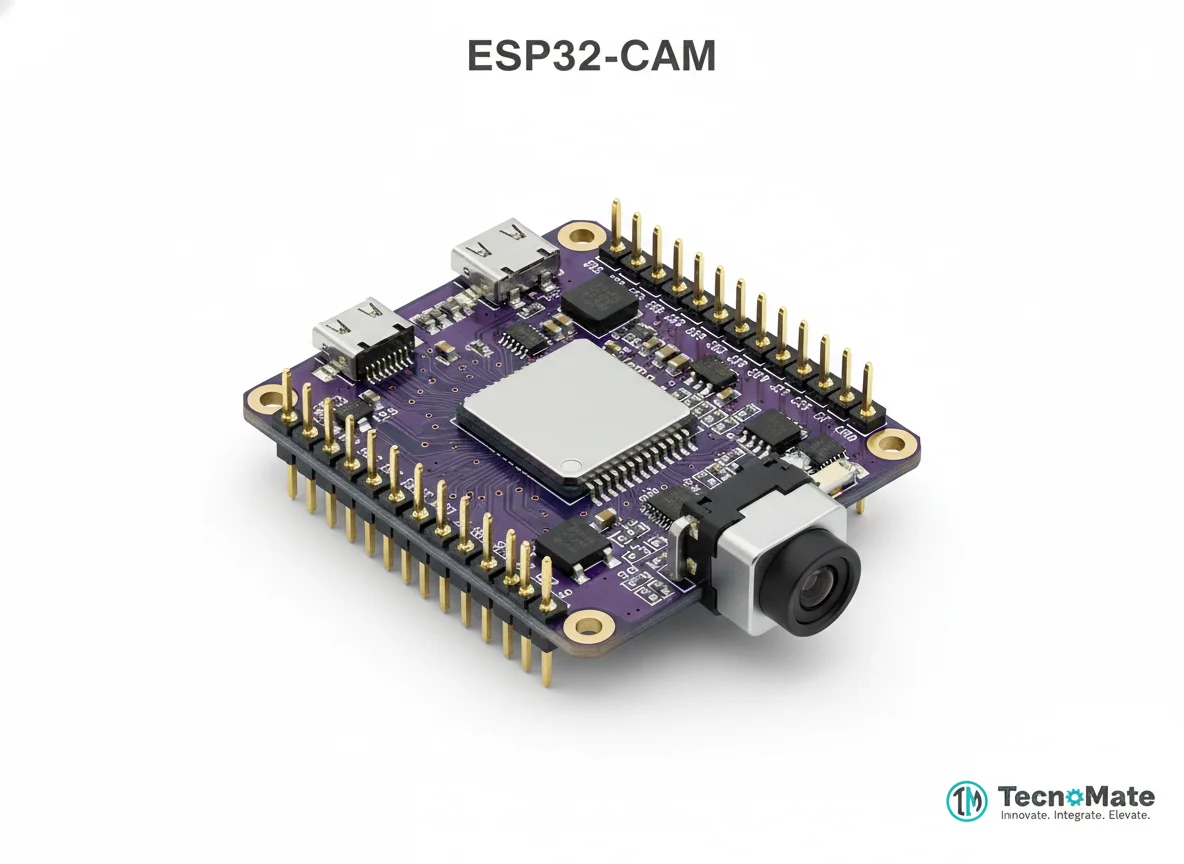 | 1 | ₹648.00 |
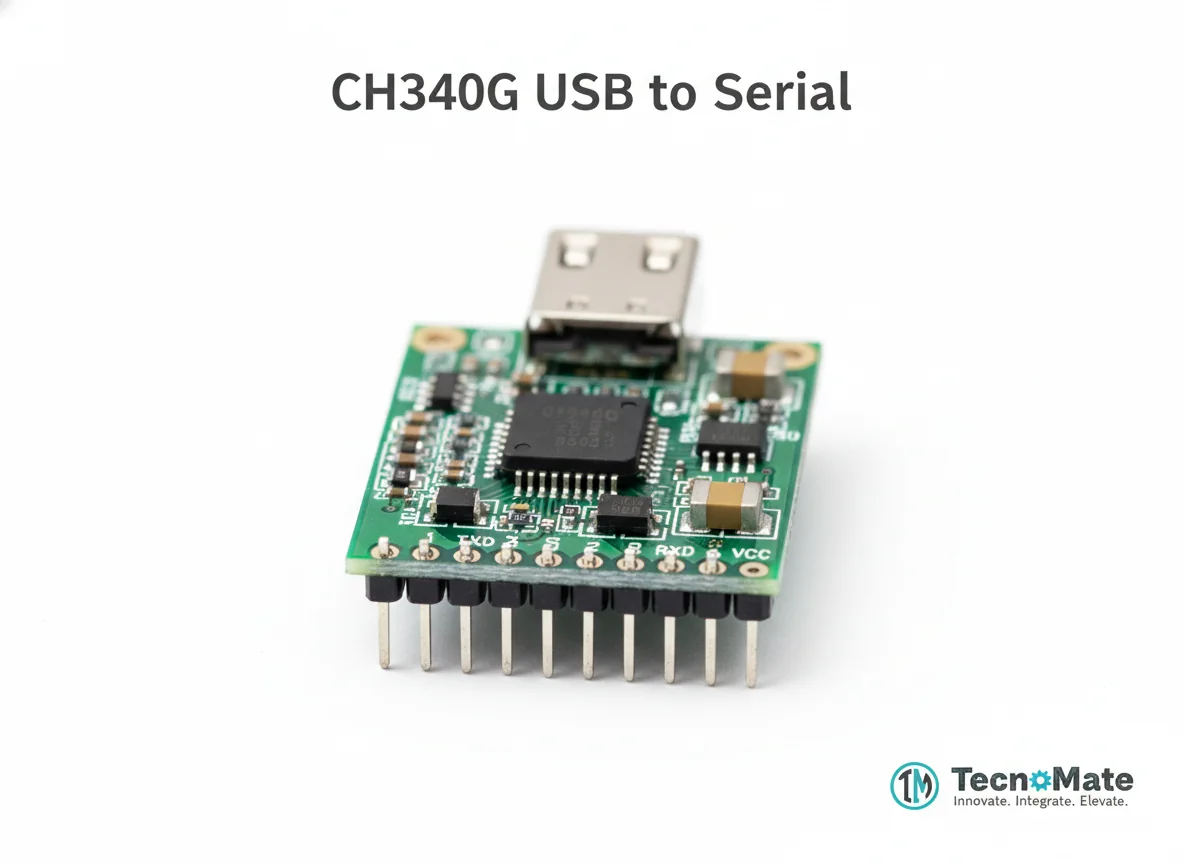 | 1 | ₹110.00 |
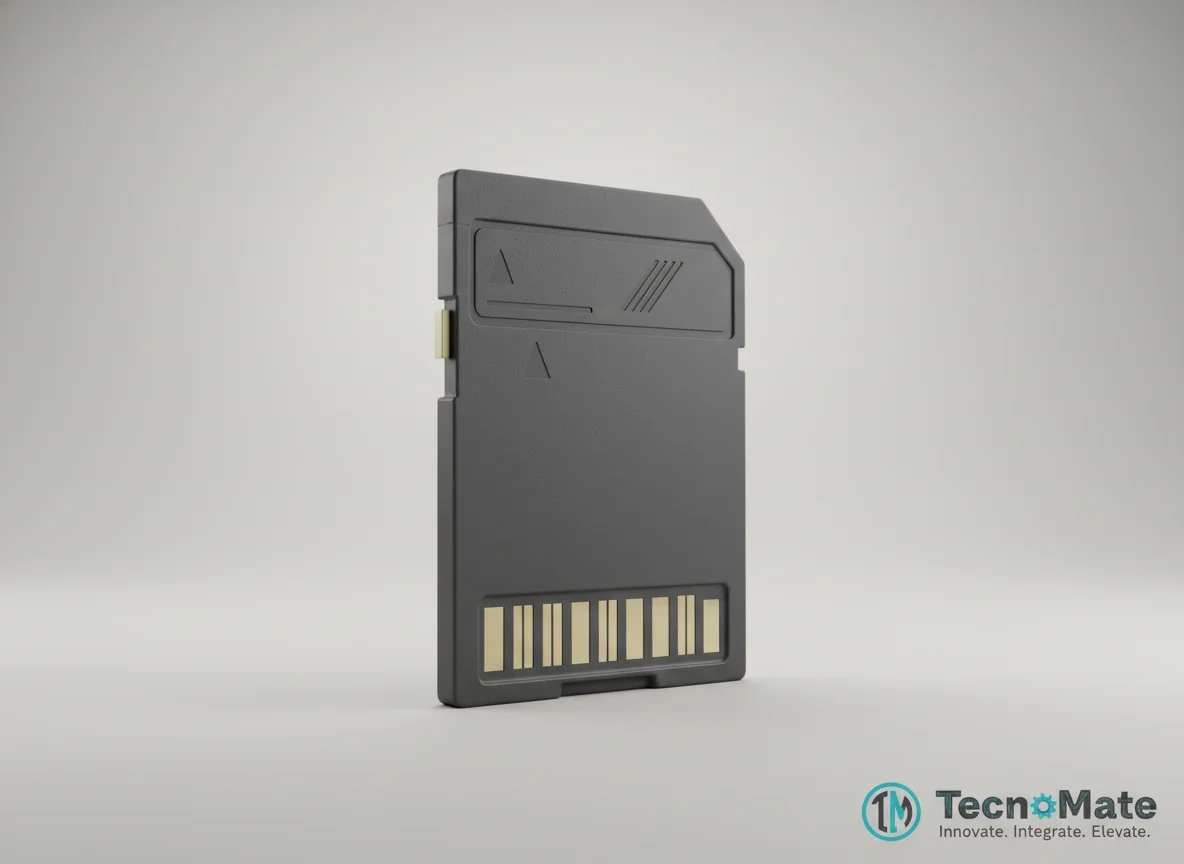 | 1 | ₹0.00 |
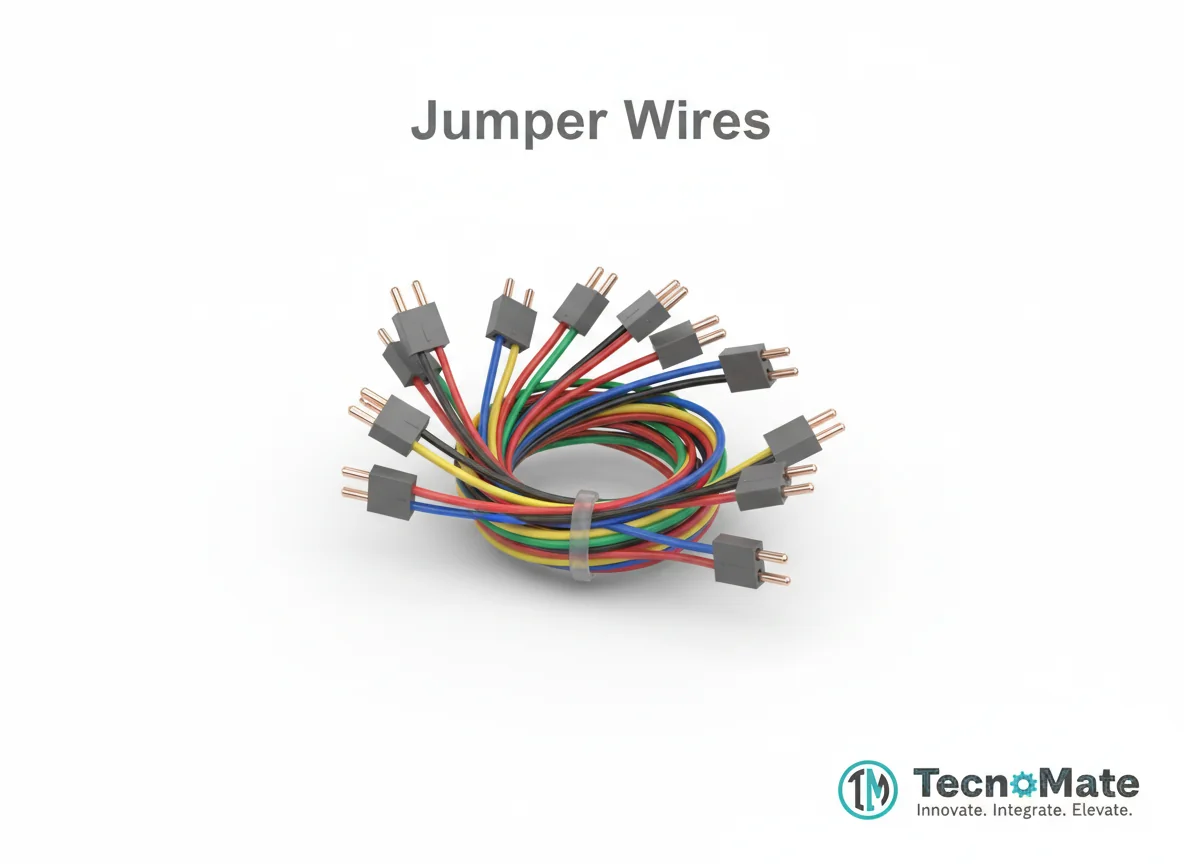 | 1 | ₹171.00 |
Push Button | 1 | ₹0.00 |
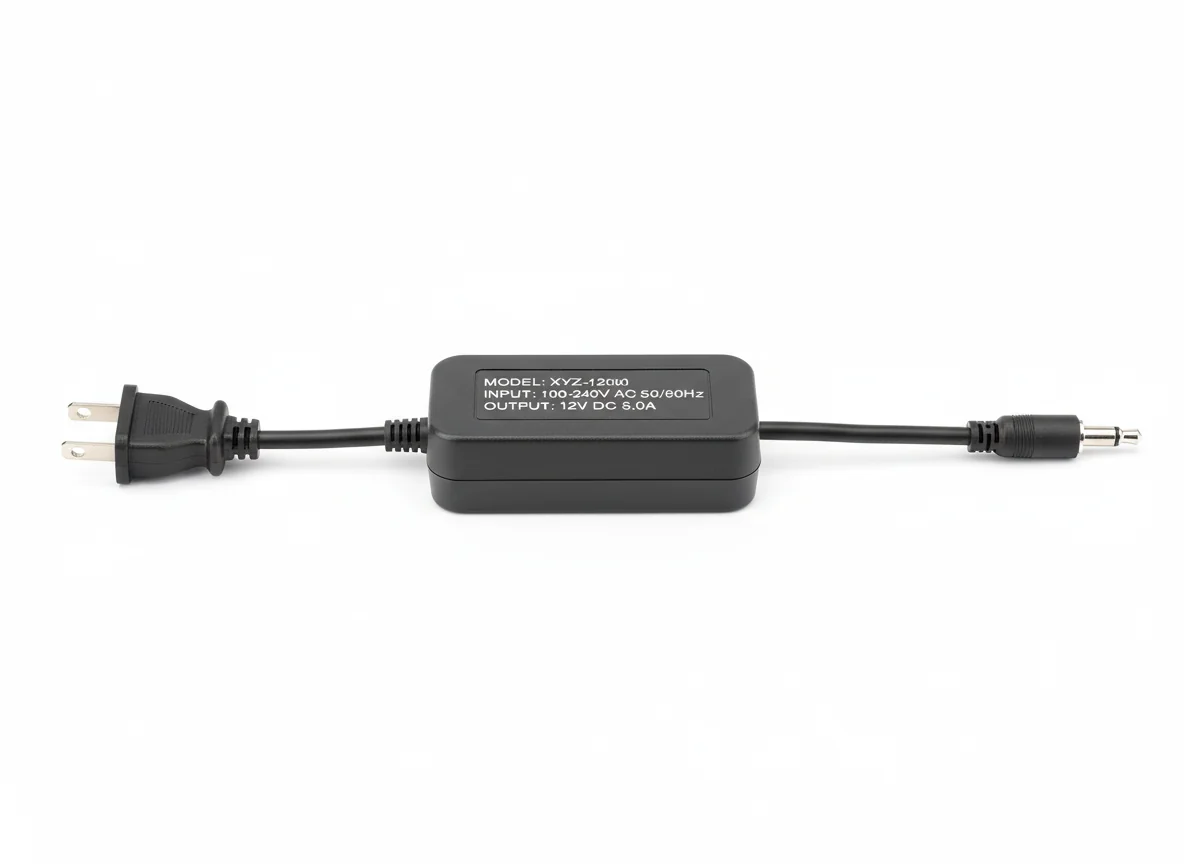 | 1 | ₹0.00 |
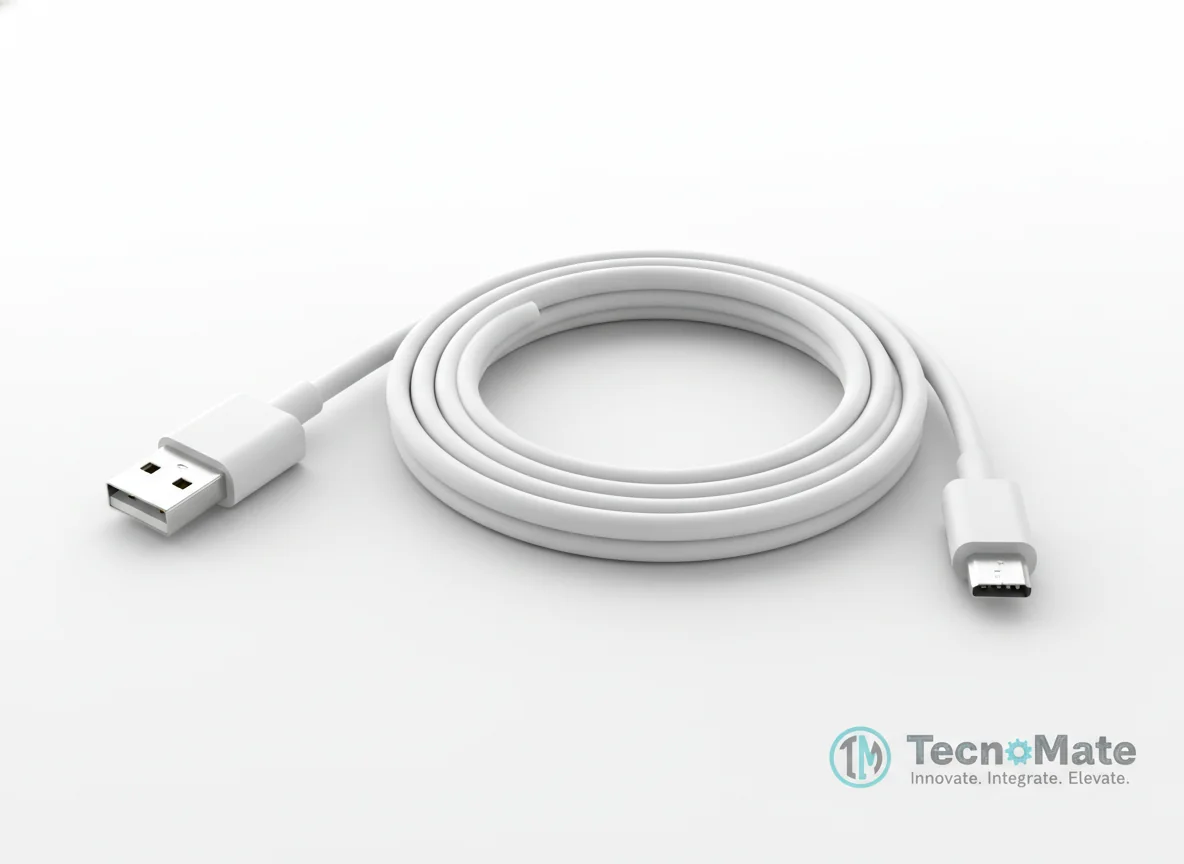 | 1 | ₹190.00 |
Operating Instructions
Pin Connections
 Pin Connections
| MCU Pin | Connected To | Purpose | Notes |
|---|---|---|---|
| 5V | FTDI 5V | Power supply | Use only 5V input power |
| GND | FTDI GND | Ground connection | - |
| U0R | FTDI TX | Serial communication | - |
| U0T | FTDI RX | Serial communication | - |
| IO0 | GND | Upload mode | Remove IO0-GND after uploading |
Tools Required
 Tools Required
Safety Precautions
Electrical
- ⚠Use only 5V input power
- ⚠Avoid touching camera sensor
Handling
- ⚠Insert SD card before power-up
- ⚠Use quality SD card (Class 10 recommended)
Operating
- ⚠Remove IO0-GND after uploading
Frequently Asked Questions
 Frequently Asked Questions
Q:What SD card size is supported?
Q:Can I capture multiple photos?
Q:Can images be uploaded to cloud?
Q:Is Wi-Fi required?
Product images are for illustration purposes only. Actual products may differ in appearance, packaging, or specifications. See our Terms of Service.