

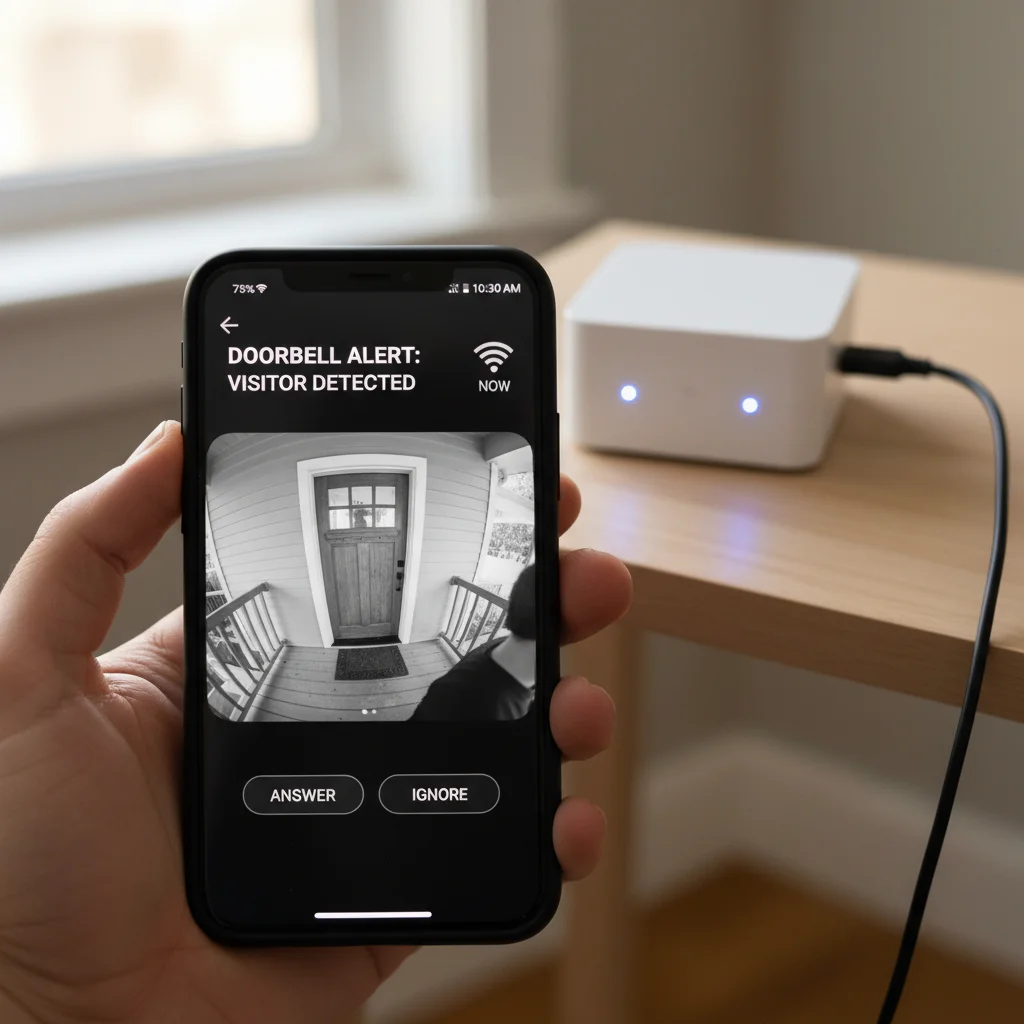
ESP32-CAM Smart Doorbell
Build a WiFi-enabled smart doorbell using ESP32-CAM that captures visitor images and streams live video to your smartphone.
Inclusive of all taxes
- Secure payments via Razorpay
- 7-day returns on defective items
- GST invoice on every order
Free delivery on orders above ₹2,000
Delivers in 4-7 business days
Check delivery at your pincode
₹7462.00
Inclusive of all taxes
Components
7 items
Difficulty
Intermediate
Build Time
2-4 Hours
Project Details
How It Works
 How It Works
The ESP32-CAM Smart Doorbell works by connecting an ESP32-CAM module to a push button. When the button is pressed, it triggers the ESP32-CAM to capture an image or start live video streaming. The ESP32-CAM connects to your home WiFi network and creates a web server. You can access the camera feed by entering the ESP32-CAM's IP address in a web browser on your smartphone or computer. The system can be expanded with additional features like Telegram notifications, cloud storage, and motion detection.
Prerequisites
Basic knowledge of electronics and programming. Familiarity with Arduino IDE and WiFi concepts. Understanding of IoT principles and web servers. Basic soldering skills (optional).
What You'll Learn
 What You'll Learn
Learn to set up and program ESP32-CAM module
Create a web server for live video streaming
Implement IoT-based alerts and notifications
Design a simple home security system
Key Features
Stream live video from doorbell to smartphone via web interface
Capture and store images when doorbell button is pressed
Connect to home WiFi network for remote access
Access doorbell camera feed from any device on network
Can be extended with cloud storage and notifications
What's Included in the Kit
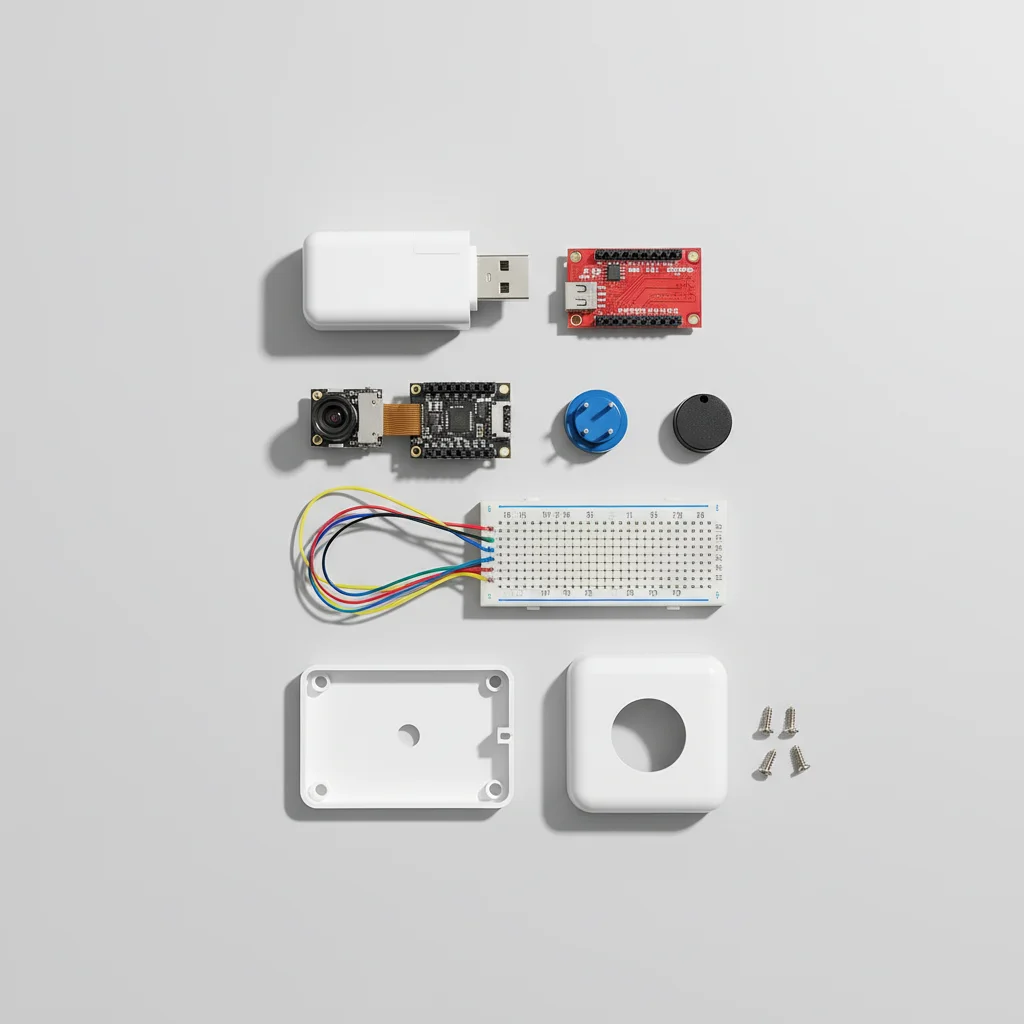
| Component | Qty | Price |
|---|---|---|
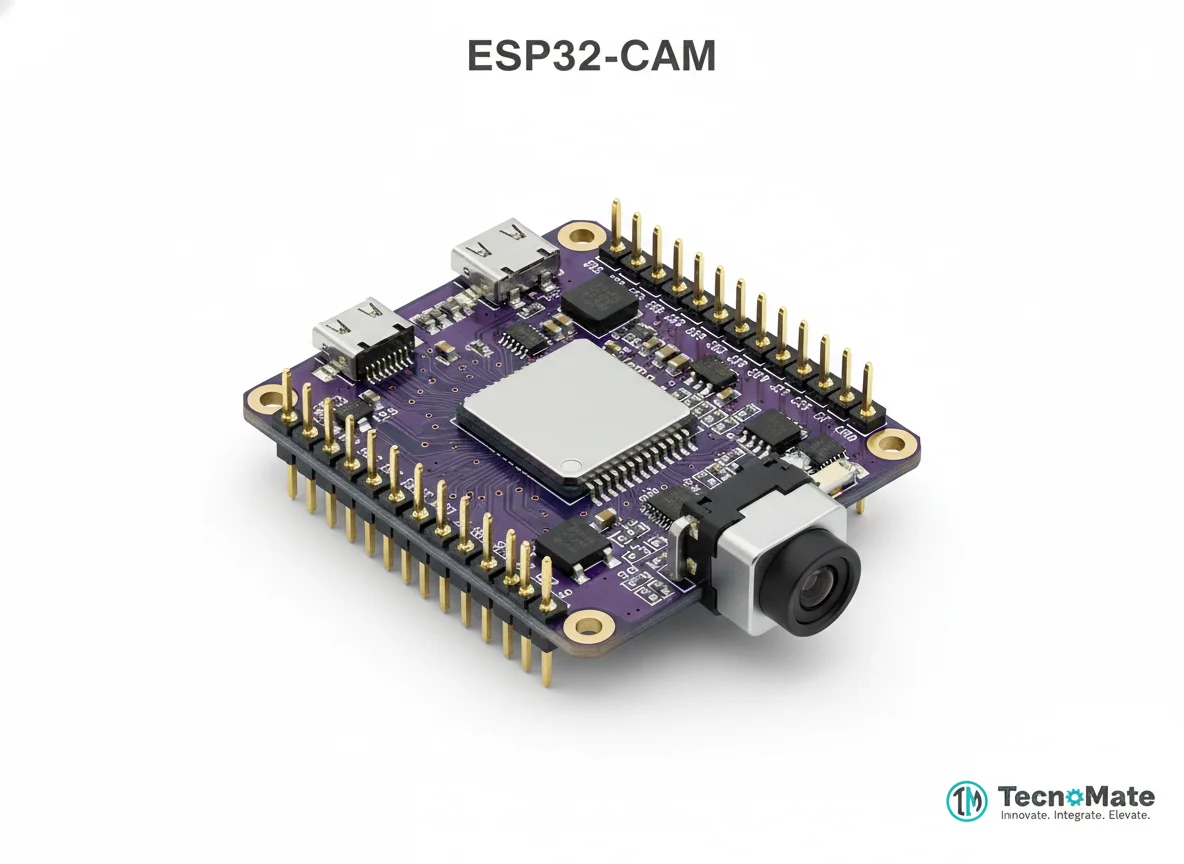 | 1 | ₹648.00 |
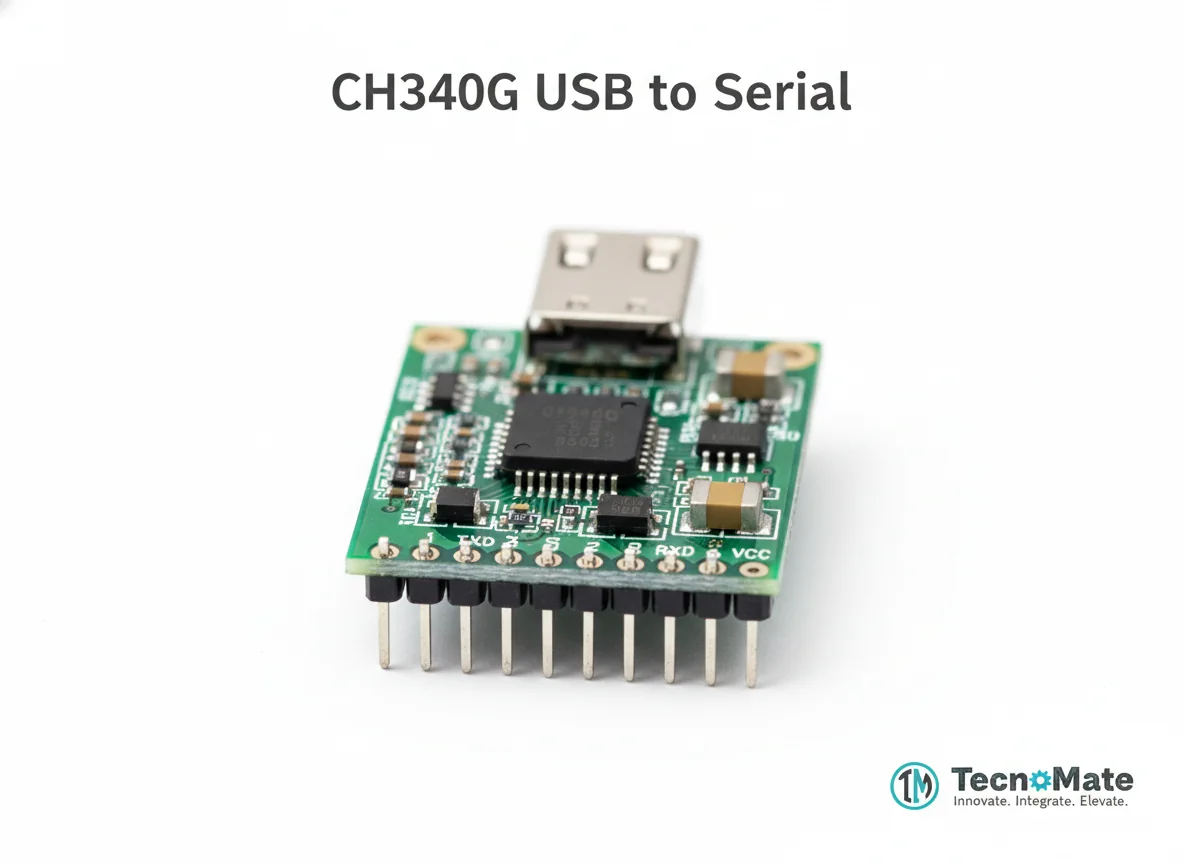 | 1 | ₹0.00 |
Push Button | 1 | ₹0.00 |
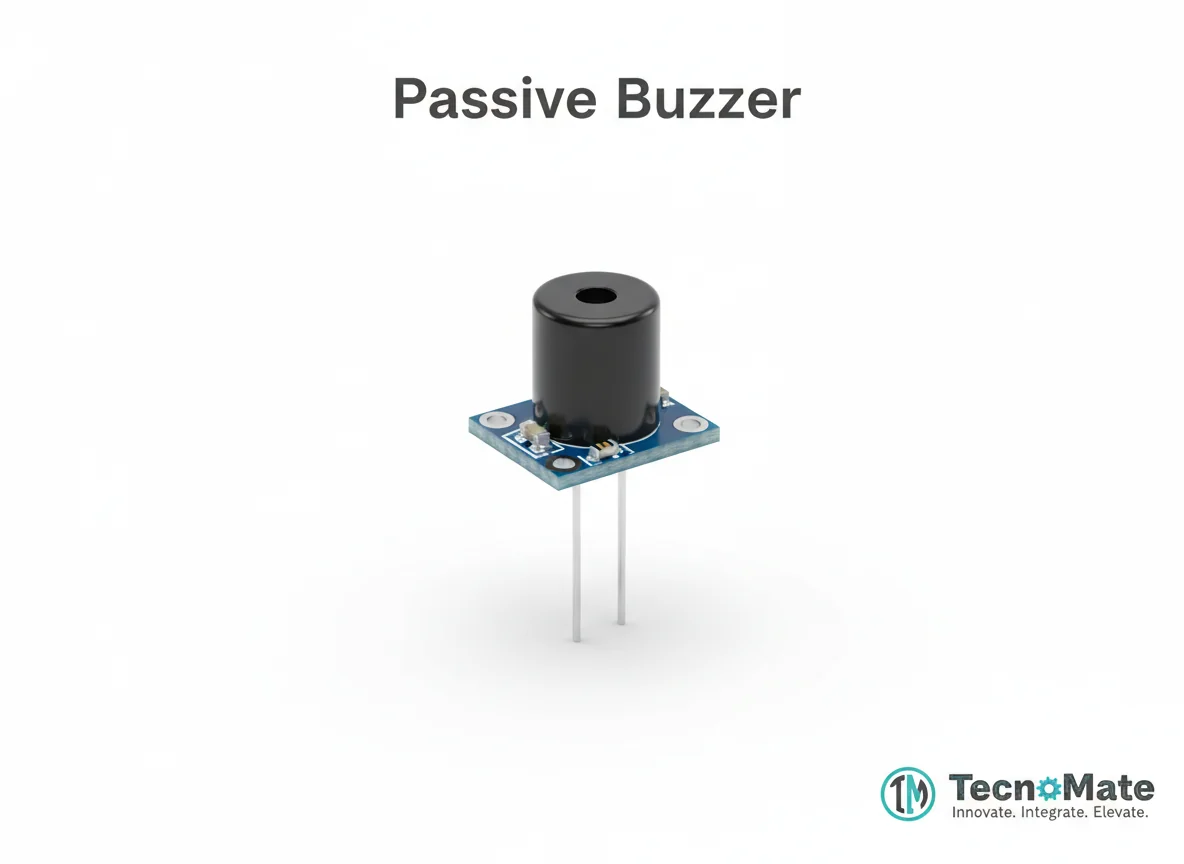 | 1 | ₹0.00 |
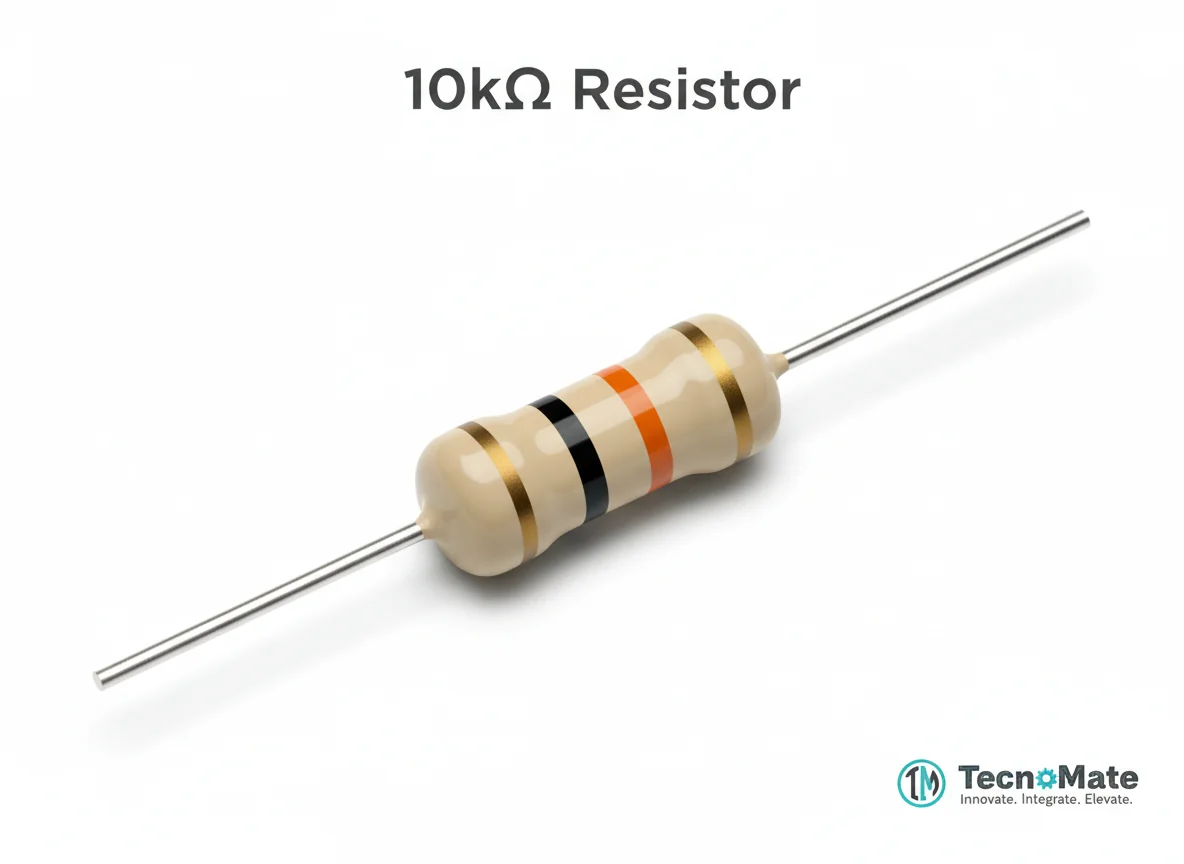 | 1 | ₹2.00 |
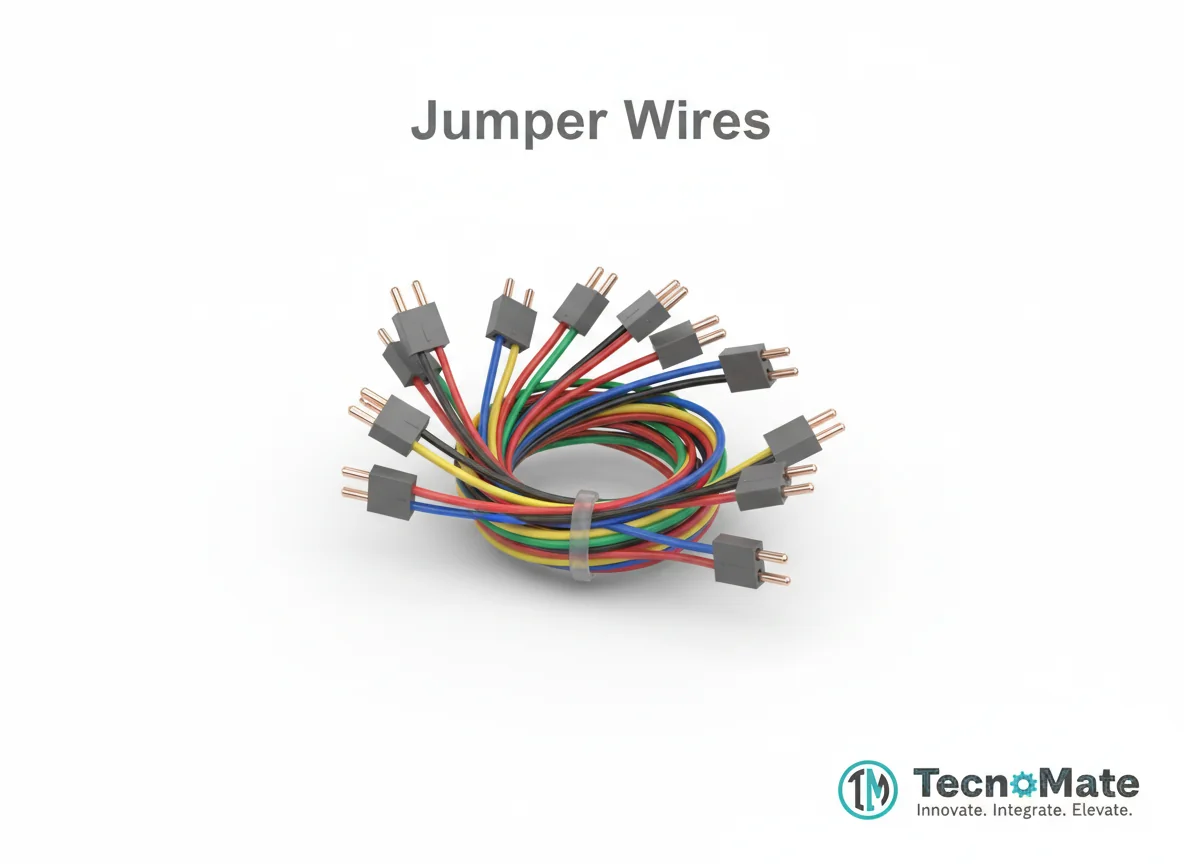 | 1 | ₹171.00 |
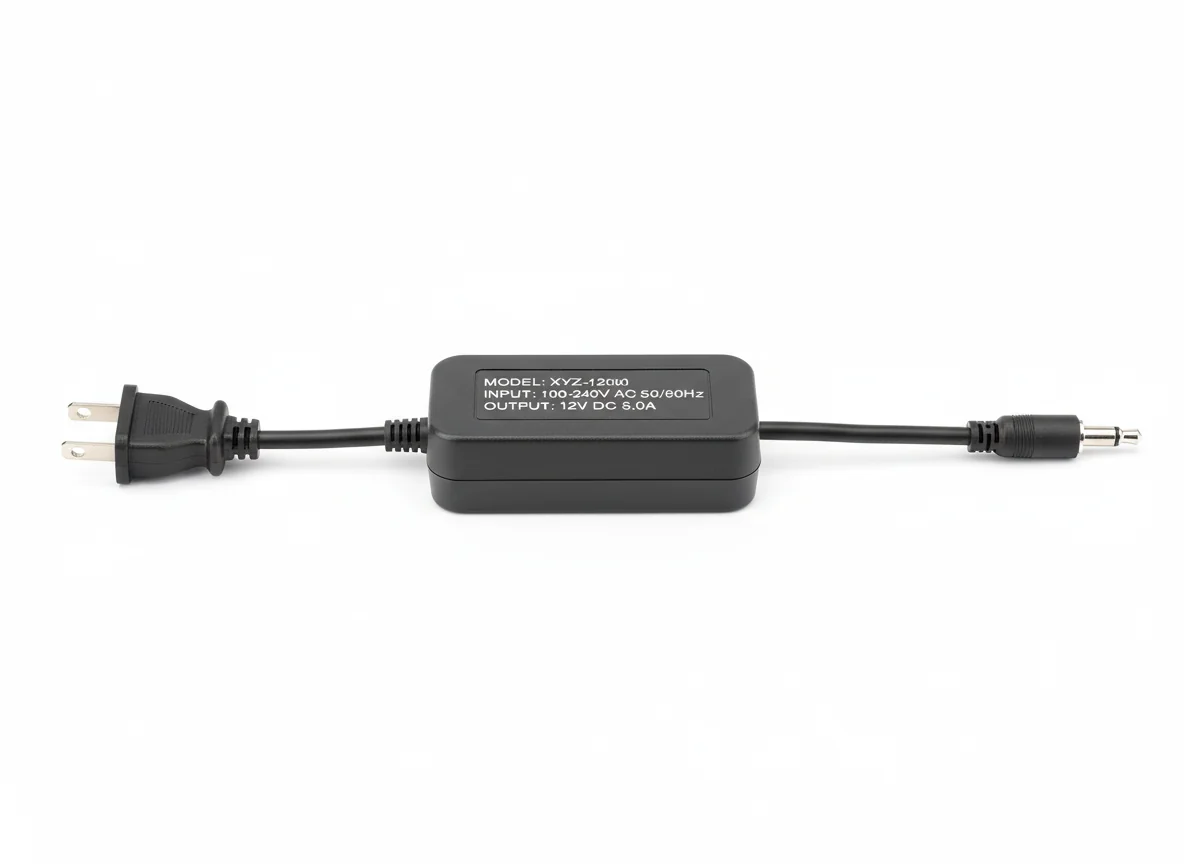 | 1 | ₹0.00 |
Operating Instructions
Pin Connections
 Pin Connections
| MCU Pin | Connected To | Purpose | Notes |
|---|---|---|---|
| 5V | 5V Supply | Power supply | Use stable 5V power supply |
| GND | GND | Ground connection | - |
| GPIO14 | Push Button | Button input signal | Input pull-up configured |
| GPIO0 | GND | Programming mode | Disconnect after uploading code |
Tools Required
 Tools Required
Safety Precautions
Electrical
- ⚠Use stable 5V power supply
- ⚠Do not power ESP32-CAM from 3.3V
- ⚠Avoid short circuits
Handling
- ⚠Disconnect GPIO0 after uploading code
Frequently Asked Questions
 Frequently Asked Questions
Q:Can I view camera outside my home network?
Q:Can I send images to Telegram?
Q:Does it support night vision?
Q:Can I add motion detection?
Product images are for illustration purposes only. Actual products may differ in appearance, packaging, or specifications. See our Terms of Service.