

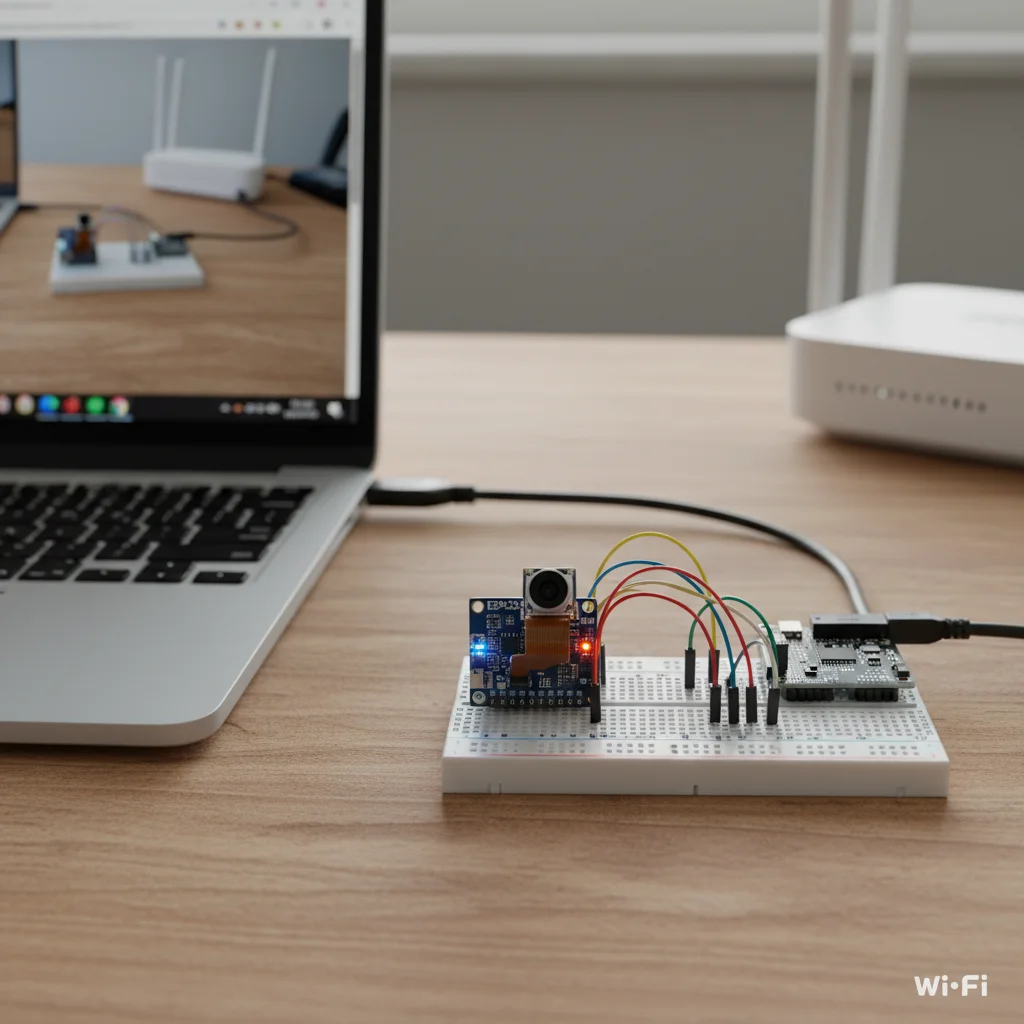
ESP32-CAM Video Streaming
Create a live Wi-Fi video streaming system using ESP32-CAM that streams real-time video to a web browser.
Inclusive of all taxes
- Secure payments via Razorpay
- 7-day returns on defective items
- GST invoice on every order
Free delivery on orders above ₹2,000
Delivers in 4-7 business days
Check delivery at your pincode
₹3554.00
Inclusive of all taxes

Components
6 items
Difficulty
Intermediate
Build Time
90 – 120 minutes
Project Details
How It Works
 How It Works
The ESP32-CAM module hosts a web server that streams video in MJPEG format over Wi-Fi. When programmed with the provided code, it connects to a Wi-Fi network and generates an IP address. Any device on the same network can access this IP address in a web browser to view the live video feed. The camera configuration controls resolution, brightness, and frame rate for optimal streaming performance.
Prerequisites
Basic knowledge of Arduino IDE, ESP32 programming, and Wi-Fi networking. Familiarity with camera modules and web server concepts is helpful.
What You'll Learn
 What You'll Learn
Learn to stream video from embedded device to web browser
Configure and host a web server on ESP32-CAM
Manage camera settings for optimal streaming
Understand IoT networking concepts
Apply knowledge to real-world surveillance and monitoring
Key Features
Real-time video streaming in MJPEG format
Controls for resolution, brightness, and frame rate
Streams video over Wi-Fi without cables
Affordable hardware for video streaming
Works on mobile and PC browsers
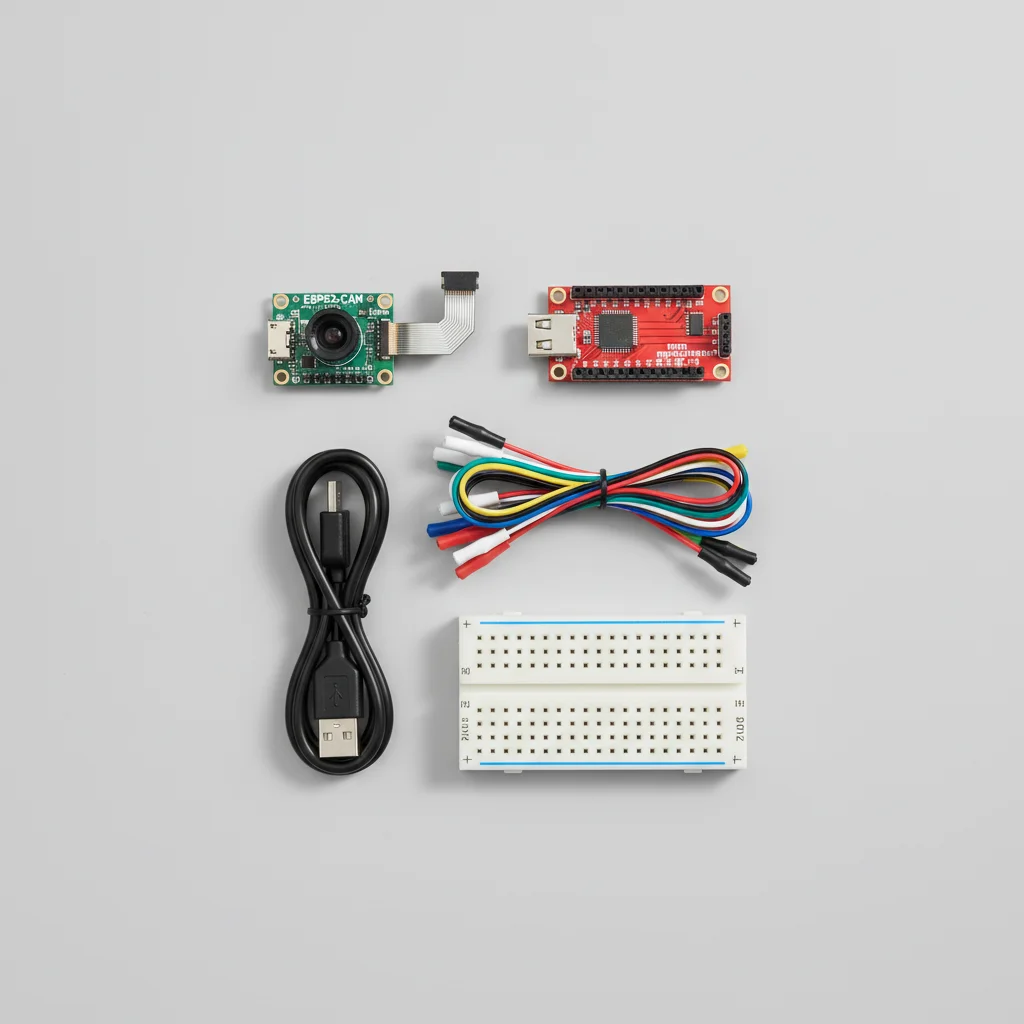
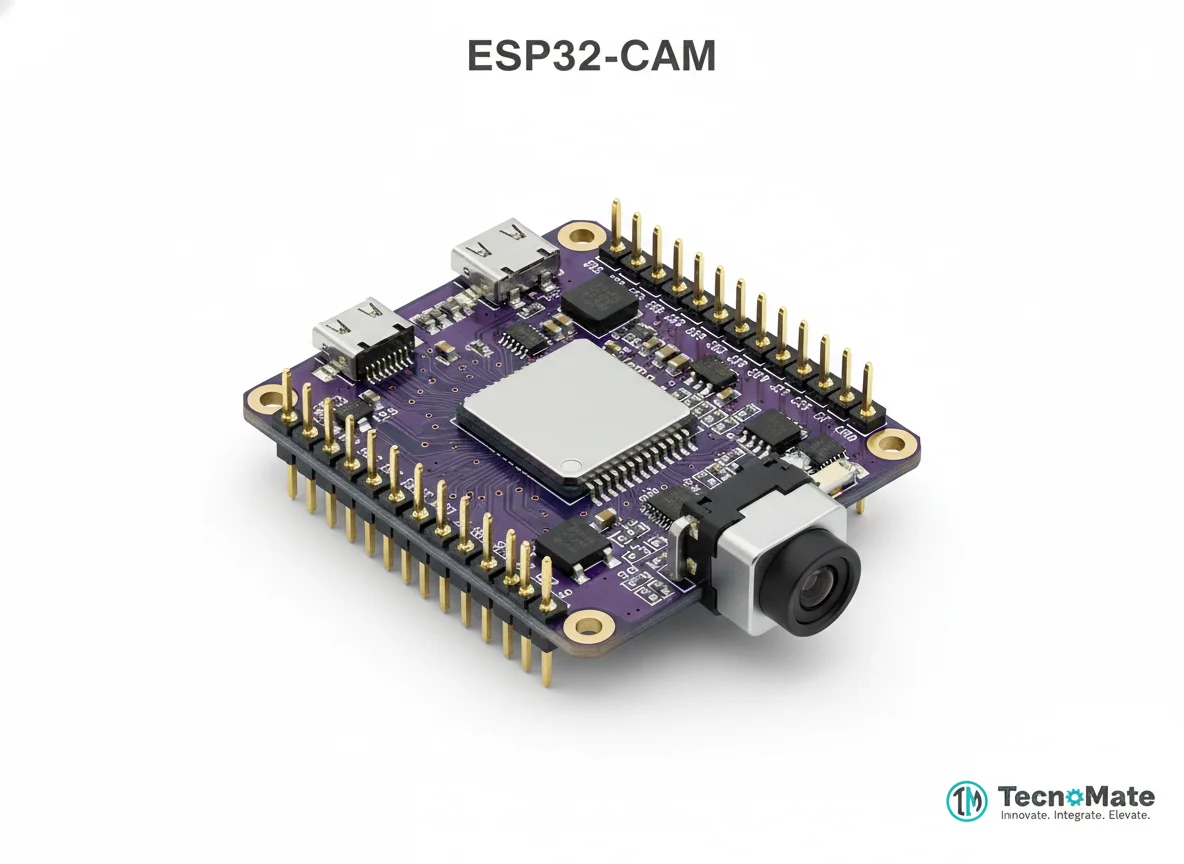
What's Included in the Kit
| Component | Qty | Price |
|---|---|---|
 | 1 | ₹648.00 |
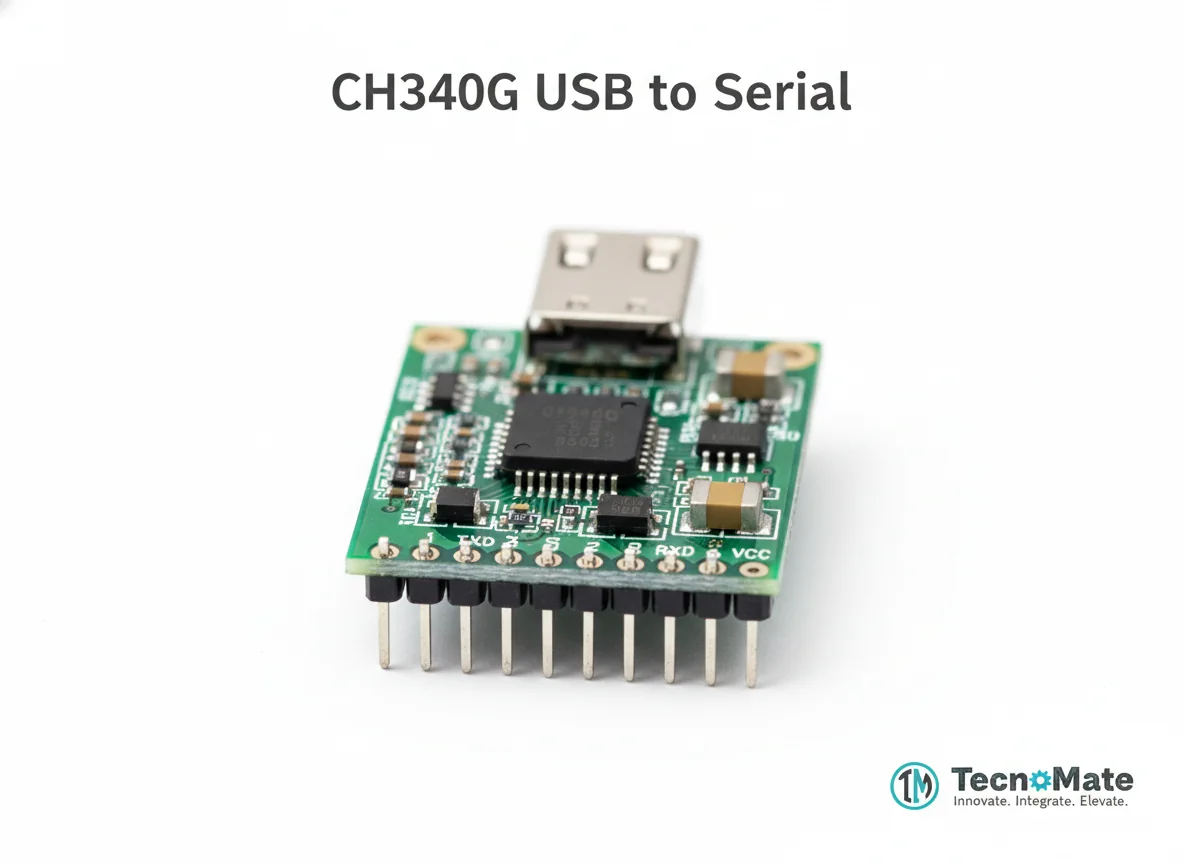 | 1 | ₹110.00 |
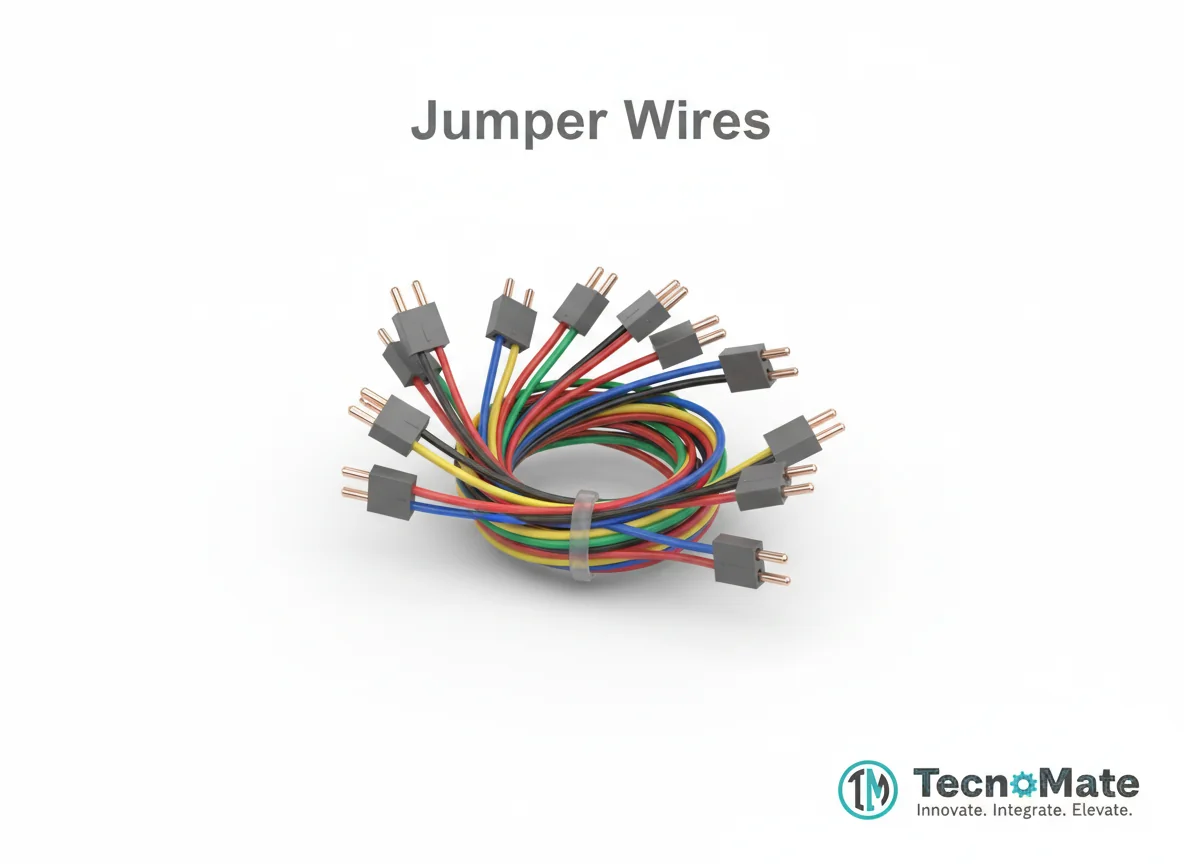 | 1 | ₹171.00 |
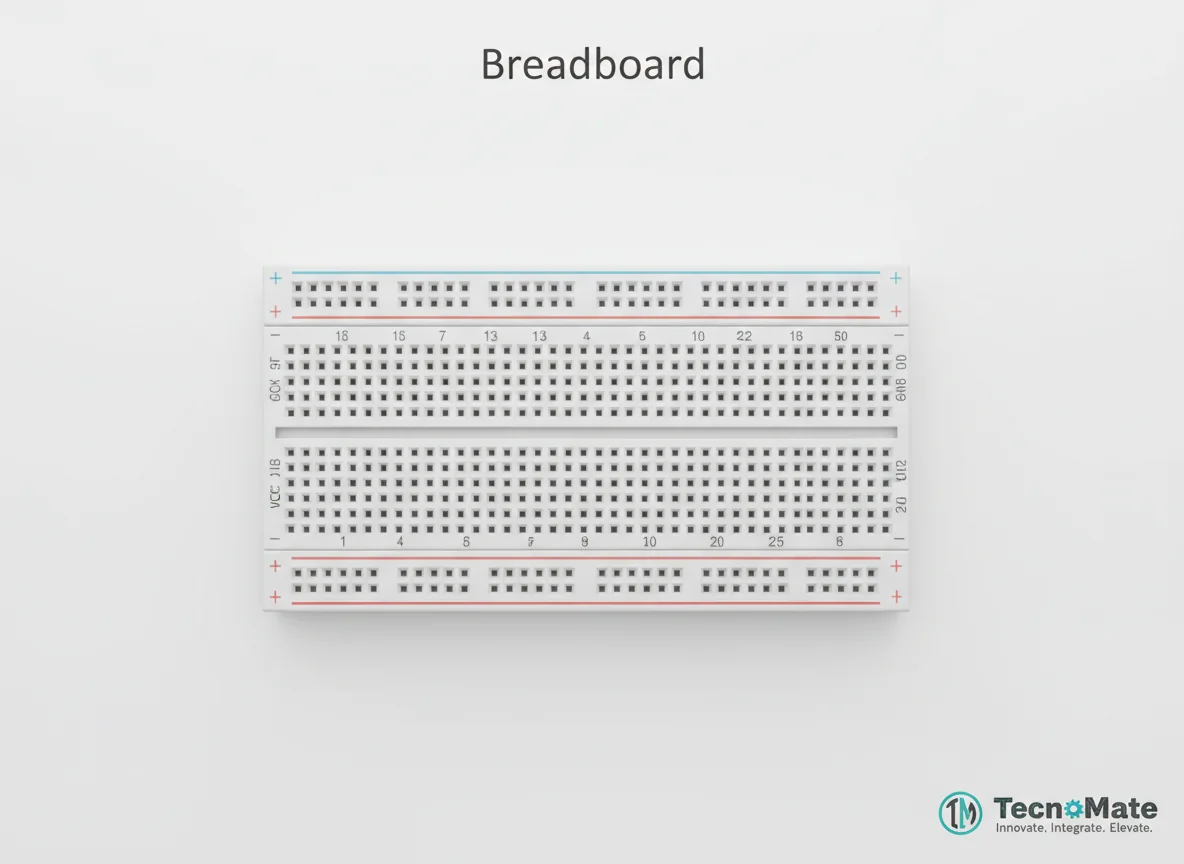 | 1 | ₹77.00 |
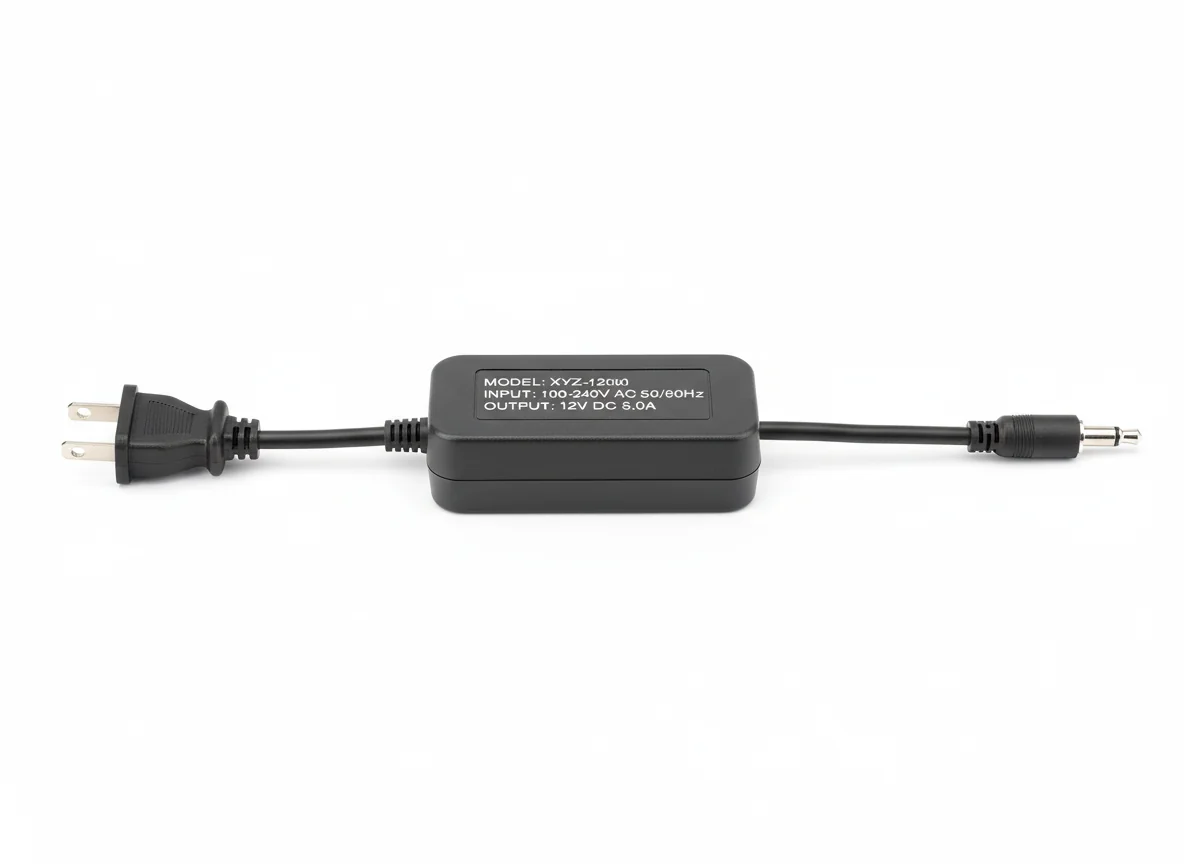 | 1 | ₹0.00 |
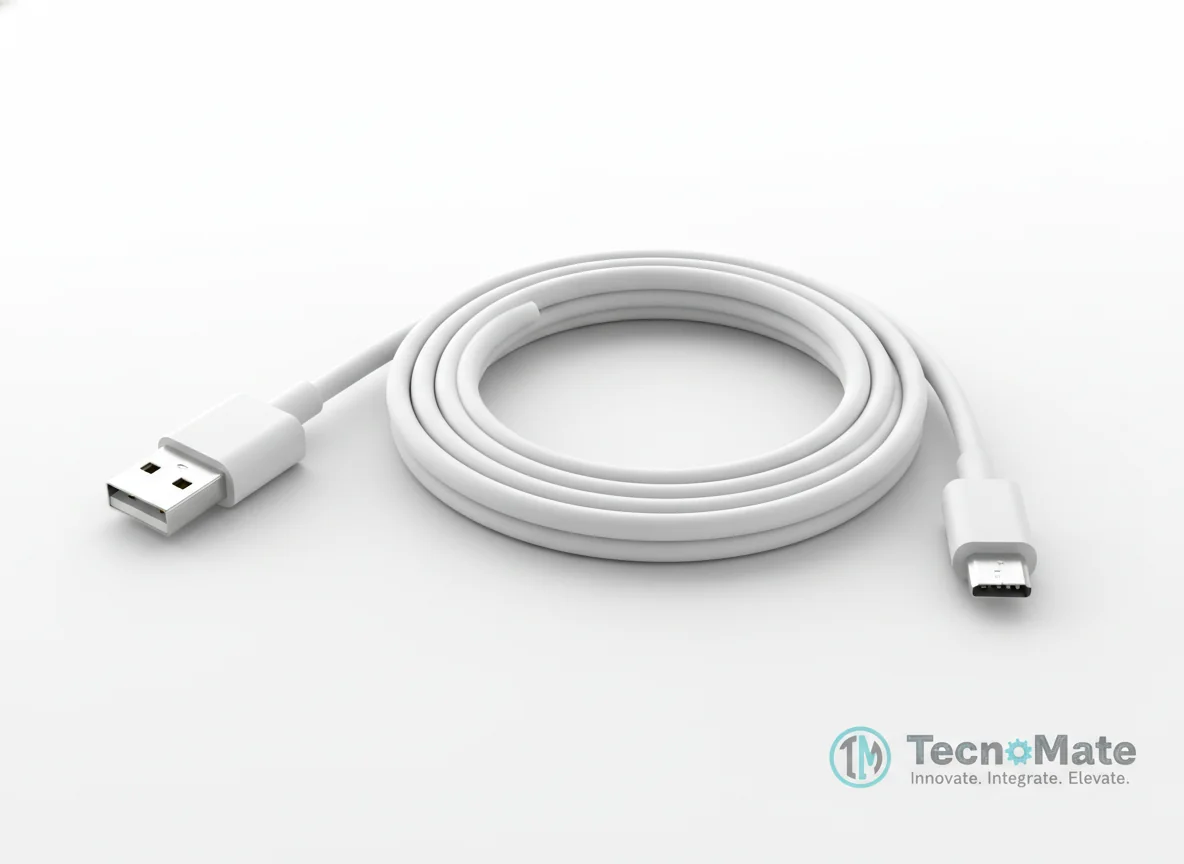 | 1 | ₹190.00 |
Operating Instructions
Pin Connections
 Pin Connections
| MCU Pin | Connected To | Purpose | Notes |
|---|---|---|---|
| 5V | FTDI 5V | Power supply | Always power ESP32-CAM with 5V |
| GND | FTDI GND | Ground connection | - |
| U0R (RX) | FTDI TX | Serial communication | Do not reverse TX/RX |
| U0T (TX) | FTDI RX | Serial communication | Do not reverse TX/RX |
| IO0 | FTDI GND | Upload mode | Disconnect IO0 from GND after uploading code |
Tools Required
 Tools Required
Safety Precautions
Electrical
- ⚠Always power ESP32-CAM with 5V
- ⚠Do not reverse TX/RX connections
Handling
- ⚠Use good-quality jumper wires
- ⚠Avoid touching camera lens
Operating
- ⚠Keep device ventilated during operation
Frequently Asked Questions
 Frequently Asked Questions
Q:How do I access the video stream?
Q:Why is my video laggy?
Q:Can multiple users view the stream?
Q:Does it work without internet?
Product images are for illustration purposes only. Actual products may differ in appearance, packaging, or specifications. See our Terms of Service.