

ESP32 Dual Core Programming
Demonstrate ESP32 dual-core processing by running multiple tasks simultaneously on different CPU cores using FreeRTOS.
Inclusive of all taxes
- Secure payments via Razorpay
- 7-day returns on defective items
- GST invoice on every order
Free delivery on orders above ₹2,000
Delivers in 4-7 business days
Check delivery at your pincode
₹3660.00
Inclusive of all taxes
Components
6 items
Difficulty
Advanced
Build Time
45 minutes – 1.5 hours
Project Details
How It Works
 How It Works
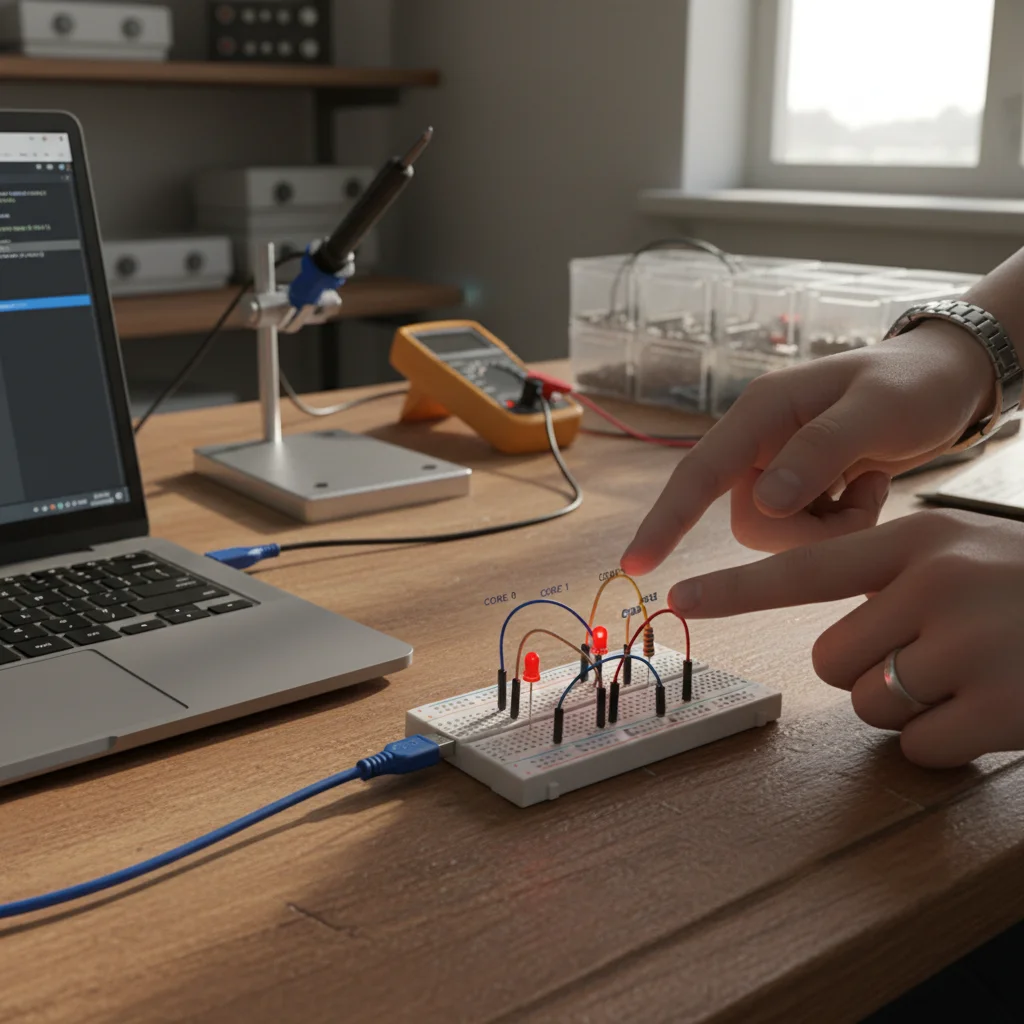
The ESP32 uses two independent CPU cores (Core 0 and Core 1) to execute tasks in parallel. By default, the Arduino loop() runs on Core 1, while Wi-Fi and system tasks run on Core 0. Using FreeRTOS, developers can create custom tasks and explicitly assign them to a specific core using xTaskCreatePinnedToCore(). In this project, one task blinks an LED on Core 1 and another task prints data to the serial monitor on Core 0, demonstrating true parallel processing. Each task runs independently with its own stack and scheduling, allowing for real-time multitasking in embedded systems.
Prerequisites
Basic understanding of ESP32 programming, familiarity with Arduino IDE, and knowledge of C++ programming concepts. Experience with basic electronics (LEDs, resistors) is helpful but not required.
What You'll Learn
 What You'll Learn
Understanding of dual-core processor structure and core responsibilities
Learning to create and manage tasks using FreeRTOS APIs
Assigning tasks to specific CPU cores for parallel processing
Implementing concurrent task execution for real-time applications
Industry-standard approaches for embedded system design
Key Features
Simultaneous execution of tasks on different CPU cores
Explicit control over which core runs each task
Deterministic task scheduling for time-critical operations
Framework for adding more tasks and complex systems
Professional embedded programming patterns
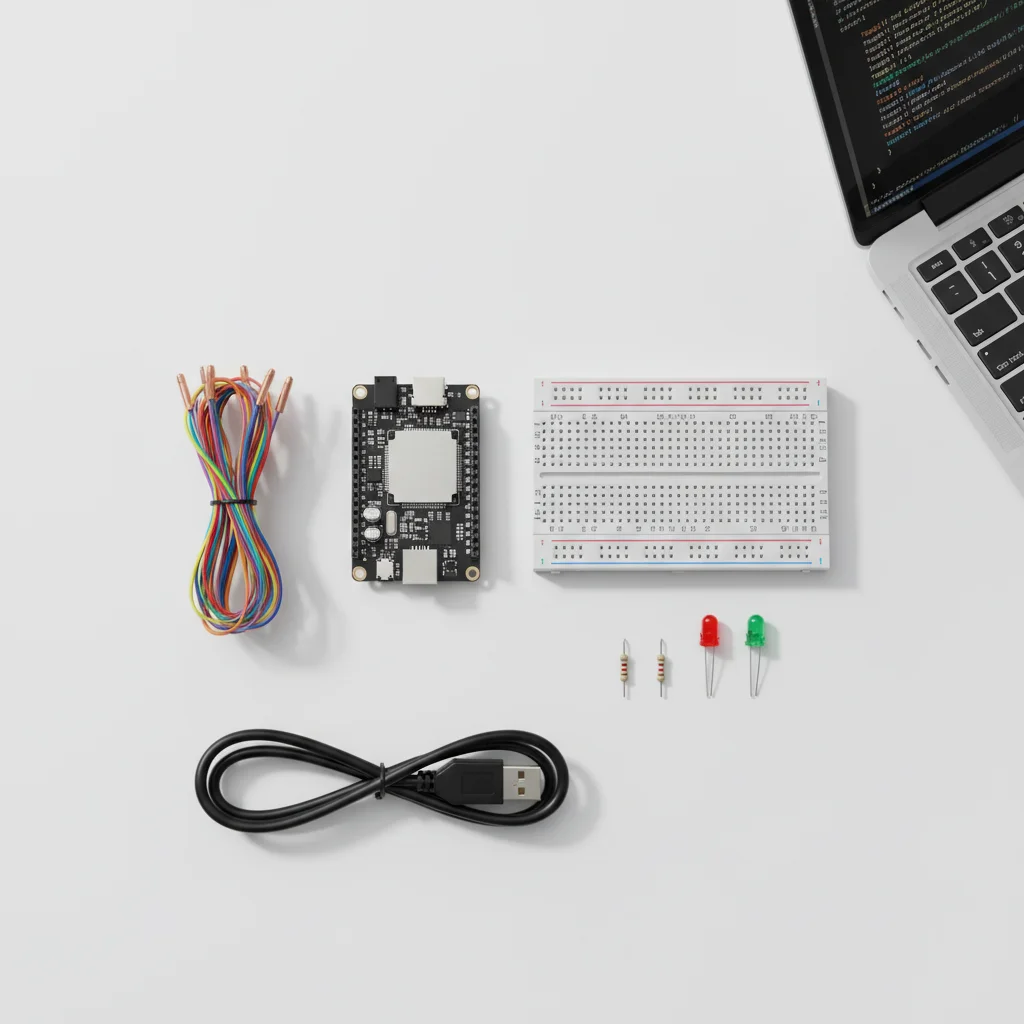
What's Included in the Kit
| Component | Qty | Price |
|---|---|---|
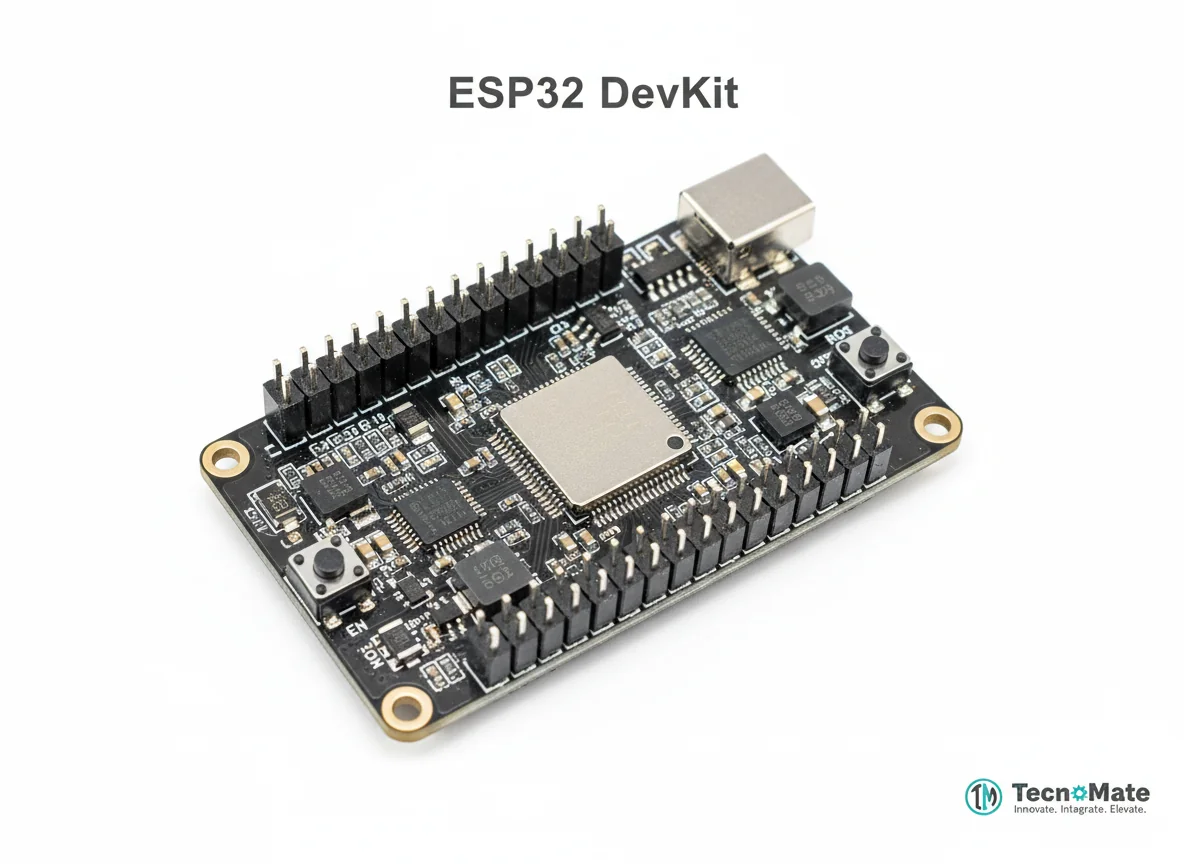 | 1 | ₹1682.00 |
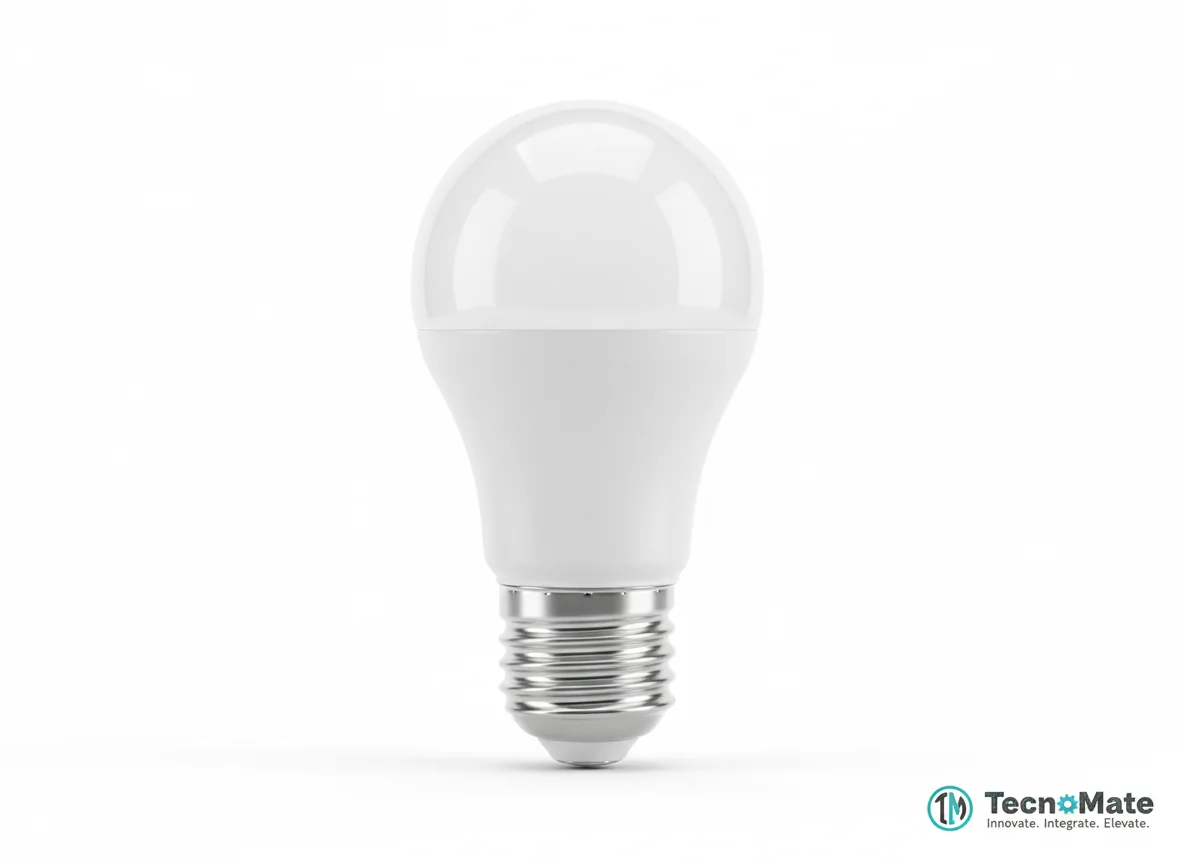 | 1 | ₹400.00 |
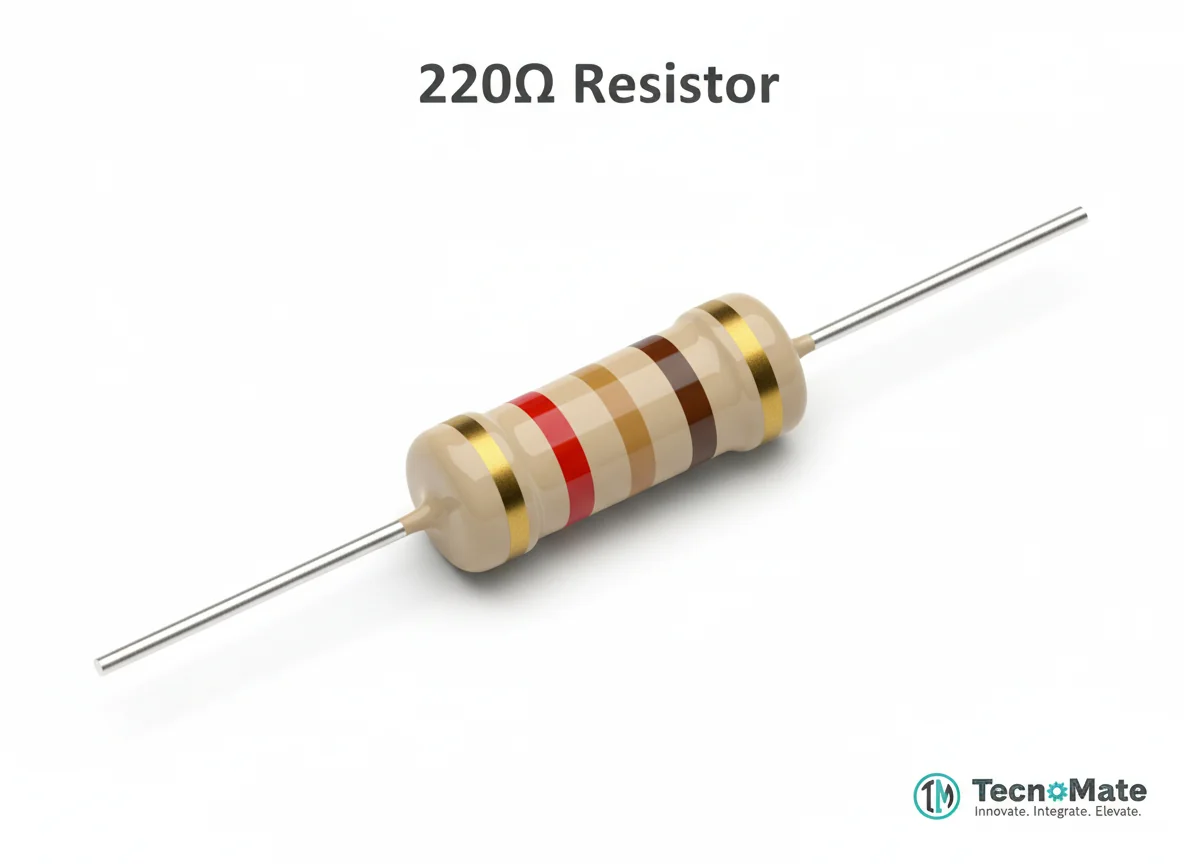 | 1 | ₹0.00 |
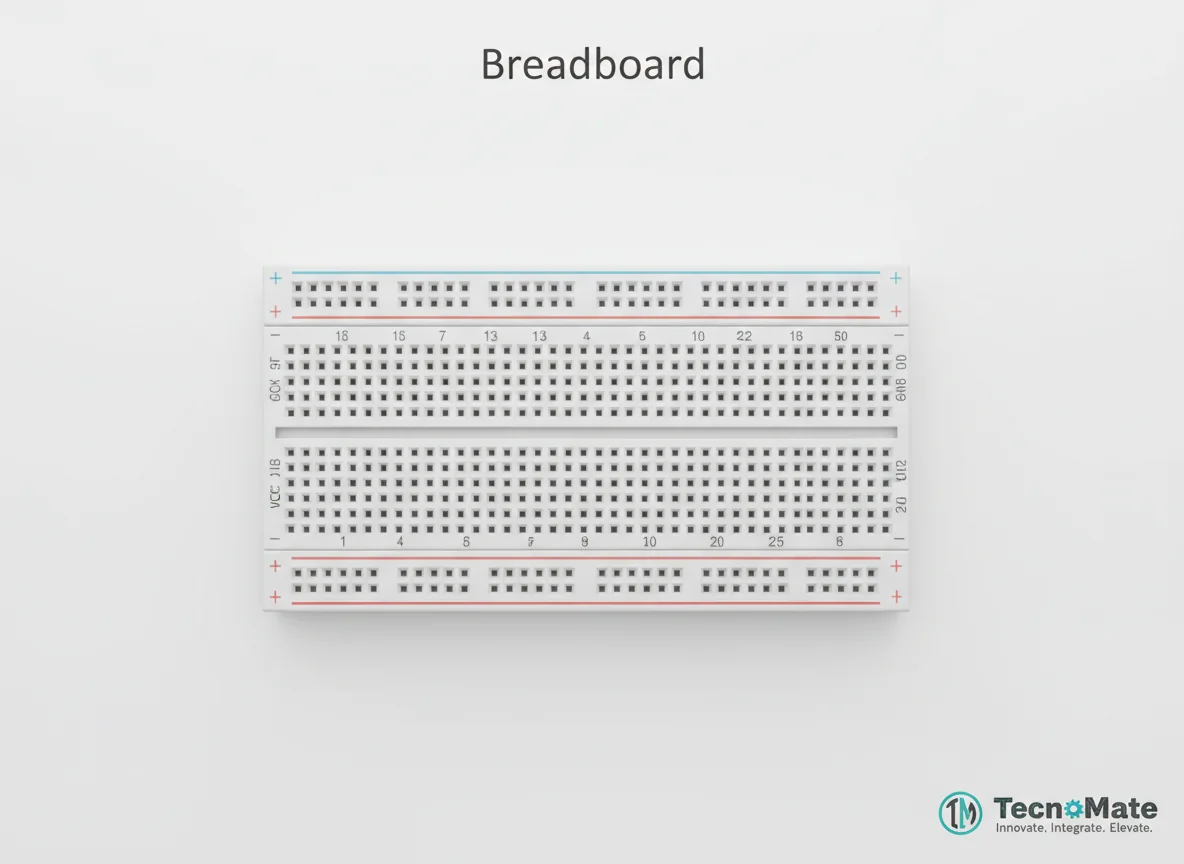 | 1 | ₹77.00 |
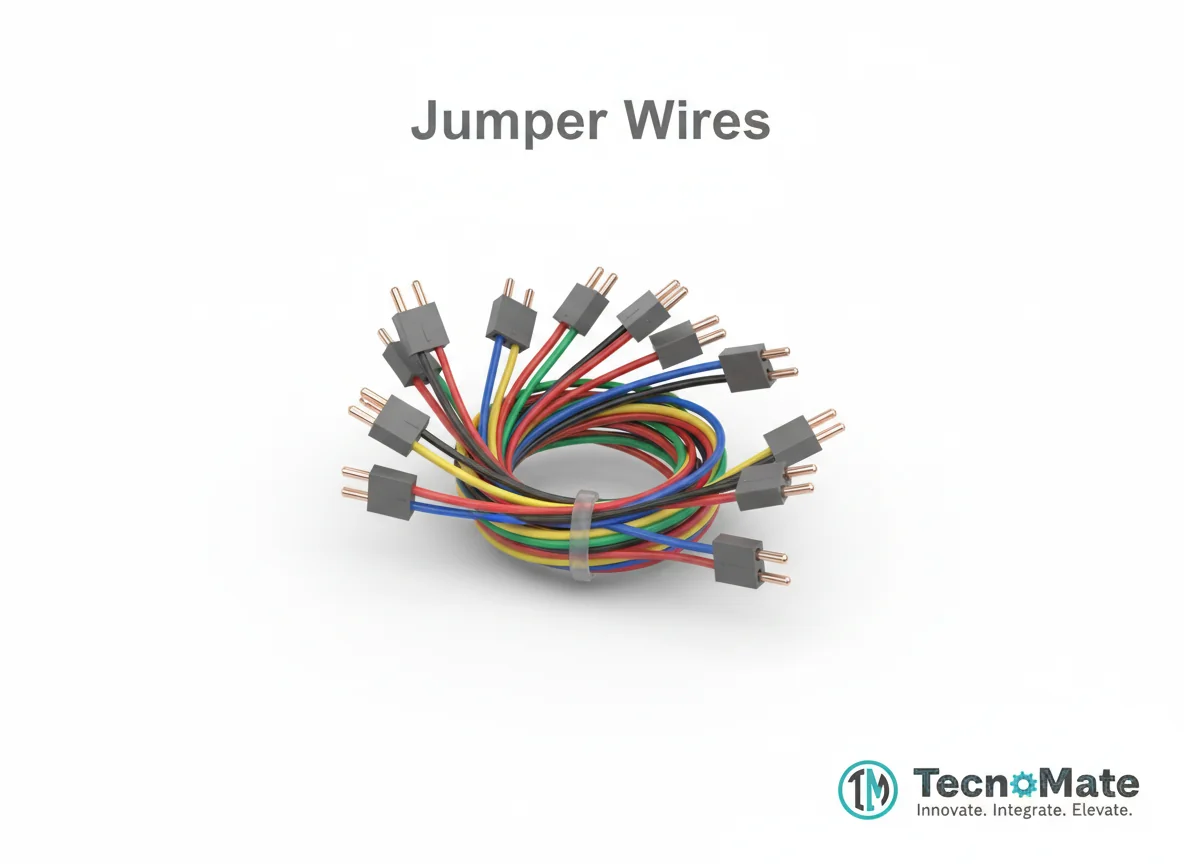 | 1 | ₹171.00 |
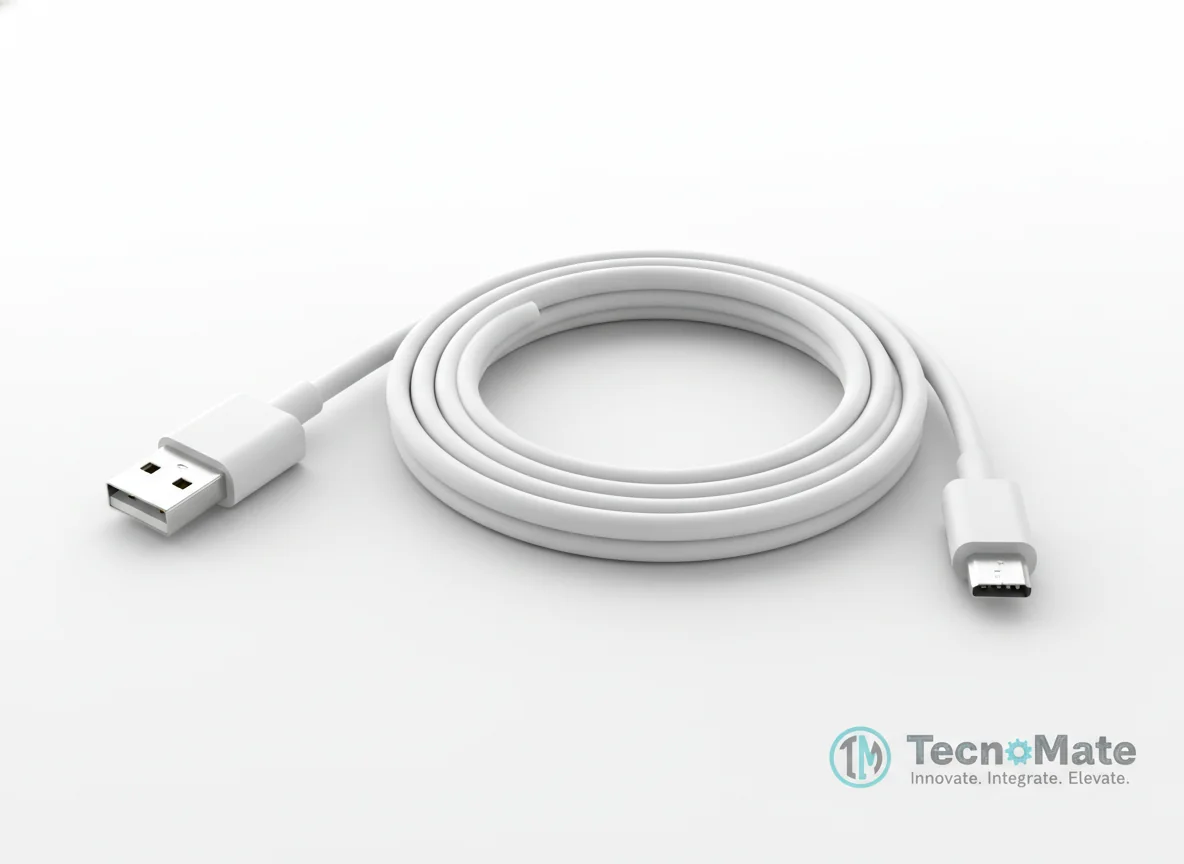 | 1 | ₹190.00 |
Operating Instructions
Pin Connections
 Pin Connections
| MCU Pin | Connected To | Purpose | Notes |
|---|---|---|---|
| GPIO 2 | LED Anode (+) | Digital output for LED control | LED cathode connects to GND via resistor |
| GND | LED Cathode (–) via resistor | Ground connection for LED circuit | 220Ω-330Ω resistor in series |
Tools Required
 Tools Required
Safety Precautions
Electrical
- ⚠Avoid shared variables without protection
- ⚠Use proper task delays
- ⚠Keep stack size adequate
- ⚠Avoid blocking functions
Frequently Asked Questions
 Frequently Asked Questions
Q:How many cores does ESP32 have?
Q:Does Arduino loop() run on both cores?
Q:Can Wi-Fi tasks be moved?
Q:Is FreeRTOS difficult to learn?
Product images are for illustration purposes only. Actual products may differ in appearance, packaging, or specifications. See our Terms of Service.