

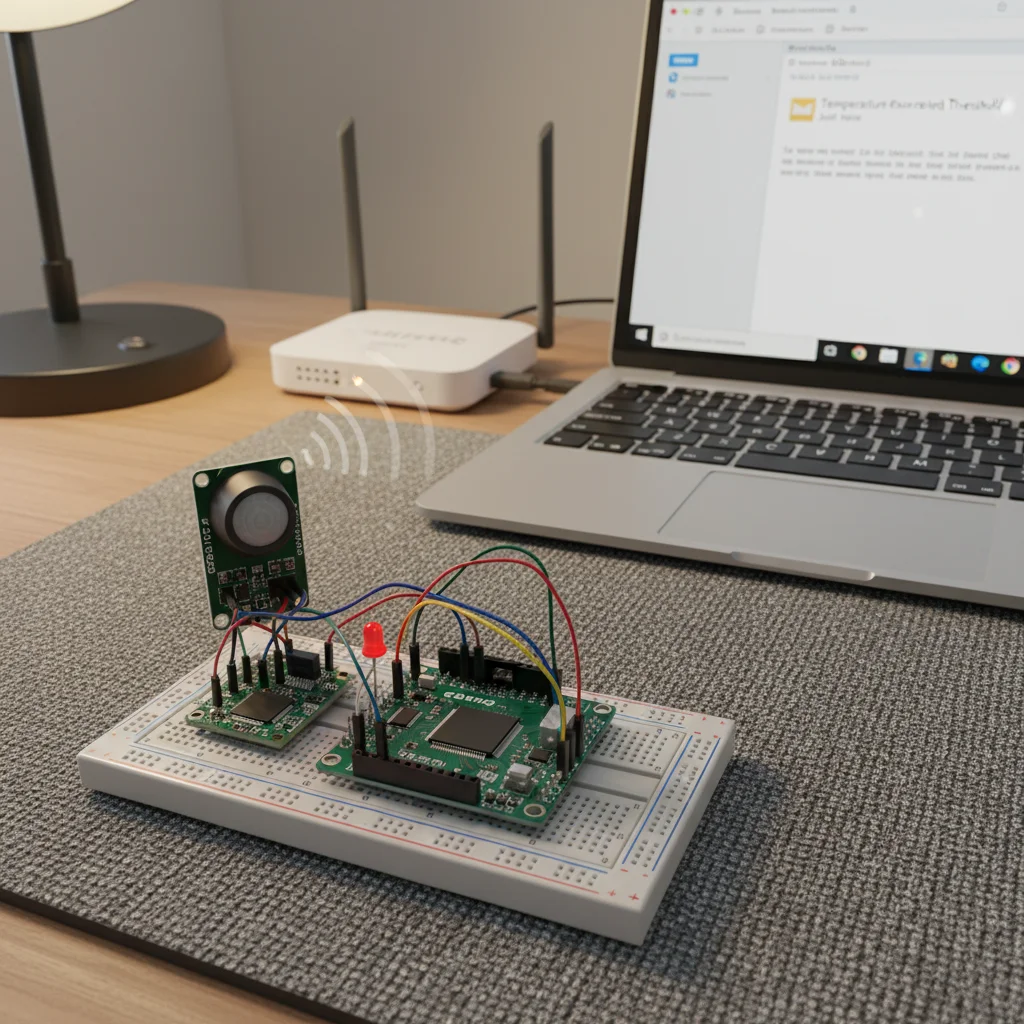
ESP32 Email Notification System
An ESP32-based system that sends email notifications when an event or sensor threshold is triggered using SMTP.
Inclusive of all taxes
- Secure payments via Razorpay
- 7-day returns on defective items
- GST invoice on every order
Free delivery on orders above ₹2,000
Delivers in 4-7 business days
Check delivery at your pincode
₹3914.00
Inclusive of all taxes

Components
6 items
Difficulty
Intermediate
Build Time
1-2 hours
Project Details
How It Works
 How It Works
ESP32 connects to Wi-Fi network. When a sensor or button event is detected, ESP32 connects to the SMTP server using the ESP Mail Client library. An email message is created with the alert content and recipient details. The email is sent through the SMTP server to the recipient's inbox. The user receives an instant notification on their email client.
Prerequisites
Basic knowledge of Arduino programming, understanding of Wi-Fi connectivity, familiarity with email protocols (SMTP), and experience with ESP32 development boards. An email account with SMTP access (Gmail, Outlook, etc.) is required.
What You'll Learn
 What You'll Learn
Understanding how email is sent over Simple Mail Transfer Protocol
Learning to use SSL/TLS and App Passwords for secure email sending
Managing Wi-Fi connections and network operations on ESP32
Designing systems that send real-time alerts based on sensor data or events
Key Features
Instant email notifications when events are triggered
Uses SSL/TLS encryption and App Passwords for secure email sending
Works with various sensors like PIR, DHT22, or gas sensors for event detection
Works without cloud platforms, directly using SMTP servers
What's Included in the Kit
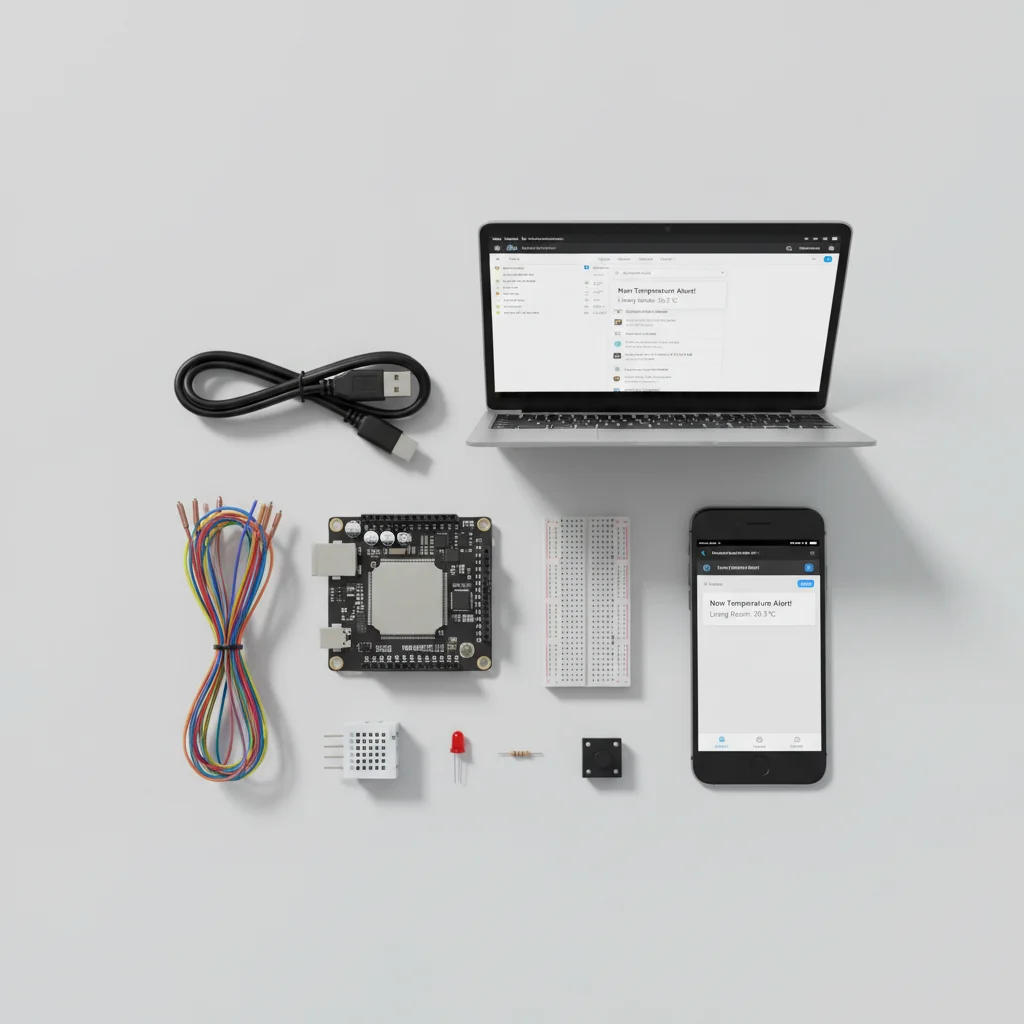
| Component | Qty | Price |
|---|---|---|
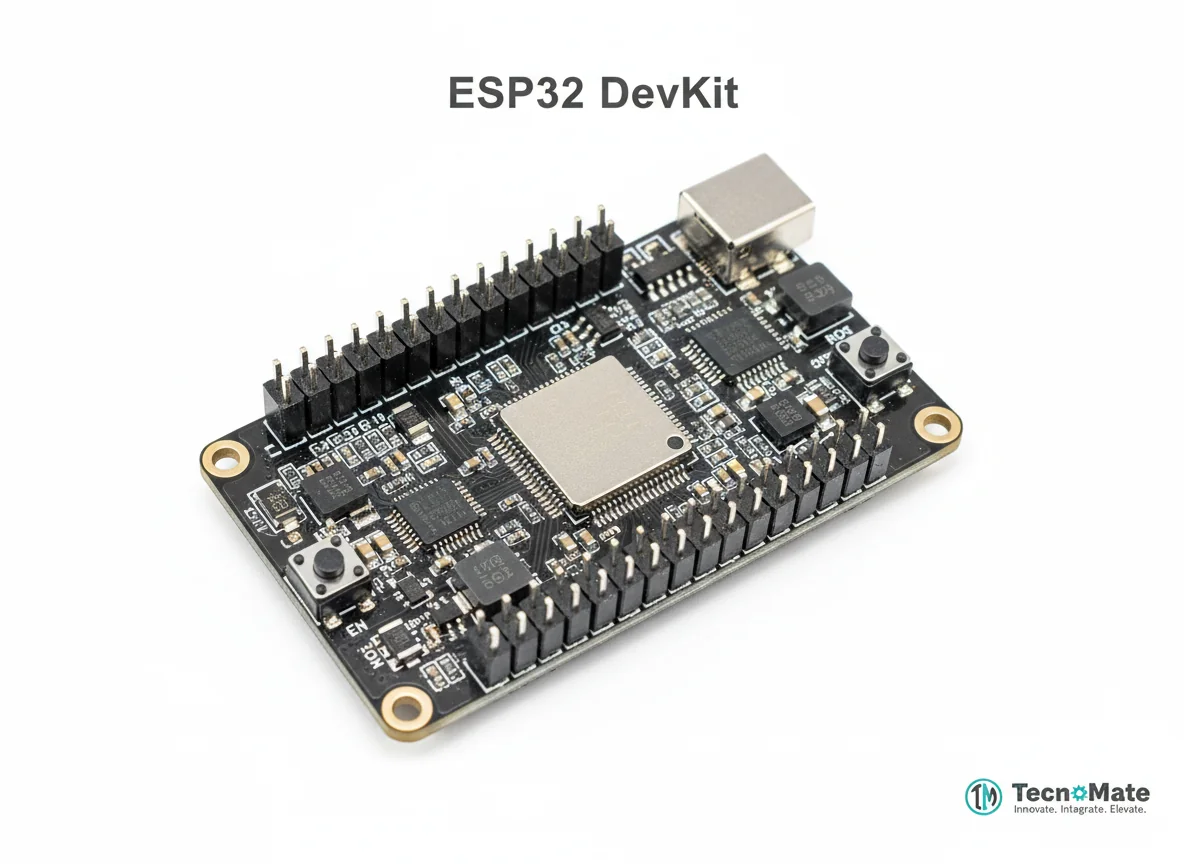 | 1 | ₹1682.00 |
Sensor (PIR / DHT22 / Gas) | 1 | ₹216.00 |
Push Button (Test Trigger) | 1 | ₹0.00 |
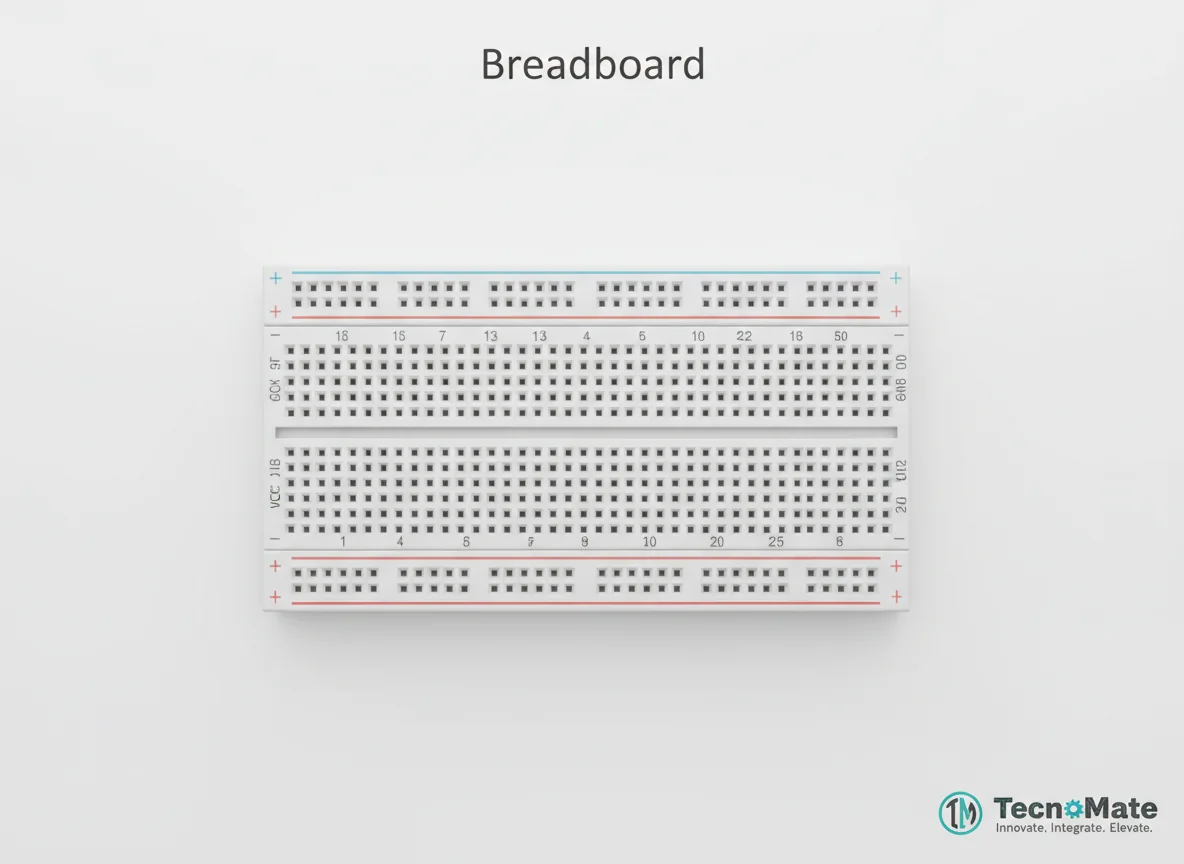 | 1 | ₹77.00 |
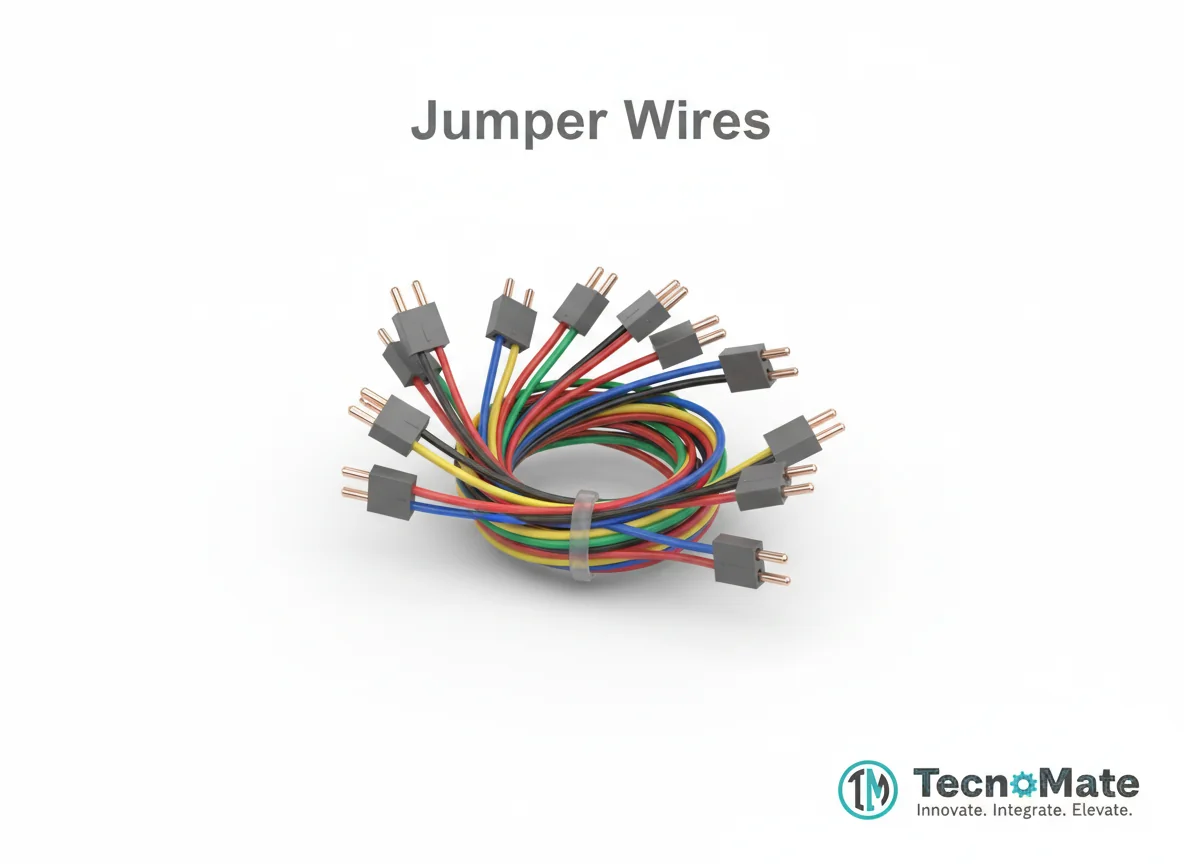 | 1 | ₹171.00 |
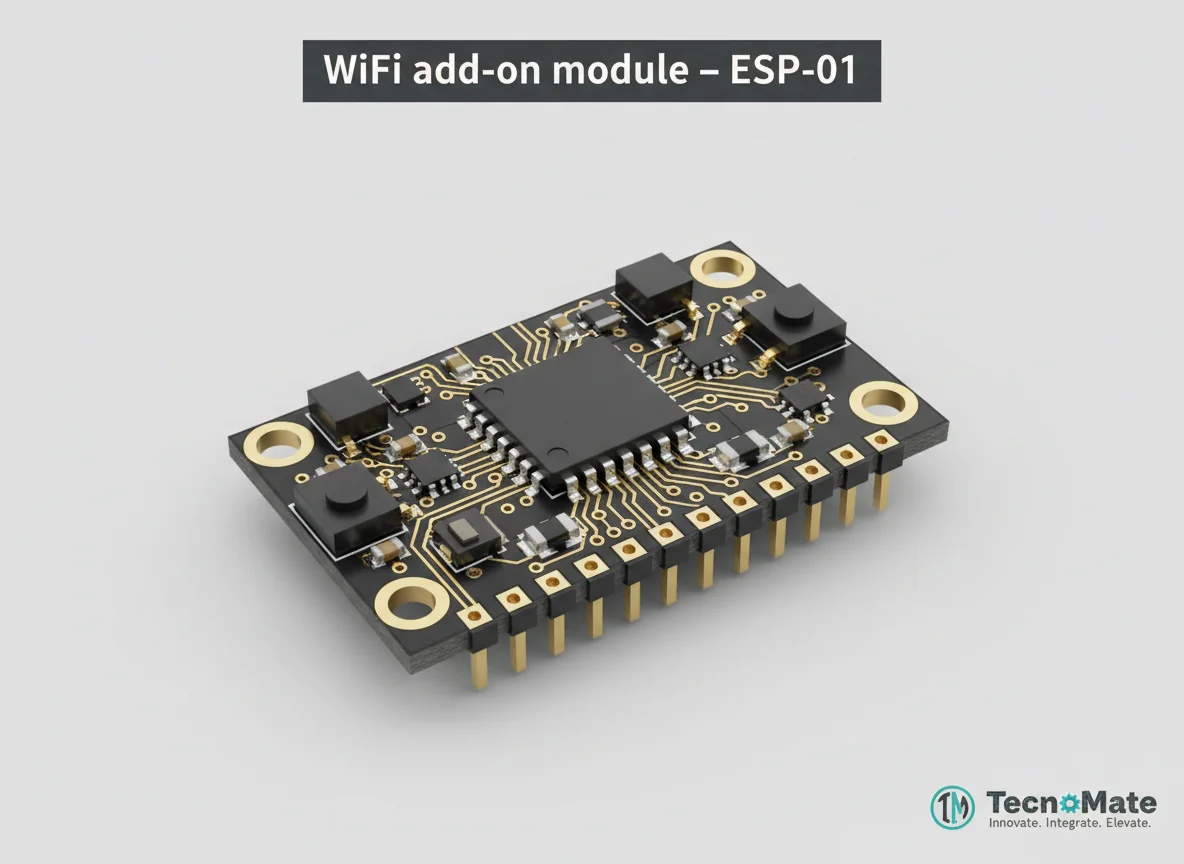 | 1 | ₹0.00 |
Operating Instructions
Pin Connections
 Pin Connections
| MCU Pin | Connected To | Purpose | Notes |
|---|---|---|---|
| GPIO 4 | Push Button | Digital input for test trigger | Button connected between GPIO 4 and GND |
| GND | Push Button | Ground connection for button | Common ground reference |
Tools Required
 Tools Required
Safety Precautions
Electrical
- ⚠Ensure proper power supply to ESP32 (3.3V)
- ⚠Avoid short circuits on breadboard
- ⚠Use appropriate voltage levels for sensors
Security
- ⚠Never hardcode email credentials in production code
- ⚠Use App Passwords instead of real email passwords
- ⚠Enable SSL/TLS for secure communication
Operating
- ⚠Ensure stable Wi-Fi connection
- ⚠Monitor ESP32 temperature during operation
- ⚠Test with small email volumes first
Frequently Asked Questions
 Frequently Asked Questions
Q:Can ESP32 send emails without Wi-Fi?
Q:Is Gmail free SMTP supported?
Q:Can I send images?
Q:What sensors can I use?
Product images are for illustration purposes only. Actual products may differ in appearance, packaging, or specifications. See our Terms of Service.