

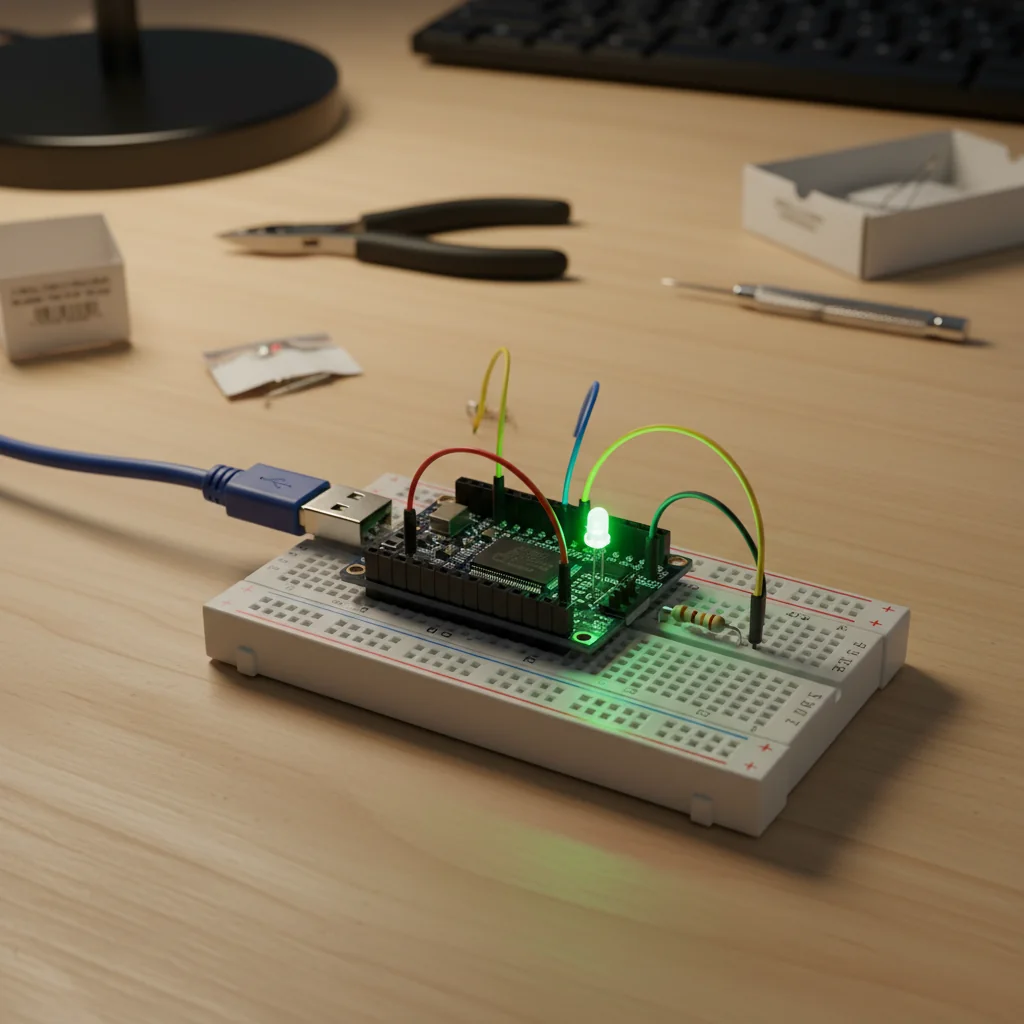
ESP32 LED Blink
A beginner-friendly ESP32 project that demonstrates how to blink an LED using GPIO pins and basic Arduino programming.
Inclusive of all taxes
- Secure payments via Razorpay
- 7-day returns on defective items
- GST invoice on every order
Free delivery on orders above ₹2,000
Delivers in 4-7 business days
Check delivery at your pincode
₹3461.00
Inclusive of all taxes

Components
6 items
Difficulty
Beginner
Build Time
15 – 25 minutes
Project Details
How It Works
 How It Works
The ESP32 microcontroller is programmed to control a digital output pin (GPIO 2). The code sets the pin as an output and then alternates between HIGH (5V) and LOW (0V) states with a 1-second delay between each state. When the pin is HIGH, current flows through the LED (with current limiting resistor) causing it to light up. When the pin is LOW, no current flows and the LED turns off. This creates the blinking effect.
Prerequisites
Basic understanding of electronics concepts (voltage, current, resistance), familiarity with computer file management, and willingness to learn programming concepts. No prior programming experience required.
What You'll Learn
 What You'll Learn
How to program ESP32 using Arduino IDE
GPIO pin configuration in ESP32
Controlling digital outputs to drive components
Understanding basic embedded programming logic
Getting familiar with ESP32 hardware
Key Features
Simple project ideal for first-time ESP32 users
Works with any ESP32 board
Minimal power usage for the LED blink operation
Serves as a starting point for more complex IoT projects
Can be modified to add more LEDs or control mechanisms
What's Included in the Kit
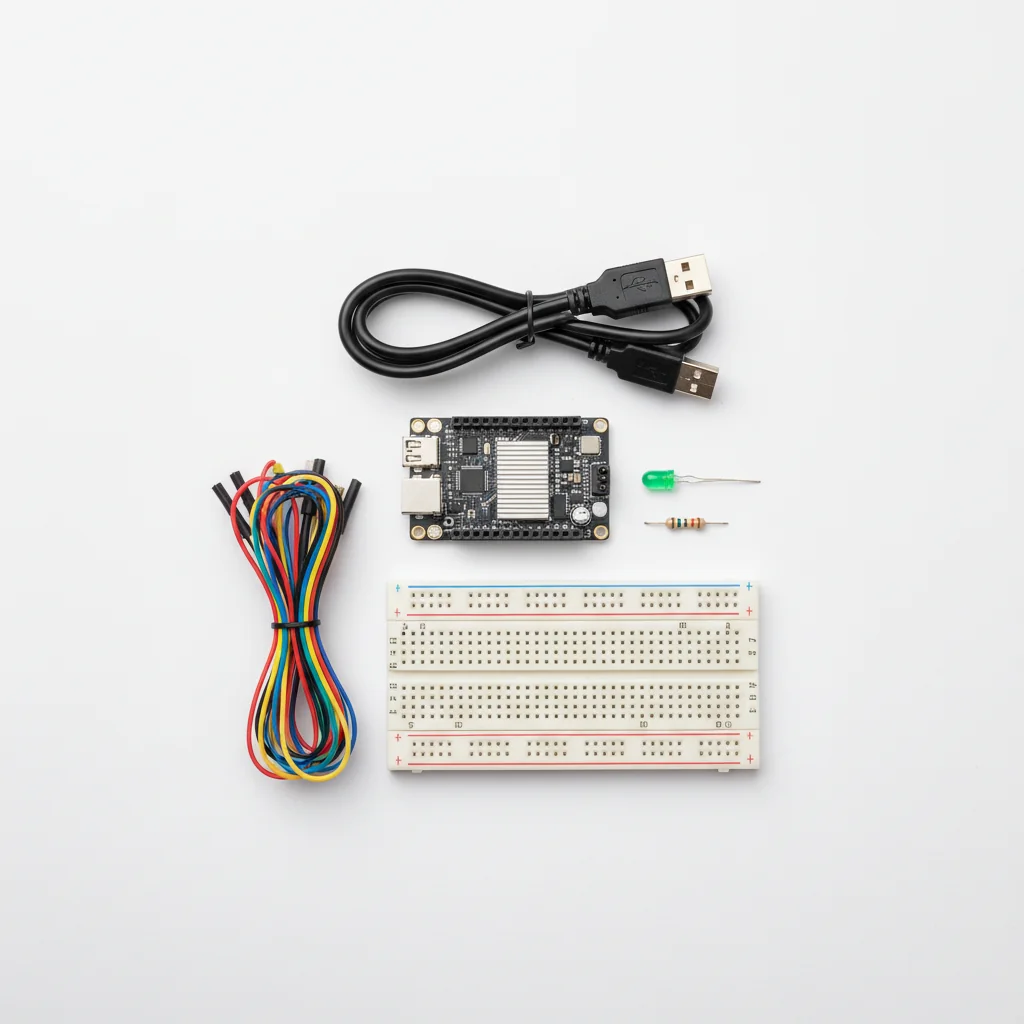
| Component | Qty | Price |
|---|---|---|
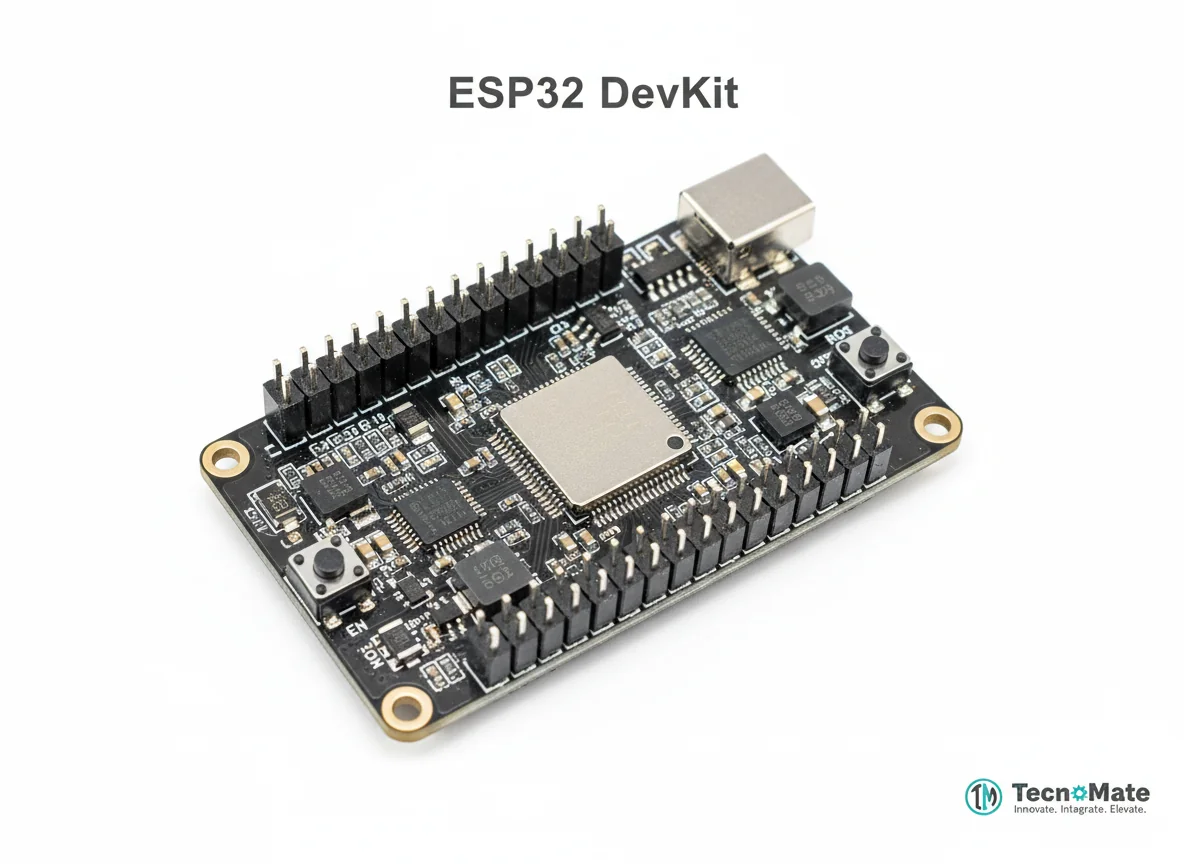 | 1 | ₹1682.00 |
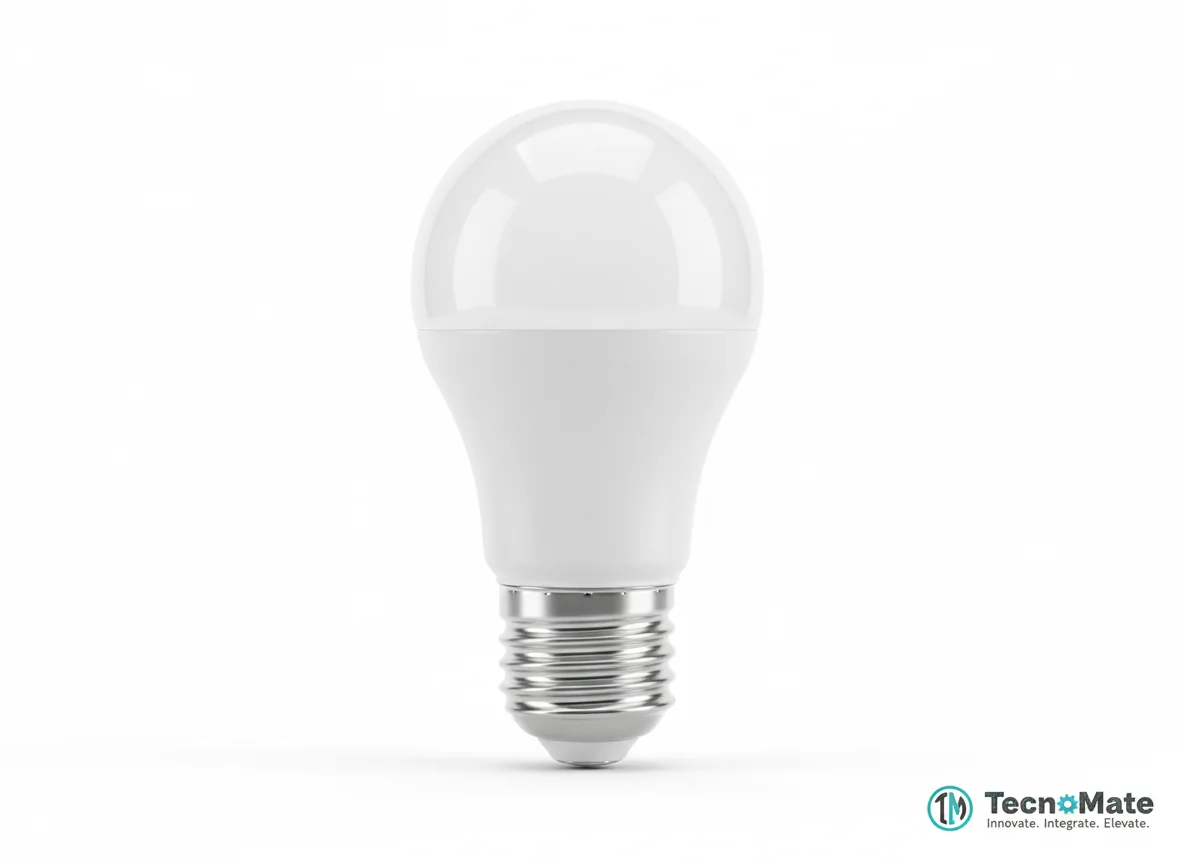 | 1 | ₹400.00 |
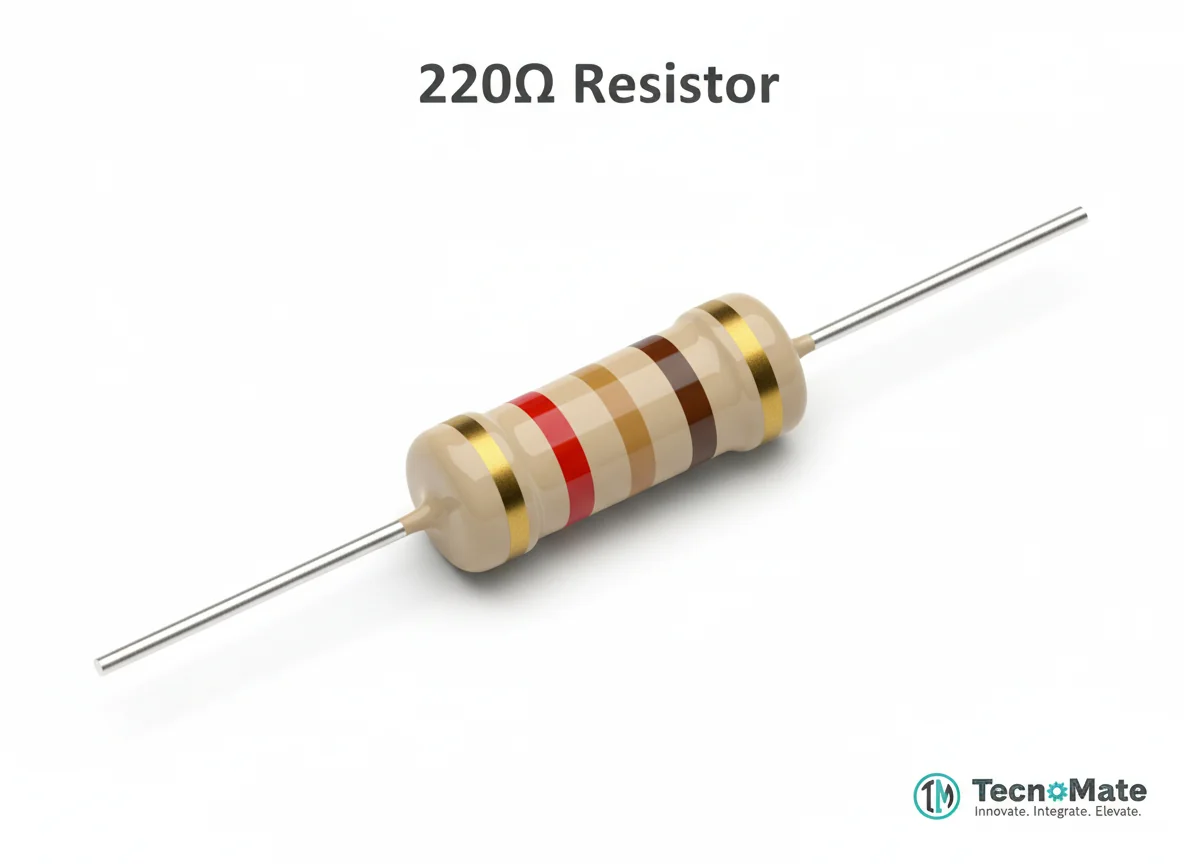 | 1 | ₹0.00 |
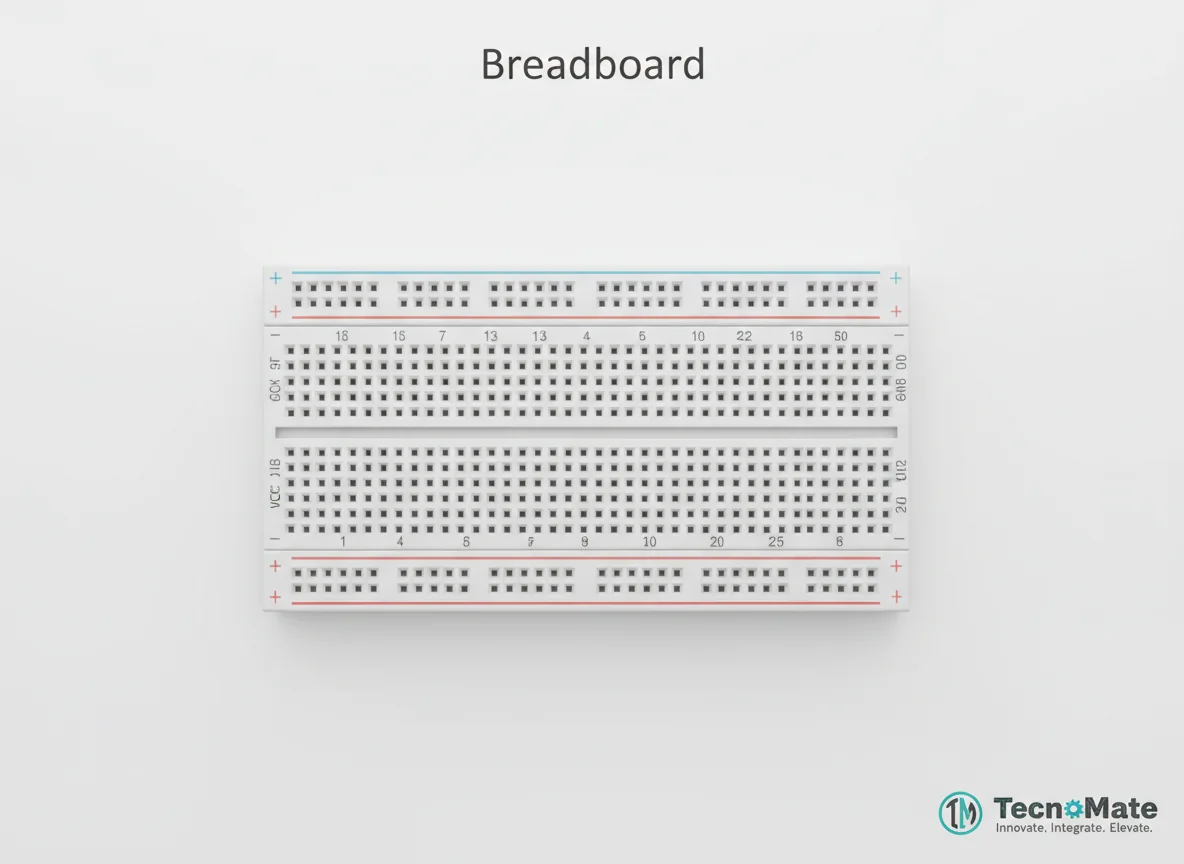 | 1 | ₹77.00 |
 | 1 | ₹171.00 |
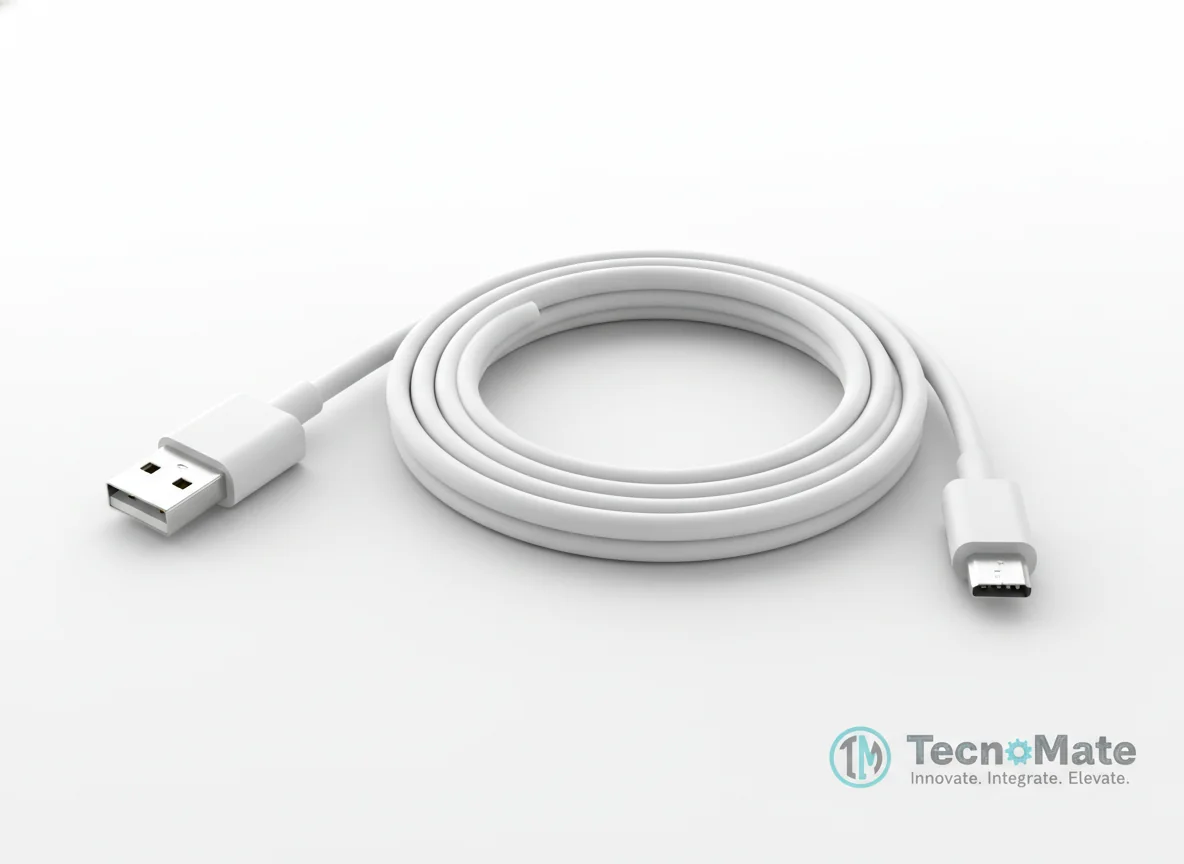 | 1 | ₹190.00 |
Operating Instructions
Pin Connections
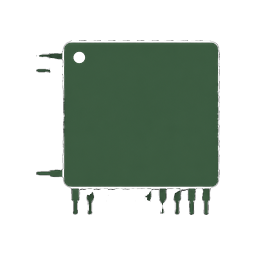 Pin Connections
| MCU Pin | Connected To | Purpose | Notes |
|---|---|---|---|
| GPIO 2 | LED Anode (+) | Digital output for LED control | Built-in LED pin (may vary by board) |
| GND | LED Cathode (-) via resistor | Ground connection for LED circuit | Resistor is required for current limiting |
Tools Required
 Tools Required
Safety Precautions
Electrical
- ⚠Use a current-limiting resistor with the LED
- ⚠Do not short GPIO pins to ground
Operating
- ⚠Connect ESP32 only via USB during programming
- ⚠Verify pin numbers before uploading code
Frequently Asked Questions
 Frequently Asked Questions
Q:Can I use any GPIO pin for LED?
Q:Why is my LED not blinking?
Q:Can this project work without an external LED?
Q:Is this project suitable for beginners?
Product images are for illustration purposes only. Actual products may differ in appearance, packaging, or specifications. See our Terms of Service.