

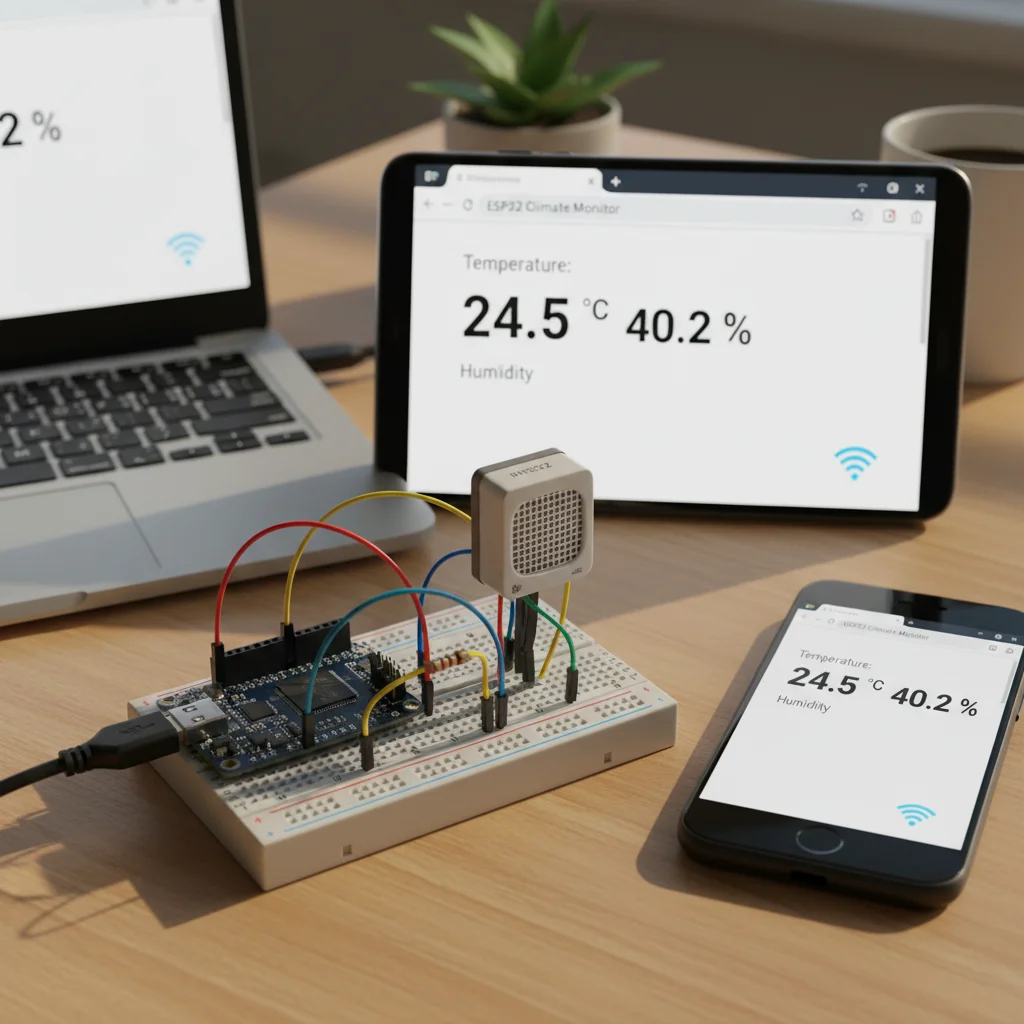
ESP32 Temperature & Humidity Web Server (DHT22)
Monitor real-time temperature and humidity using ESP32 and DHT22 sensor through a Wi-Fi based web server dashboard.
Inclusive of all taxes
- Secure payments via Razorpay
- 7-day returns on defective items
- GST invoice on every order
Free delivery on orders above ₹2,000
Delivers in 4-7 business days
Check delivery at your pincode
₹3516.00
Inclusive of all taxes

Components
7 items

Difficulty
Intermediate
Build Time
1 – 2 hours
Project Details
How It Works
 How It Works
The ESP32 connects to a Wi-Fi network and hosts a web server on port 80. The DHT22 sensor continuously measures temperature and humidity, sending data to the ESP32 via GPIO 4. When a client (web browser) connects to the ESP32's IP address, the server reads the latest sensor values and sends an HTML page displaying the current temperature and humidity. The page updates on each refresh, providing real-time monitoring without cloud services.
Prerequisites
Basic knowledge of electronics, familiarity with Arduino IDE, understanding of Wi-Fi networks, and basic HTML/CSS knowledge for dashboard customization.
What You'll Learn
 What You'll Learn
Learn how to connect and read data from DHT22 sensor
Set up ESP32 as a Wi-Fi web server hosting a dashboard
Acquire and process temperature and humidity data
Create a simple HTML web interface for data display
Build an IoT system for real-time environmental monitoring
Key Features
Live updates of environmental data on the web dashboard
Accessible from any device on the same network via web browser
Works entirely on local network without external services
Dashboard adapts to different screen sizes
Efficient ESP32 operation for continuous monitoring
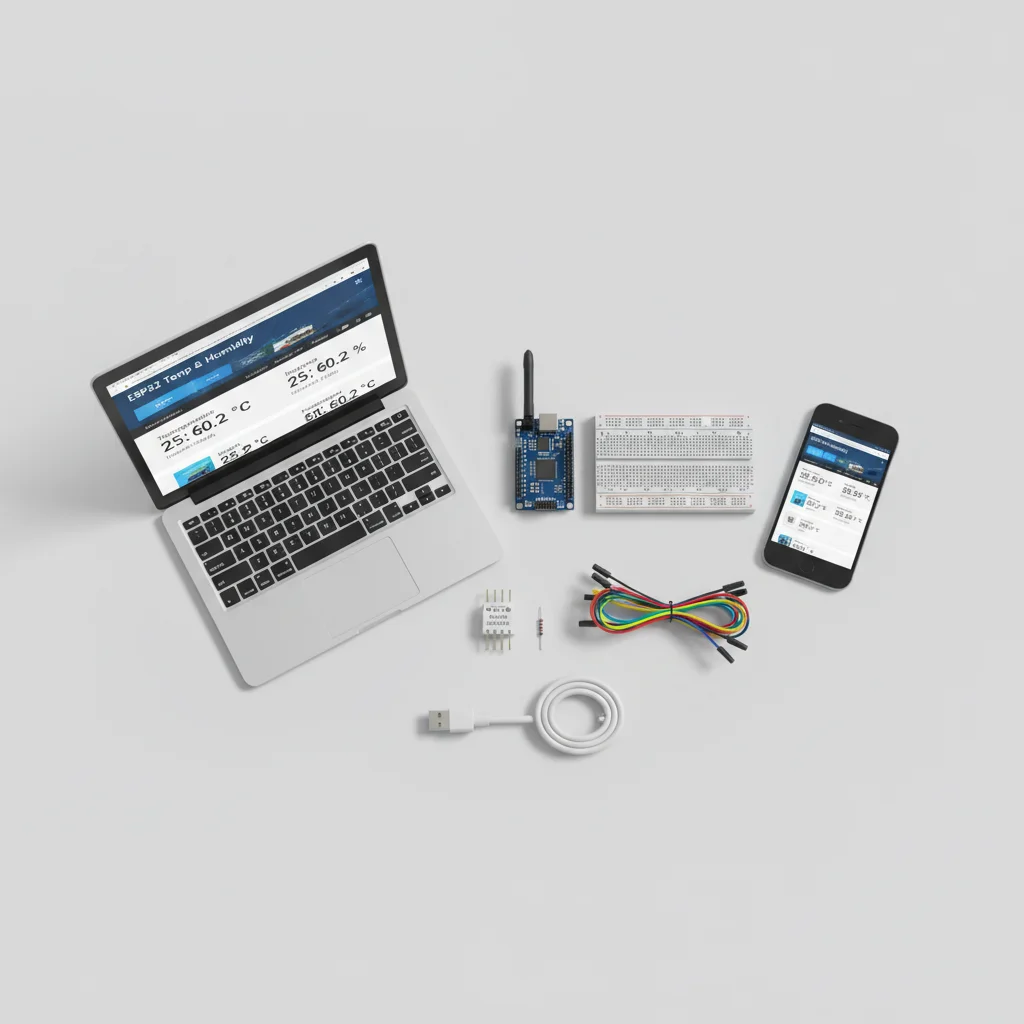
What's Included in the Kit
| Component | Qty | Price |
|---|---|---|
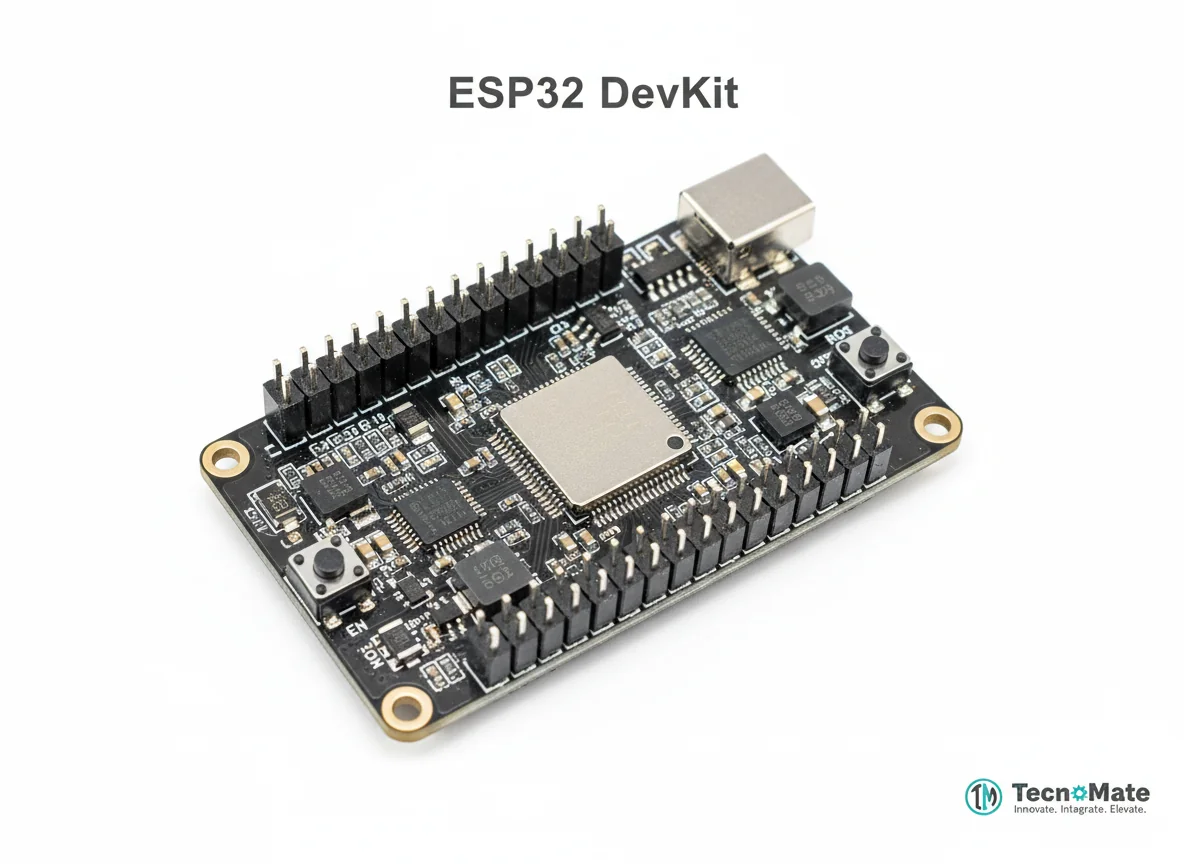 | 1 | ₹1682.00 |
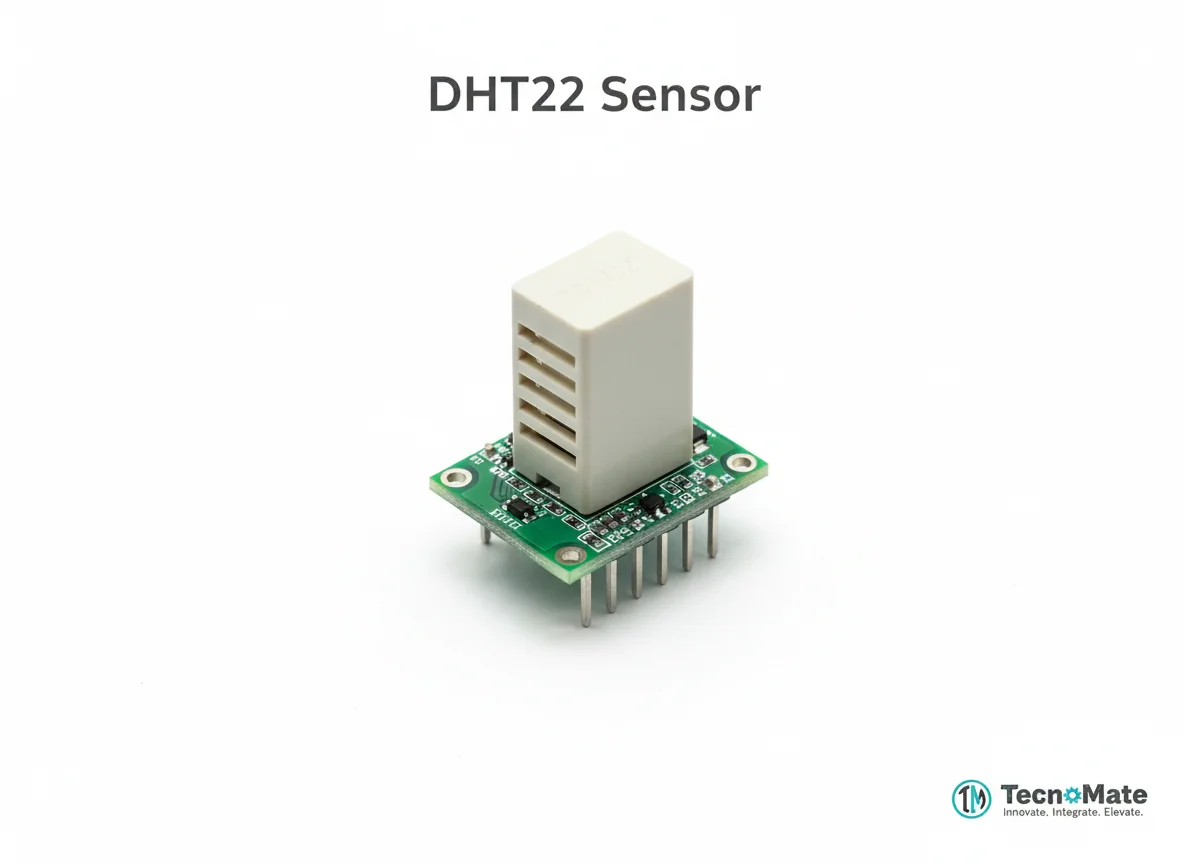 | 1 | ₹216.00 |
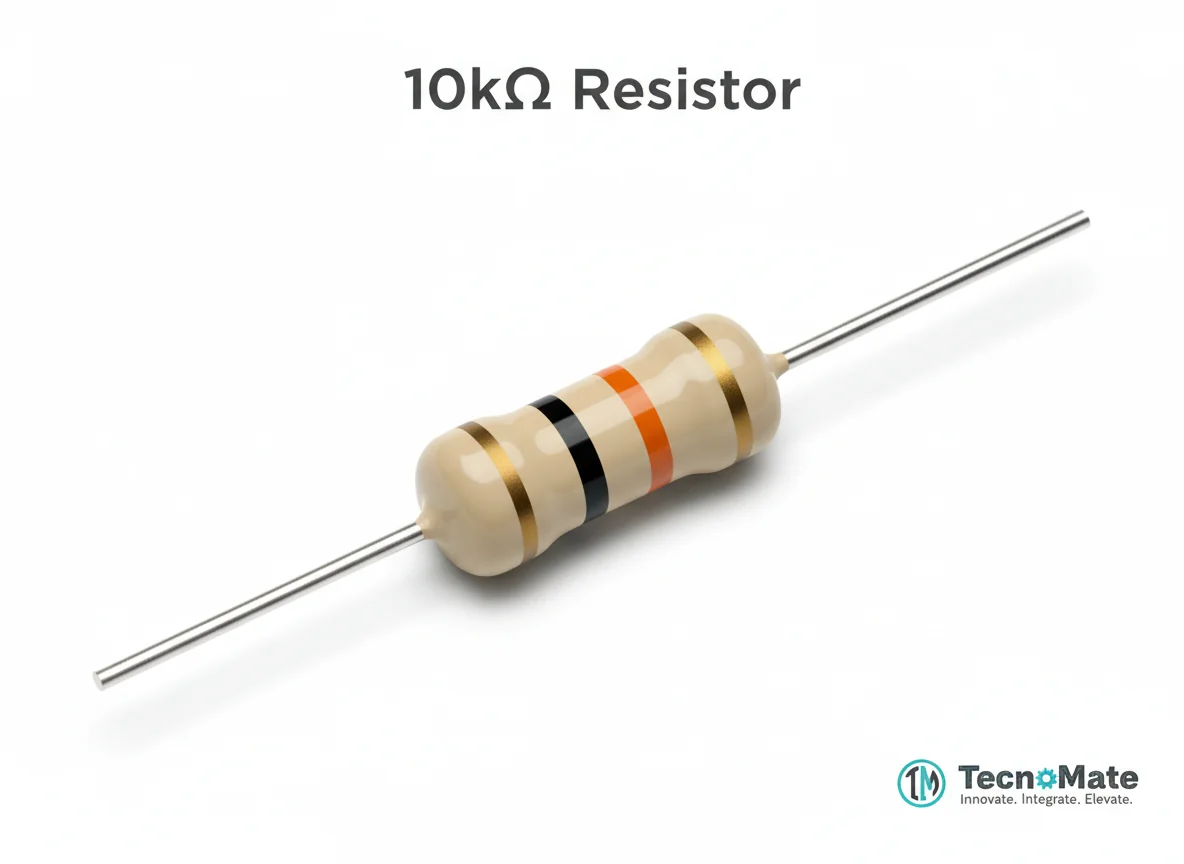 | 1 | ₹2.00 |
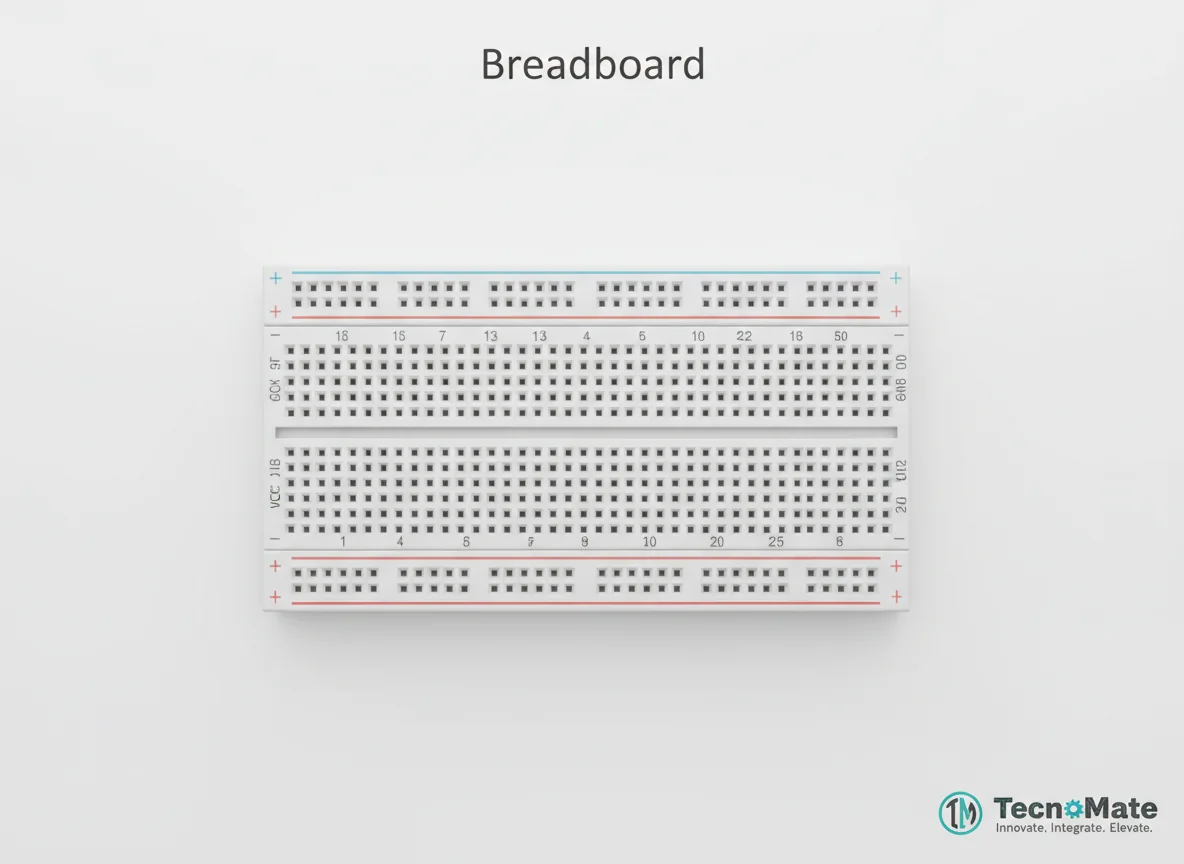 | 1 | ₹77.00 |
 | 1 | ₹171.00 |
 | 1 | ₹190.00 |
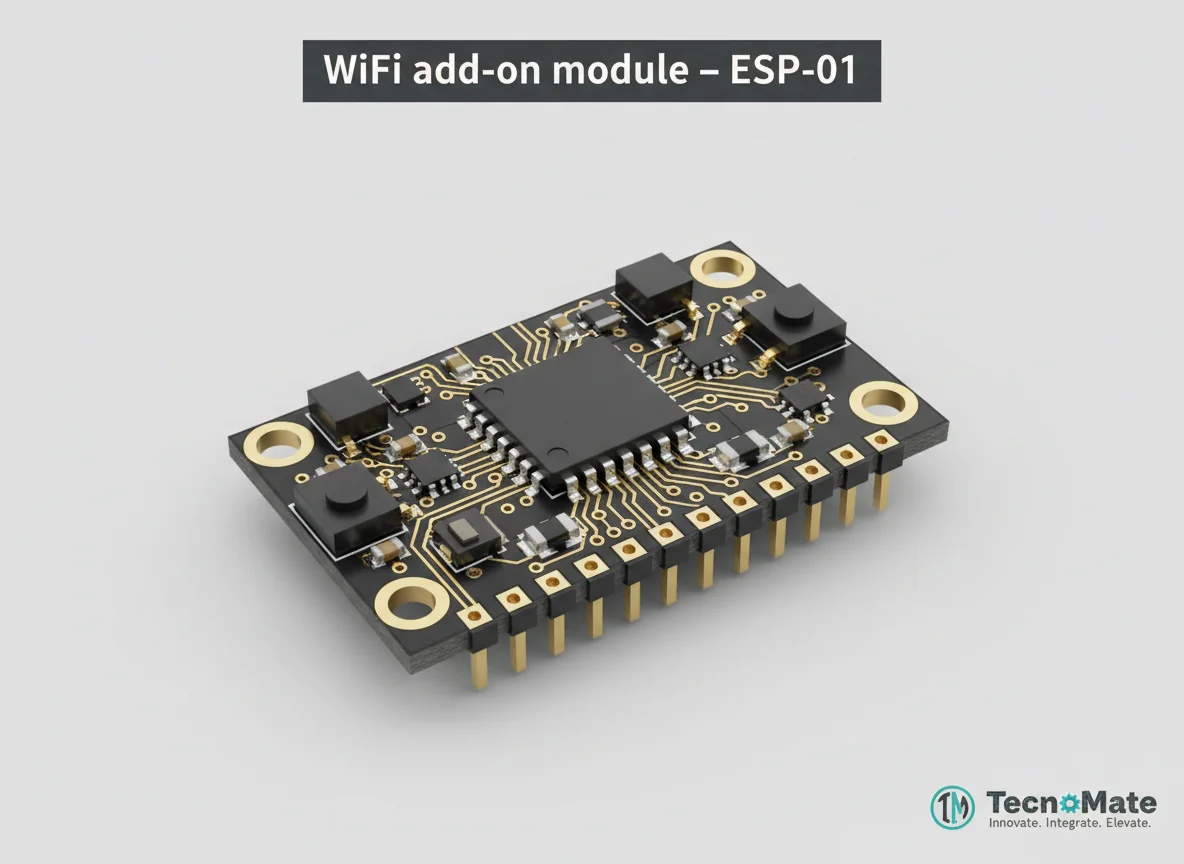 | 1 | ₹0.00 |
Operating Instructions
Pin Connections
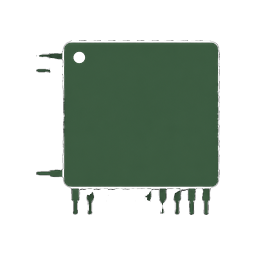 Pin Connections
| MCU Pin | Connected To | Purpose | Notes |
|---|---|---|---|
| GPIO 4 | DHT22 DATA | Digital data signal | Use 10kΩ pull-up resistor between DATA and VCC |
| 3.3V | DHT22 VCC | Power supply (3.3V) | Avoid powering with 5V |
| GND | DHT22 GND | Ground connection | - |
Tools Required
 Tools Required
Safety Precautions
Electrical
- ⚠Avoid powering DHT22 with 5V
- ⚠Ensure correct pin orientation
- ⚠Do not short ESP32 pins
Handling
- ⚠Keep wiring firm and clean
Frequently Asked Questions
 Frequently Asked Questions
Q:Can DHT11 be used instead of DHT22?
Q:How often does data update?
Q:Can this be accessed remotely?
Q:Can graphs be added?
Product images are for illustration purposes only. Actual products may differ in appearance, packaging, or specifications. See our Terms of Service.