

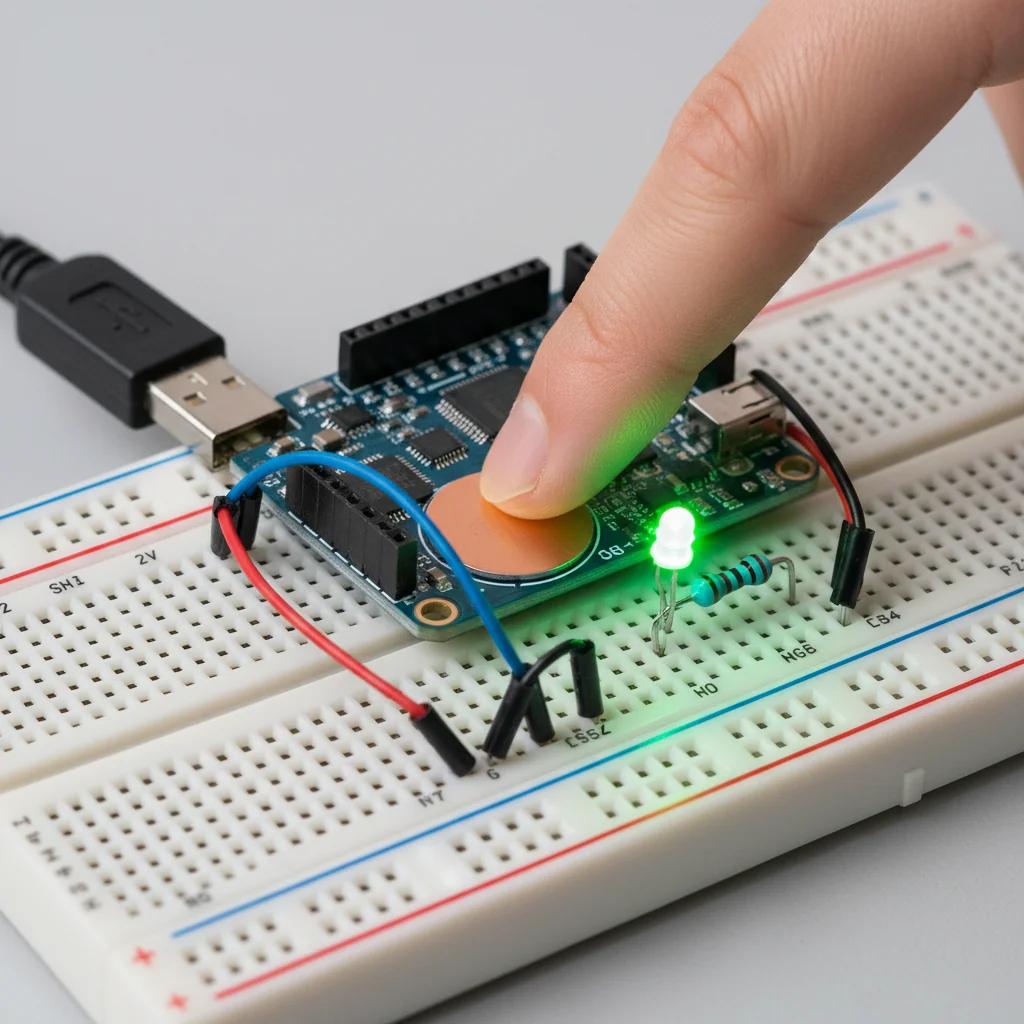
ESP32 Touch Sensor LED Control
Control an LED using ESP32's built-in capacitive touch sensors without physical buttons, demonstrating modern touch-based interfaces.
Inclusive of all taxes
- Secure payments via Razorpay
- 7-day returns on defective items
- GST invoice on every order
Free delivery on orders above ₹2,000
Delivers in 4-7 business days
Check delivery at your pincode
₹3519.00
Inclusive of all taxes

Components
6 items
Difficulty
Intermediate
Build Time
30-45 minutes
Project Details
How It Works
 How It Works
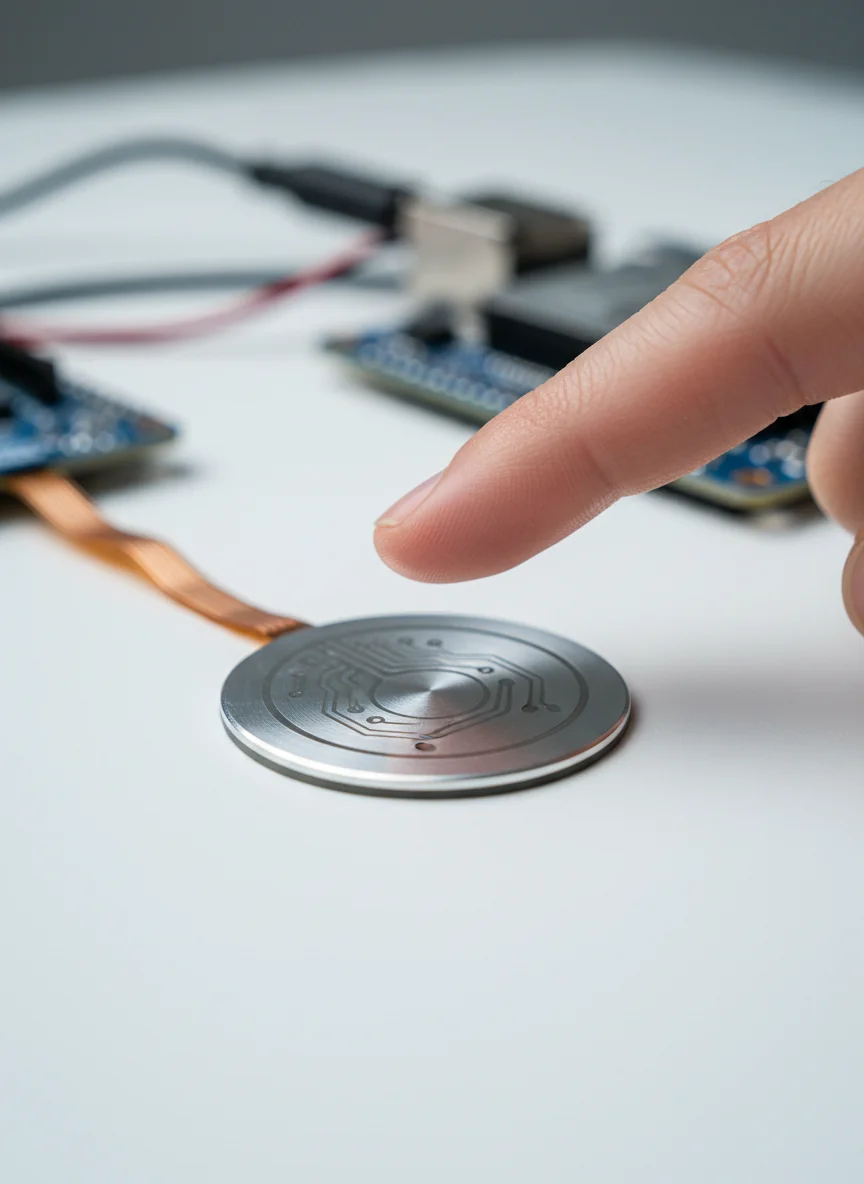
The ESP32 uses its built-in capacitive touch sensing hardware to detect changes in capacitance when a human finger approaches or touches the touch pin. The touchRead() function measures the capacitance value, which decreases when touched. When the measured value drops below a set threshold, the code toggles the LED state. A debounce delay prevents multiple triggers from a single touch. The system requires no external touch sensors, as the ESP32's internal touch pins provide this functionality natively.
Prerequisites
Basic knowledge of Arduino programming, understanding of digital I/O, familiarity with ESP32 board setup in Arduino IDE, and basic circuit assembly skills.
What You'll Learn
 What You'll Learn
Learn to use built-in touch pins for human interaction
Configure and read touch sensor values programmatically
Adjust sensitivity for reliable touch detection
Design interfaces without physical mechanical components
Create sleek, durable user interfaces for smart devices
Key Features
Eliminates mechanical wear and tear for longer device lifespan
Uses native capacitive touch hardware, no external sensors needed
No moving parts means less maintenance and better reliability
Creates sleek, contemporary interfaces for smart devices
Can be extended to control multiple LEDs or other outputs
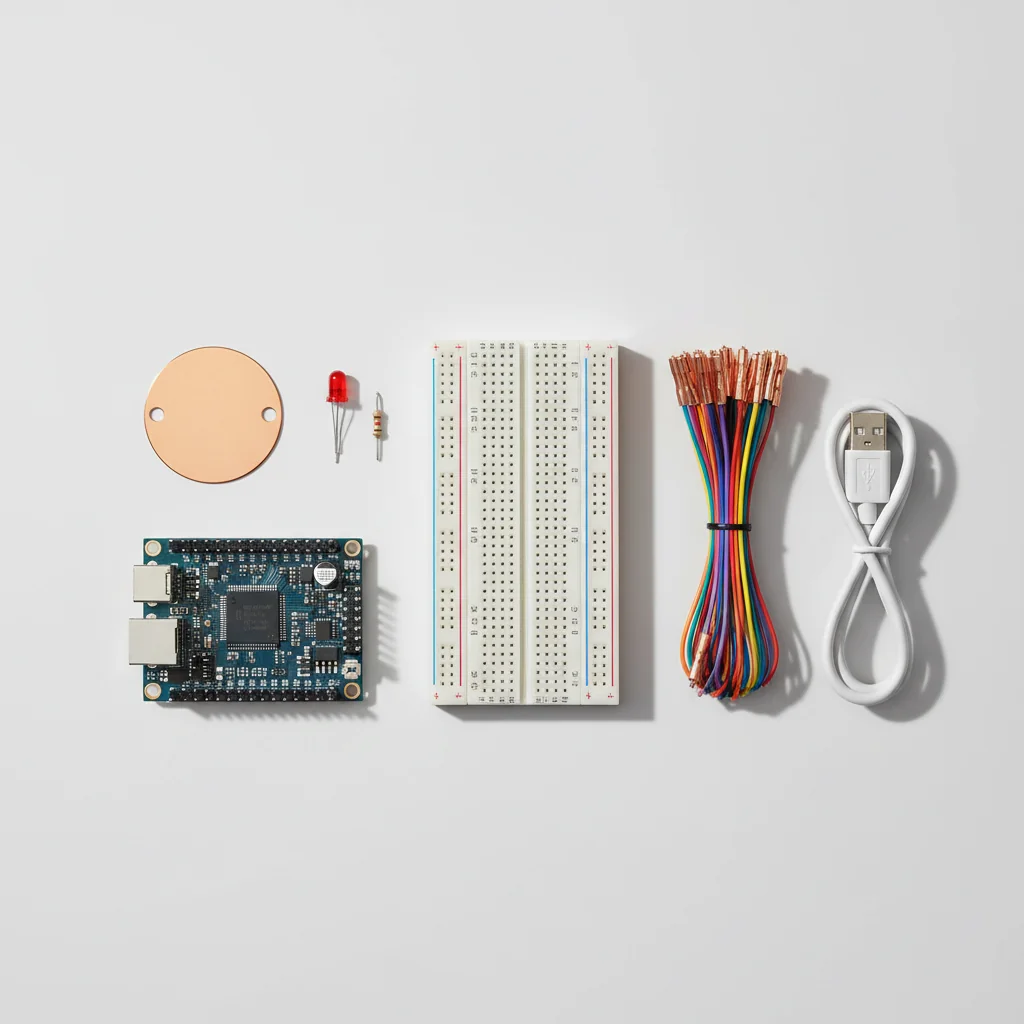
What's Included in the Kit
| Component | Qty | Price |
|---|---|---|
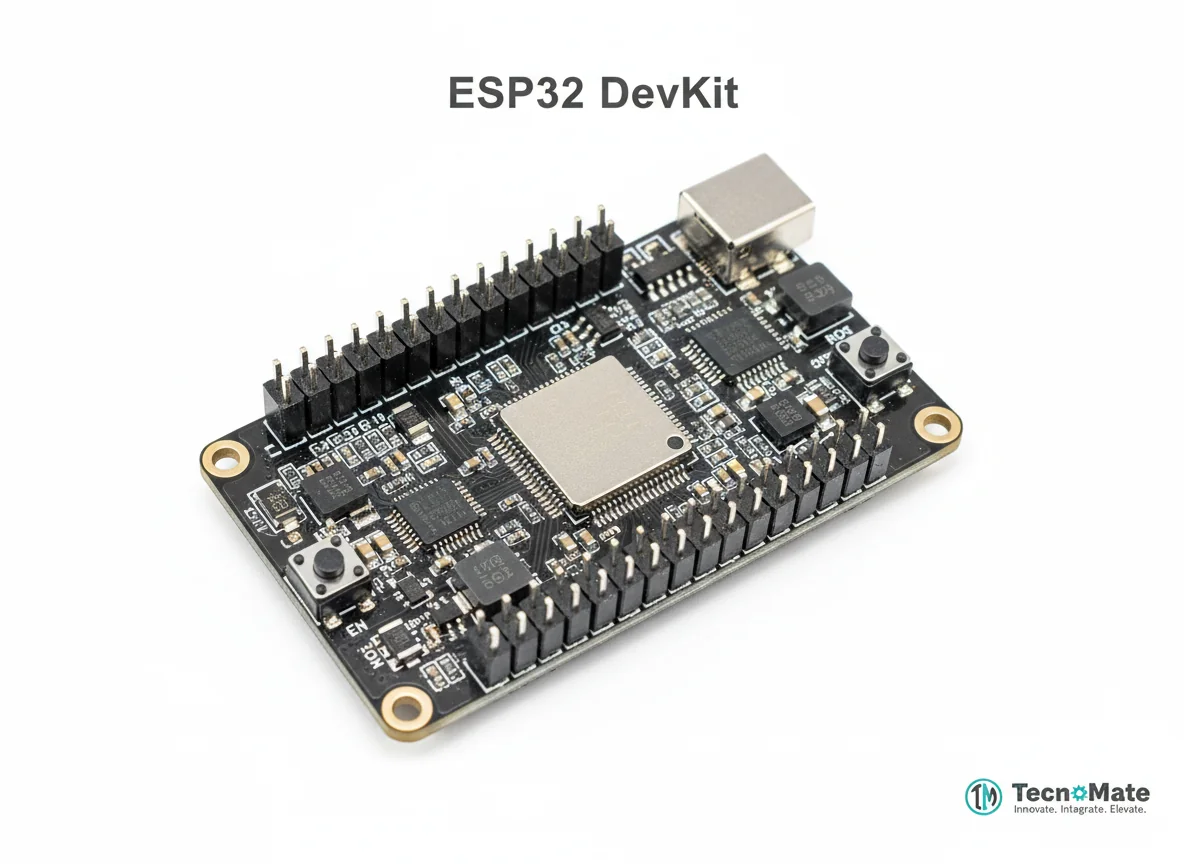 | 1 | ₹1682.00 |
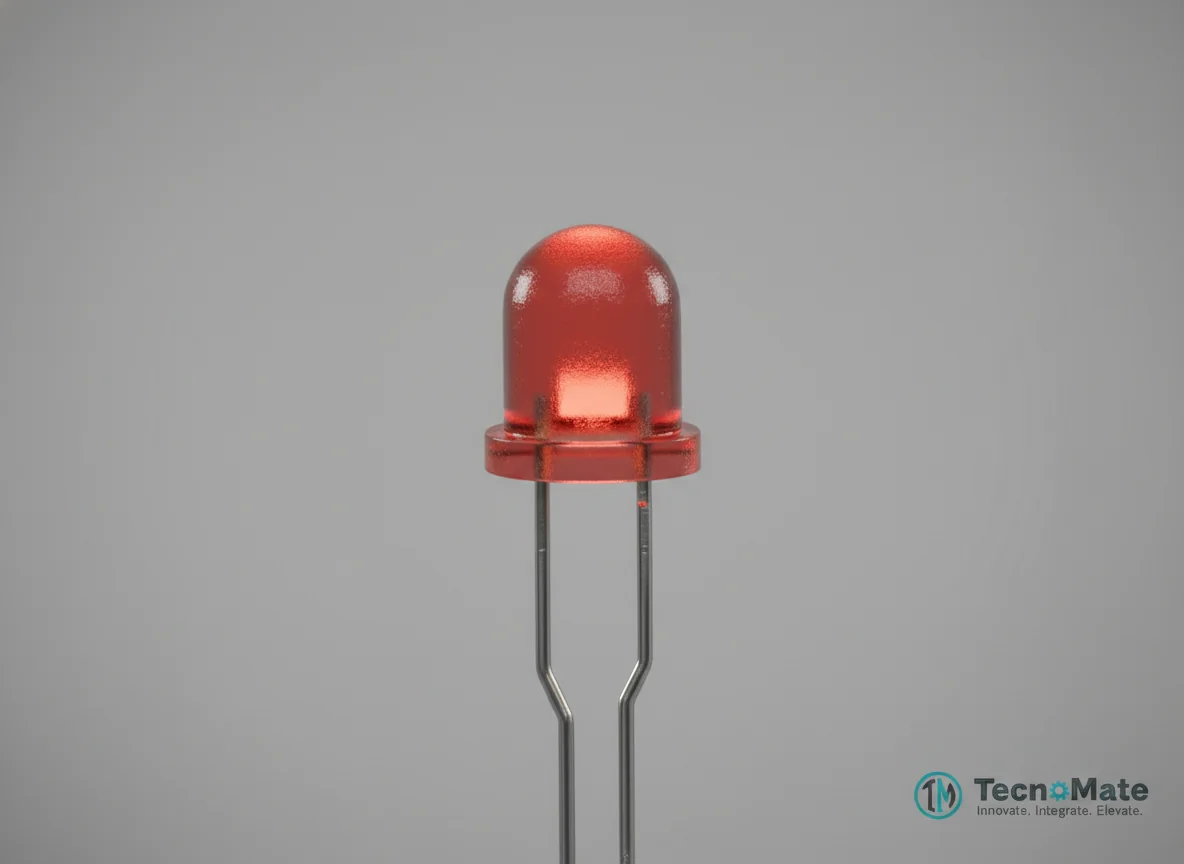 | 1 | ₹400.00 |
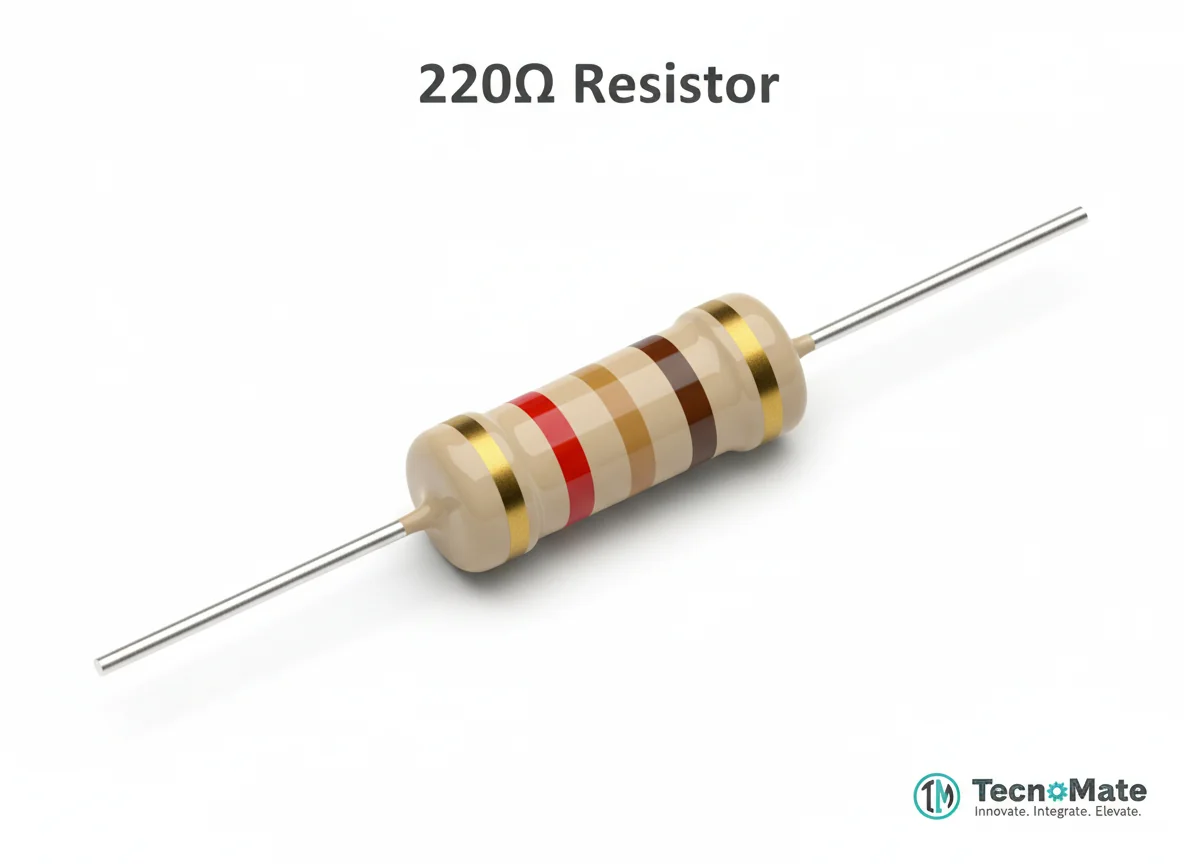 | 1 | ₹0.00 |
 | 1 | ₹77.00 |
 | 1 | ₹171.00 |
 | 1 | ₹11.00 |
Operating Instructions
Pin Connections
 Pin Connections
| MCU Pin | Connected To | Purpose | Notes |
|---|---|---|---|
| T0 (GPIO 4) | Touch Input / Aluminum Foil | Capacitive touch sensor input | ESP32 built-in touch pin |
| GPIO 2 | LED Anode (+) | Digital output for LED control | LED positive terminal |
| GND | LED Cathode (–) via resistor | Ground connection for LED circuit | 220Ω-330Ω resistor in series |
Tools Required
 Tools Required
Safety Precautions
Electrical
- ⚠Do not connect touch pins to high voltage
- ⚠Keep hands dry for stable readings
Handling
- ⚠Avoid very long wires on touch pins to prevent noise interference
Operating
- ⚠Use debounce delay to prevent false triggers
- ⚠Adjust threshold based on board and environment
Frequently Asked Questions
 Frequently Asked Questions
Q:How many touch pins does ESP32 have?
Q:Do I need external sensors?
Q:Can touch sensors work through glass or plastic?
Q:Are touch pins power efficient?
Product images are for illustration purposes only. Actual products may differ in appearance, packaging, or specifications. See our Terms of Service.