

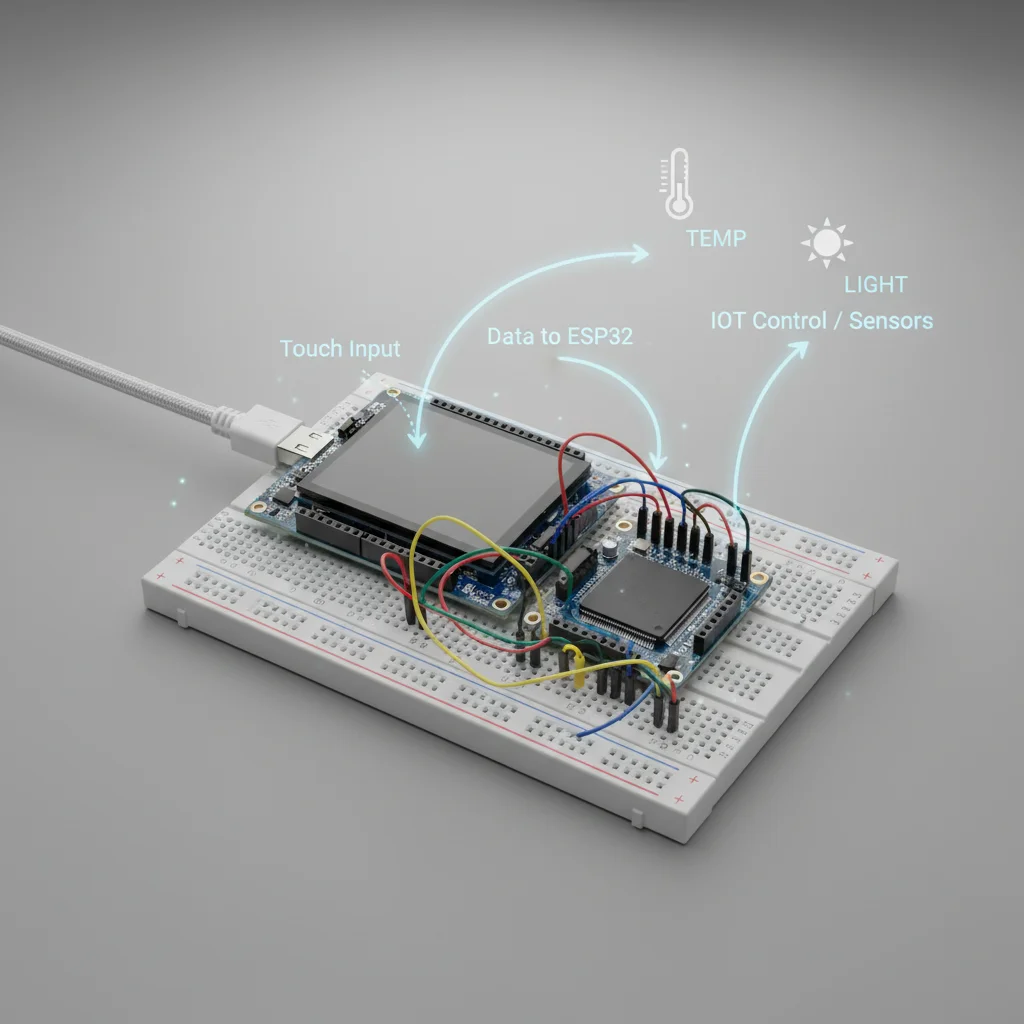
ESP32 Touchscreen Projects Using TFT Display
A collection of ESP32 touchscreen projects using TFT displays to create interactive graphical user interfaces for IoT and embedded systems.
Inclusive of all taxes
- Secure payments via Razorpay
- 7-day returns on defective items
- GST invoice on every order
Free delivery on orders above ₹2,000
Delivers in 4-7 business days
Check delivery at your pincode
₹2611.00
Inclusive of all taxes

Components
5 items
Difficulty
Intermediate
Build Time
2-4 hours (per project)
Project Details
How It Works
 How It Works
ESP32 initializes the TFT display and touch controller. When a user touches the screen, the touch controller detects the input and provides coordinates. These coordinates are mapped to screen positions, and the GUI logic responds by updating display elements or executing actions like controlling devices or displaying sensor data. The system operates independently without needing mobile apps.
Prerequisites
Basic knowledge of Arduino programming, understanding of SPI communication, familiarity with ESP32 hardware, and experience with basic electronics and circuit connections.
What You'll Learn
 What You'll Learn
Learn to initialize and control TFT displays using SPI communication
Understand touch detection, coordinate mapping, and calibration
Design user-friendly graphical interfaces for embedded systems
Master Serial Peripheral Interface protocol for display communication
Create intuitive touch interactions and visual feedback
Key Features
Create buttons, sliders, and other controls that respond to touch
Display vibrant graphics and animations on TFT screens
Update display data dynamically from sensors or IoT systems
Run projects without mobile apps or external devices
What's Included in the Kit
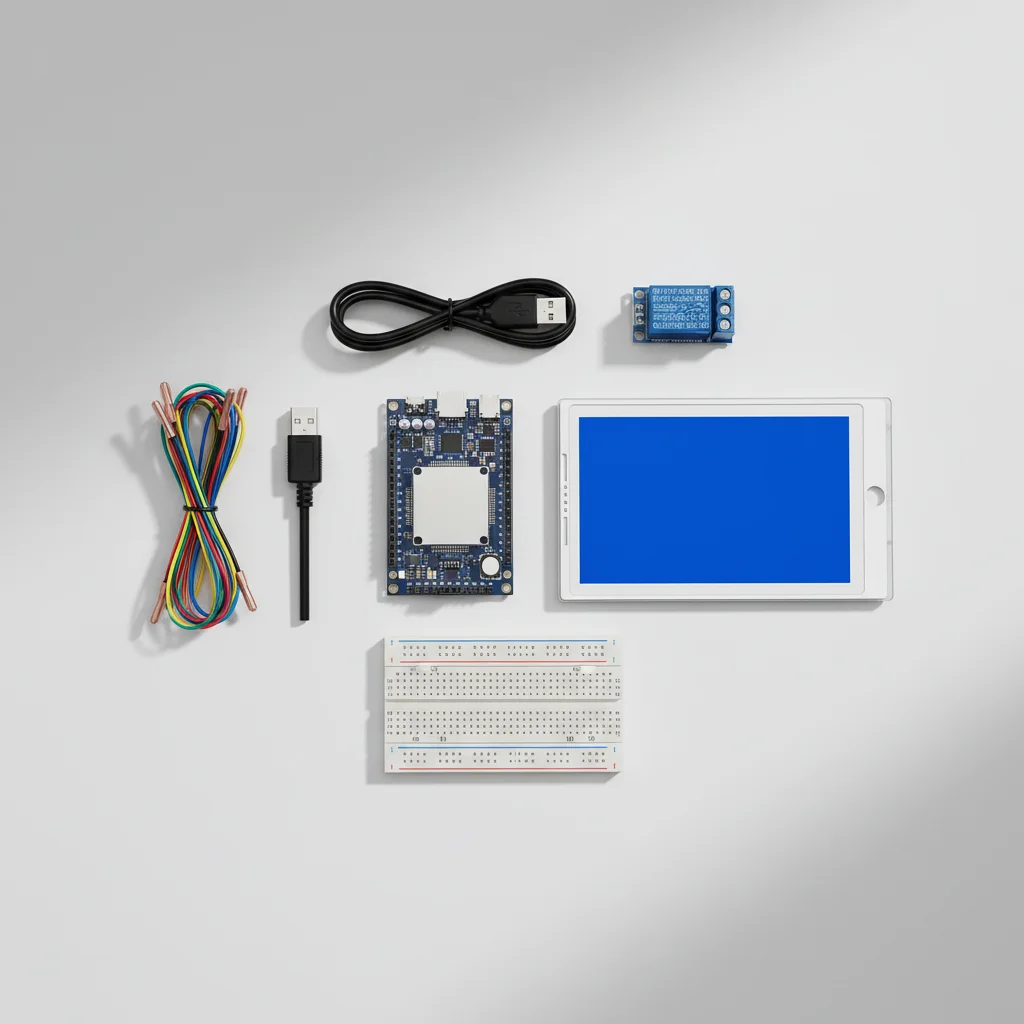
| Component | Qty | Price |
|---|---|---|
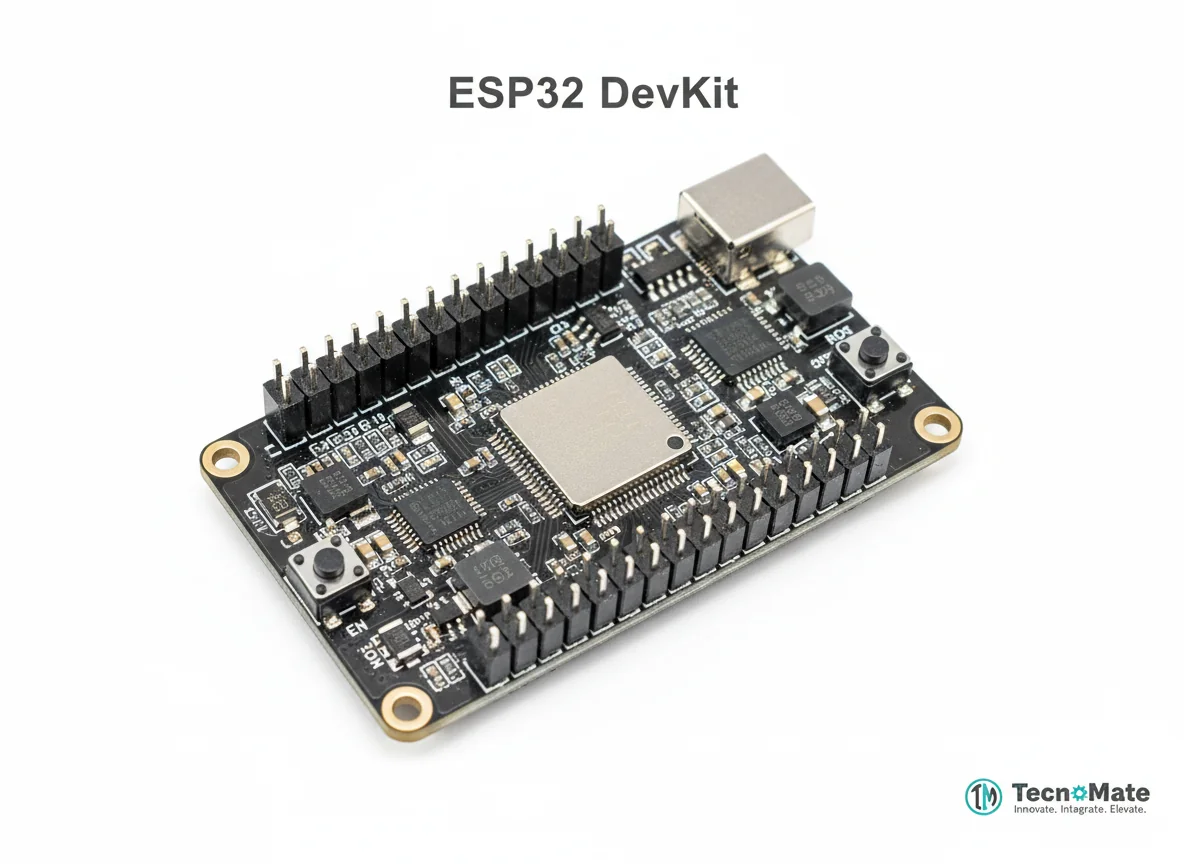 | 1 | ₹0.00 |
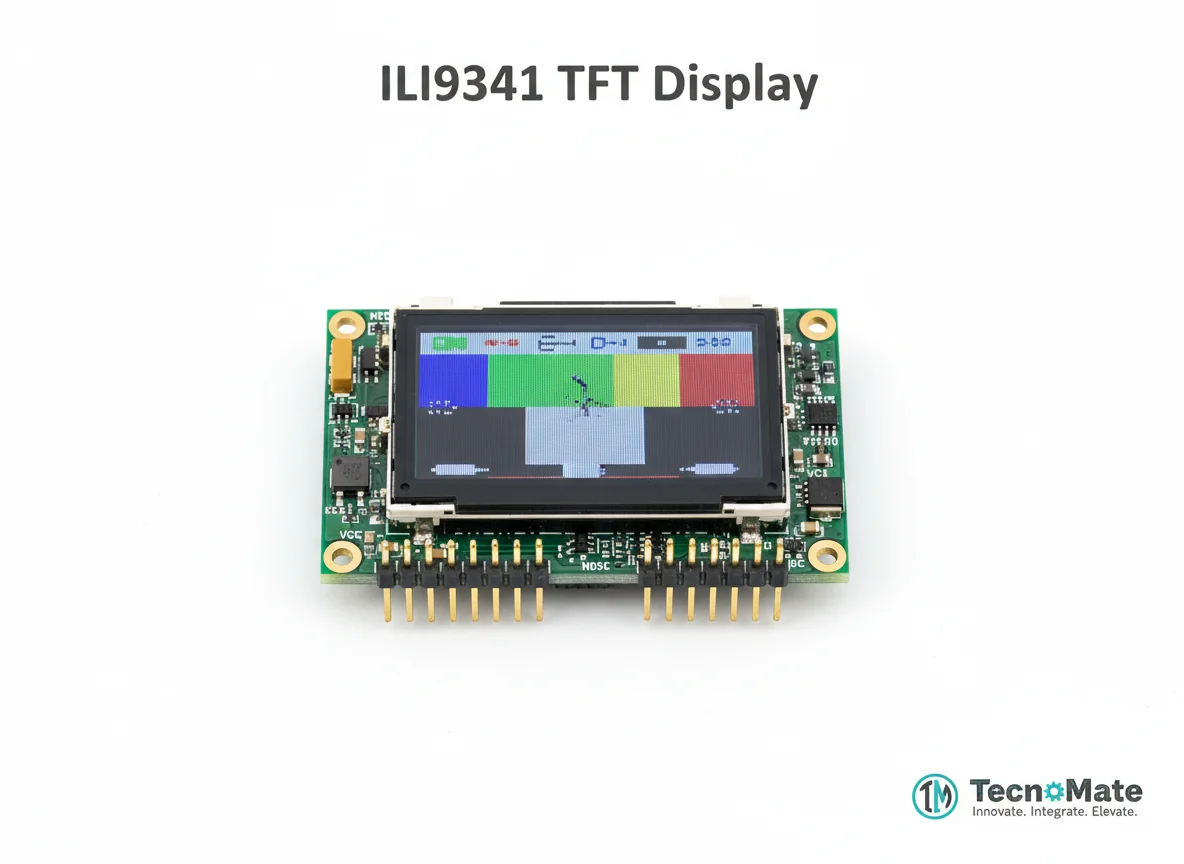 | 1 | ₹762.00 |
Touch Controller (XPT2046 / FT6236) | 1 | ₹499.00 |
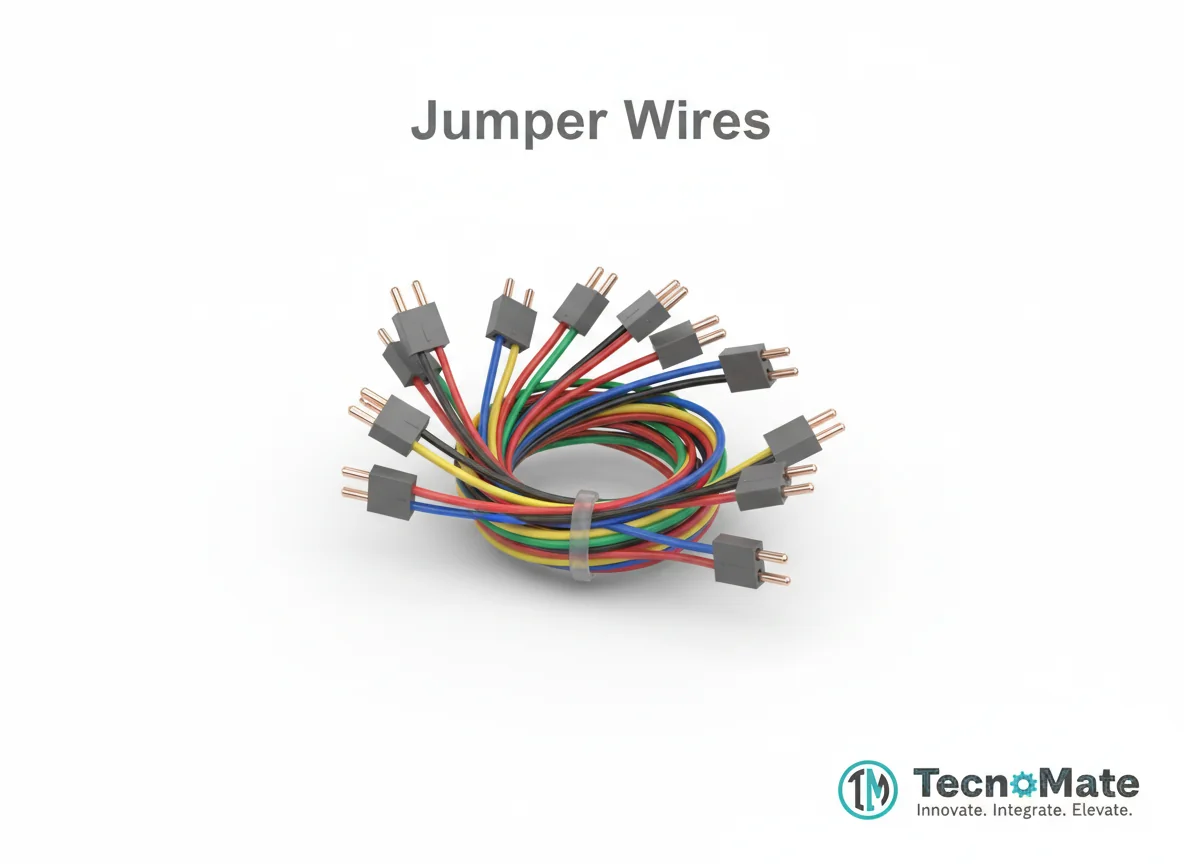 | 1 | ₹171.00 |
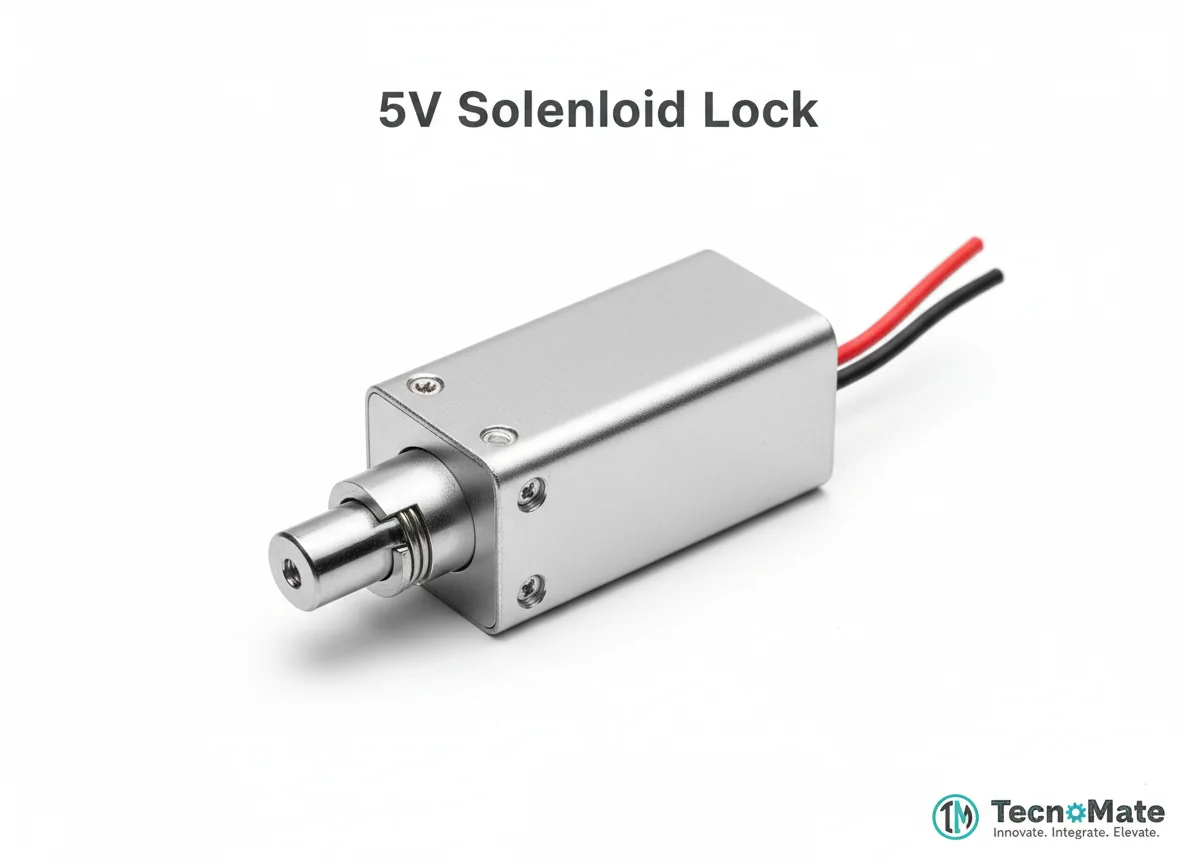 | 1 | ₹0.00 |
Operating Instructions
Pin Connections
 Pin Connections
| MCU Pin | Connected To | Purpose | Notes |
|---|---|---|---|
| GPIO 18 | TFT SCK | SPI clock signal | Serial clock for SPI communication |
| GPIO 23 | TFT MOSI | SPI data out | Master Out Slave In for data transmission |
| GPIO 19 | TFT MISO | SPI data in | Master In Slave Out for data reception |
| GPIO 5 | TFT CS | Chip select | Enables communication with display |
| GPIO 2 | TFT DC | Data/Command | Selects data or command mode |
| GPIO 4 | TFT RESET | Reset signal | Resets the display controller |
| 3.3V | TFT VCC | Power supply | Ensure voltage matches display requirements |
| GND | TFT GND | Ground connection | Common ground reference |
Tools Required
 Tools Required
Safety Precautions
Electrical
- ⚠Use correct voltage levels (3.3V for ESP32, check display specs)
- ⚠Avoid ESD damage by grounding yourself before handling components
- ⚠Secure display connections to prevent short circuits
Handling
- ⚠Handle TFT displays carefully to avoid damaging the screen
- ⚠Avoid excessive pressure on touch surfaces
Frequently Asked Questions
 Frequently Asked Questions
Q:Capacitive or resistive touch?
Q:Can ESP32 handle animations?
Q:Is LVGL heavy?
Product images are for illustration purposes only. Actual products may differ in appearance, packaging, or specifications. See our Terms of Service.