

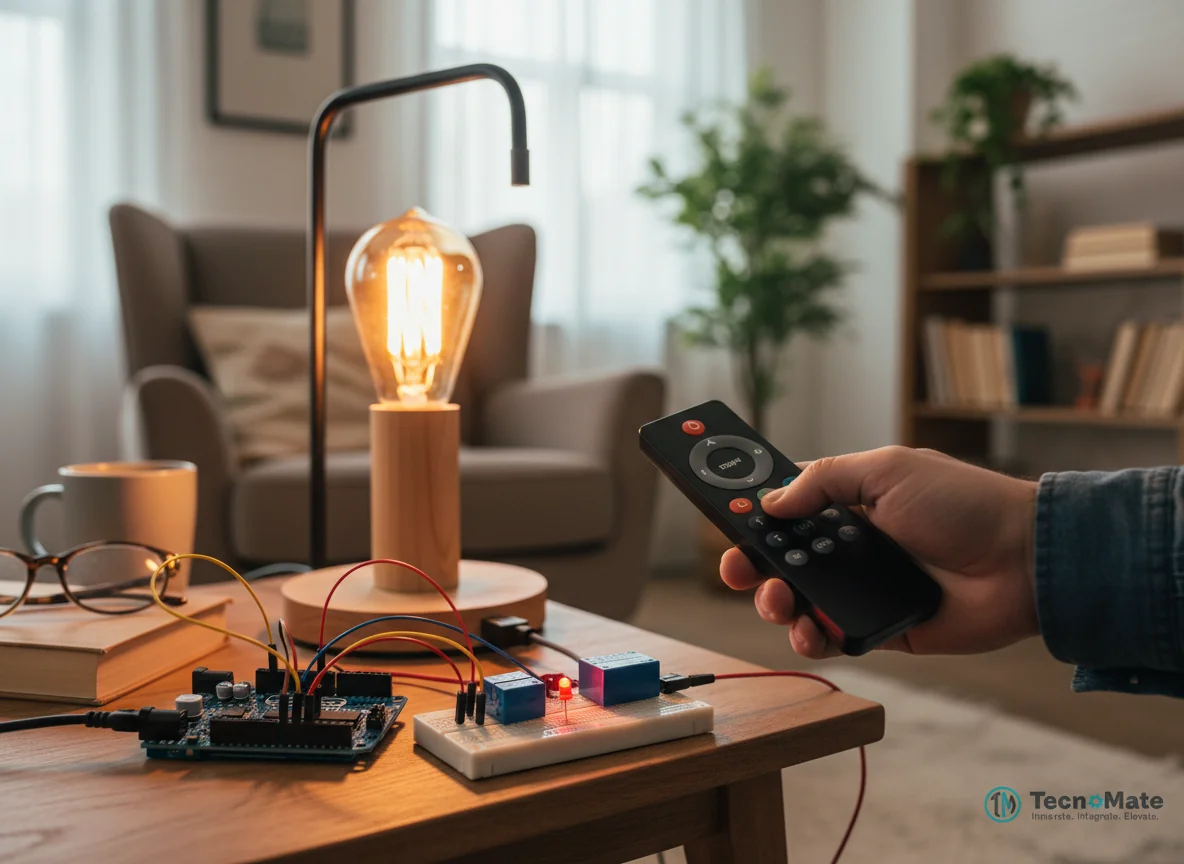
Home Automation using IR Remote
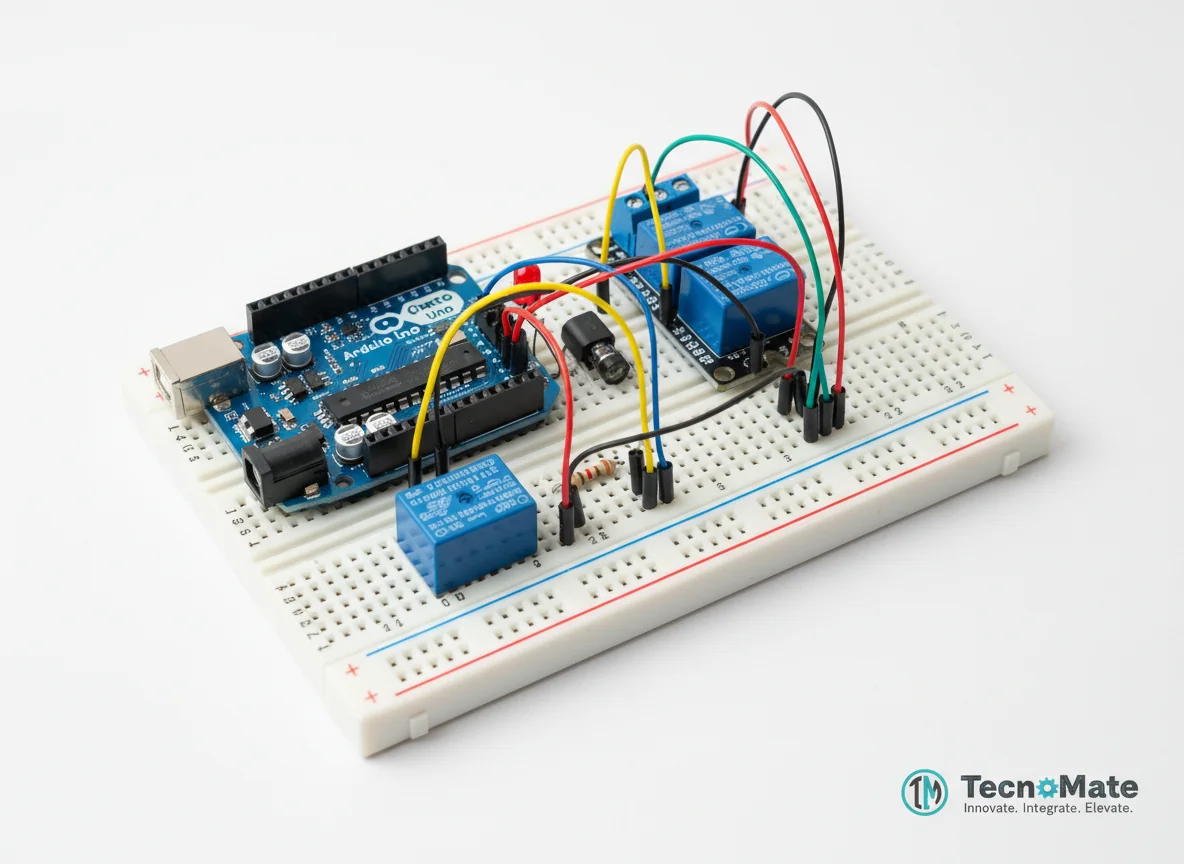
A wireless home automation system that allows users to control electrical appliances using a standard infrared (IR) remote control.
Inclusive of all taxes
- Secure payments via Razorpay
- 7-day returns on defective items
- GST invoice on every order
Free delivery on orders above ₹2,000
Delivers in 4-7 business days
Check delivery at your pincode
₹4710.00
Inclusive of all taxes
Components
7 items
Difficulty
Intermediate
Build Time
4-5 hours
Project Details
How It Works
 How It Works
The system works through four stages: 1) Signal Transmission - The remote sends modulated IR pulses representing button codes. 2) Signal Reception - The IR receiver demodulates and outputs a digital signal. 3) Decoding Stage - Arduino decodes the signal using the IRremote library. 4) Control Stage - If the received code matches a stored command, the corresponding relay toggles to switch the appliance on or off.
Prerequisites
Basic knowledge of Arduino programming, understanding of digital I/O pins, familiarity with breadboard prototyping, and basic electrical safety awareness. No advanced electronics knowledge required.
What You'll Learn
 What You'll Learn
Understanding how IR signals are transmitted and received
Learning to decode IR signals using Arduino libraries
Controlling high-voltage AC appliances safely with relays
Implementing logic to map remote buttons to specific actions
Building basic home automation systems with Arduino
Key Features
Control electrical appliances without physical switches using IR remote
Works with standard TV remotes, no specialized hardware needed
Can control multiple appliances with different remote buttons
Affordable solution for basic home automation needs
Foundation for adding WiFi, smartphone, or voice control later
What's Included in the Kit
| Component | Qty | Price |
|---|---|---|
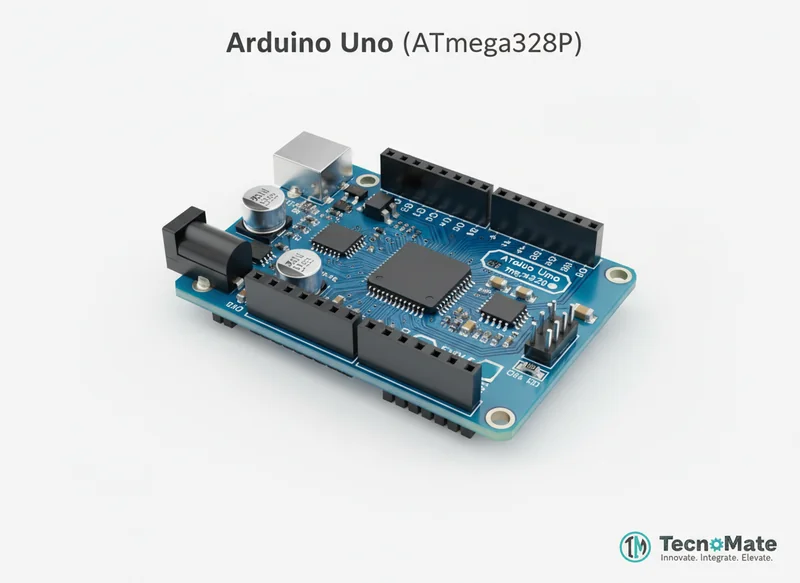 | 1 | ₹767.00 |
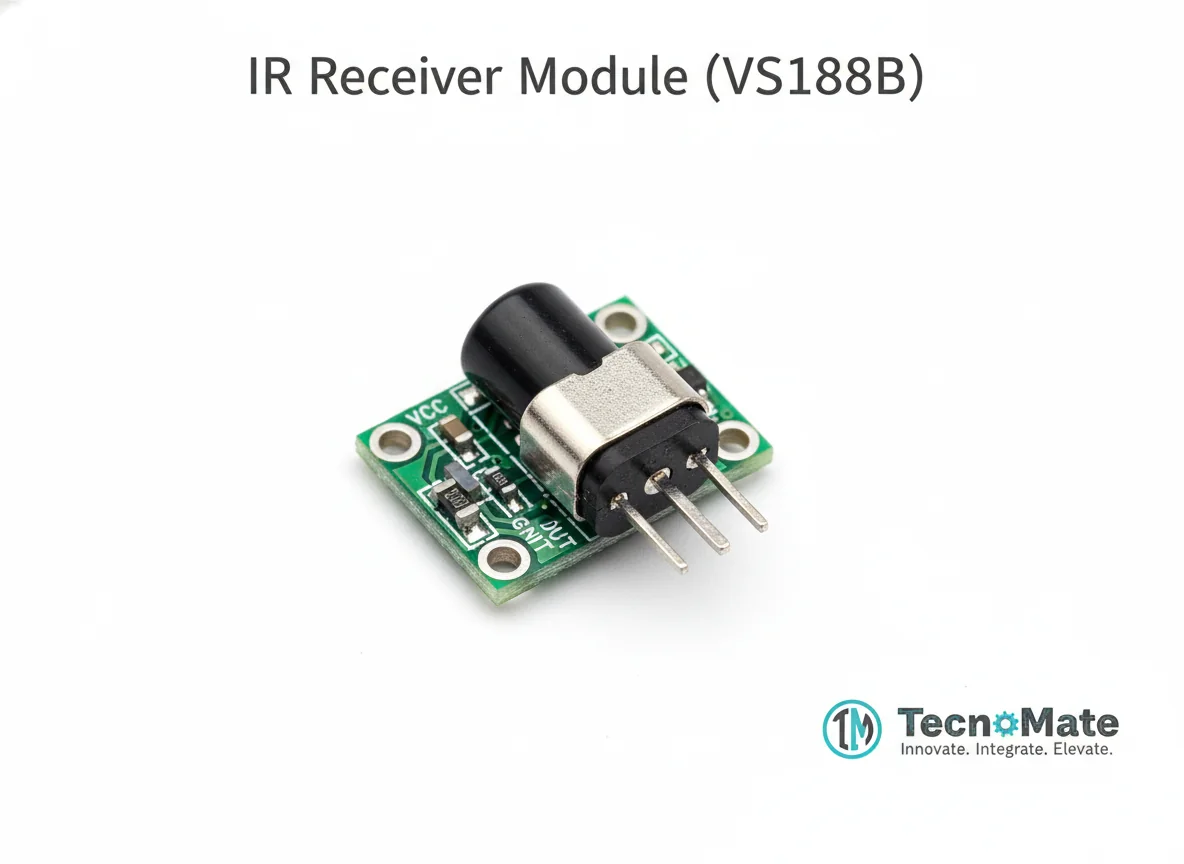 | 1 | ₹53.00 |
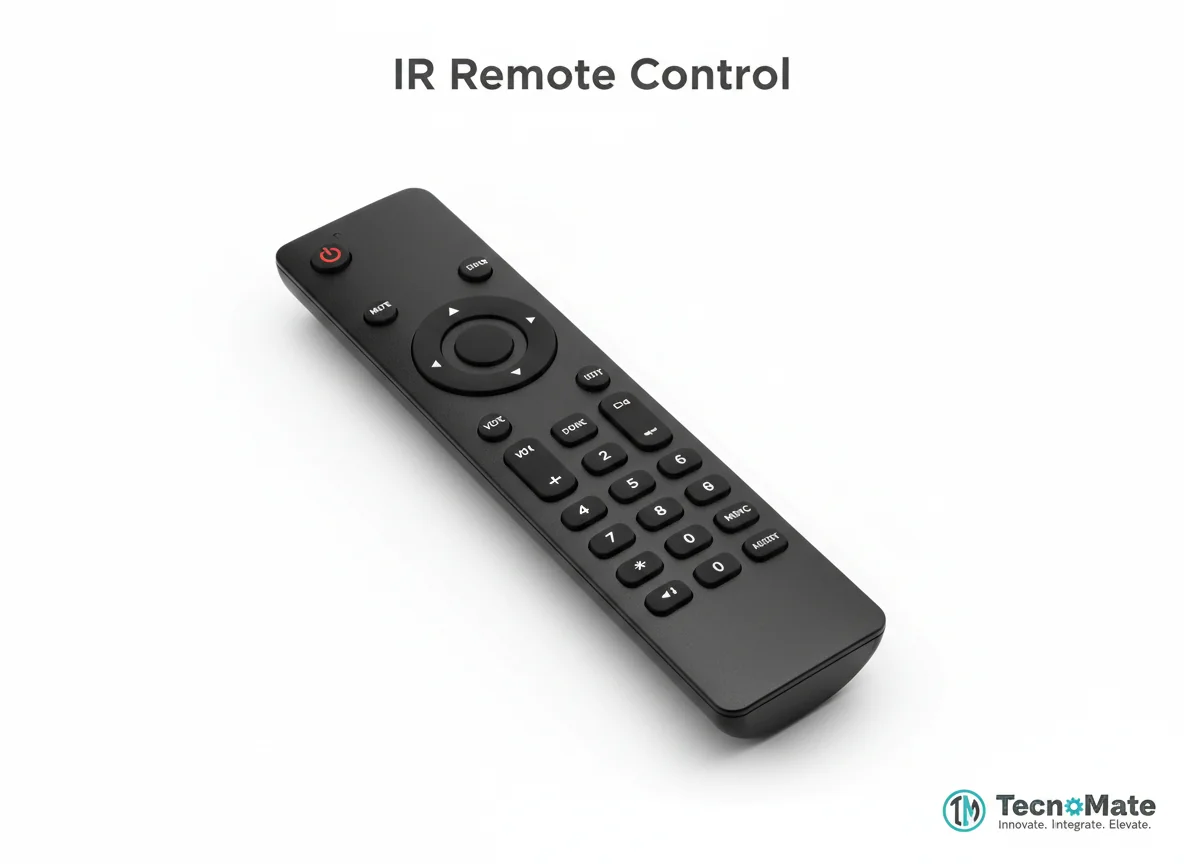 | 1 | ₹280.00 |
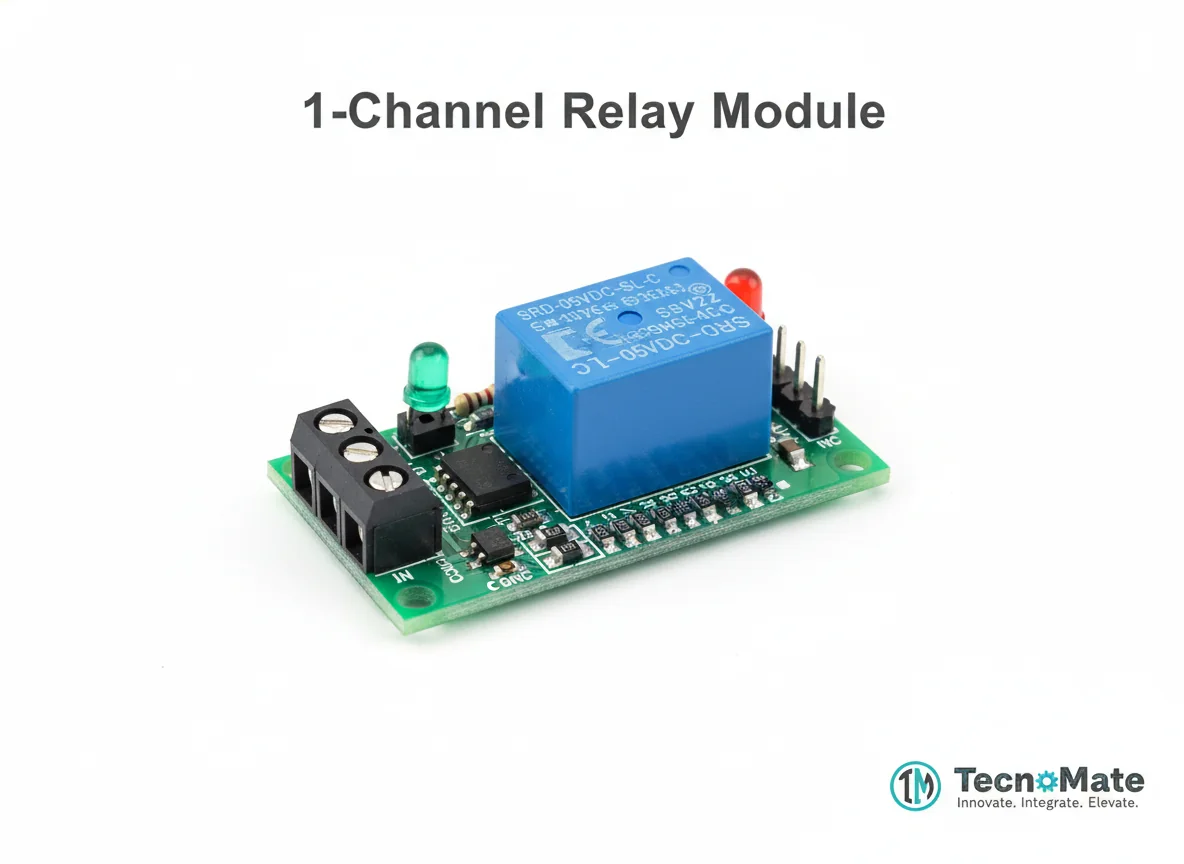 | 1 | ₹163.00 |
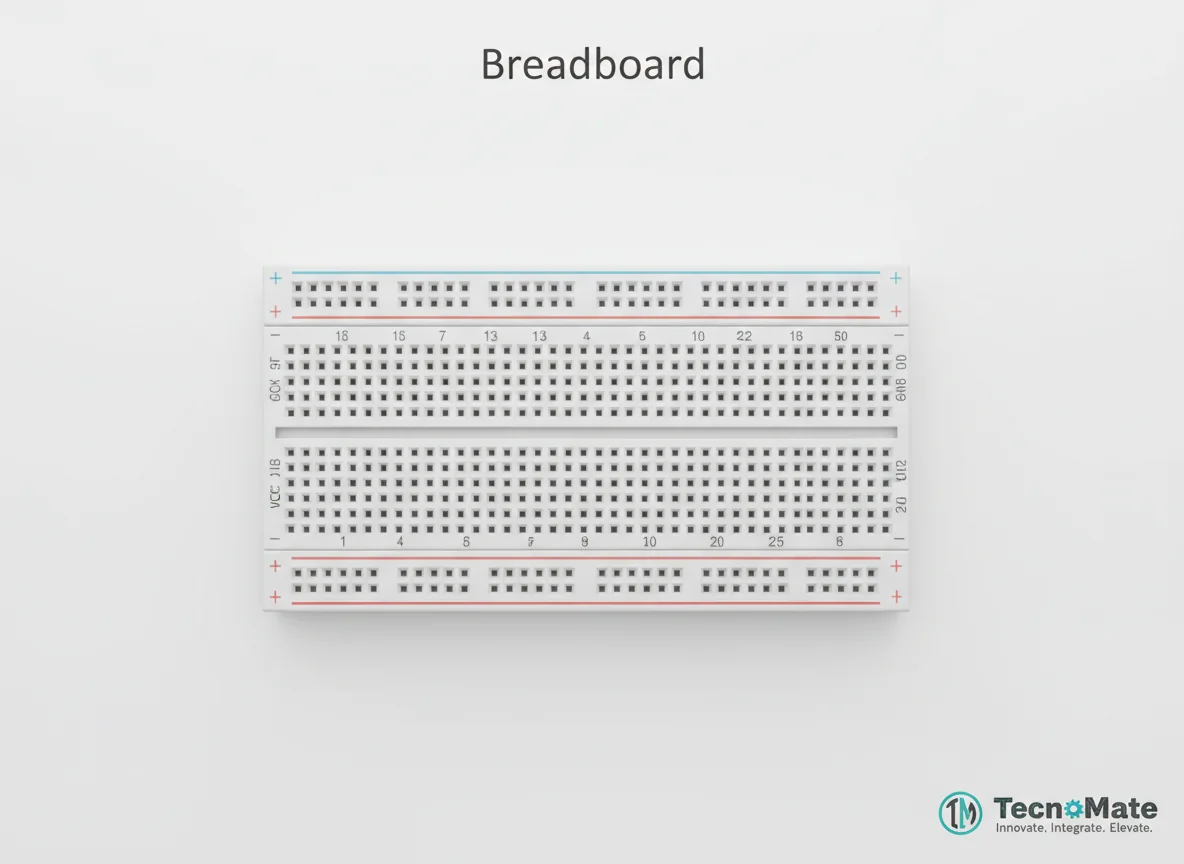 | 1 | ₹77.00 |
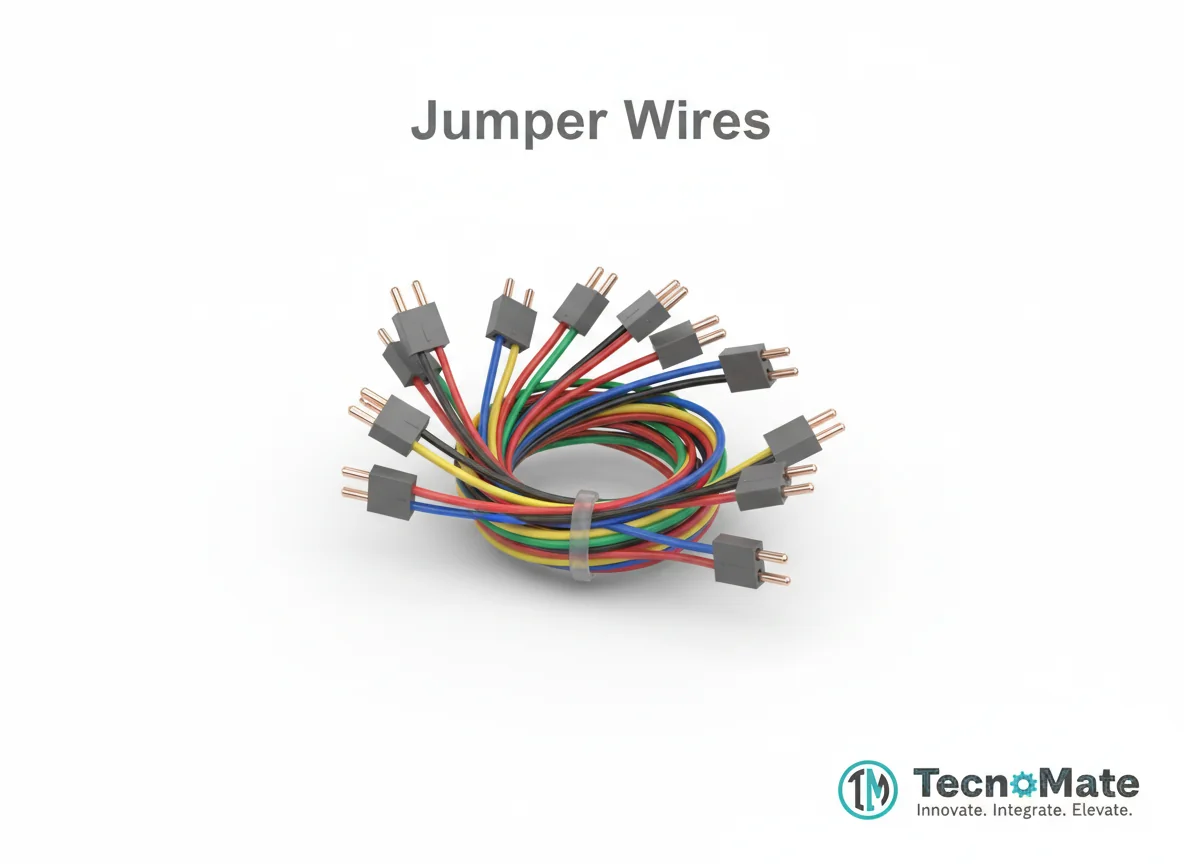 | 10 | ₹1711.00₹171.00 × 10 |
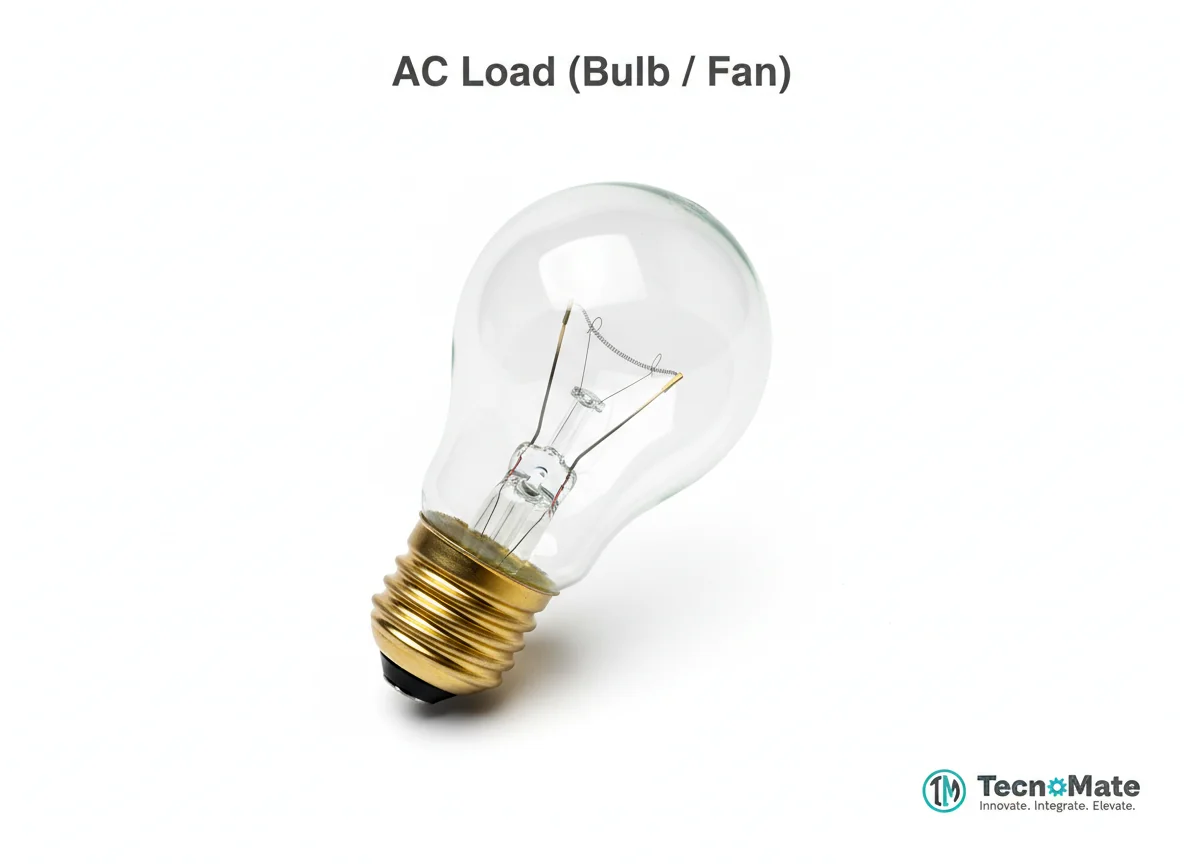 | 1 | ₹599.00 |
Operating Instructions
Pin Connections
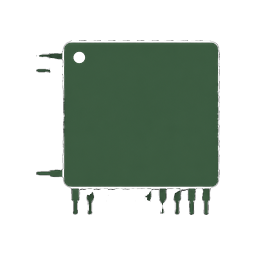 Pin Connections
| MCU Pin | Connected To | Purpose | Notes |
|---|---|---|---|
| D2 | IR Receiver OUT | Signal input for decoded IR commands | Digital input pin |
| D8 | Relay IN1 | Control signal for relay switching | Digital output pin |
| 5V | VCC (IR Receiver & Relay) | Power supply for modules | 5V power rail |
| GND | GND (IR Receiver & Relay) | Common ground connection | Ground reference |
Tools Required
 Tools Required
Safety Precautions
Electrical
- ⚠Use relay modules with optocoupler isolation for safety
- ⚠Insulate all AC wiring connections properly
- ⚠Avoid handling live AC circuits while powered
- ⚠Ensure relay is rated for the AC load current
Handling
- ⚠Handle AC components with care to prevent electric shock
- ⚠Disconnect power before making any wiring changes
Frequently Asked Questions
 Frequently Asked Questions
Q:Which remote controls work with this project?
Q:Can I control multiple appliances?
Q:Is this safe for home use?
Product images are for illustration purposes only. Actual products may differ in appearance, packaging, or specifications. See our Terms of Service.